




01. Edit your maine rew forms online
Type text, add images, blackout confidential details, add comments, highlights and more.

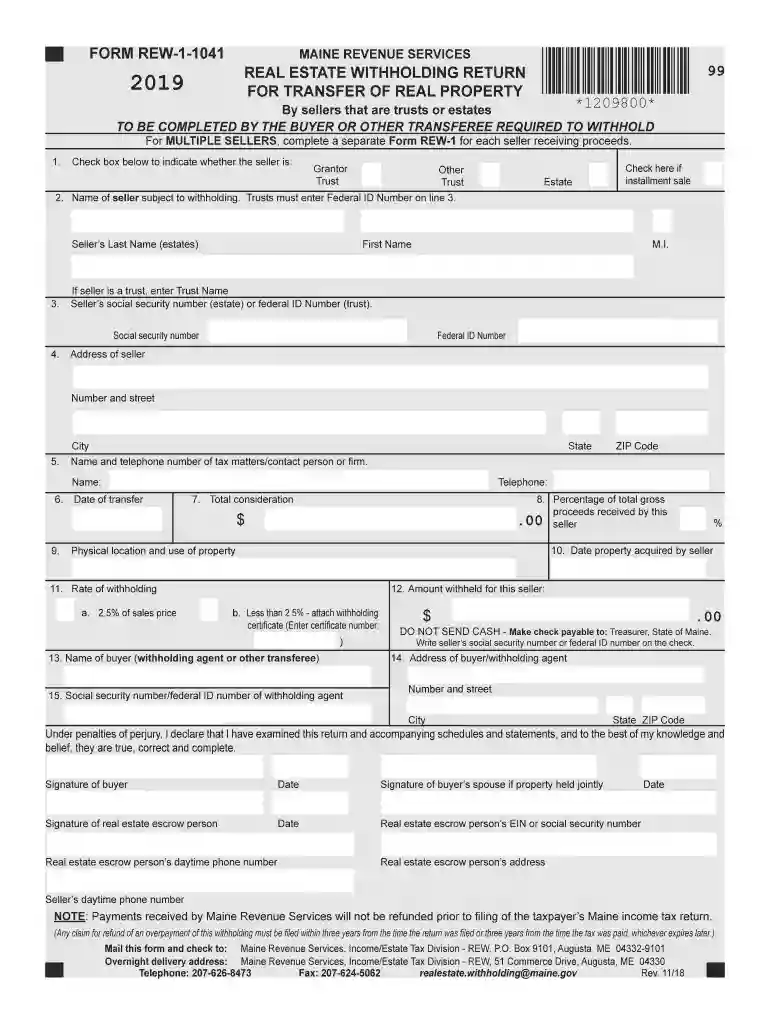
Type text, add images, blackout confidential details, add comments, highlights and more.

Draw your signature, type it, upload its image, or use your mobile device as a signature pad.

Send it via email, link, or fax. You can also download it, export it or print it out.

Start using our platform today to streamline your document editing and form completion for free!
We've got more versions of the maine rew forms form. Select the right maine rew forms version from the list and start editing it straight away!
| Versions | Form popularity | Fillable & printable |
|---|---|---|
| 2025 | 4.8 Satisfied (43 Votes) | |
| 2024 | 4.7 Satisfied (39 Votes) | |
| 2023 | 4.7 Satisfied (36 Votes) | |
| 2022 | 4.8 Satisfied (73 Votes) | |
| 2021 | 4.3 Satisfied (76 Votes) | |
| 2020 | 4.3 Satisfied (224 Votes) | |
| 2019 | 4.3 Satisfied (35 Votes) | |
| 2018 | 4.4 Satisfied (90 Votes) | |
| 2017 | 4.4 Satisfied (279 Votes) | |
| 2011 | 4 Satisfied (31 Votes) |
At DocHub, your data security is our priority. We follow HIPAA, SOC2, GDPR, and other standards, so you can work on your documents with confidence.
The amount to be withheld is equal to 2.5% of the sale price. Note that for sales occurring on or after January 1, 2021, this withholding requirement applies toRead more
Sep 16, 2013 This revenue procedure provides the domestic asset/liability percentages and domestic investment yields needed by for- eign life insuranceRead more
Buyers of real estate from nonresidents. Buyers of Maine real property purchased from nonresidents must withhold an amount equal to 2.5% of the sale price to beRead more


