
Build Application Forms
Discover and handle case-specific Build Application Forms templates with DocHub. Complete, manage, and distribute your template without losing any relevant information along the way.

Create a new Build Application Form
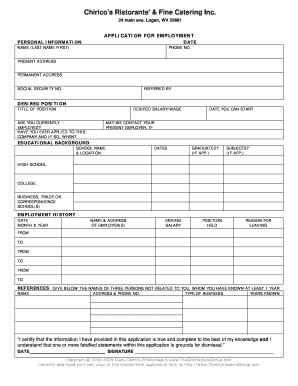
Printable employment application
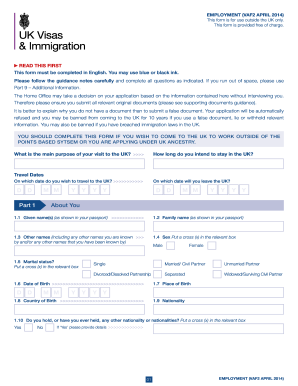
Work permit application form uk

Ky plan application
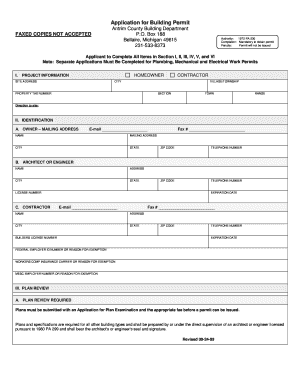
Building permit template
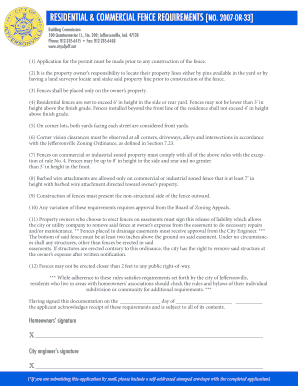
Indiana building permit application

Coj building permit application form

Cobb residential application
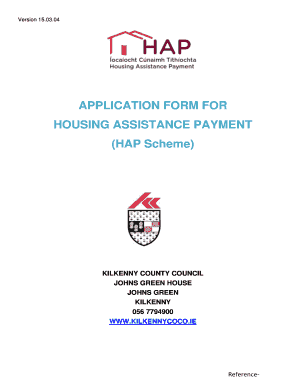
Hap application form pdf
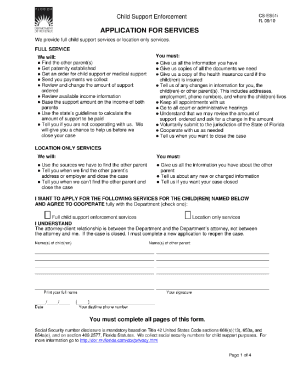
Application forms
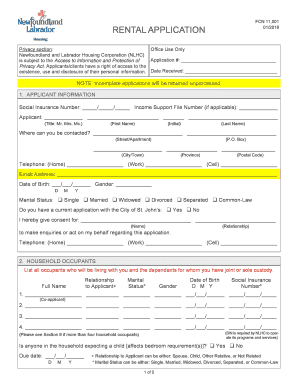
Nl housing application

Colorado building permit application
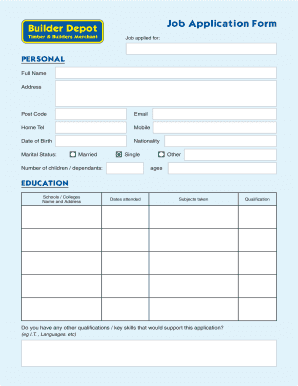
Job application form builder
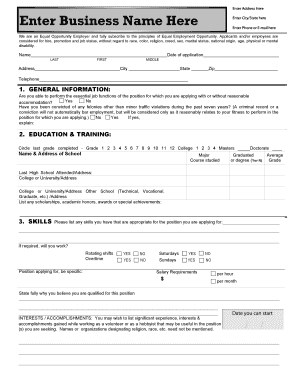
Application print out

Building permit application
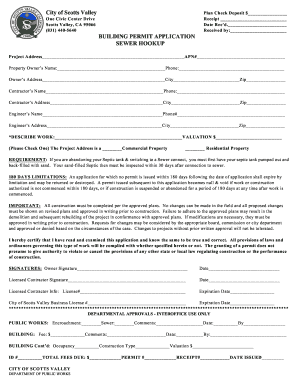
Building permit application form

Tucson special use permit application form

Indianapolis class 1 strctural permit application form

Occupancy permit application form for fairfax county 2009
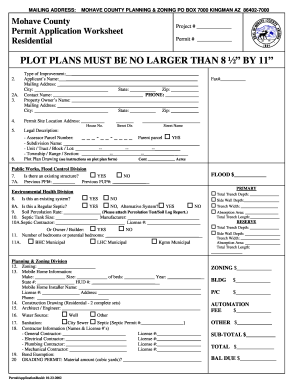
Mohave county building permit application
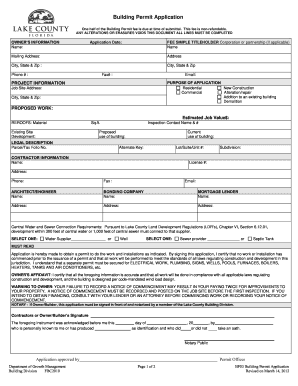
Building Permit Application (BF03) - Lake County - lakecountyfl
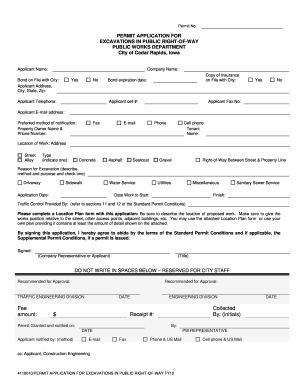
Cedar rapids building permit application

Application form - MailChimp
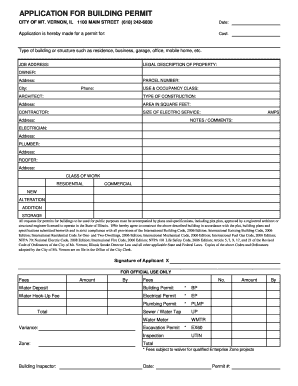
Application for Building Permit - PDF Form - City of Mt. Vernon
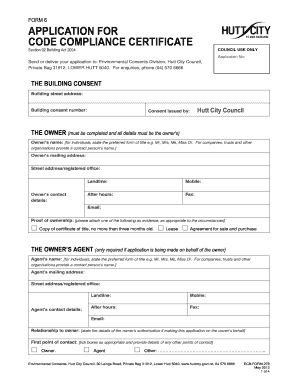
Application for code compliance certificate - Hutt City Council
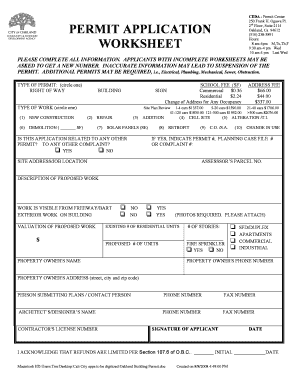
Oakland Building Permit Application - Service First Permits
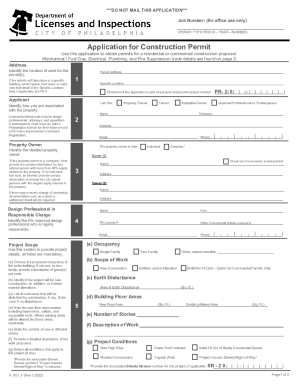
Application for Construction Permit - City of Philadelphia
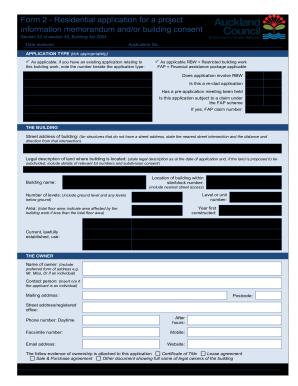
Auckland application building consent
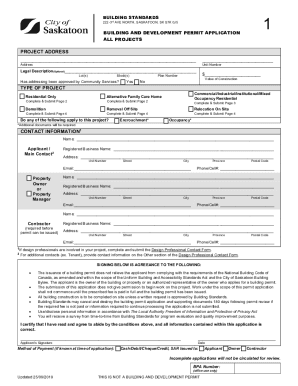
Building development permit application

Dengineers application form 2023

Building Permit Application - orlando.gov
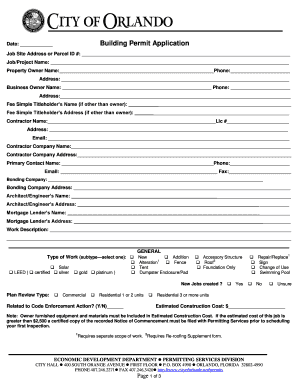
City of orlando building permit application

Newton dee application form
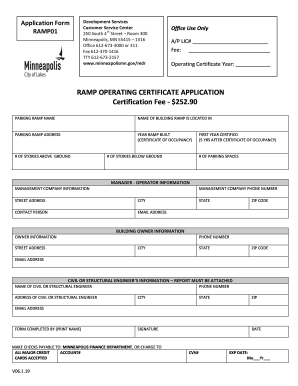
Building Permit - Application Form - City of Minneapolis

BUILDING PERMIT APPLICATION - Cincinnati
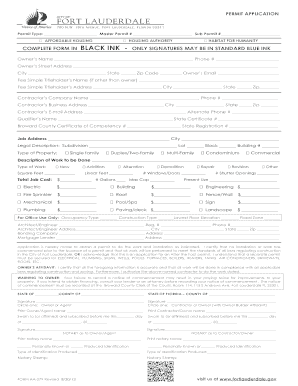
Permit form fort lauderdale

Va building permit application
-
1
- 2
Handle Build Application Forms quickly online
Document management can overwhelm you when you can’t find all the forms you require. Luckily, with DocHub's extensive form library, you can get everything you need and swiftly deal with it without switching among programs. Get our Build Application Forms and begin utilizing them.
The best way to manage our Build Application Forms using these easy steps:
- Check Build Application Forms and select the form you require.
- Preview the template and then click Get Form.
- Wait for it to open in our online editor.
- Modify your document: add new information and pictures, and fillable fields or blackout certain parts if required.
- Prepare your document, save modifications, and prepare it for sending.
- When ready, download your form or share it with other contributors.
Try out DocHub and browse our Build Application Forms category easily. Get your free profile today!
Video Guide on Build Application Forms management

Commonly Asked Questions about Build Application Forms
What software is best for creating forms?
The best online form builder of 2024 in full: Jotform. Create great-looking forms without coding knowledge. Formstack. The great-looking form builder. Feathery. Best online form builder for privacy. Typeform. The well-designed form builder. WuFoo. Online forms for rich data collection. Microsoft Forms. Zoho Forms. Cognito Forms.
How to create a form online for free?
Login to your Canva account and search for form templates. Pick a design or start with a blank template. Choose a pre-made form template design. Customize your form. Edit your form by adding text, labels, logos, and other graphic elements. Download and print. Publish and share your form.
Is Google form maker free?
Google Form Maker is one of the most popular online form maker apps that won users hearts. Despite being free, it offers useful features. Because of this, people leverage this solution to conduct online surveys, collect orders, and many more.
What is the best free form maker?
Best free online form builder for quickly creating powerful forms Google Forms pros: Google Forms cons: Google Forms price: 100% free. Jotform pros: Jotform cons: Jotform price: Free plan available; paid plans start at $39/month. Feathery pros: Feathery cons:
Which is the easiest method to create a form?
5 Ways to Create Forms Easier Sketch New Forms on Paper to Get Creative Juices Flowing. If youre making a paper form into an electronic form, you may not need to change the layout. Choose Software That Allows Flexibility. Avoid Matrixes. Ask End-Users for Input. Use Software That Lets You Create Workflows as Well as Forms.
How do I create an application form?
Your application form must follow an organized structure. My suggestion is for you to divide it into parts by topic. For example, have a section for personal information (name, email address, the preferred method for contact, etc.), another for education (degrees and certificates), and one more for work background.
Related Templates

Permit to Stand Plant application form - City of Canada Bay - edas canadabay nsw gov
The document is an application form for a permit to stand plant on public streets, detailing the required fees, applican ...
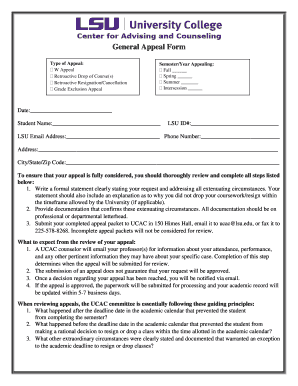
Lsu appeal form
The document is a General Appeal Form for students at LSU to request exceptions related to academic policies, such as co ...
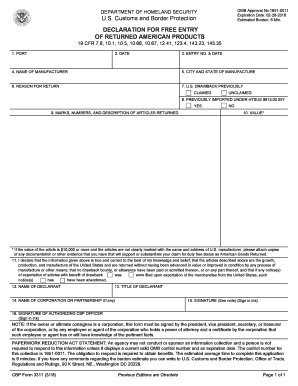
Cbp form 3311
The document is a U.S. Customs and Border Protection form (CBP Form 3311) used for declaring the free entry of returned ...
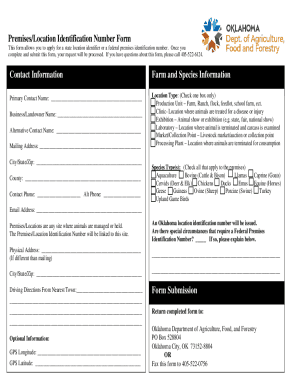
Oklahoma paper id template
The document is a Premises/Location Identification Number Form used to apply for a state or federal premises identificat ...
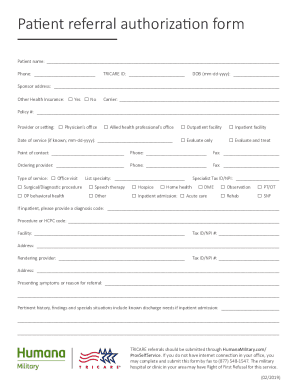
Tricare authorization form
The document is a Patient Referral Authorization Form used for requesting medical services under TRICARE. It collects pa ...