
Slide Abstract Templates - Page 2
Manage and modify Slide Abstract Templates to speed up your routine document processes. Locate, adjust, and distribute forms with your team and gather relevant data twice as fast.

Create a new Slide Abstract Template
Aapmr membership
Nc playground form
Blue mountain resort waiver
Pathology Consultation Request Form - Moffitt Cancer Center
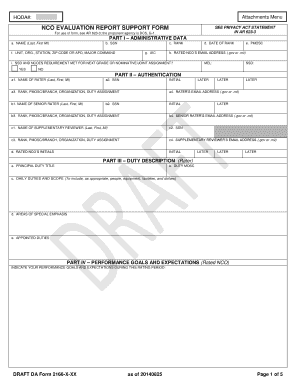
Nco support form
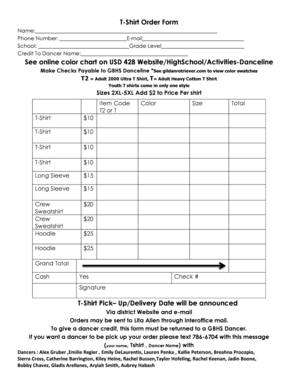
T-Shirt Order Form See online color chart on USD 428 Website
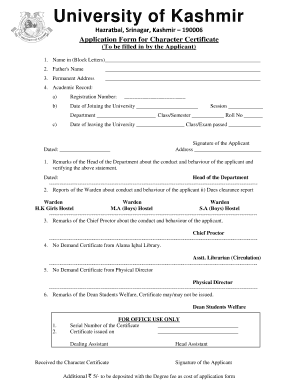
Application form character

SF-424 SHORT ORGANIZATIONAL FORM (4040-0003) - Grants - grants
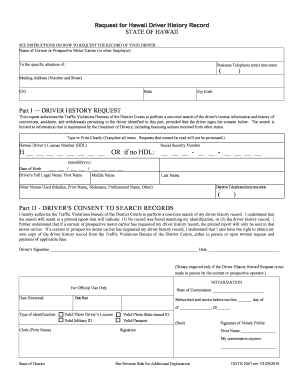
Hawaii driver record
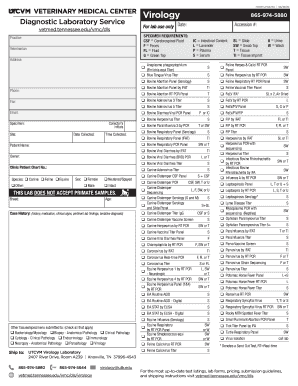
Submitting Samples - UTCVM

Bbs forms

Converter frp para pdf
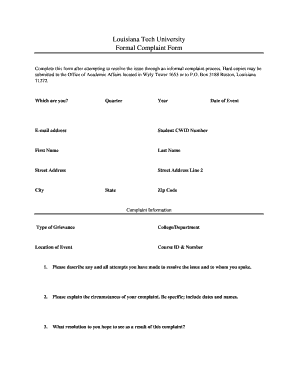
Complaint (Civil Action) :: Louisiana - Free Legal Forms
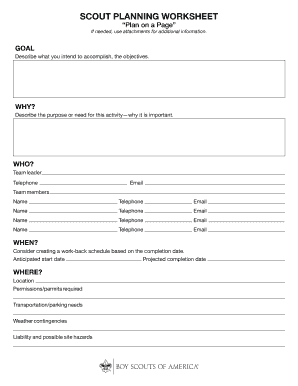
Scout planning worksheet
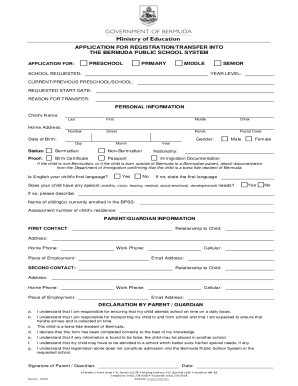
Pdfslide Share and Discover Knowledge - HypeStat

Activerain blogsview4272855Which Utilities Paid by landlord are tax deductible? - ActiveRain
Animal welfare incident report
Use of form: Use of this form is mandatory for Family Child Care Centers to comply with DCF 250

Hospital Visit Report Form - First United Methodist Church
- 1
-
2
Get and manage Slide Abstract Templates online
Speed up your file management using our Slide Abstract Templates category with ready-made form templates that suit your requirements. Get your form template, change it, fill it, and share it with your contributors without breaking a sweat. Begin working more efficiently with your forms.
How to use our Slide Abstract Templates:
- Open our Slide Abstract Templates and search for the form you want.
- Preview your form to ensure it’s what you want, and click on Get Form to start working on it.
- Alter, add new text, or point out important information with DocHub tools.
- Prepare your form and save the modifications.
- Download or share your document with other recipients.
Examine all of the possibilities for your online file management with our Slide Abstract Templates. Get a totally free DocHub profile right now!
Video Guide on Slide Abstract Templates management

Commonly Asked Questions about Slide Abstract Templates
Where do I find slide templates?
On your computer, go to Google Docs, Sheets, Slides, or Forms. At the top right , click Template Gallery. Click the template you want to use.
How do I get more slides templates?
The Template Gallery in Google Slides provides a variety of templates that you can use. If your themes gallery isnt expanded when visiting the Google Slides home page, click Template Gallery. You can pick a theme by sifting through the various categories and selecting one that suits your needs. How to Download Google Slides Templates - SlideModel slidemodel.com how-to-download-google-slides slidemodel.com how-to-download-google-slides
How do I add a free template to Google Slides?
0:30 3:37 If you like the template. Click use a google slides theme. Click the button make a copy. TheMoreIf you like the template. Click use a google slides theme. Click the button make a copy. The presentation is saved to your google. Drive you can rename it. Here.
How do you add different templates to Google Slides?
A background is the picture or color behind your slides content. On your Android phone or tablet, open Google Slides app . At the bottom, tap the Add button . Select Choose template. select a template.
What website can you go to to get free Google Slides templates?
Free Google Slides themes and Powerpoint templates. Slidesgo.
How do I get more templates in Google Slides?
Accessing Google Slides Themes: Step 1: Open Your Presentation. Navigate to Google Drive at drive.google.com and open the presentation you wish to modify. Step 2: Explore Theme Options. Step 3: Choose a Theme. Step 4: Apply the Theme. Step 5: Customize the Theme.
How do I find slide templates in PowerPoint?
When you first open PowerPoint, in the left column, select New or, if you already have a PowerPoint presentation open, go to File New. In the New window, open the templates folder with your organizations name on it. Youll see branded templates within or folders containing branded templates. Use your organizations templates in PowerPoint Microsoft Support en-us office use-yo Microsoft Support en-us office use-yo
Is abstract necessary in PPT?
PowerPoint Presentation. Only the primary presenter needs to submit an abstract, and only one abstract should be submitted for each presentation. Abstracts should be within 150-200 words.
Does Google Slides have free templates?
Free Google Slides templates help you to have a consistent designed theme throughout your presentation. With plenty of free template websites to choose from, you can assemble a presentation for any occasion.
Where can I find templates in Google Slides?
On your computer, go to Google Docs, Sheets, Slides, or Forms. At the top right , click Template Gallery.