
Create your Get rid page in apa Abstract Template from scratch
Start Building Now




Here's how it works
Create your Get rid page in apa Abstract Template in a matter of minutes
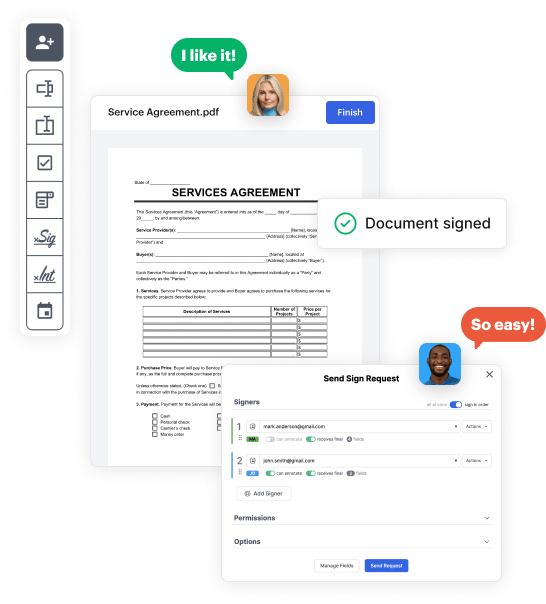
Step 1: Access DocHub to set up your Get rid page in apa Abstract Template.
Begin by logging into your DocHub account. Try out the pro DocHub functionality free for 30 days.
Step 2: Navigate to the dashboard.
Once signed in, head to the DocHub dashboard. This is where you'll build your forms and handle your document workflow.
Step 3: Create the Get rid page in apa Abstract Template.
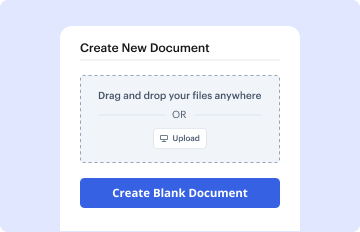
Click on New Document and select Create Blank Document to be redirected to the form builder.
Step 4: Set up the form layout.
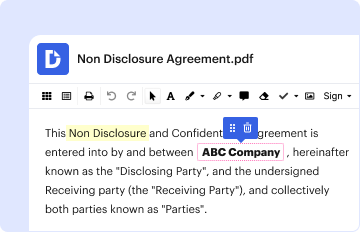
Use the DocHub toolset to insert and configure form fields like text areas, signature boxes, images, and others to your form.
Step 5: Insert text and titles.
Include necessary text, such as questions or instructions, using the text field to guide the users in your form.
Step 6: Configure field properties.
Modify the properties of each field, such as making them required or formatting them according to the data you expect to collect. Designate recipients if applicable.
Step 7: Review and save.
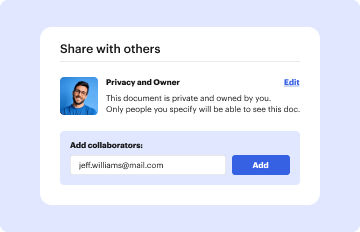
After you’ve managed to design the Get rid page in apa Abstract Template, make a final review of your form. Then, save the form within DocHub, export it to your chosen location, or distribute it via a link or email.
