
Get any PDF form from the DocHub library of ready-made templates - Page 762
Missouri Department of Revenue - Facebook
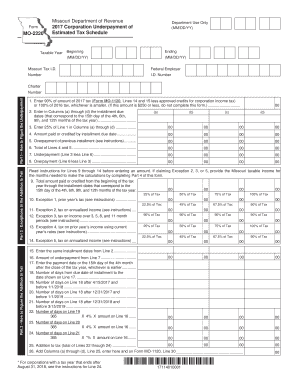
MO-2220
Form 4711 - 2017 Missouri Income Tax Reference Guide
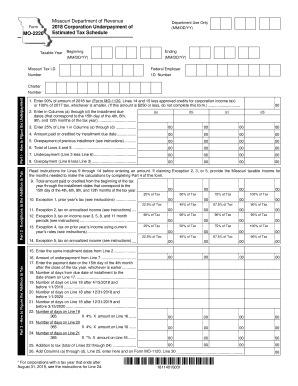
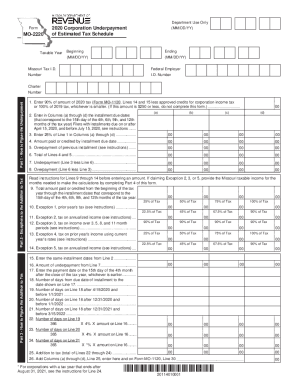
Form MO-2220 - 2018 Corporation Underpayment of Estimated Tax Schedule
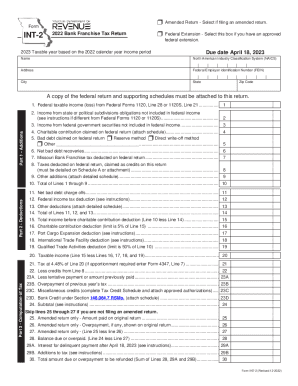
Amended ReturnsInternal Revenue Service - IRS tax forms

Form 5632 - 2018 MOST - Missouris 529 Education Savings Plan Direct Deposit Form - Individual Income

MO-1120ES - 2022 Declaration of Estimated Tax for Corporation Income Tax
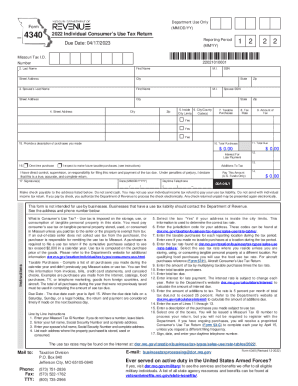
4340 - 2021 Individual Consumer's Use Tax Return

About Form 1120-W, Estimated Tax for Corporations
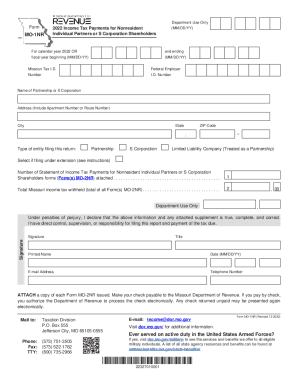
943
Printer Resetting on every print - Form 2 - Formlabs
Income Tax Reference Guide - Forms and Manuals - MO

Phl airport badging
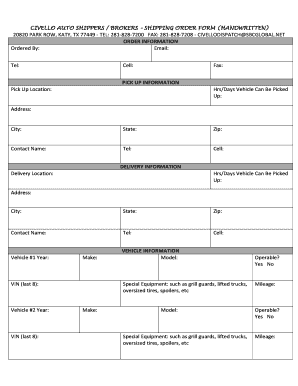
Standard written order template
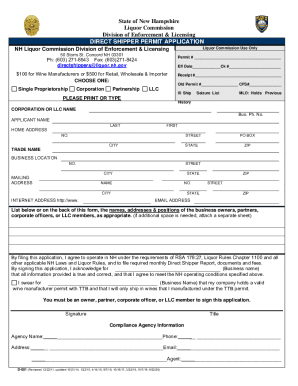
Direct Shipper Permit ApplicationNH Liquor Commission

State of New Hampshire Direct Shipper Application - NH

Wolfs 109 form

Ohio State University Anesthesia Record Veterinary - vet ohio-state
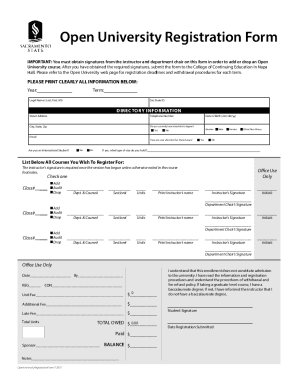
Open University Registration Form - fillable PDF

University registration
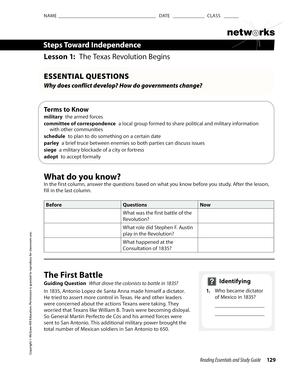
Steps Toward Independence Lesson 1 The Texas Revolution
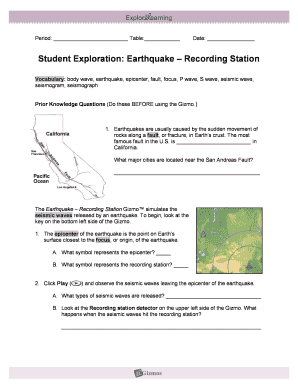
Student exploration earthquakes 1 answer key
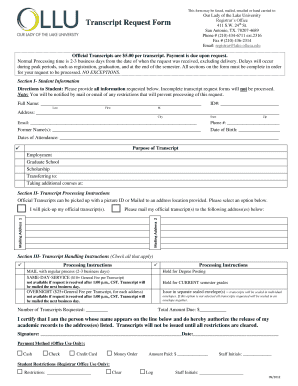
Ollu transcript

Analyzing excerpts from the declaration of independence

DWC Form-045, Request to Schedule, Reschedule, or Cancel a Benefit Review Conference (BRC), or to Pr

Dwc45

DWC Claim # commnum

Army deletion of orders 4187 example

Scrfax numbers form

Irs form 8877
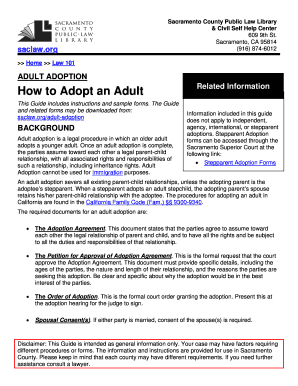
ADULT ADOPTION - How to Adopt an Adult in California Forms and instructions to adopt an adult in Cal
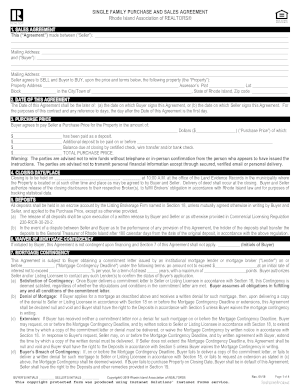
Purchase & Sales Agreement -Single Family 01-19
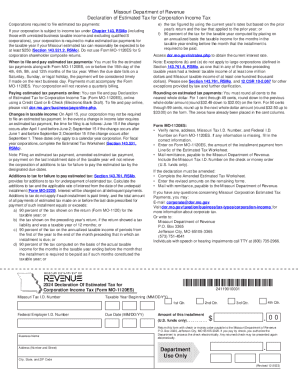
Corporations required to file estimated tax payments:
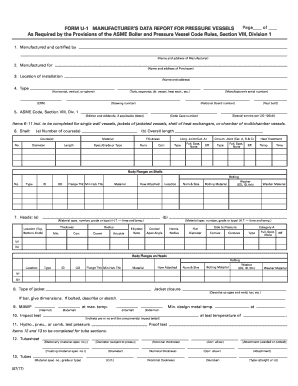
Form u 1

Cartrack application form download
Isagenix enrollment form
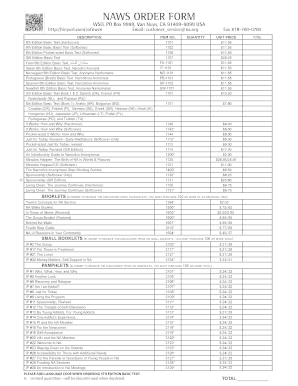
Naws order form 2015
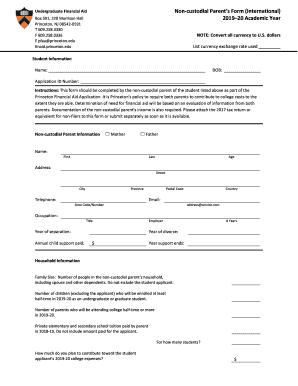
Princeton university non custodial

Independent study physical education

Release indemnification agreement participant
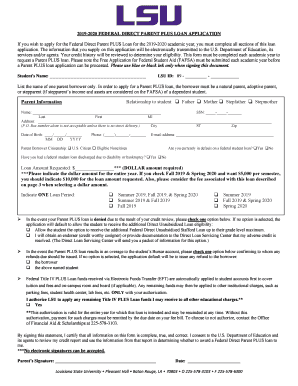
Lsu loan

Gruenberg foundation

Transcript request form online
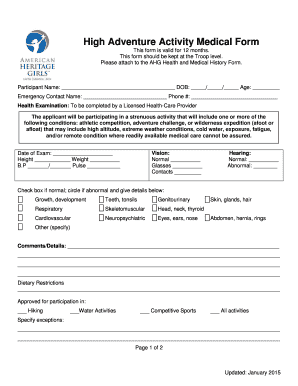
Ahg high adventure form
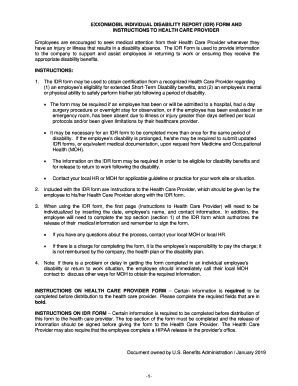
Disability idr health form

Manulife claimants form
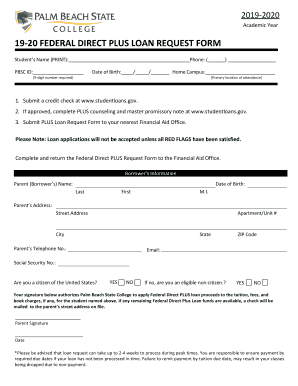
Plus federal palm
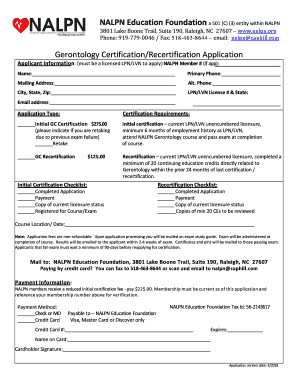
Nalpn certification
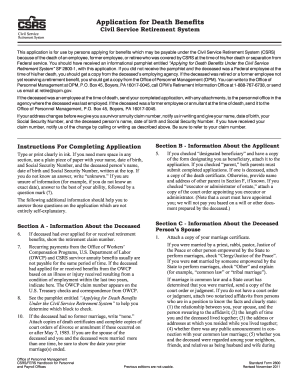
Service civil retirement

Form ssa 7008
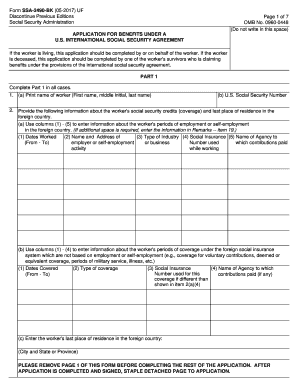
Form ssa 2490 bk
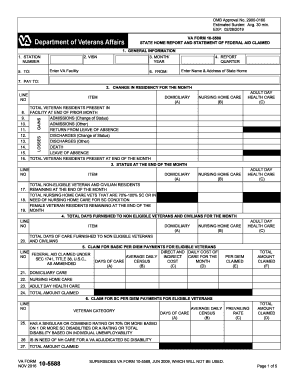
Va home report aid
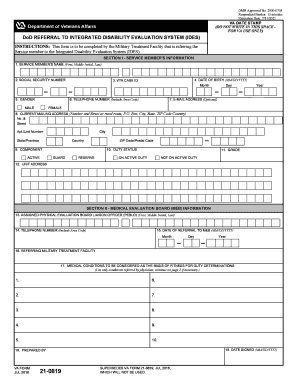
Va form 21 0819
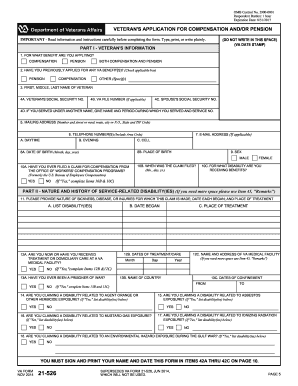
Va form 21 526ez printable
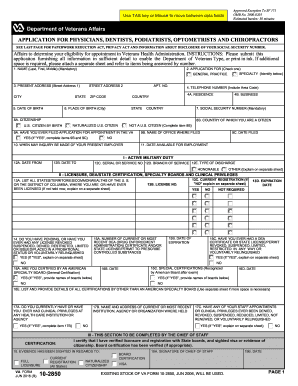
Human 10 2850 search

Ca 40

Safety data
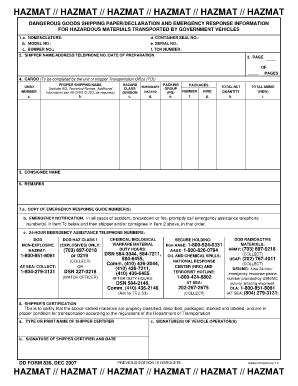
Dd form 836
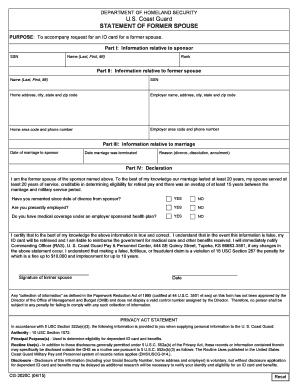
Spouse cg

Descriptive listing revision

Uac instruction sheet
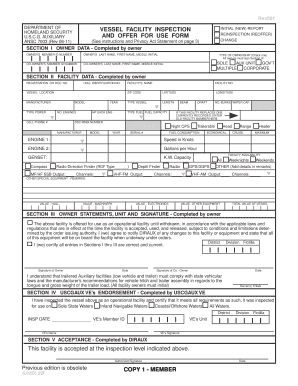
Ansc 7003
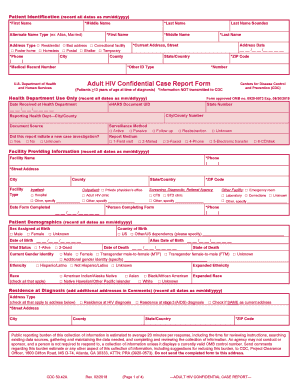
Hiv report form
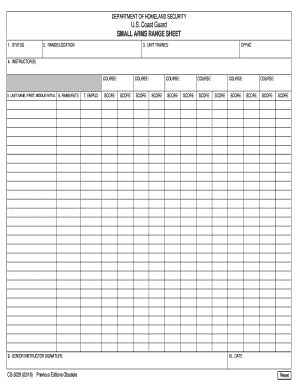
Cg3029 uscg
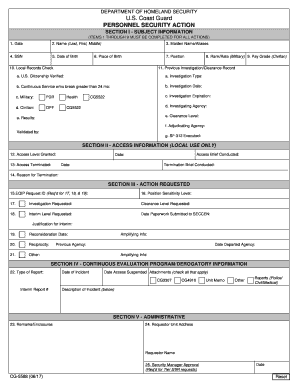
Cg 5588
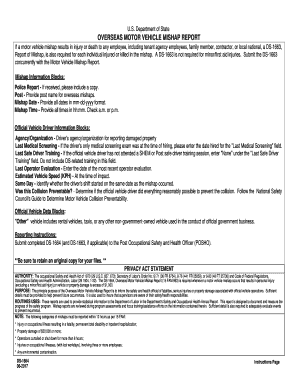
Ds1664 form
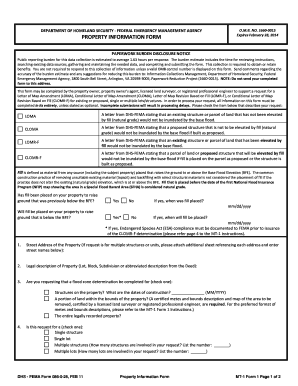
Information fema
1993 18122 word download
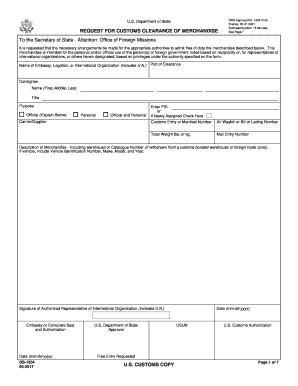
Ds 1504
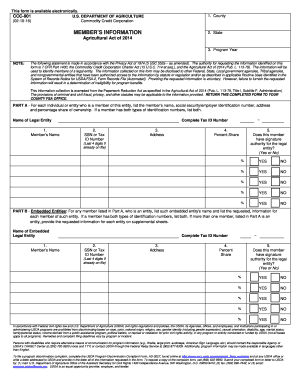
Ccc 901
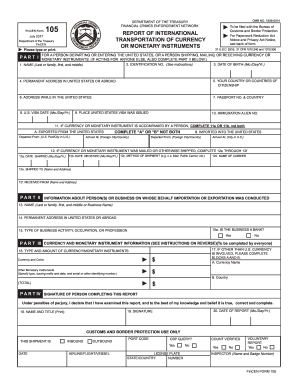
Fincen form 105
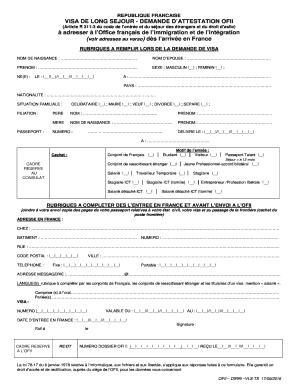
Dri long sejour create

Ca calpers power fill
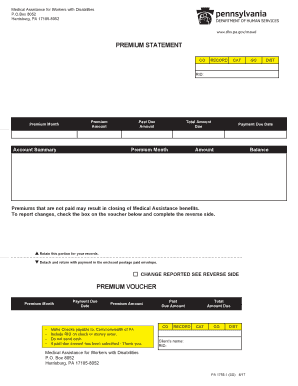
Medical assistance for workers with disabilities pay online
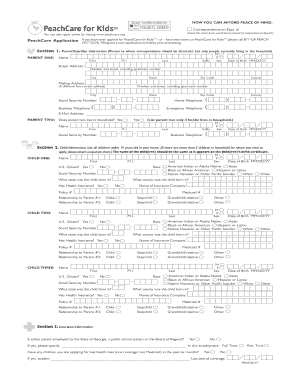
Peachcare for kids application
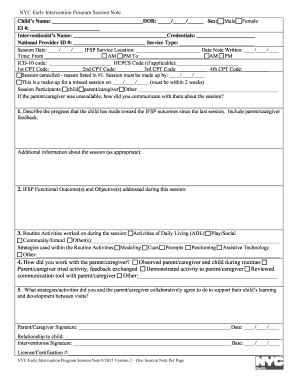
Early intervention

Massgov section 35
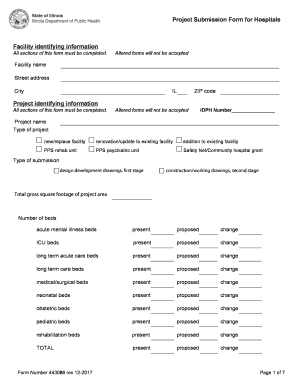
Idph submission
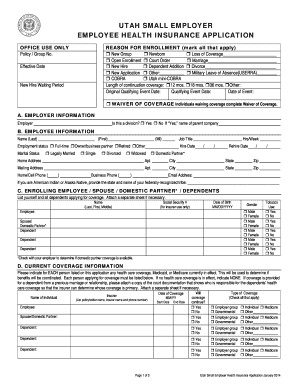
Utah health insurance application
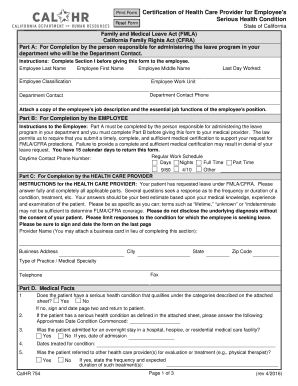
Calhr 754
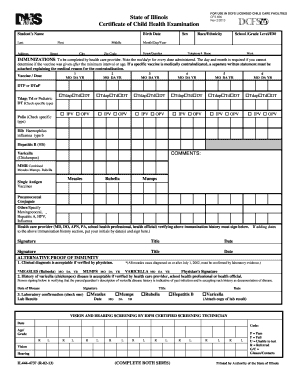
Illinois school physical form
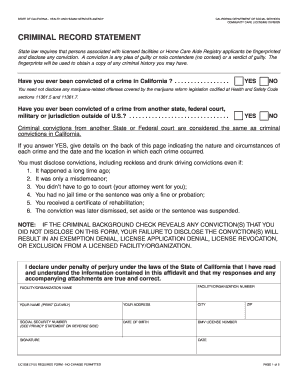
Lic 508
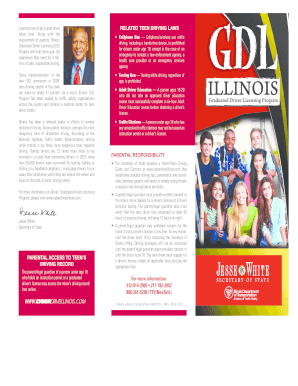
Il driver licensing program

Illinois bicycle rules state
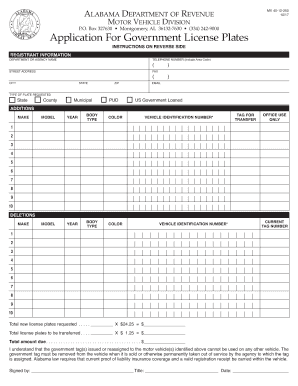
Government license alabama
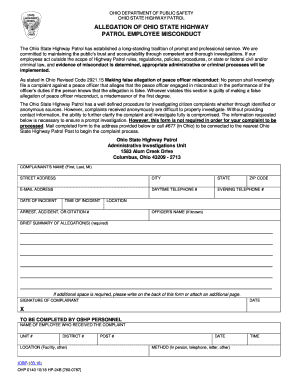
Ohio ohp highway patrol
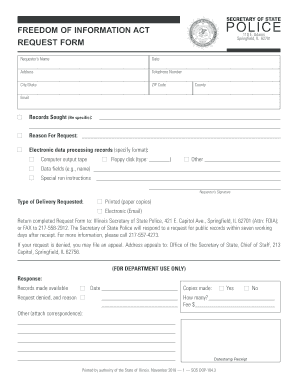
Il dom request form

Illinois purple heart license plates

Illinois pow license
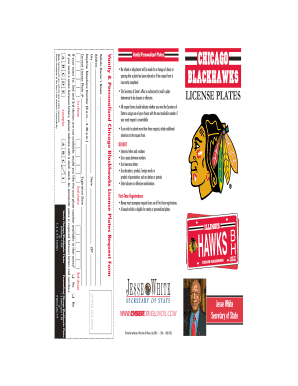
Illinois blackhawks

Medal cyberdrive illinois
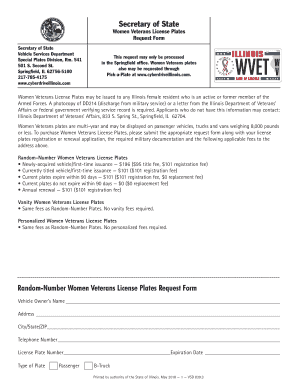
Il vsd veterans plates
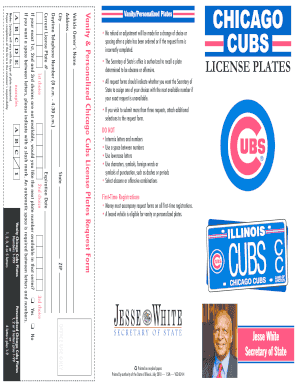
Illinois cubs plates vanity
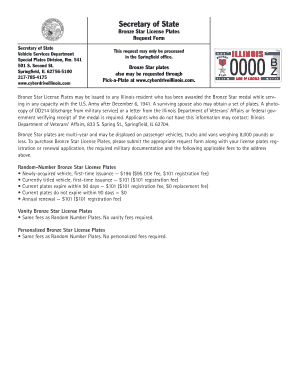
Illinois vsd star license
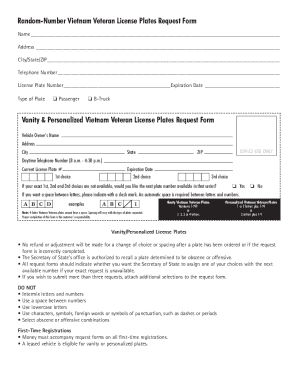
Illinois vietnam veteran license plates
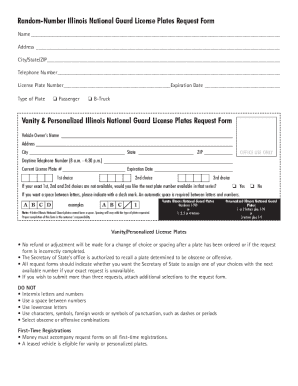
Illinois guard license plates
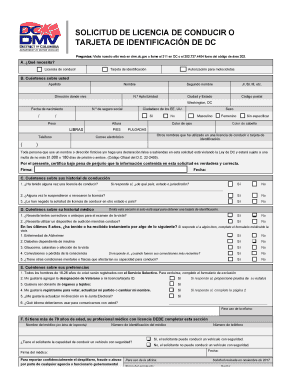
Dmv dc
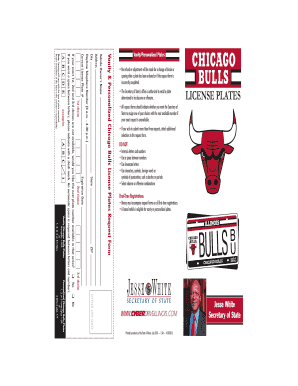
Illinois vsd bulls form

Illinois toby school
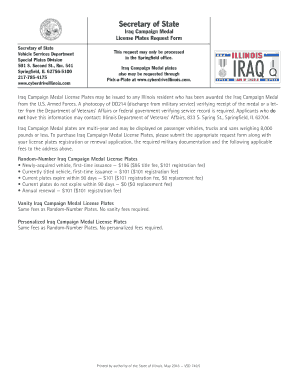
Illinois vsd medal printable
Benefit from the DocHub online library of fillable PDF forms
Searching the PDF forms doesn't have to be a tedious and time-consuming process. With the DocHub online library, it has become easier to find the fillable PDF forms and modify them in your browser. The service allows you to adjust the document to your needs using powerful editing tools.
You can use online document editing features to modify almost any type of document with ease. You just need to find the template of your choice, open it in the editor, and use the toolbar to make the necessary corrections.
Follow this guide to get your document done with DocHub:
- Find the PDF template you need.
- Click the Get Form button to open the file in the editor.
- Use the toolbar to fill out and edit the document.
- Easily add and highlight text, insert images, checkmarks, and symbols.
- Drop new fillable fields, and rearrange or delete pages from your file.
- Save changes and download your record.
DocHub empowers everyone to streamline document editing, signing, and distribution, and form completion. Create an account and benefit from our well-organized PDF Forms library and comprehensive editor.