
Get any PDF form from the DocHub library of ready-made templates - Page 738

Addressing - Alpena County, Michigan - alpenacounty

Duval County Teacher Evaluations 09-10 - nctq
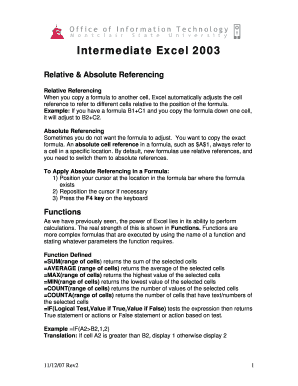
Switch between relative and absolute references - Excel for Mac

Specialty Sales by Municipalities,
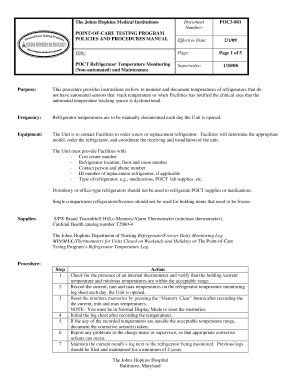
Refrigerator Temp Monitoring and Maintenance - Pathology
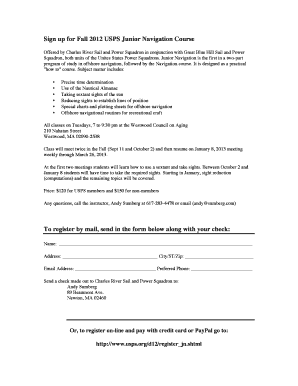
Form (pdf) - United States Power Squadrons - usps

EDUCATIONAL DEPARTMENT - usps

Report (Vertical) - Department of Health and Hospitals - Louisiana - new dhh louisiana

CANDIDATE INFORMATION BOOKLET FOR THE Development
Diagnostic Guide for Fetal Alcohol Spectrum Disorders - depts washington

Part 1 and 2 Application - Energy Healing Institute
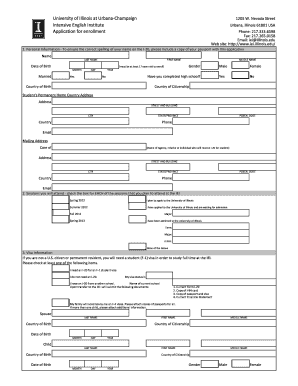
Application Form - Intensive English Institute, College of LAS - iei illinois
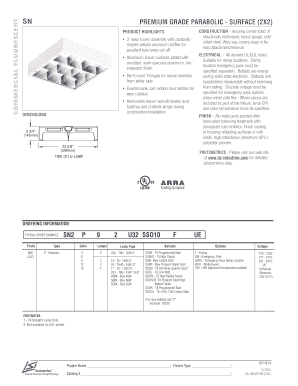
PREMIUM GRADE PARABOLIC - SURFACE (2X2) SN
Ab initio calculations predicting the existence of an oxidized calcium dihydrogen complex to store m
Instructions for 2006 Form NYC-1 Banking Corporation Tax Return - dchr dc
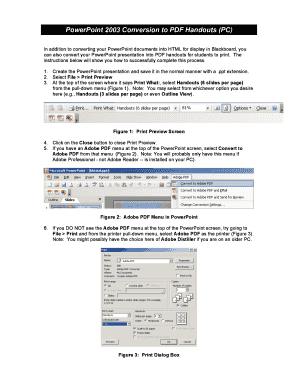
In addition to converting your PowerPoint documents into HTML for display in Blackboard, you
UNIFORM MANUFACTURED HOUSING ACT
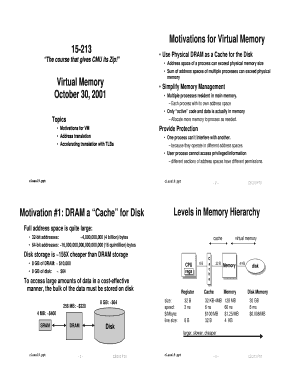
Motivations for Virtual Memory 15-213 - cs cmu

Microsoft office powerpoint 97-2007 binary file format specification
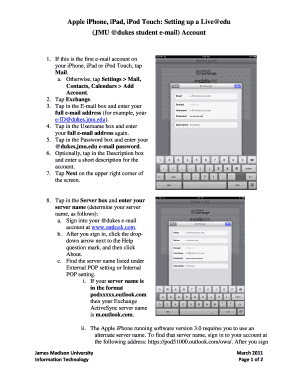
Apple iPhone, iPad, iPod Touch: Setting up a Liveedu

Readme - Department of Business and Professional Regulation
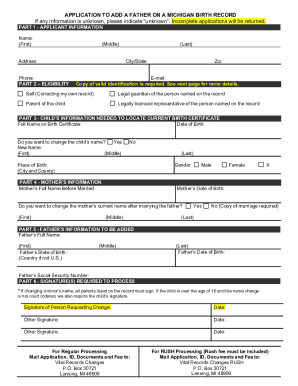
DCH-0848-CHGBX, Application to Add a Father on Michigan Birth Record Application to Add a Father on
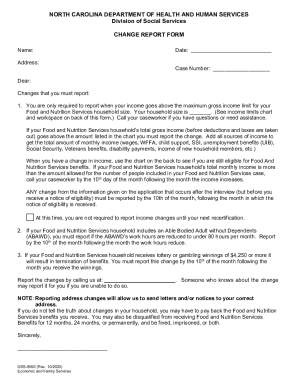
Food and Nutrition Services Information Fact Sheet
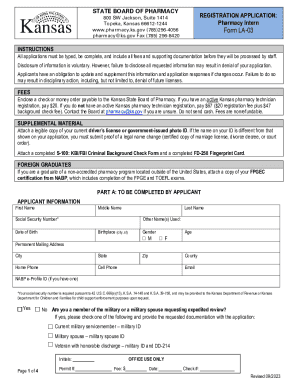
Pharmacy Intern Registration Requirements
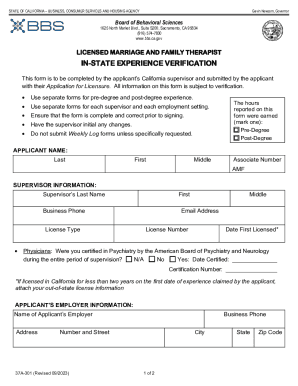
Request For License Or Registration Certification - BBS - CA

Special Order Plate Application

License PlatesMotor Vehicle Division NM

Alaska Department of Motor Vehicles (AK) - DMV - Forms

Anchorage, Division of Motor Vehicles - Alaska DMV

Station Owners Forms, Publications and FAQs
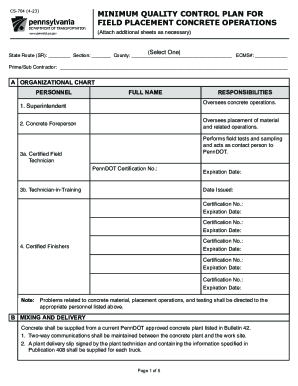
(ts149) quality control for field-placed concrete - technical
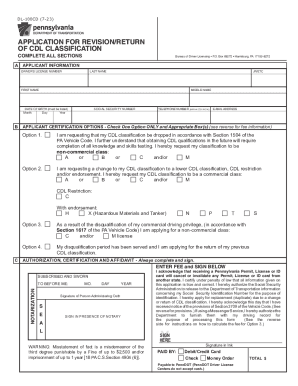
Pa Form Cdl Transportation - Fill Out and Sign Printable

Fillable Certificate of Inspection

Mail application and all requirements to: DMV, 1905 LANA AVE NE, SALEM OR 97314
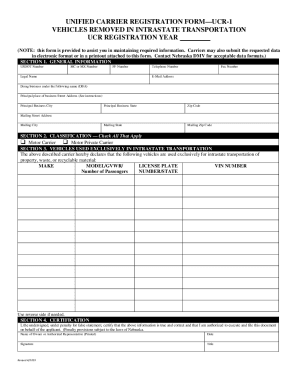
UCR-1 Unified Carrier Registration Form
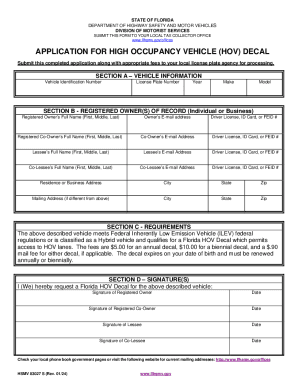
HSMV 83027 Application for High Occupancy Vehicle (HOV) Decal

Division of Motor Vehicles
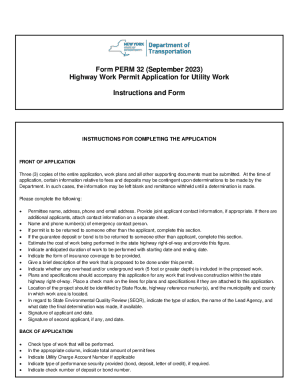
New York Highway Work Permit Application
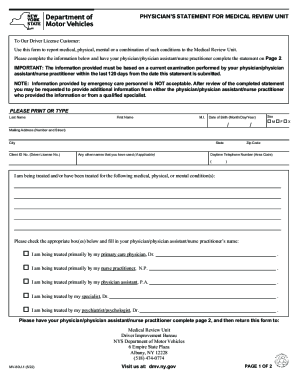
PHYSICIAN S STATEMENT FOR MEDICAL REVIEW UNIT

DE-964-Parent Taught Driver Education Certificate Order Form
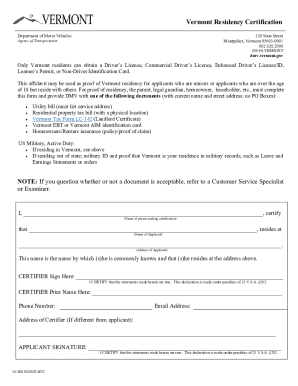
Vermont Residency Certification

Can Appeal Bonds be Changed or Canceled? - Court Surety

D3hwulnyp980el cloudfront filescryobankcomAUTHORIZATION FOR RELEASE OF SEMEN A1

Peachtree orthopedics medical records

FDOH in Putnam County Routine Dental Treatment Information Sheet FDOH in Putnam County Routine Denta
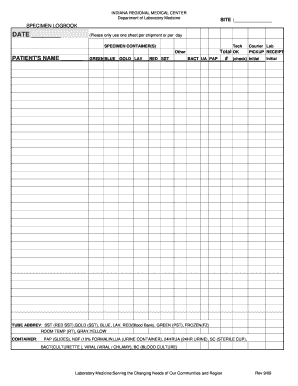
Laboratory log book pdf
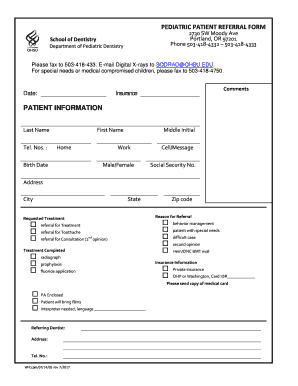
Pediatric dental referral form

Chautauqua County Department of Mental Hygiene BestSelf
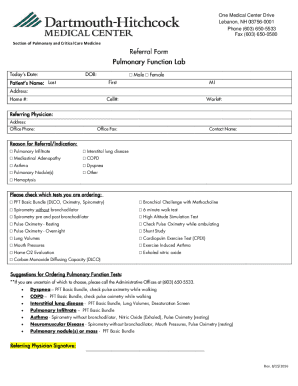
Referral Form for Pulmonary Function Lab
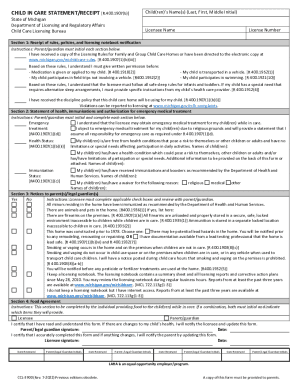
Child in Care Statement Receipt - CCL-3900 - Word
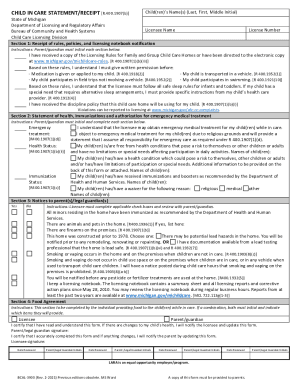
Fillable Child In Care Statement receipt printable pdf
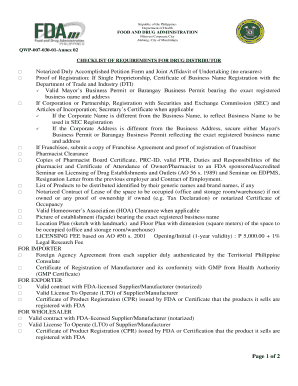
Bai mc 43 annex c form

PETITION SMALL CLAIMS CASE - Nueces County Texas - co nueces tx

Health Information Management Medical - Brookdale Hospital
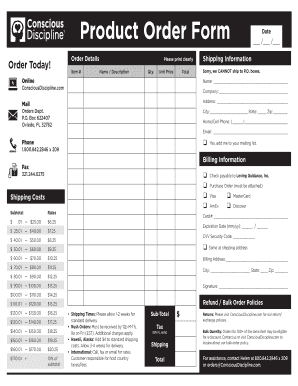
Information on a product order form
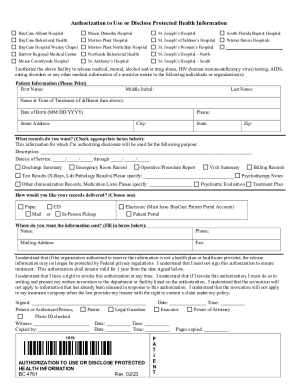
BC 4761 Authorization to Use or Disclose Protected Health Information (ENGLISH)
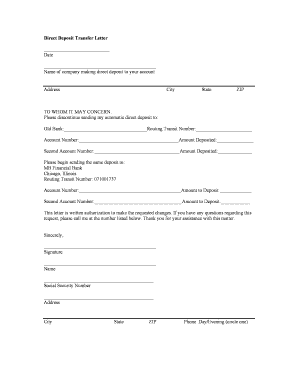
Mb financial direct deposit
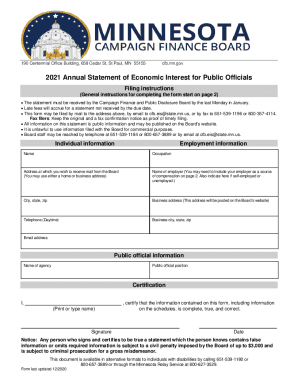
Fillable Online Representation Disclosure Statement Fax
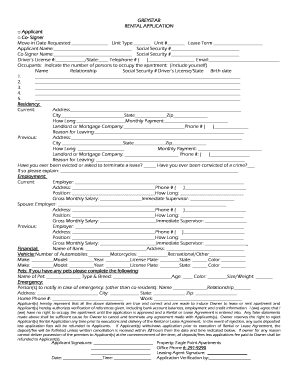
GREYSTAR RENTAL APPLICATION Applicant Co- Signer Move-in

Transcript request procedure - Records and Registration

Sf100

History and physical forms for physicians
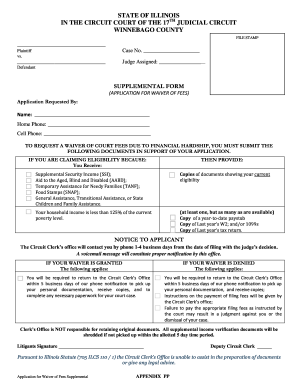
STATE OF ILLINOIS IN THE CIRCUIT COURT - Winnebago County

Dispossessory Actions - DeKalb County Magistrate CourtDispossessory Actions DeKalb Magistrate CourtD
Form I-485, Application to Register Permanent Residence
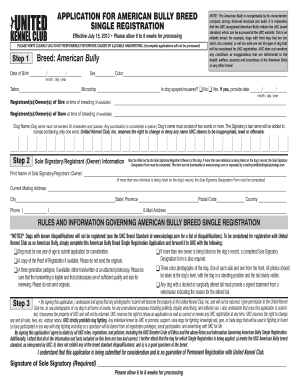
American Bully Breed Single Registration - United Kennel Club, Inc

Application for american bully breed single registration - UKC

OWNER SECTION
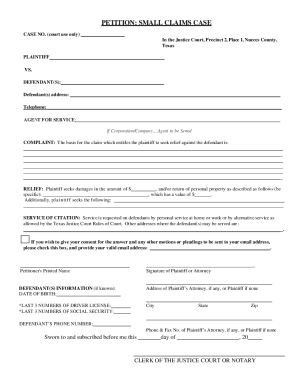
Civil SuitsNueces County, TX
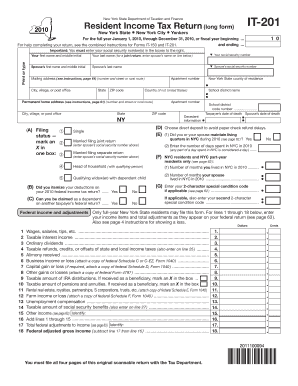
Fillable it 201

NYS Employment Application Form S1000
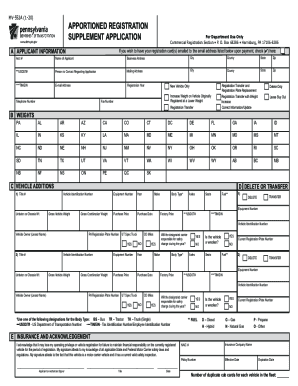
PennDOT Form MV-552A - cloudfront
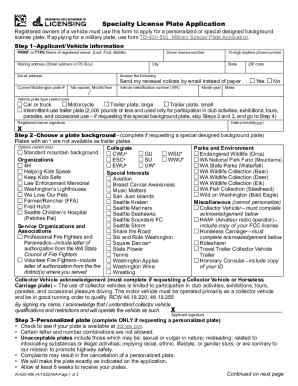
Personalized and Specialty PlatesSouth Dakota Department of
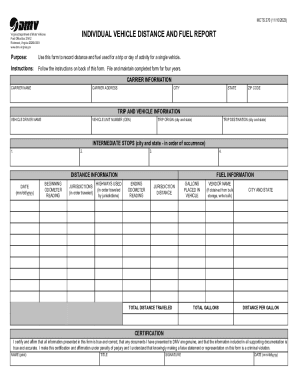
MCTS 270 (DRAFT#5) page 108212006

Notice of Lien - Charge Account Customer

Bill of Sale (BOS) and Odometer Disclosure Statement (ODS)
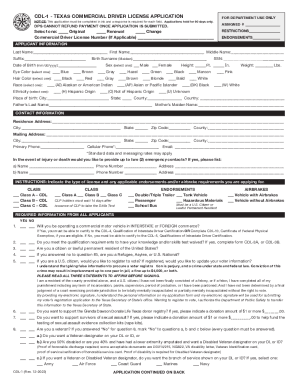
CDL-1 -Texas Commercial Driver License Application Texas Commercial Driver License Application
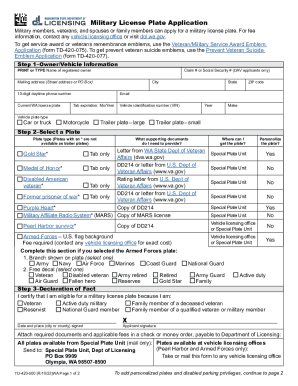
Vehicle Registration for Military Families
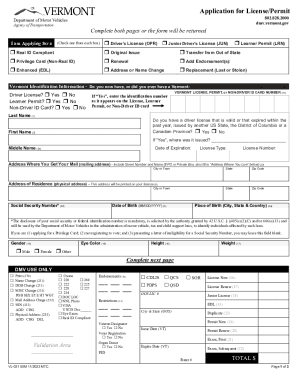
Complete both pages or the form will be returned
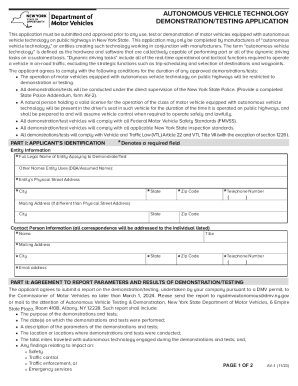
AUTONOMOUS VEHICLE TECHNOLOGY DEMONSTRATION TESTING APPLICATION
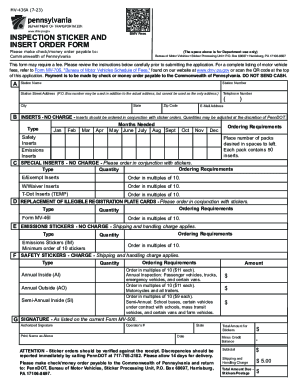
InSPecTIon STIcker AnD InSerT orDer Form - cloudfront
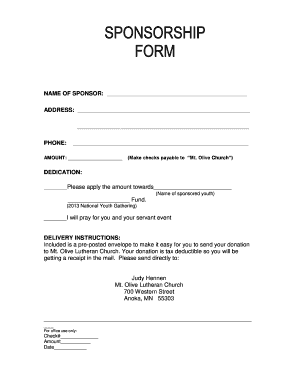
Church sponsorship form

Talent show permission slip
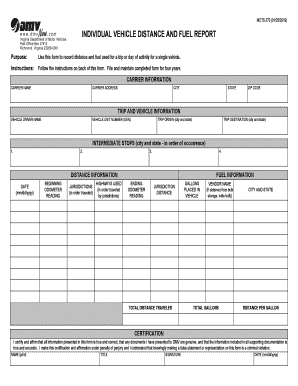
Individual Vehicle Mileage and Fuel Report - Idaho State Tax
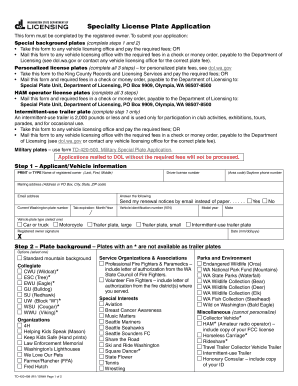
This form must be completed by the registered owner
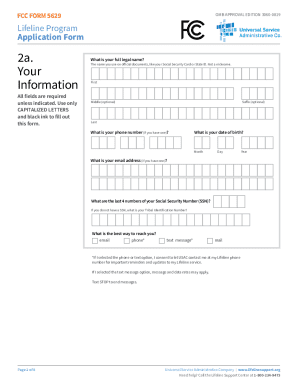
FCC FORM 5629 Lifeline Program Application Form - Fill and

Weekly fire pump test form
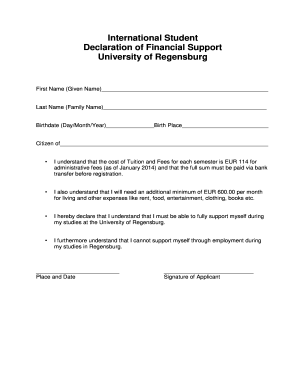
Declaration for financial support
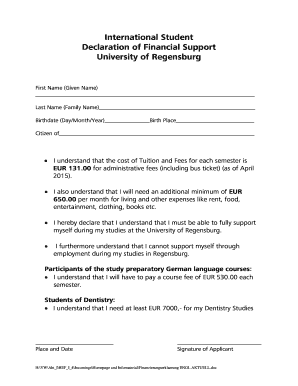
Name Declaration Naming Law - Federal Foreign Office

Vendapp072309 - Free-Printable-Venfor-Application-Form-PDF-Format-Free-Download

VENDOR APPLICATION - University of Kentucky - uky

APPLICATION FOR CUR SINGLE REGISTRATION Sole
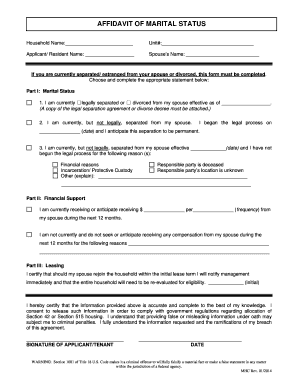
AffidavitMaritalStatus DRAFT
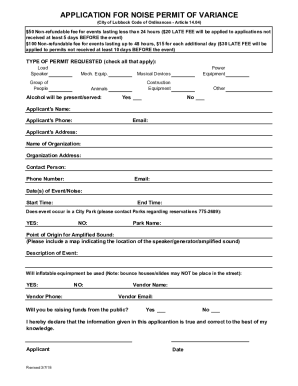
Noise Permit Application
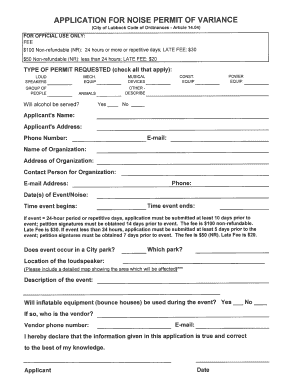
APPLICATION FOR NOISE PERMIT OF - City of Lubbock
Application for Entertainment Permit TOWN OF MILTON 43
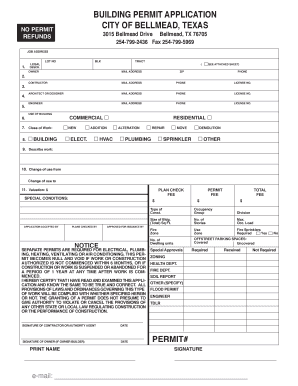
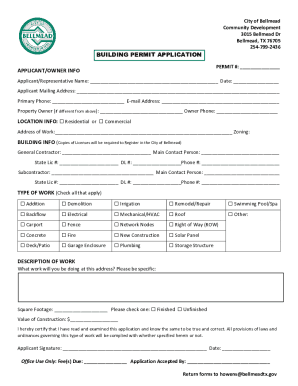
City of bellmead permits
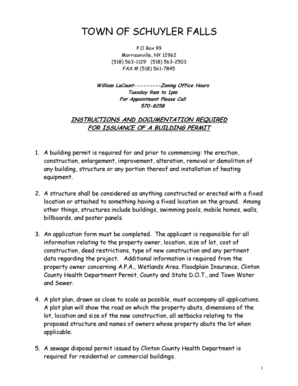
Building permit application - Schuyler Falls
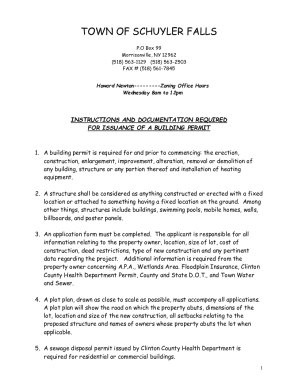
Fillable Online Building permit application - Schuyler Falls

Certificate of Competency Renewal Application
Benefit from the DocHub online library of fillable PDF forms
Searching the PDF forms doesn't have to be a tedious and time-consuming process. With the DocHub online library, it has become easier to find the fillable PDF forms and modify them in your browser. The service allows you to adjust the document to your needs using powerful editing tools.
You can use online document editing features to modify almost any type of document with ease. You just need to find the template of your choice, open it in the editor, and use the toolbar to make the necessary corrections.
Follow this guide to get your document done with DocHub:
- Find the PDF template you need.
- Click the Get Form button to open the file in the editor.
- Use the toolbar to fill out and edit the document.
- Easily add and highlight text, insert images, checkmarks, and symbols.
- Drop new fillable fields, and rearrange or delete pages from your file.
- Save changes and download your record.
DocHub empowers everyone to streamline document editing, signing, and distribution, and form completion. Create an account and benefit from our well-organized PDF Forms library and comprehensive editor.