
Get any PDF form from the DocHub library of ready-made templates - Page 2030
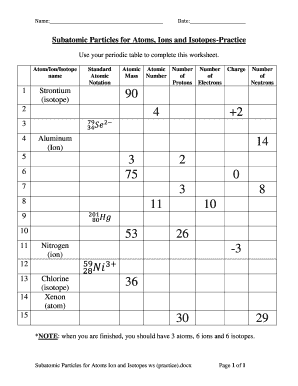
Ions practice worksheet

Police Report Template POLICE REPORT - blogcrdp-versaillesfr - blog crdp-versailles
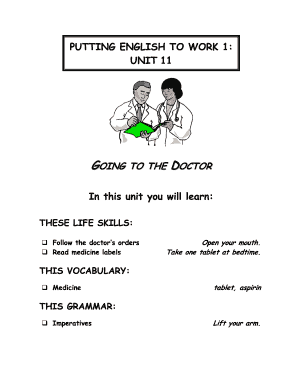
Putting english one 11

Putting english to work pdf

Schadeformulier pools
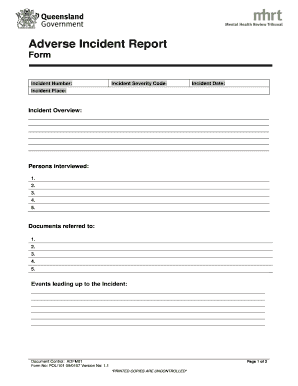
Incident report template qld

2014 Support Staff Contract - UNMH - University of New Mexico
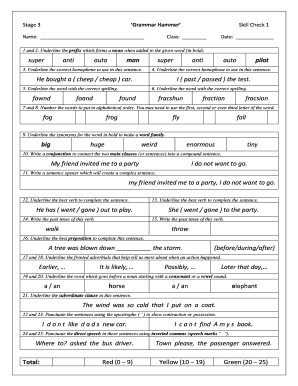
Grammar hammer website
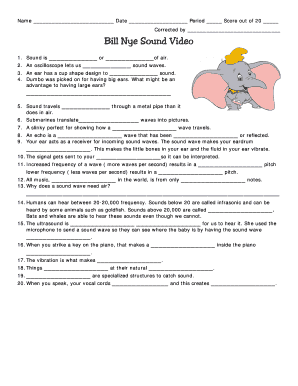
Bill nye sound worksheet answers pdf
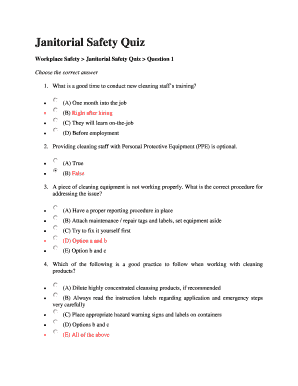
Janitorial Safety Quiz - EHS DBcom
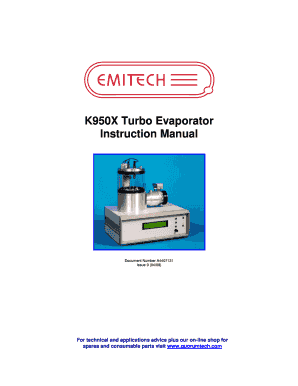
Judge terri ann miller
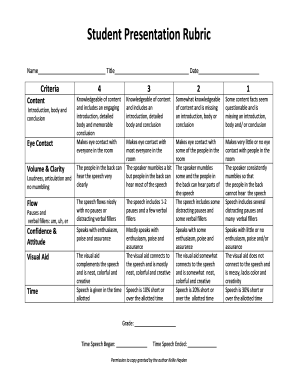
Presentation rubric

Intake form
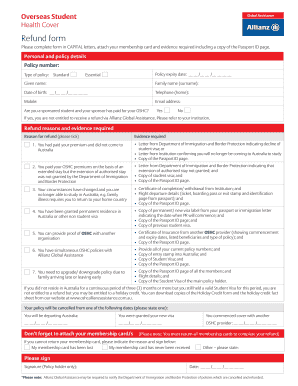
Allianz oshc refund form
Pekema registered supplier
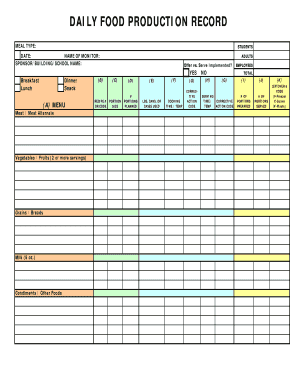
Download production record form
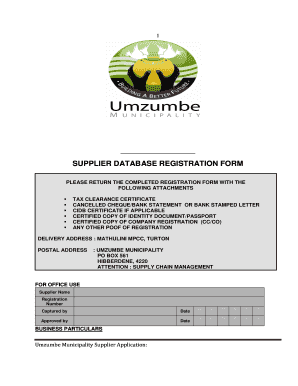
Umzumbe municipality database forms
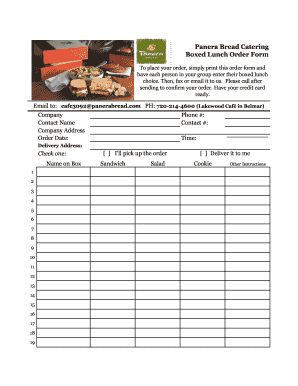
Panera bread printable menu pdf
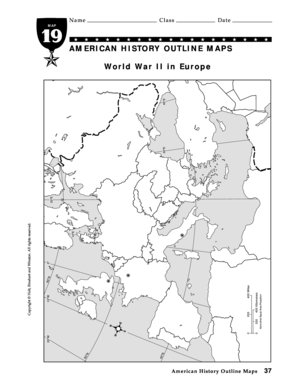
American history outline maps world war 2 in europe answer key
Terrarium map
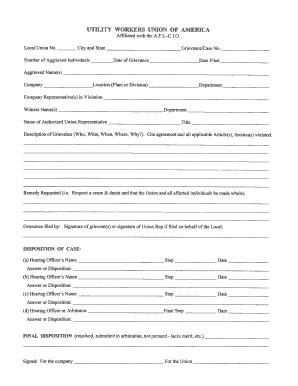
How to make a policy for tenant grievance
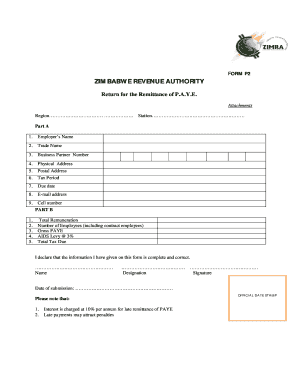
Zimra p2 form
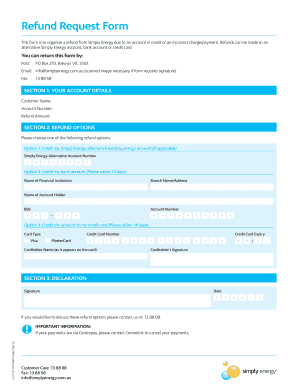
Simply energy refund request
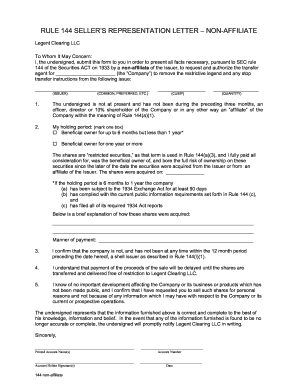
Legent representation letter
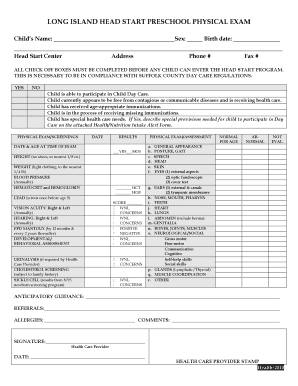
New york long island
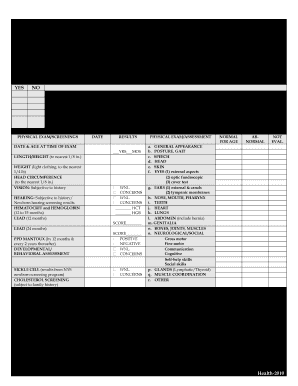
Physical forms for kids
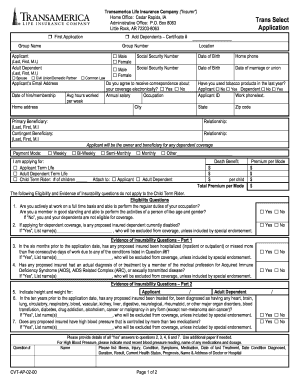
Transamerica Life Insurance Company Trans Select Application
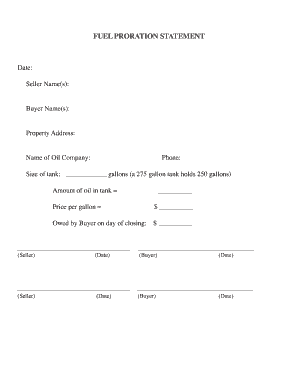
Fuel proration calculator
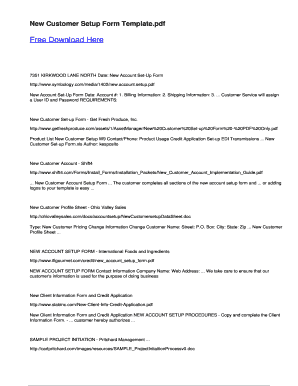
New customer set up form
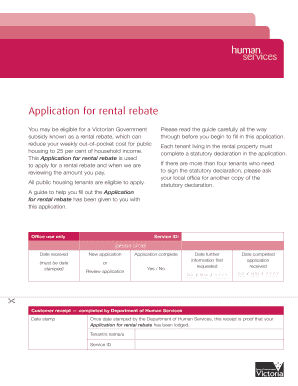
Housing rebate form
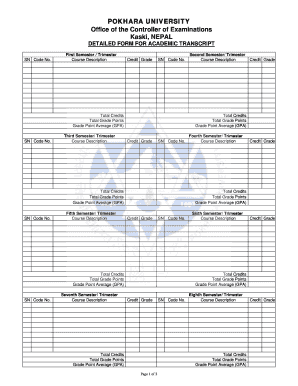
Pokhara university transcript sample
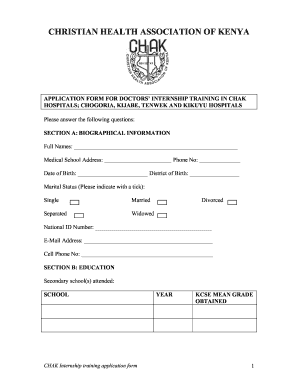
Chak form
ONION LAKE EDUCATION POST SECONDARY POLICIES 2013-2014 - onionlake

28 team bracket

Pip form download pdf printable
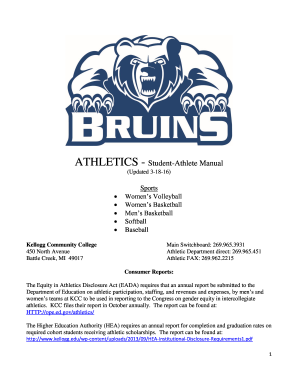
ATHLETICS - Student-Athlete Manual - kelloggedu
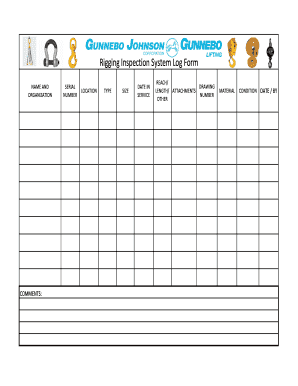
Rigging inspection log
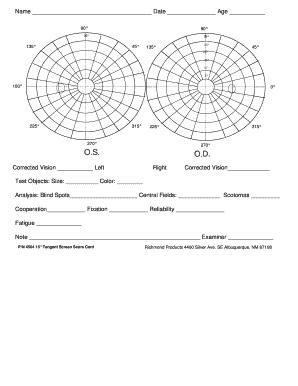
4504 Tangent Screen 15 Degree Form 85 x 11 Vertical
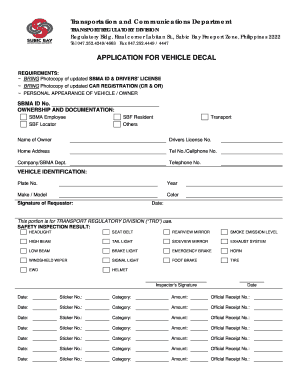
Mvro sbma
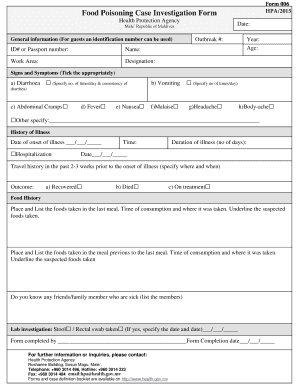
Hpa
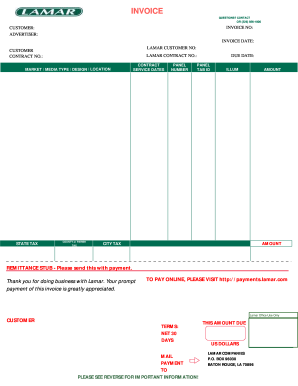
Lamar invoice
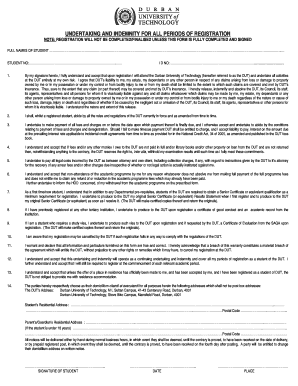
Undertaking and indemnity doc
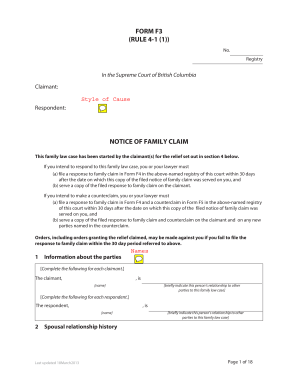
Form f3 rule 4 1 1
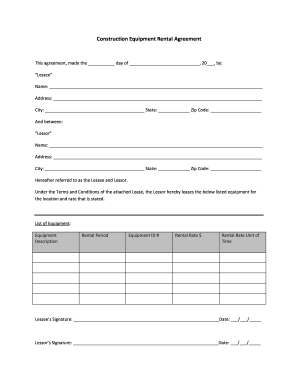
Construction equipment rental agreement
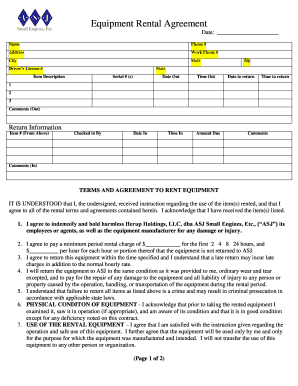
Equipment Rental Agreement - ASJ Small Engines
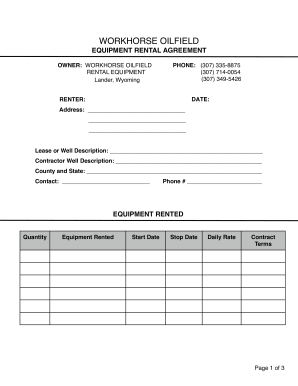
Workhorse oilfield rental search

Southeast personnel leasing employee application
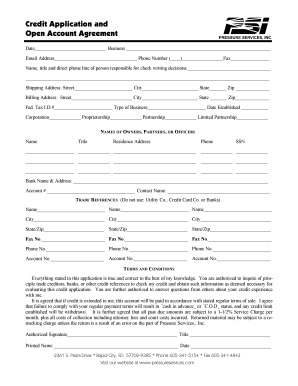
Agreements for account applications
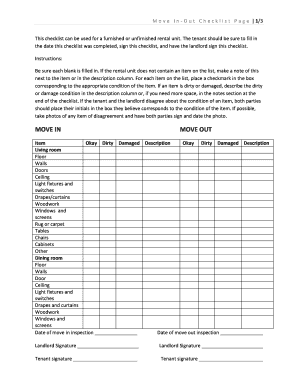
Move in out form

Alarm monitoring agreement template

Satisfactory Academic Progress Appeal Form - tuskegeeedu

Section 9 2 substituted hydrocarbons answer key
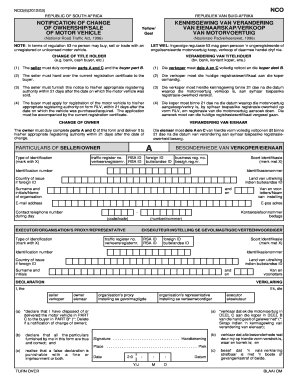
Verandering van eienaarskap van voertuig
Listing packet
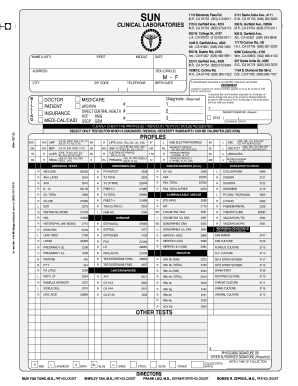
Lab Requisition bFormbpdf file - Sun Clinical Lab - sunclinicallab azurewebsites
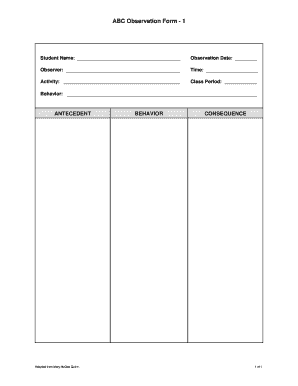
Abc observation form pdf
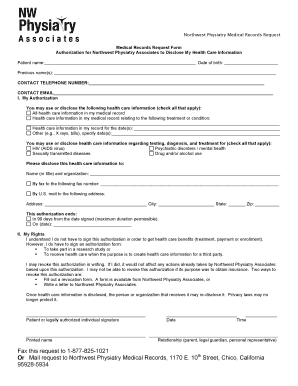
Medical records request form download
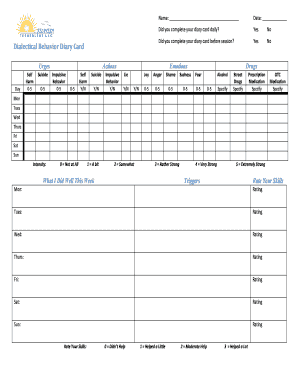
DBT DIARY CARD - Recovery Technology - recoverytechnology
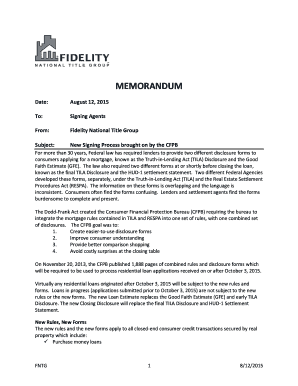
Fntg's memorandum to signing agents
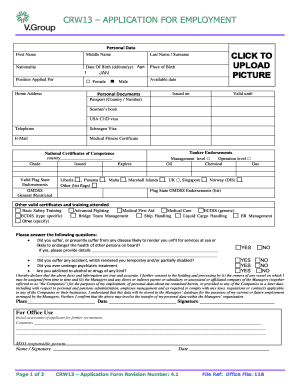
Crw13
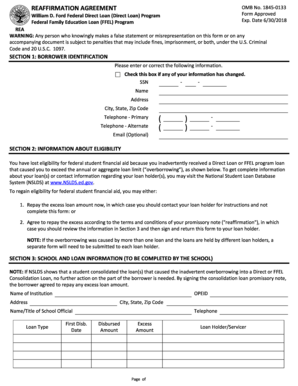
Navient reaffirmation agreement
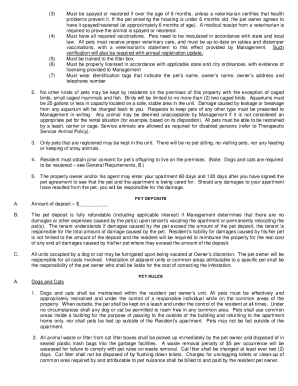
PET POLICY - MetroPlains Management
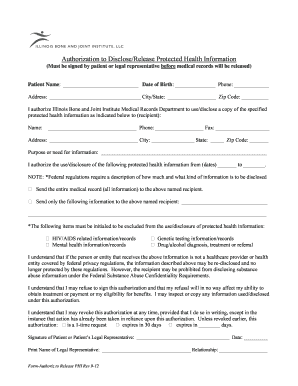
Ibji medical records
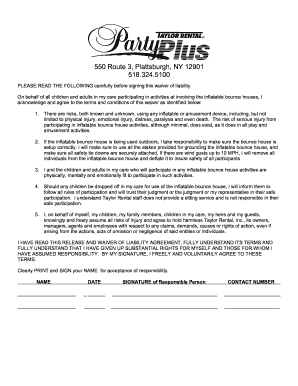
Taylor rental party waiver
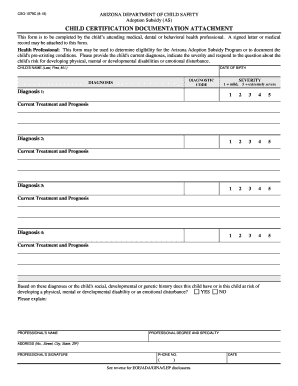
Cso1079c
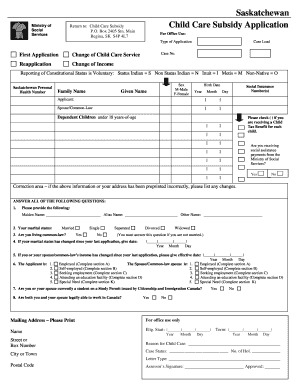
Child care subsidy saskatchewan
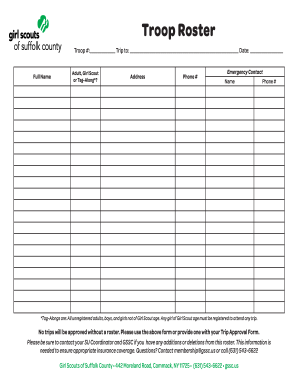
Troop roster
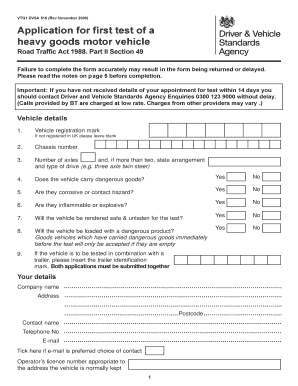
Vtg1 form
Chimney inspection report template
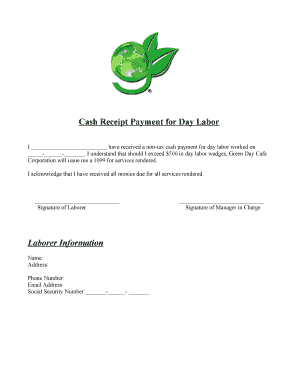
Labour payment receipt

Volunteer Application - Goodwill Industries of Sacramento
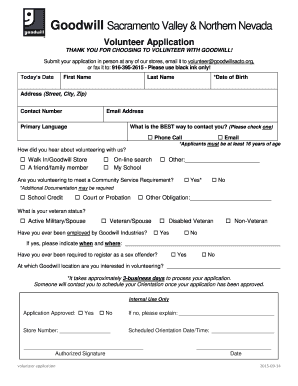
Goodwill volunteer application form
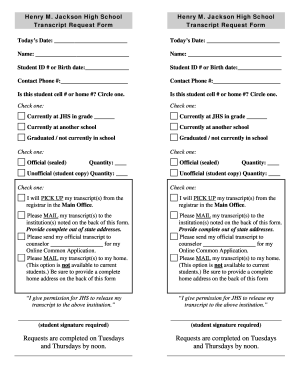
Henry M Jackson High School Transcript Request Form - everettsd
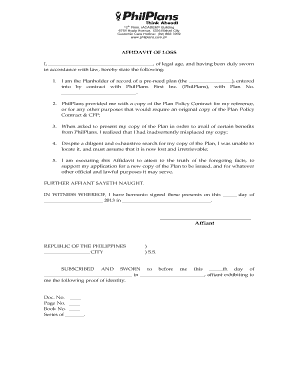
Philplans affidavit of loss forms
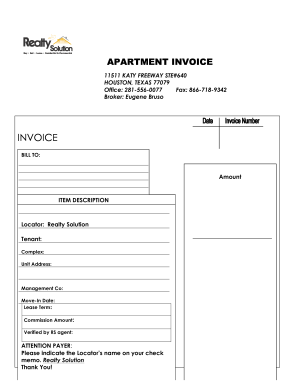
Apartment invoice

Dd827

Long range planning worksheet sample

Consious sedationn records sheet
Guidance and counseling reviewer pdf

UWS Hiking Club Accident Report Form - hiking org
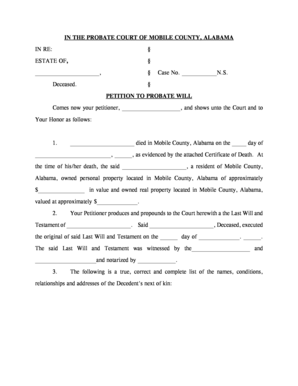
Mobile county probate court forms

Police report nj
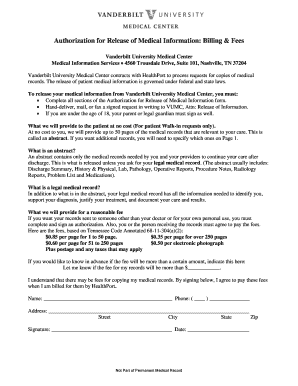
Vanderbilt release medical

Daily read and think - Ewing Public Schools

Direct deposit enrollment - BenefitMall - Home

Rudolf steiner request form pdf
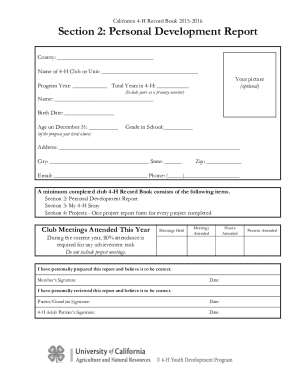
California 4-H Record Book Forms
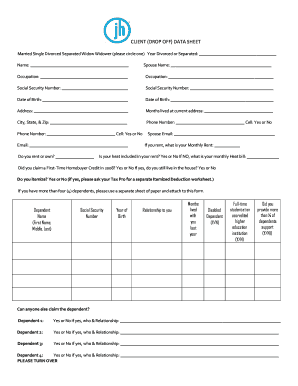
Jackson hewitt client data sheet
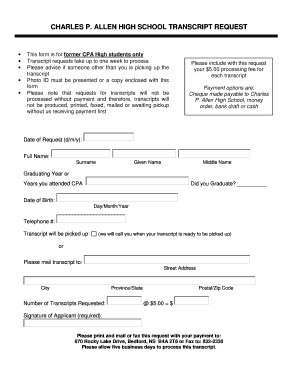
Charles p allen

Uf protected

Primerica life insurance claim form
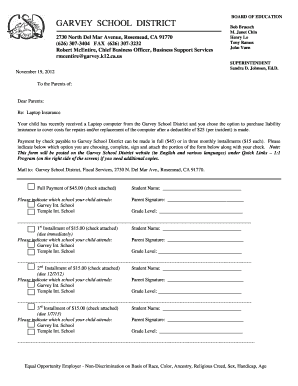
GARVEY SCHOOL DISTRICT - garveyk12caus - garvey k12 ca
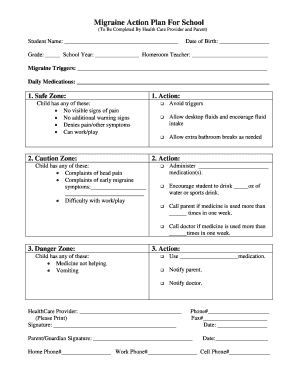
Migraine action plan for school

Af form 1492 warning tag
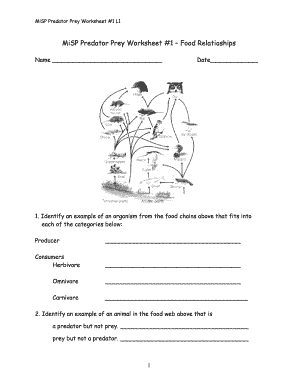
Fill in the blank worksheet
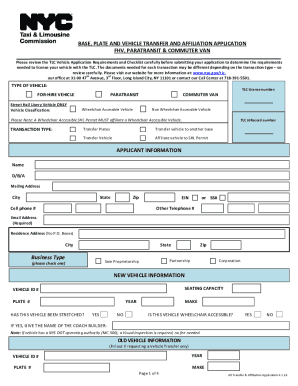
Tlc transfer form
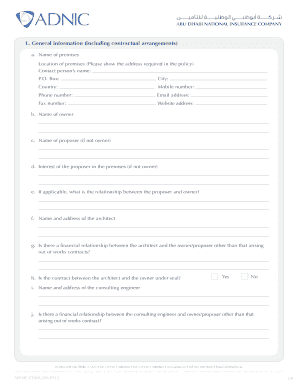
Inherent defects insurance

Adp forms
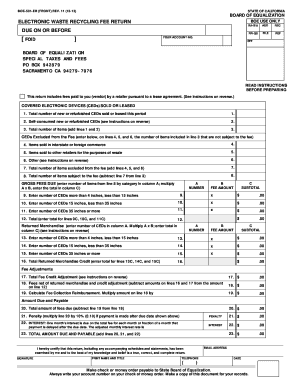
Electronic Waste Recycling Fee Return BOE-501-ER - boe ca
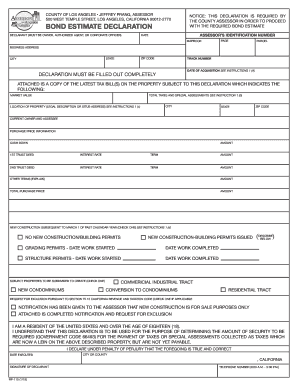
Bond estimate sample
Benefit from the DocHub online library of fillable PDF forms
Searching the PDF forms doesn't have to be a tedious and time-consuming process. With the DocHub online library, it has become easier to find the fillable PDF forms and modify them in your browser. The service allows you to adjust the document to your needs using powerful editing tools.
You can use online document editing features to modify almost any type of document with ease. You just need to find the template of your choice, open it in the editor, and use the toolbar to make the necessary corrections.
Follow this guide to get your document done with DocHub:
- Find the PDF template you need.
- Click the Get Form button to open the file in the editor.
- Use the toolbar to fill out and edit the document.
- Easily add and highlight text, insert images, checkmarks, and symbols.
- Drop new fillable fields, and rearrange or delete pages from your file.
- Save changes and download your record.
DocHub empowers everyone to streamline document editing, signing, and distribution, and form completion. Create an account and benefit from our well-organized PDF Forms library and comprehensive editor.