
Get any PDF form from the DocHub library of ready-made templates - Page 4

Release of Cremated Remains Form

Pharmacist Evaluating Examination Application

Rental Application Form 22

Pelvic Floor Questionnaire Male
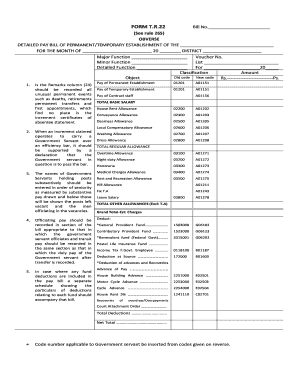
Government Pay Bill Form T R 22
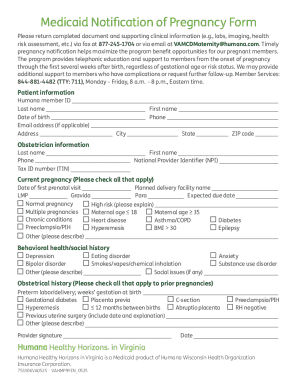
Medicaid Notification of Pregnancy Form

Australia Customs Crew Declaration Form

Crane Operator Physical Examination Form
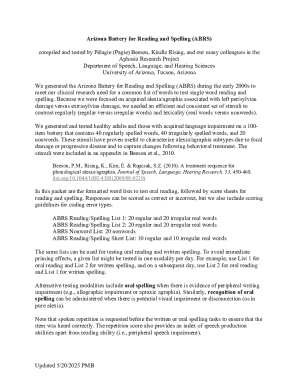
Arizona Battery for Reading and Spelling (ABRS) Form

Notice of Conversion Privilege for Federal Employees' Group Life Insurance
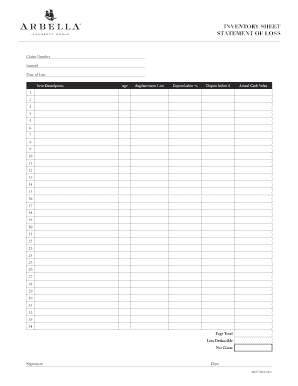
Insurance Loss Inventory Sheet
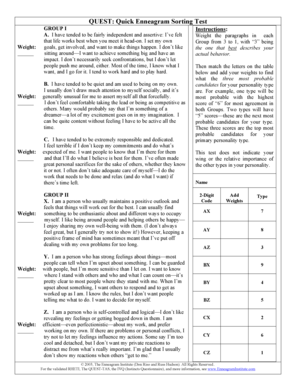
Quick Enneagram Sorting Test

Canada Homestay Network Activity Authorization Form
27 Minuta Compraventa Inmueble Colombia
07 Formato de Cotizacion Colombia
03 Derecho de Peticion Colombia
02 Carta de Renuncia Colombia
09 Contrato Prestacion de Servicios Colombia
Hoja de Vida
16 Carta de Solicitud Colombia
Contrato de Trabajo
15 Orden de Compra Colombia
29 Liquidacion Prestaciones Sociales Colombia
14 Acta de Reunion Colombia
25 Minuta Declaracion Extrajuicio Colombia
06 Certificacion Laboral Colombia
21 Carta de Autorizacion Colombia
Commercial Receipt Template
30 Pagare Colombia
19 Contrato de Obra Civil Colombia
17 Recibo de Pago Colombia
23 Declaracion Juramentada Colombia
18 Promesa de Compraventa Inmueble Colombia
24 Solicitud de Vacaciones Colombia
Service Order Template
22 Factura Proforma NO Fiscal Colombia
20 Acta de Entrega Colombia
26 Accion de Tutela Colombia
13 Carta de Recomendacion Colombia
32 Arrendamiento Local Comercial Colombia
12 Compraventa Vehiculo Automotor Colombia
01 Cuenta de Cobro Colombia
31 Acuerdo de Pago Colombia
08 Referencia Personal Colombia
Contrato de Compraventa de Casa o Bien Inmueble
Carta Compromiso Escolar
Contrato de Confidencialidad
Carta Compromiso de Pago
04 Contrato de Mandato Colombia
Promesa de Compraventa de Bien Inmueble
Contrato de Prestaci n de Servicios de Consultor a
Contrato de Donaci n
Convenio de Pago
Acta de Entrega-Recepci n
Requisici n de Compra
Contrato de Comodato
Pagar
Contrato de Comisi n Mercantil
Aviso de Privacidad Integral
Contrato de Mandato
2025 SALN Form
Status in Canada and Income Information
SWORN AFFIDAVIT B-BBEE QUALIFYING SMALL ENTERPRISE (GENERAL)
01185 HO Formulario Afiliaci n Sistema General Pensiones
Request for Waiver of Overpayment Recovery
Delivery Receipt
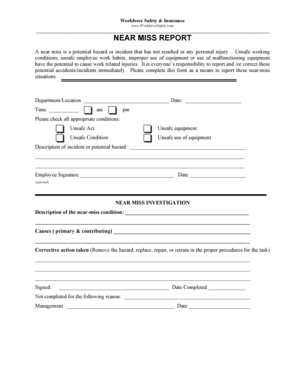
Workforce Safety Near Miss Report
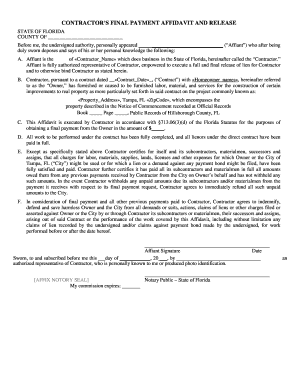
Contractor s Final Payment Affidavit and Release

Construction Waste Management Acknowledgement
Request for Pathology Materials

Alaska ASAP Intake Packet

Application for Benefits Under a US International Social Security Agreement
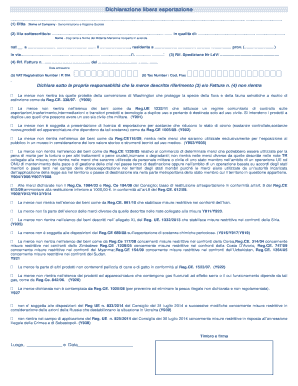
Dichiarazione libera esportazione
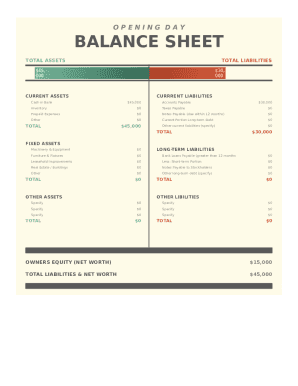
Opening Day Balance Sheet

Healthy Montana Kids Application
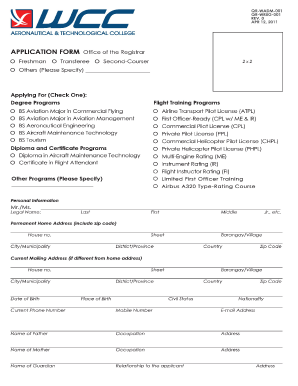
Wcc application form
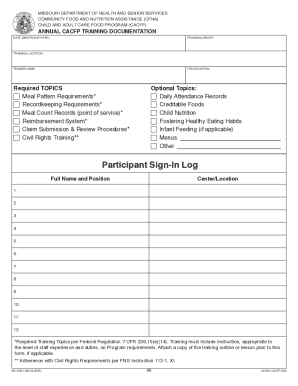
Annual CACFP Training Documentation Form
Texas Power of Attorney Affidavit for School Year 2026-2027

California franchise tax board form 3571
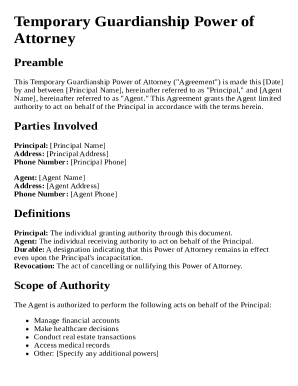
Temporary Guardianship Power of Attorney Template

Texas EVV Employer Selection Form
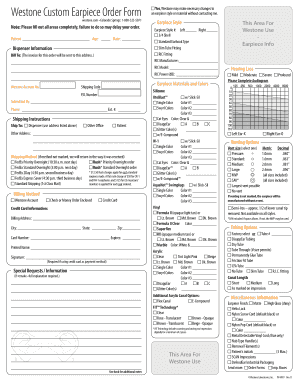
Westone Custom Earpiece Order Form

Facility-Based Treatment Form

Formulario de Registro de Empleado
NYSCAP SNAP Benefits Interim Report

Cayman Islands Visitor Extension Application
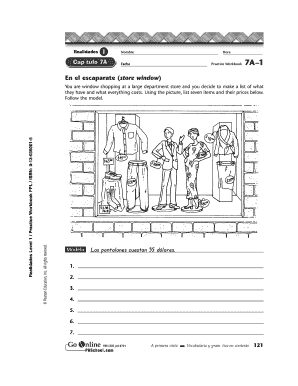
Cuaderno de Pr ctica de Espa ol

Gun Safety Quiz
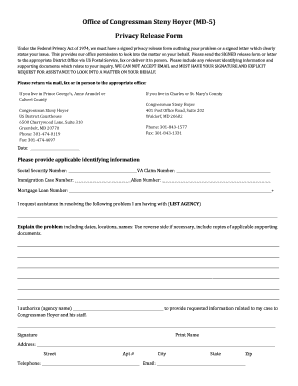
Privacy Release Form

Illinois Hospital Adjustment Form
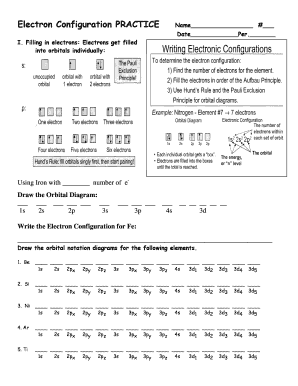
Electron Configuration Practice Worksheet

New York Grandparent Visitation Petition
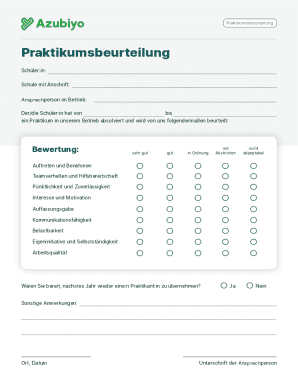
Praktikumsbeurteilung
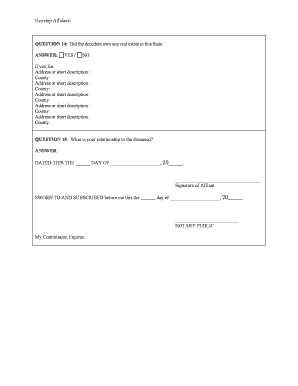
Mississippi Heirship Affidavit
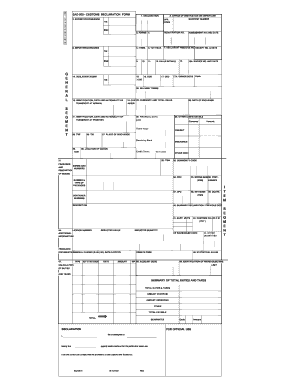
Customs Declaration Form

DOM-323, Disability or Blindness Report and Instructions - medicaid ms

HELB Enquiry Form EF 1
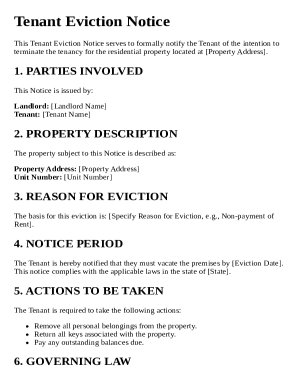
Tenant Eviction Notice Template
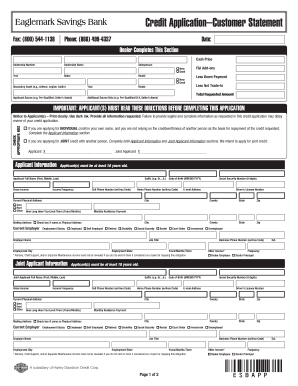
Credit Application Customer Statement
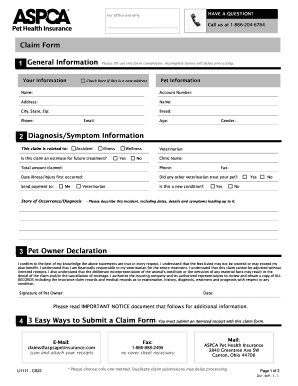
Pet Insurance Claim Form
Benefit from the DocHub online library of fillable PDF forms
Searching the PDF forms doesn't have to be a tedious and time-consuming process. With the DocHub online library, it has become easier to find the fillable PDF forms and modify them in your browser. The service allows you to adjust the document to your needs using powerful editing tools.
You can use online document editing features to modify almost any type of document with ease. You just need to find the template of your choice, open it in the editor, and use the toolbar to make the necessary corrections.
Follow this guide to get your document done with DocHub:
- Find the PDF template you need.
- Click the Get Form button to open the file in the editor.
- Use the toolbar to fill out and edit the document.
- Easily add and highlight text, insert images, checkmarks, and symbols.
- Drop new fillable fields, and rearrange or delete pages from your file.
- Save changes and download your record.
DocHub empowers everyone to streamline document editing, signing, and distribution, and form completion. Create an account and benefit from our well-organized PDF Forms library and comprehensive editor.