
Get any PDF form from the DocHub library of ready-made templates - Page 981

Vitalant consent
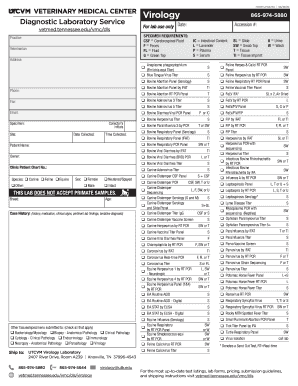
Submitting Samples - UTCVM

Peak of Ohio - Home
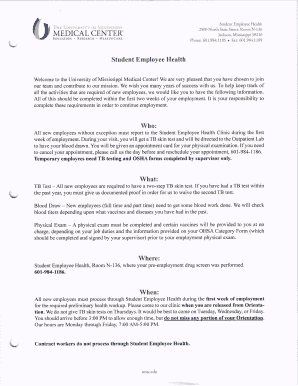
Your HR Service Center - University of Mississippi Medical Center
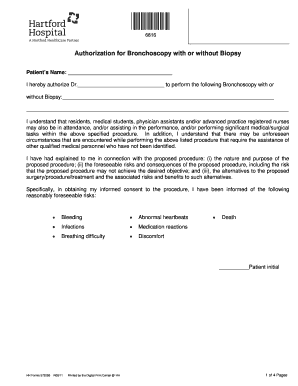
Bronchoscopy consent form
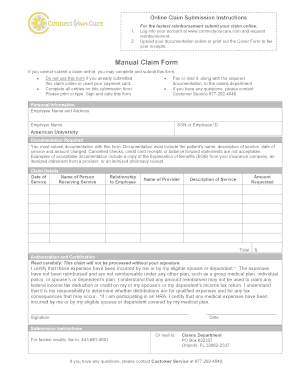
Cyc claim form

Uw medicine order form
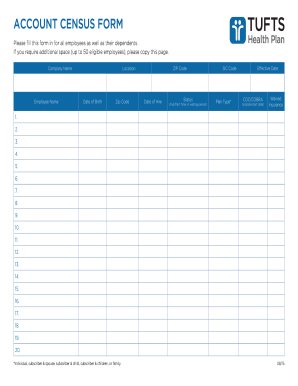
Account bcensus formb - Tufts Health Plan
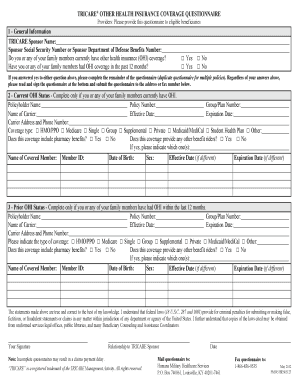
TRICARE Other Health Insurance Coverage Questionnaire TRICARE Other Health Insurance (OHI) Coverage
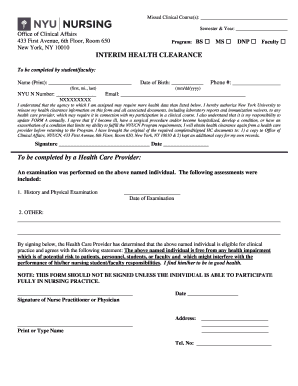
Interim Health Clearance Form - New York University
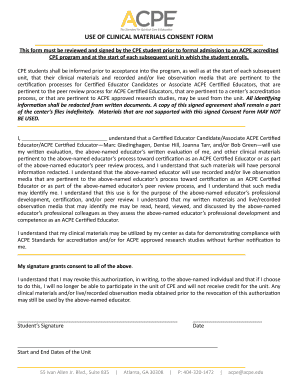
Materials consent

New patient questionnaire
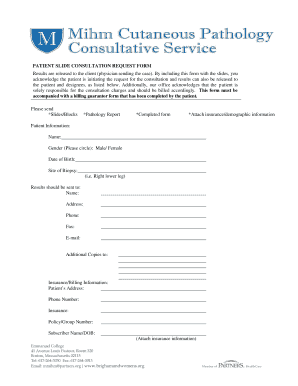
BRIGHAM AND WOMENS HOSPITAL - Patient Slide Consultation Form
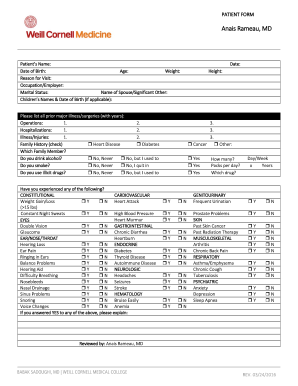
The Graduate School - Cornell's eCommons - Cornell University
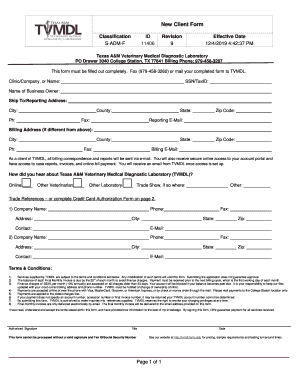
Information for Clients - Texas A&M Veterinary Medical
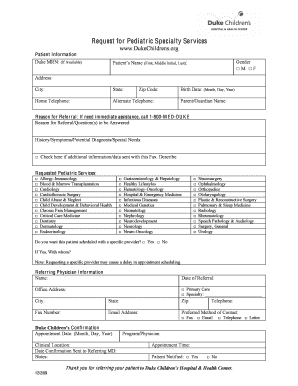
Duke rheumatology referal forms
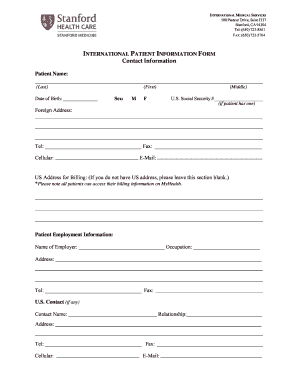
500 Pasteur Drive, Suite J337
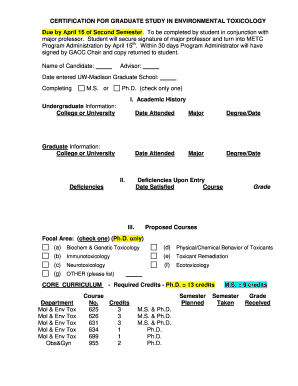
EVALUATION of STUDENTS PROGRESS to DEGREE
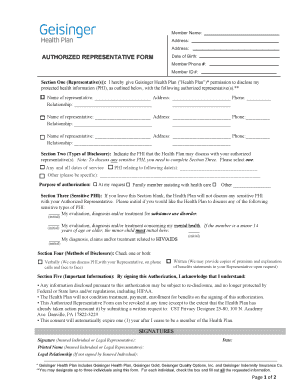
Plan authorized
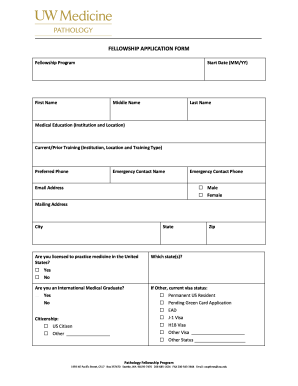
Fellowship application form
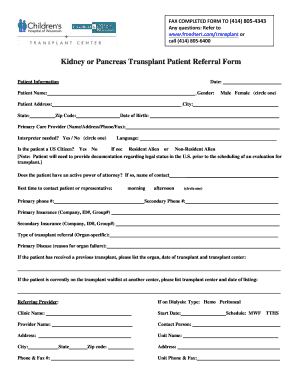
Kidney transplant referral form

Artwork request
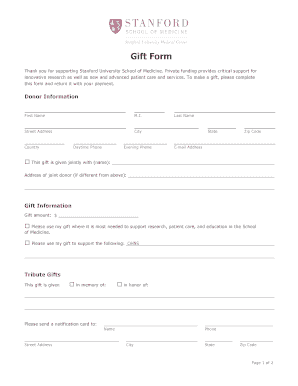
Gift Form - Stanford University School of Medicine
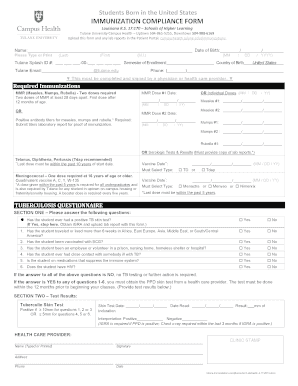
Tulane immunization compliance
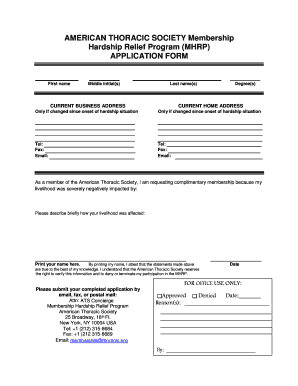
MHRP Application Form
Ucsd intake form
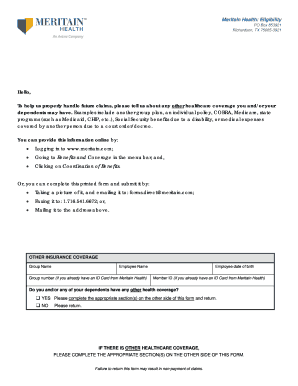
Meritain form
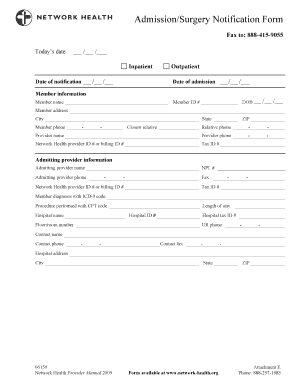
Network health admission surgery notification form
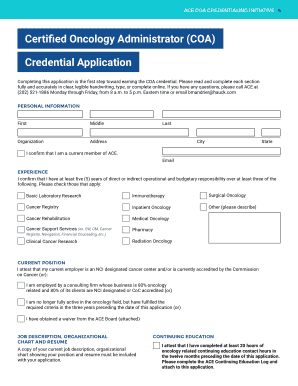
Credentialing CoordinatorThe Oncology Institute of Hope
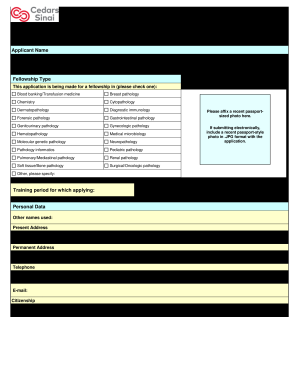
Fellowship Application Form - Studylib

Stanford diagnostic lab
J-1 Insurance Verification Form for J Exchange Visitors
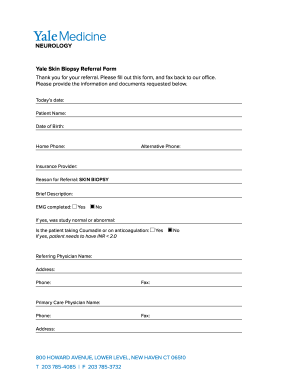
Yale Skin Biopsy Referral Form - Yale Medicine
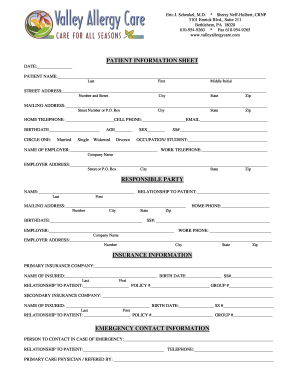
Dr Eric J Schenkel MD ReviewsBethlehem, PAVitals
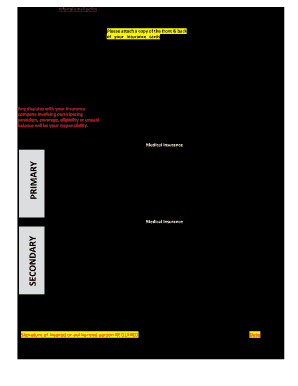
Insurance Information Form - University of Washington

Polysomnography form

Common Lies and Tricks Used by Insurance Companies

Iha provider inquiry form

Family planning application form

Ob gyn referral

Department Emergency Contact Summary Sheet

APPLICATION EMERGENCY CONTACT INFORMATION

Turning in this application does not guarantee enrollment

FCA Cross Country Emergency Consent Form
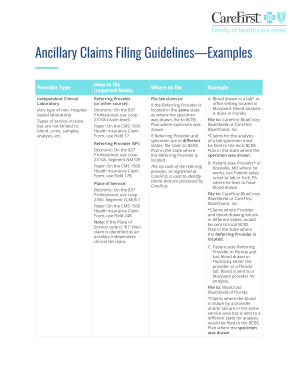
Ent carefirst bcbs

Wex dependent care verification form

Immunology Laboratory 800
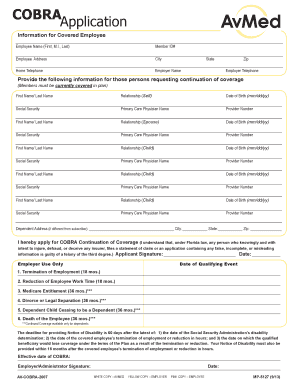
Cobra application form
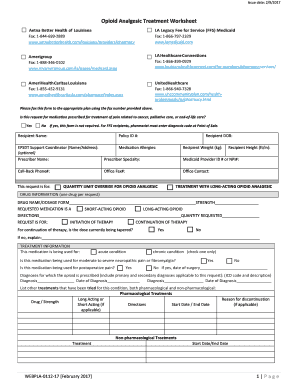
Opioid Analgesic Treatment Worksheet Final 022317

Radiology associates forms
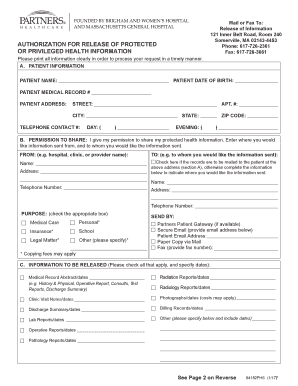
Healthcare authorization release form

AAFP Adult Immunization Project Planning Form

Verification of Disability Form for Mental Health Treatment Providers

VERIFICATION OF DISABILITY FORM FOR MEDICAL PROVIDERS

Fillable Online FORM B10 (Official Form 10)(4 98) Fax Email

Life trust certification form

PLEASE READ THESE DIRECTIONS BEFORE COMPLETING
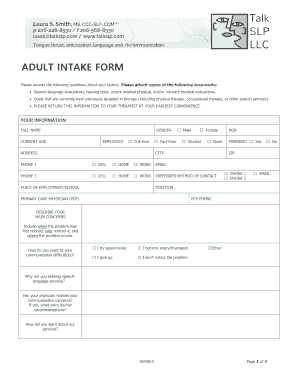
Slp intake form
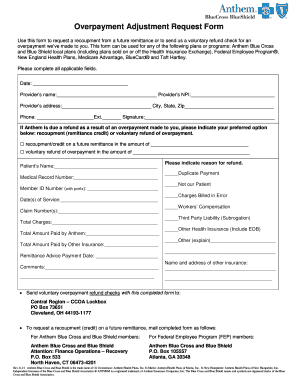
Anthem overpayment adjustment request form

Nc form subpoena get
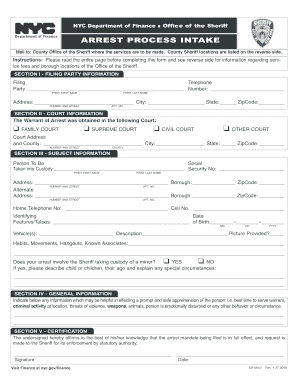
Ny process intake

Wisconsin continuing cle

Arizona lack service online
Minnesota supplemental narrative response ble board

Delaware application practice
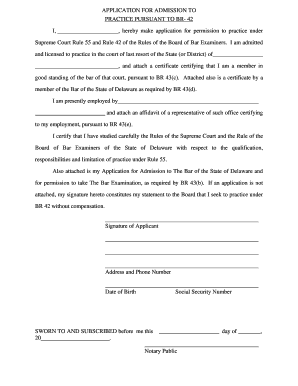
Delaware application bar
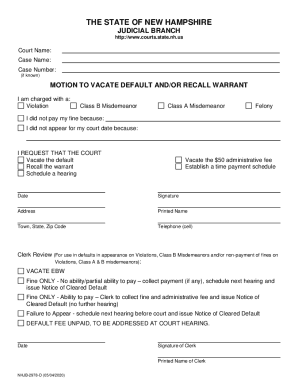
Vacate warrant
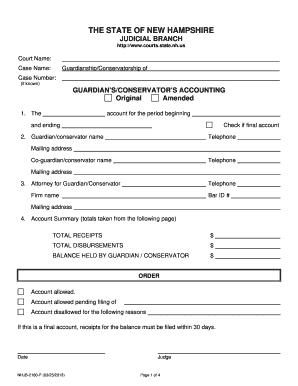
Nh form guardian
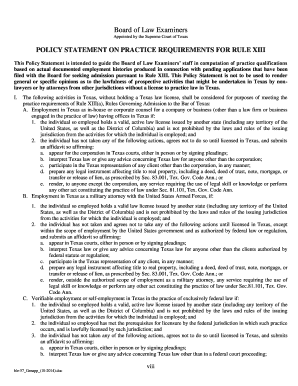
Tx law practice requirement
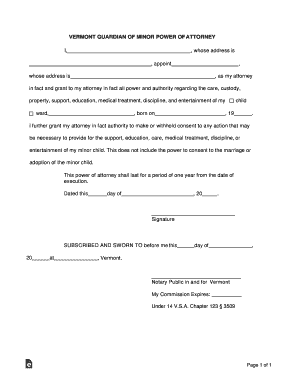
Vermont Guardian of Minor Power of Attorney Form
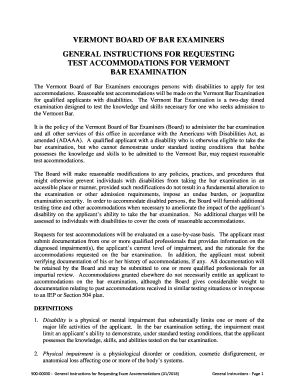
Vt general bar
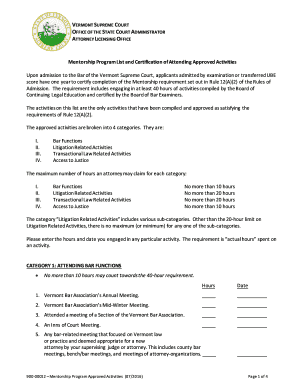
Vermont list attending activities

Vermont equivalency foreign law

Oregon separation dissolution

Oregon in house
Motion response

Maine motion forms blank

Ma surrender form

Florida c judgment fill
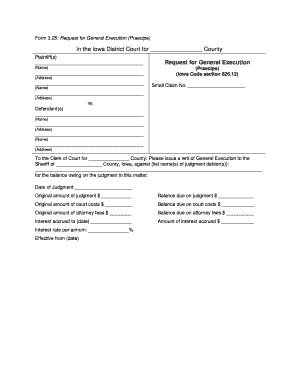
Iowa request general execution

Colorado inspection objection form

Colorado amount exempt form

Form 327 memorandum form

Hawaii bar application

Hi exempt case
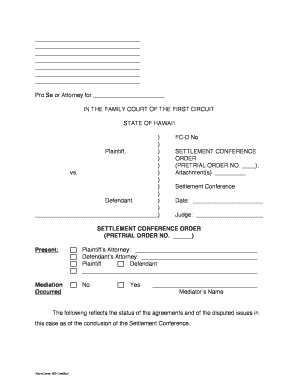
D revacomm

Hawaii child support form
Hawaii affidavit plaintiff form

Complaint state hi form

Hrcp form

Hawaii claims information
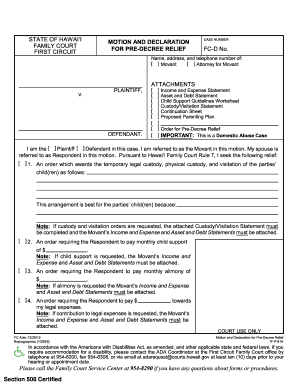
Hawaii motion declaration

Hawaii waiver form

Indiana adjustment online

Schedule payment serve printable
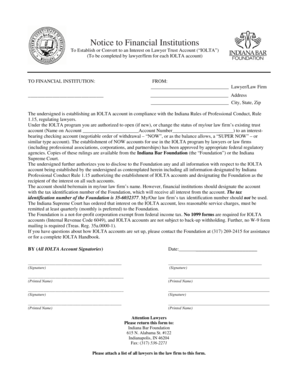
Notice financial
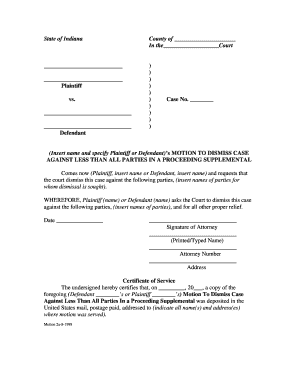
Motion dismiss all
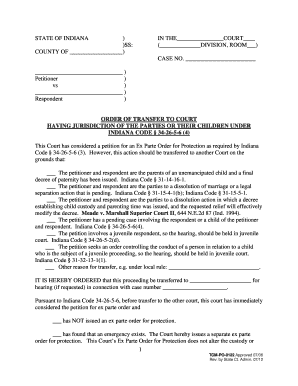
Indiana 4 transfer form

Alcohol remedial form

Illinois indigent person
Benefit from the DocHub online library of fillable PDF forms
Searching the PDF forms doesn't have to be a tedious and time-consuming process. With the DocHub online library, it has become easier to find the fillable PDF forms and modify them in your browser. The service allows you to adjust the document to your needs using powerful editing tools.
You can use online document editing features to modify almost any type of document with ease. You just need to find the template of your choice, open it in the editor, and use the toolbar to make the necessary corrections.
Follow this guide to get your document done with DocHub:
- Find the PDF template you need.
- Click the Get Form button to open the file in the editor.
- Use the toolbar to fill out and edit the document.
- Easily add and highlight text, insert images, checkmarks, and symbols.
- Drop new fillable fields, and rearrange or delete pages from your file.
- Save changes and download your record.
DocHub empowers everyone to streamline document editing, signing, and distribution, and form completion. Create an account and benefit from our well-organized PDF Forms library and comprehensive editor.