
Get any PDF form from the DocHub library of ready-made templates - Page 954
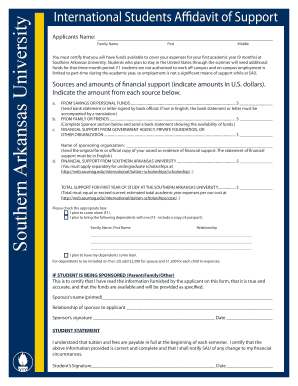
Sau affidavit sample
Endowed Fund to Honor Prof Douglas RaeYale School of
SBS Payment Processes flowchart

American heart association emergency cardiovascular care program course evaluation form

ACHE OF WESTERN PA

TRAVEL RISK ACKNOWLEDGEMENT AND WAIVER FORM FOR

LIDR Immunology Core Flow Cytometry Information S heet

PhD in Rural Health Sciences Application Form - Mercer

Application InstructionsDepartment of Mathematics - OSU Math

Naoc declaration form
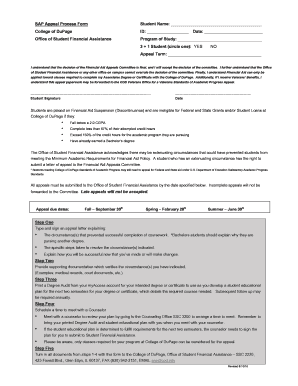
Appeal process form

CLLA Staff Scholarship Form

New hire appointment

User intake

Membership intake recruitment packet checklist - University of
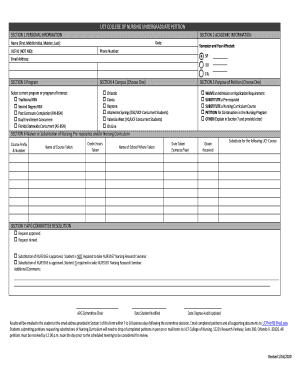
Ucf petition form

Fully completed and signed Applications must be submitted electronically to cemenova

Professors in the United States - Wikipedia
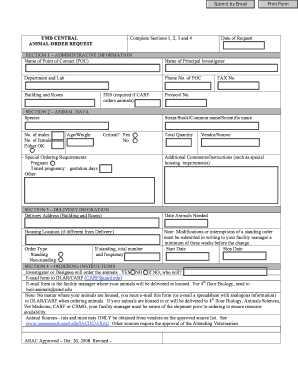
CAPS Form - umresearch umd

Preschool Program- 4 year olds 2019-2020 Registration Form

A Guide to Writing Club By-Laws - Uinta County

Howard university diploma

Supervisor Name (please print):

Ccts form

IN #, if known

RESEARCH REGISTRATION FOR THE MAJOR IN GENETICS

Stores requisition form

Support Letter for Graduate School Application Fee Waiver
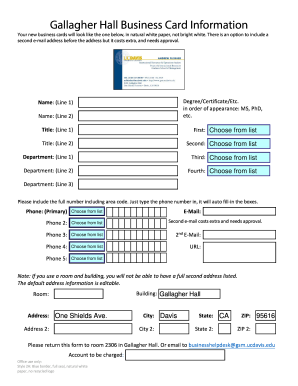
App for business cards
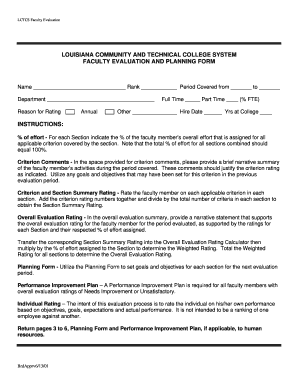
FACULTY APPRAISAL AND PLANNING FORM - Louisiana - lctcs

Verification of Living with Parent Form Fall Spring
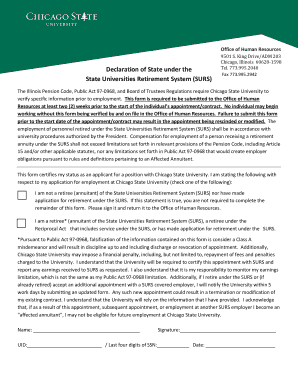
King Drive ADM 203
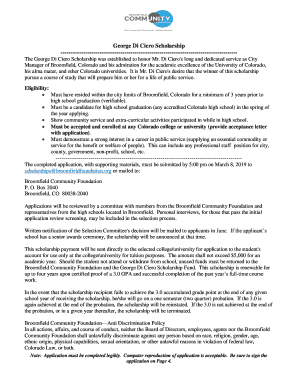
Di ciero
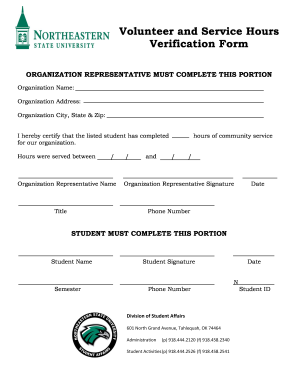
Service hours verification form
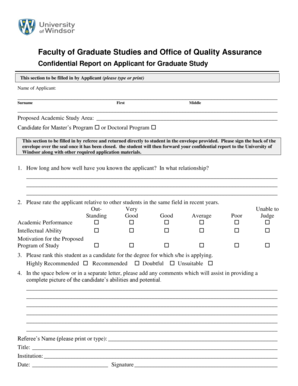
University windsor confidential report

Grady high log form fill
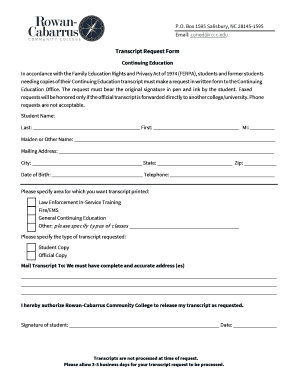
Rccc transcript
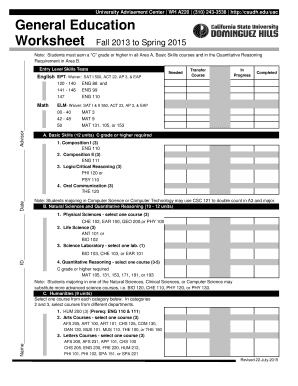
Csudh general
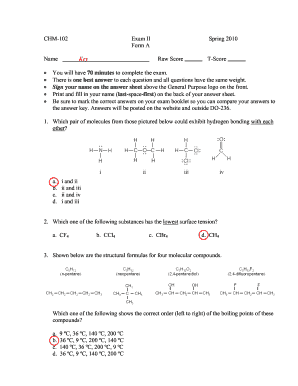
CHM-102 Exam II Spring 2010 Form A Name Key Raw Score T - uncw
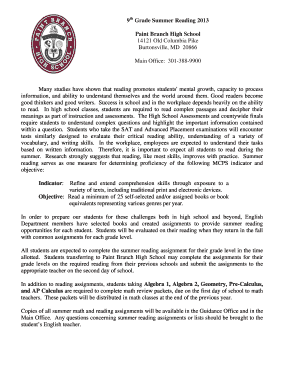
Branch high 9th summer reading form
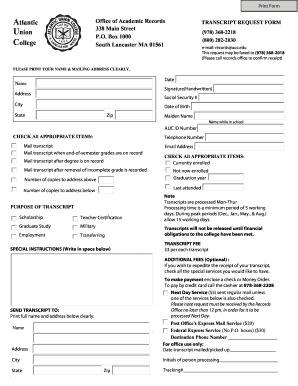
Auc transcript request

Dripping background check
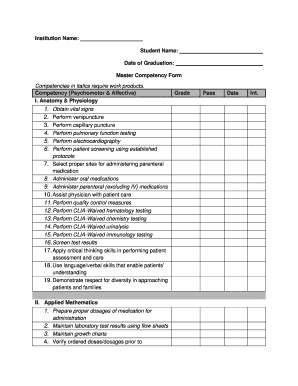
Cna skills checklist pdf
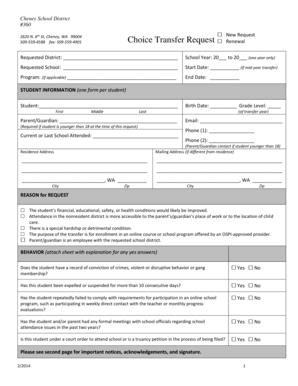
Choice transfer
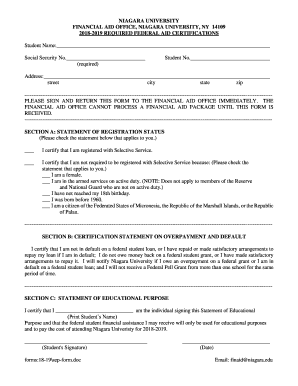
Niagara required federal aid certifications form create
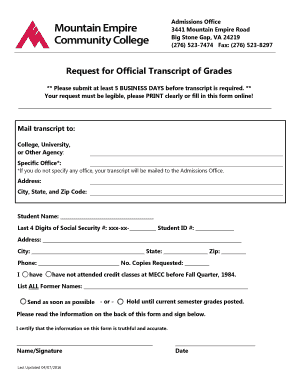
Mountain empire community college transcript
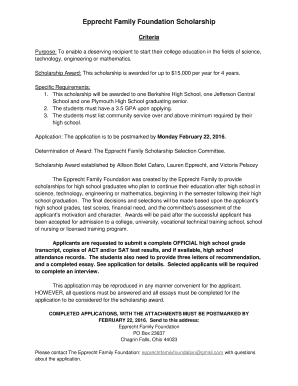
Epprecht family
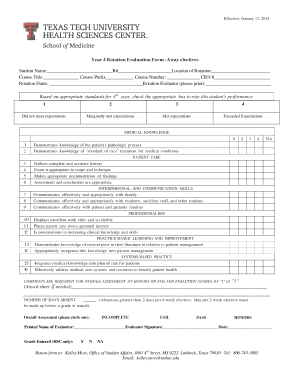
Year 4 Rotation Evaluation Form - Away electives - ttuhsc
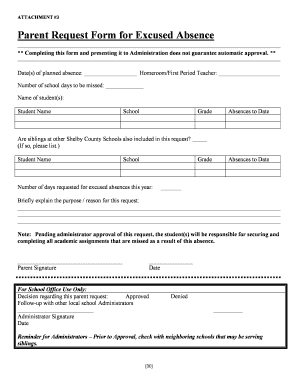
Request form excused absence sample
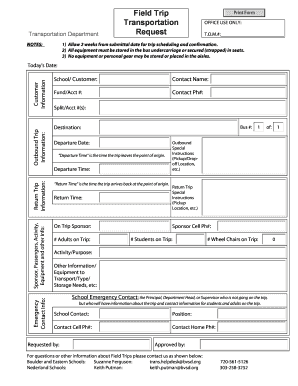
Trip transportation request
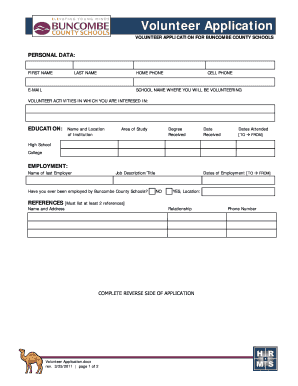
Buncombe schools volunteer
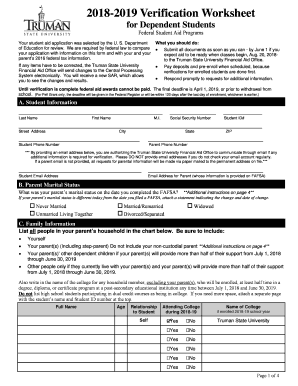
Truman worksheet form online

Aotea form

Direct deposit request prcc form

Cnu withdrawal form

Mn umn acknowledgement form blank
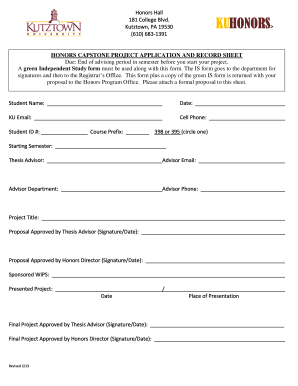
Honors record sheet
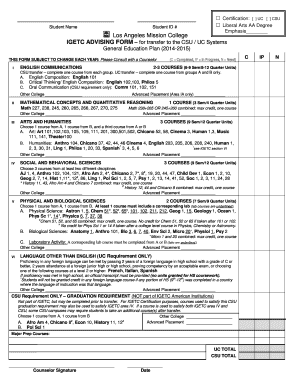
Certification: UC CSU
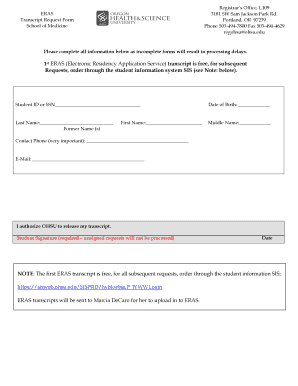
Ohsu transcript request
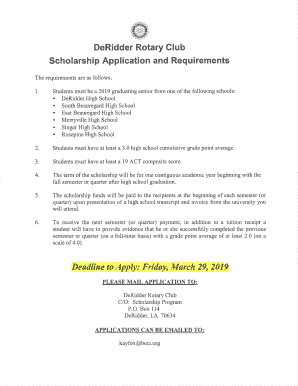
2019 deridder club scholarship application template
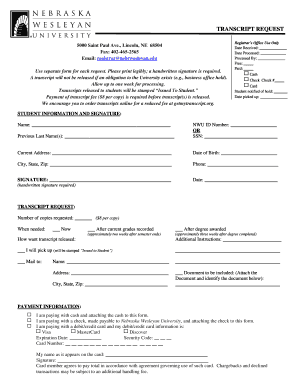
Nwu request form
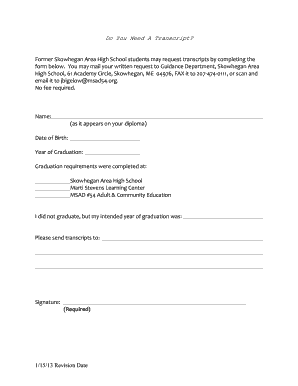
Area high school transcript request sahs form
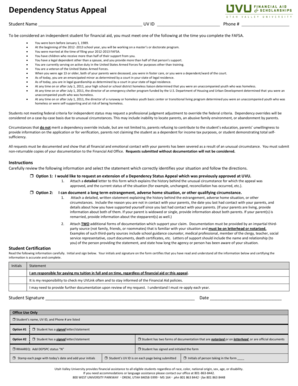
Dependency status the us
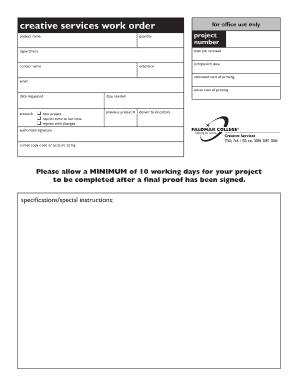
Creative services order form

Self placement form download

Cetusa travel release travel
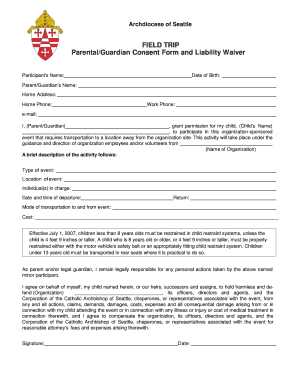
Field trip consent form

Drury university transcript
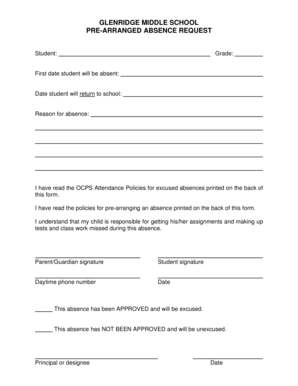
Middle school pre arranged absence request
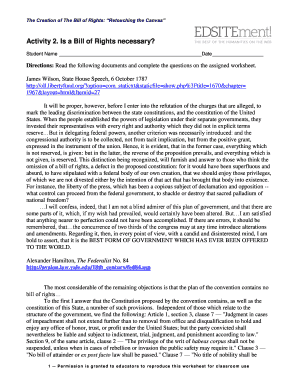
Rights retouching 2 necessary create
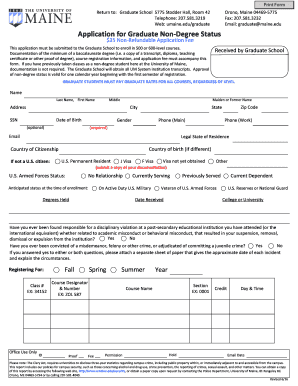
Application graduate non degree form

Viu f1 transfer form
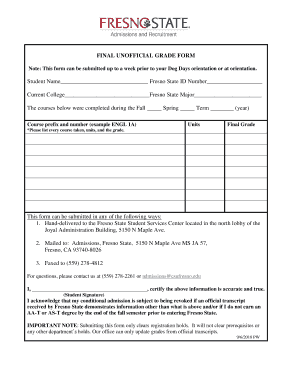
Fresno state unofficial

Accommodation ashford university

Ms chapter fourteen circle time
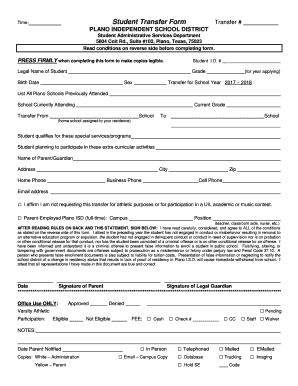
Pisd student transfer

Chm models gcc
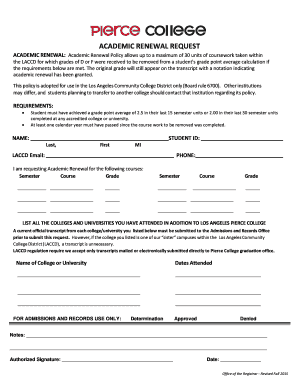
Academic renewal request form

Xavier title iv
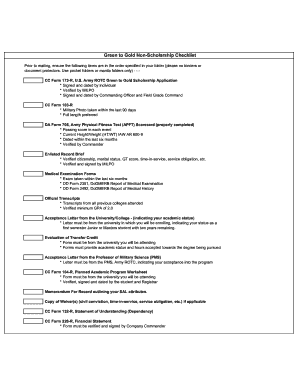
Army applications form

Thsca membership form

Acei application educational form online
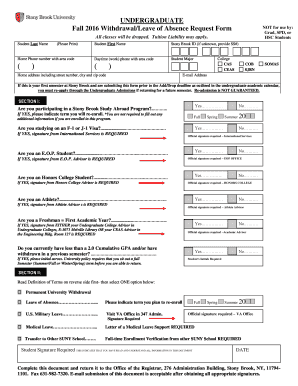
2016 stony absence get

Geometry exams practice materials

Designation emergency contact form printable

Fl usfsp photographic image liability form trial

Residency information petition

College class schedule approval make
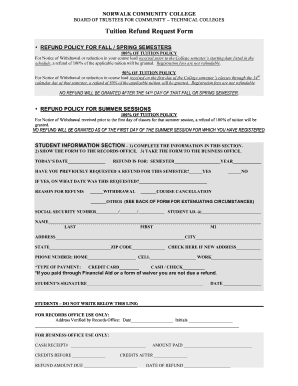
Tuition refund form
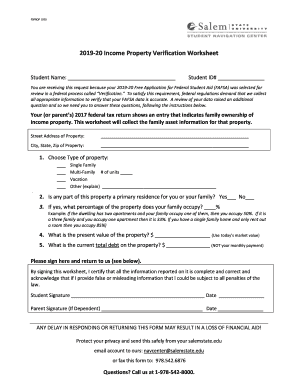
Salem property worksheet

Attendance verification san diego

Houston isd school volunteer hours verification search

2011 chemeketa college grade appeal form blank

Washington youth academy mentor application

Sign language interpreter evaluation form
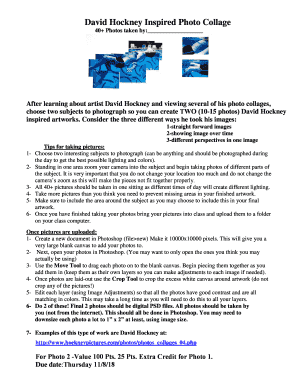
Hockney inspired collage

Nu assurance form

Cui appeal form

Rumpke scholarship application form template
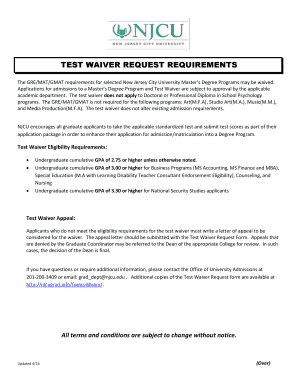
Njcu waiver
Benefit from the DocHub online library of fillable PDF forms
Searching the PDF forms doesn't have to be a tedious and time-consuming process. With the DocHub online library, it has become easier to find the fillable PDF forms and modify them in your browser. The service allows you to adjust the document to your needs using powerful editing tools.
You can use online document editing features to modify almost any type of document with ease. You just need to find the template of your choice, open it in the editor, and use the toolbar to make the necessary corrections.
Follow this guide to get your document done with DocHub:
- Find the PDF template you need.
- Click the Get Form button to open the file in the editor.
- Use the toolbar to fill out and edit the document.
- Easily add and highlight text, insert images, checkmarks, and symbols.
- Drop new fillable fields, and rearrange or delete pages from your file.
- Save changes and download your record.
DocHub empowers everyone to streamline document editing, signing, and distribution, and form completion. Create an account and benefit from our well-organized PDF Forms library and comprehensive editor.