
Get any PDF form from the DocHub library of ready-made templates - Page 956
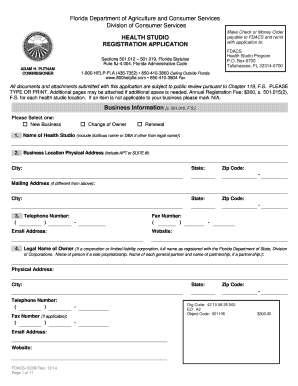
2014 florida fdacs10300 health studio registration application printable
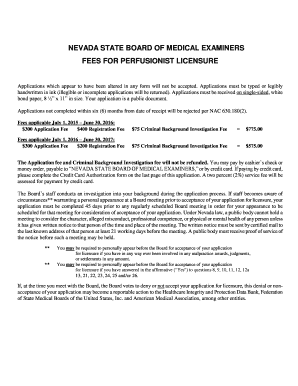
Nevada perfusionist licensure edit
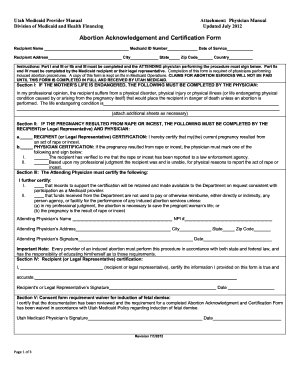
Utah abortion form

Ut vital statistics
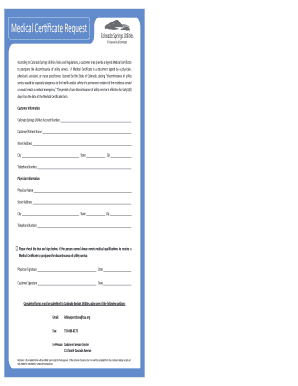
Colorado springs medical certificate

Treating reducing fever form

Indiana consent donation donor form

Application refund accumulated contributions

Cmp family assessment eco map sample
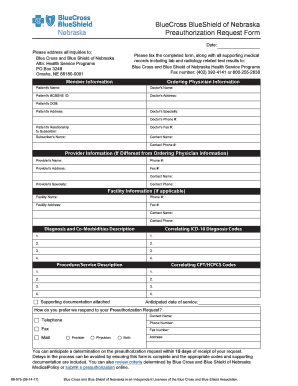
Blue cross blue shield nebraska prior authorization
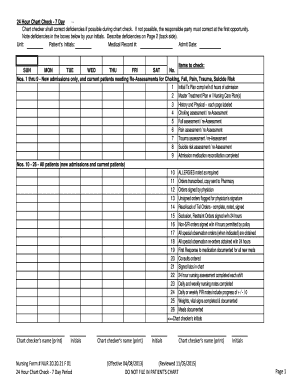
Nursing Form # NUR 20 20 21 F 01 24 Hour Chart Check - 7 Day

Dma 5153
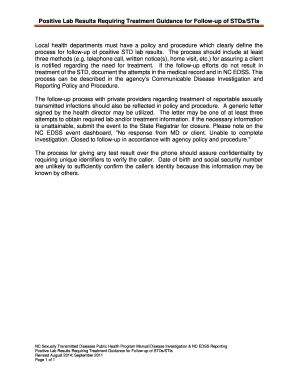
Positive Lab Results Requiring Treatment Guidance for Follow-up of - epi publichealth nc

Ga emergency information form

Family child care policies
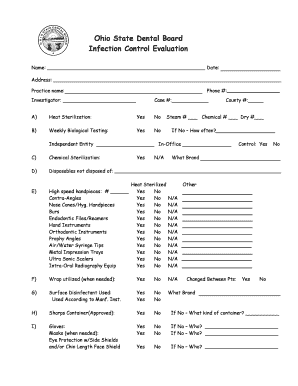
Infection control evaluation form ohio dental download

Odm 07000

Wisconsin state
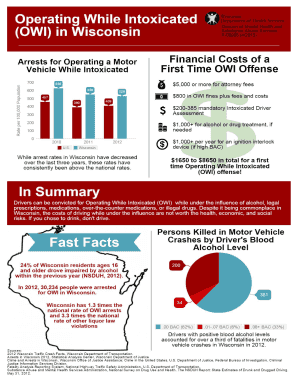
Wisconsin p while form
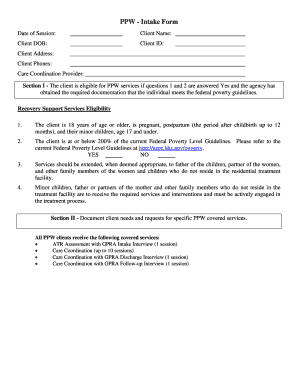
Ppw form
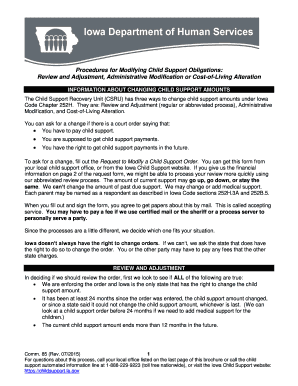
Iowa changing support
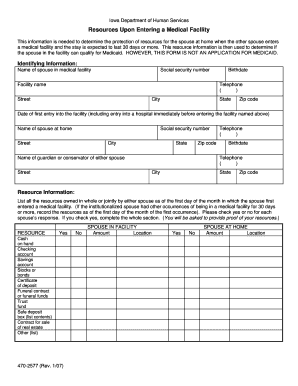
Iowa dhs form upon
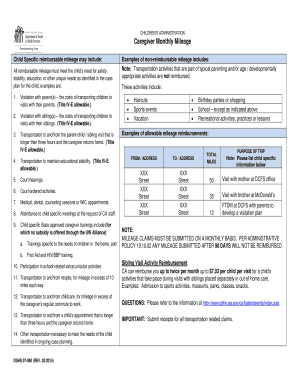
Wa caregiver form

Dshs washington state parenting plan
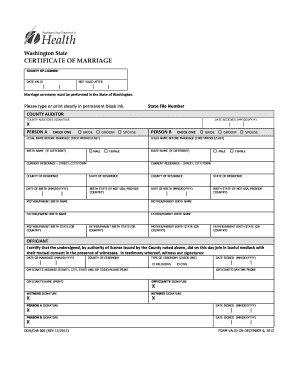
Doh chs 005

Paternity Testing Form - Tulalip Tribes - tulaliptribes-nsn

Delaware grievance request form coventry care blank
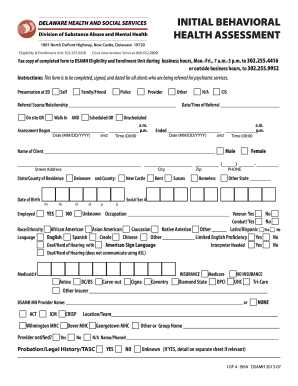
Delaware bha behavioral health

Meningitis worksheet

Ks follows person informed consent printable

Ground duty tax

Lading st printable

Aa cargo claim
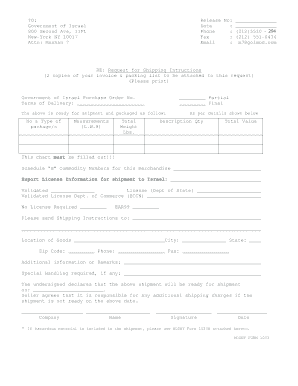
Fill goi
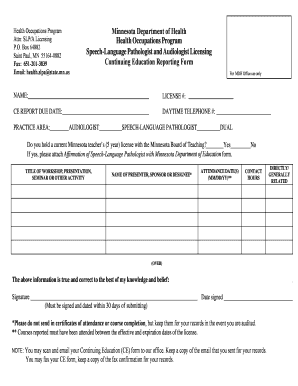
Minnesota education form

2016 State of MN Retiree Coordinated Plan Certificate - mn

Real estate purchaser information template

Gatsby realty
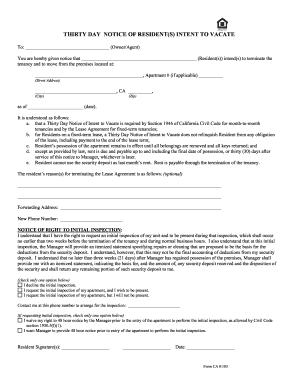
S intent vacate
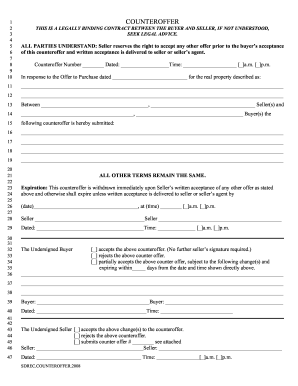
Counter offer real estate form
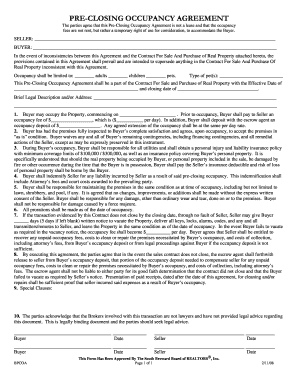
The occupancy agreement

Csusm student agreement center form pdf

OFF-CAMPUS PHYSICAL EDUCATION STUDENT APPLICATION - nisdtx
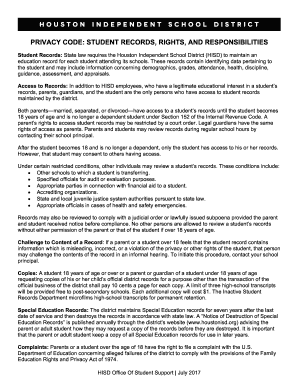
Privacy hisd sample
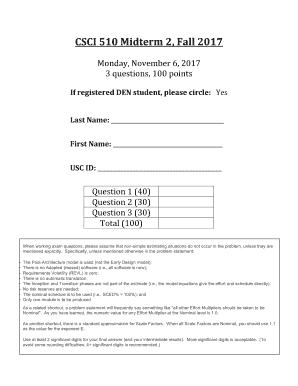
Csci midterm 2
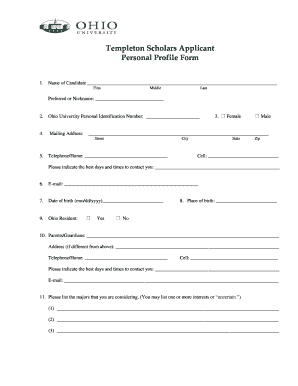
Personal profile templeton
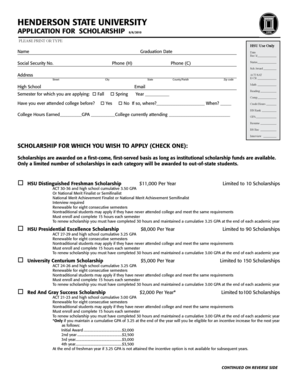
2010 henderson state university scholarship form sample
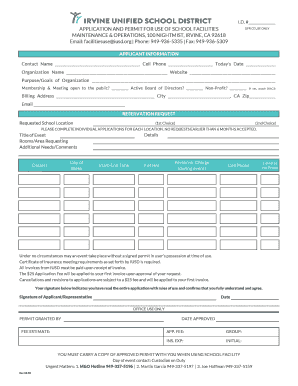
Iusd application permit use school facilities
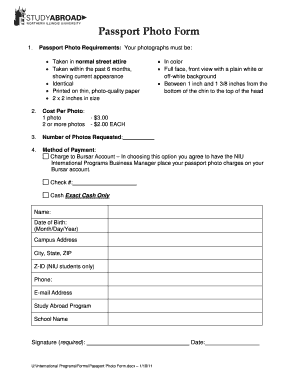
Niu passport photo requirements form blank
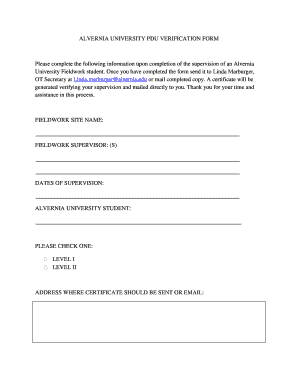
Information required

Gtu certificate download

Satisfactory academic progress appeal letter
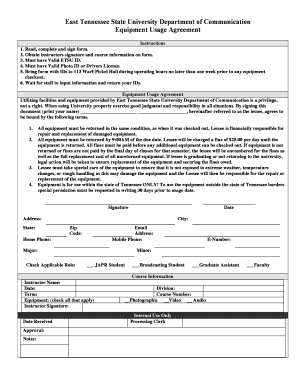
Equiptment issued agreement

Affidavit form zimbabwe

Appeal form rvcc

Wayne 18 consent form

Diffusion virtual lab answer key pdf
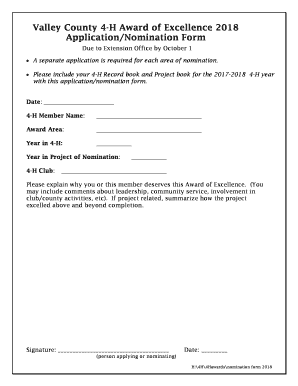
Valley 4 h excellence
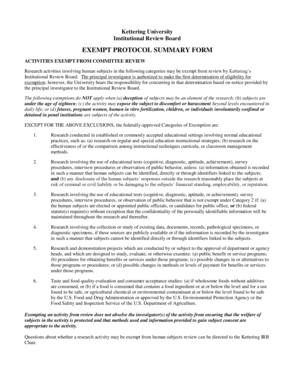
Kettering university exempt

Monthly log sheet form
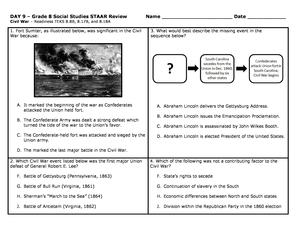
Grade 8 staar review form
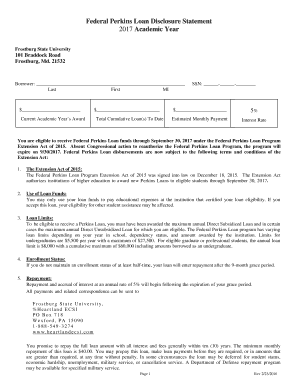
Federal perkins disclosure fill

Excuse note for school
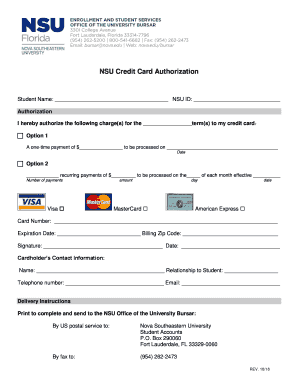
Nova southeastern university credit card
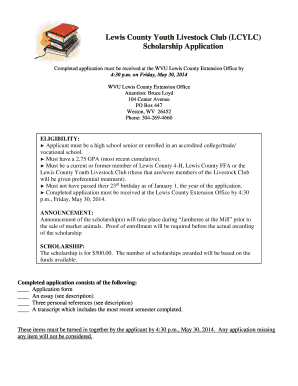
Lewis lcylc scholarship
Vvc form

St edmund prom letter create
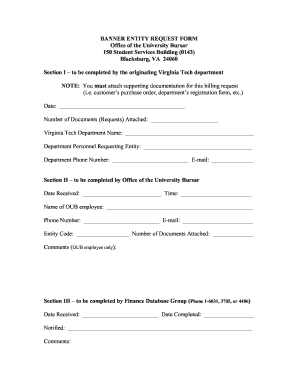
Virginia tech bursar entity

Career assessment caf printable

Joe cleres scholarship

Bus reservation new york eop make
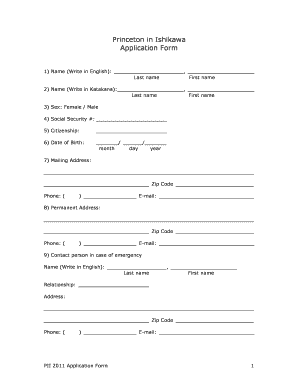
Princeton in ishikawa
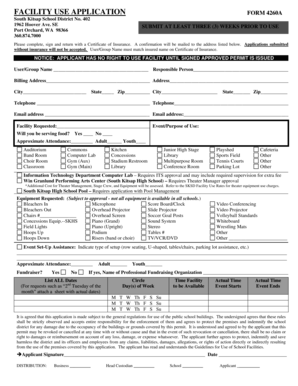
South kitsap school district facility use form
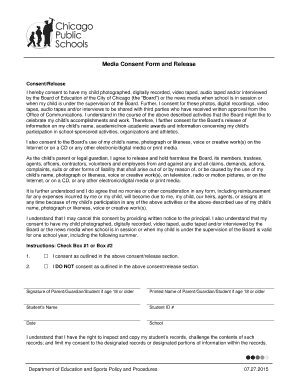
Media consent form
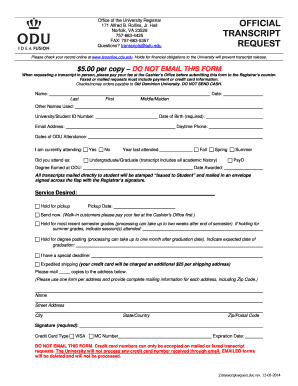
Transcript request old dominion
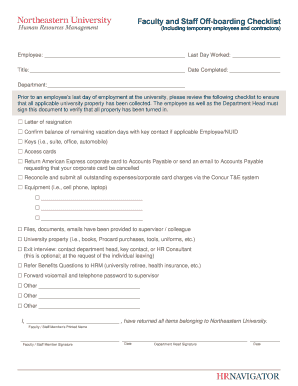
Northeastern university off boarding checklist

Anderson center letter form texas get
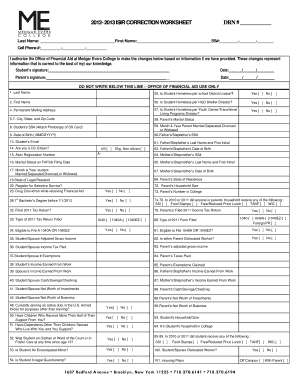
Medgar evers worksheet form
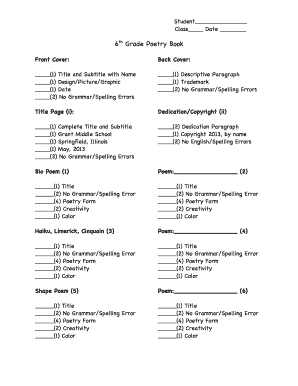
Grade 6 poems pdf
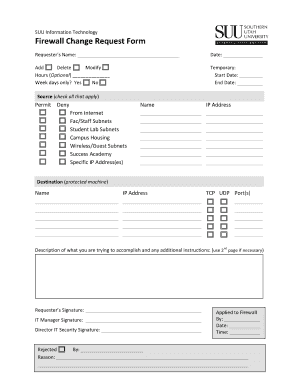
Firewall change equest
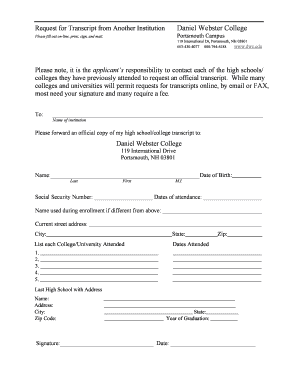
Daniel webster college transcripts
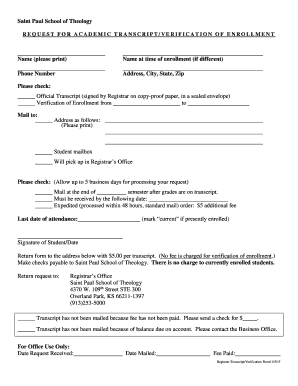
Request for academic transcript - Saint Paul School of Theology
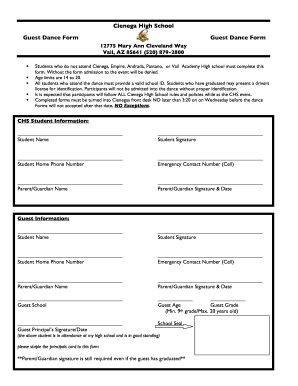
Cienega high school form
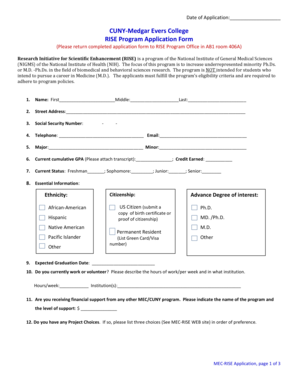
Melgar mec rise

Marys california on campus exemption form requirement
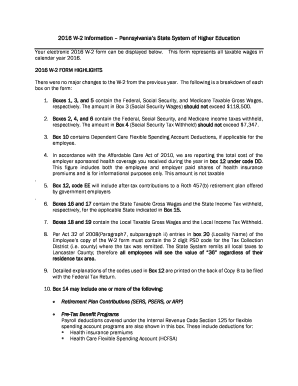
Pennsylvania system w2 information
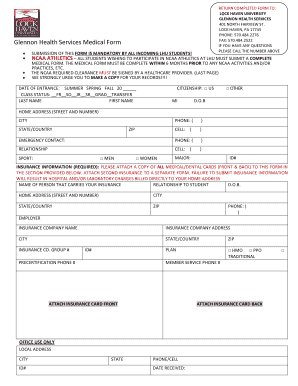
Lock haven university pa glennon

Fiu grant in

Louisiana Students of the Year Awards Program

Ncaa improvement plan division 1

Institution uh online
ADD PERMIT - College of Business Administration - cba csus

Pcusa historical society transcript request form fillable
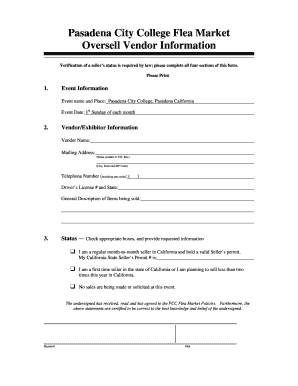
Pasadena city college flea
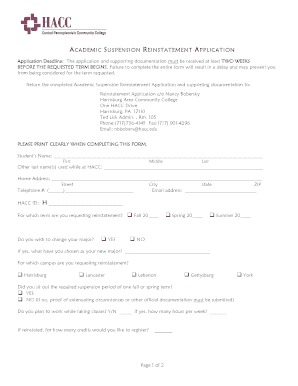
Hacc reinstatement form pennsylvania community college

Veteran enrollment certificate

Henrico 4h scholarship
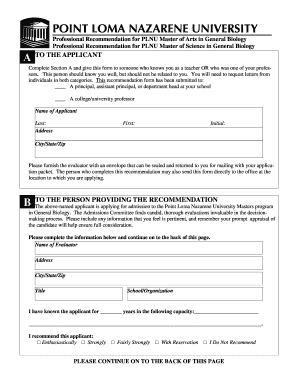
Recommendation plnu general form
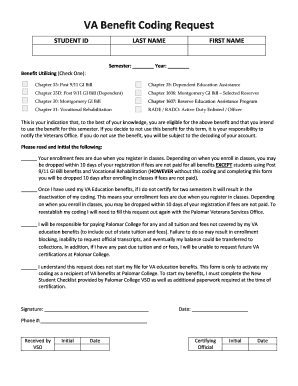
Va benefit coding
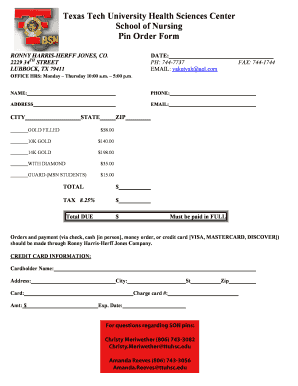
Texas tech pin nursing
Benefit from the DocHub online library of fillable PDF forms
Searching the PDF forms doesn't have to be a tedious and time-consuming process. With the DocHub online library, it has become easier to find the fillable PDF forms and modify them in your browser. The service allows you to adjust the document to your needs using powerful editing tools.
You can use online document editing features to modify almost any type of document with ease. You just need to find the template of your choice, open it in the editor, and use the toolbar to make the necessary corrections.
Follow this guide to get your document done with DocHub:
- Find the PDF template you need.
- Click the Get Form button to open the file in the editor.
- Use the toolbar to fill out and edit the document.
- Easily add and highlight text, insert images, checkmarks, and symbols.
- Drop new fillable fields, and rearrange or delete pages from your file.
- Save changes and download your record.
DocHub empowers everyone to streamline document editing, signing, and distribution, and form completion. Create an account and benefit from our well-organized PDF Forms library and comprehensive editor.