
Get any PDF form from the DocHub library of ready-made templates - Page 897
40+ FREE Envelope Templates (Word + PDF) TemplateLab
Paycheck protection program loan application - Mid Penn Bank
Cm 32 34
Form sra
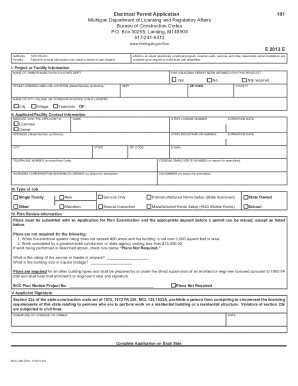
Electrical permit application
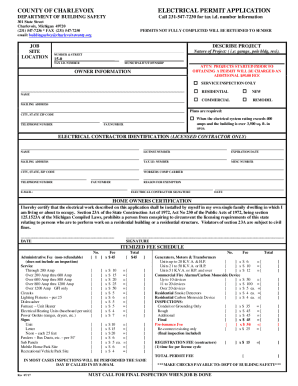
Mi electrical permit county
Michigan lara
Michigan lara

Michigan lara

PDF RE: ADULT FOSTER CARE APPLICATION - State of Michigan
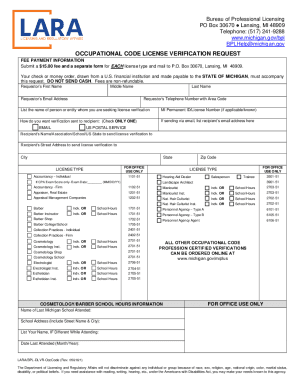
Mi licensing verification

Bcal 4605
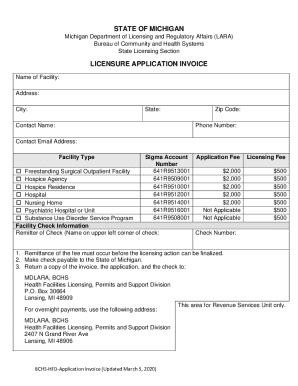
LARA - Health Professional Licensing - State of Michigan
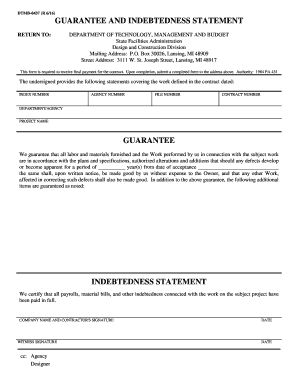
DMB-437 (Rev 3 03)
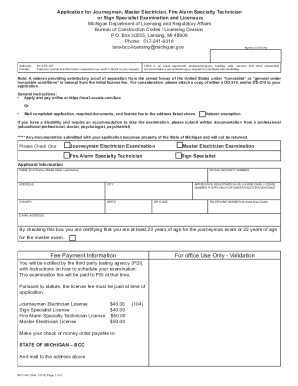
Journeyman electrician

Michigan lara
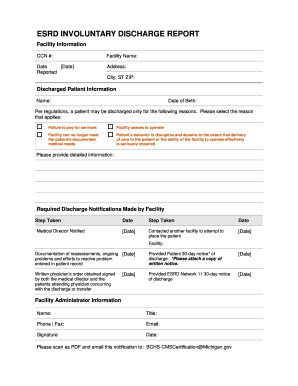
Michigan involuntary
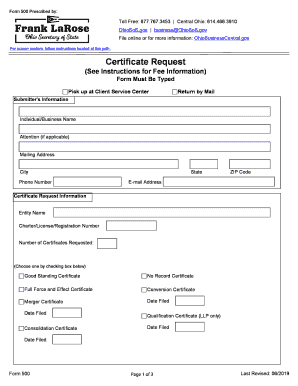
Ohio form certificate
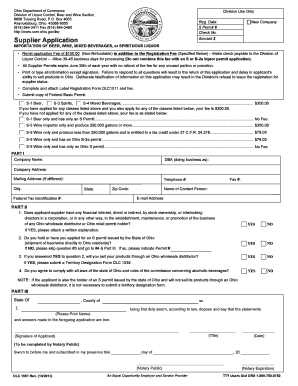
Oh application beverages liquor
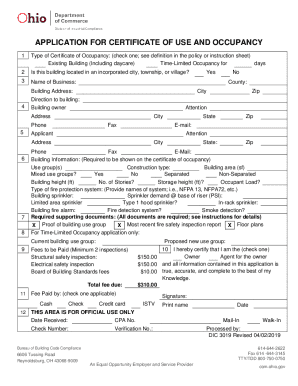
Certificate occupancy form
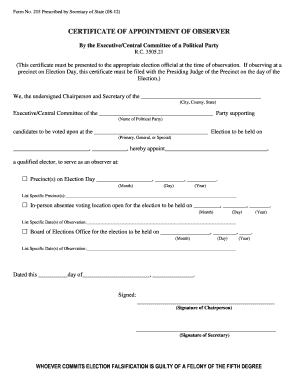
Form 215 - Ohio Secretary of State - boe cuyahogacounty

Converter frp para pdf
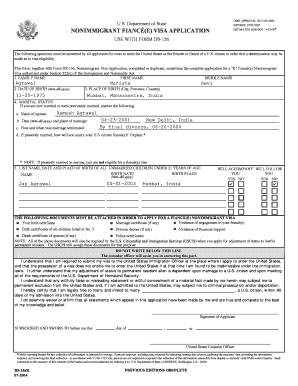
156k
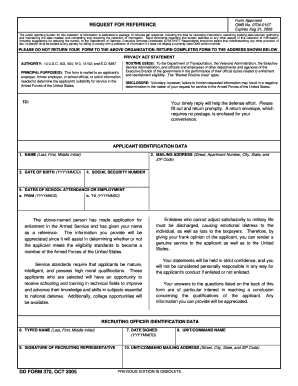
Qmbno 0704 0167

I 589 fillable form

Pay Your Bill - City of Decatur, IL

Affidavit of authority to sign for a company
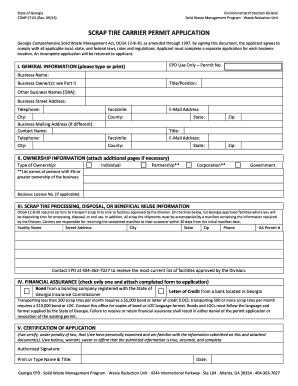
Scrap tire carrier permit application
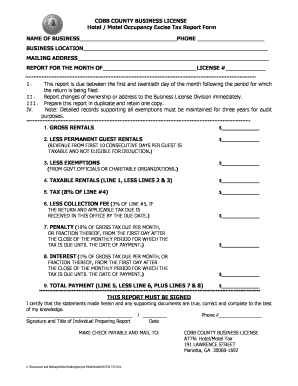
Georgia cobb county occupancy excise

Mailing Address - Individual Fiduciary Income Tax

Georgia withdrawal
Change of Zoning ApplicationNEW

County Verification of Business Location 12-13-11 - State of Indiana

Type ii annual financial report
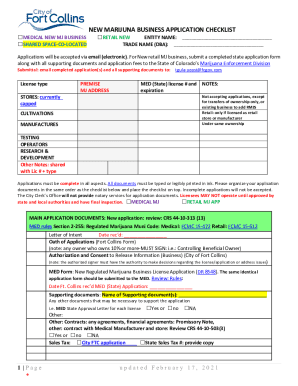
P O Box 12401 Austin, Texas 78711(800) 835-5832(512

Checklist official development form odp

BUSINESS LICENSE RENEWAL NOTICE - Isle of Wight County

VA SCC SCC59 1-70-BE

Recertification application using

Business license new application yes no - Town of Pulaski

440 2570a

Orego contractor coard complaint

Arizona commission form
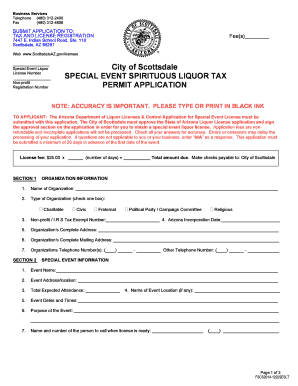
1222seslt special event liquor tax permit form

Arizona amendment foreign

Articles organization

Announcement All Initial Business License Applicants - NJ
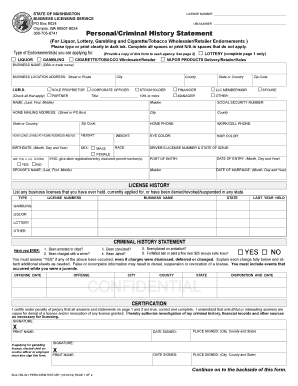
CONFIDENTIAL - Business Licensing Service

CODE REVISER USE ONLY PROPOSED RULE MAKING - dshs wa
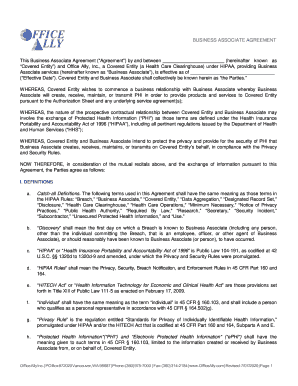
(hereinafter known as
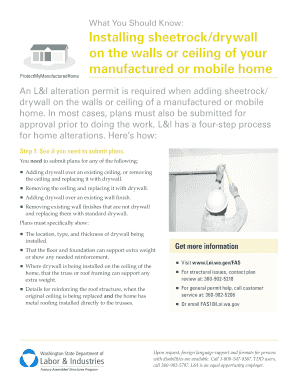
Ceiling submit sheetrock
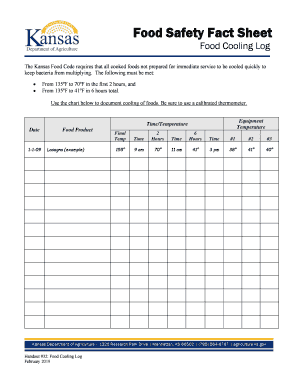
Food safety sheet log

Alaska naics codes

08-484 Articles of Organization FORM doc

Island rhode

Itasca Bank & Trust Co Easy Switch Kit Allow our experienced bankers to handle all of the necessary

Illinois affidavit non
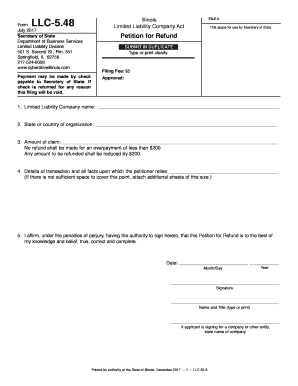
LLC Statement of Correction - CyberDrive Illinois

Dbe utilization online
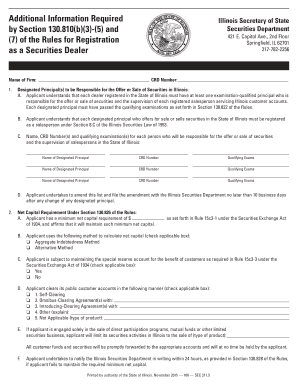
Additional Information Required by Section 130 810(b)(3
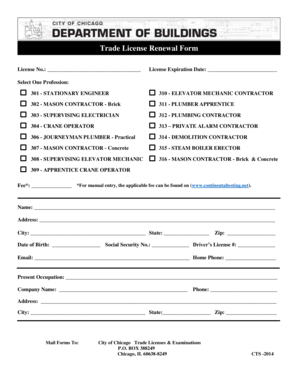
Trade renewal form pdf
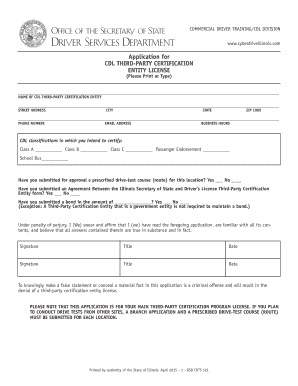
Dsdcdts 121 entity form
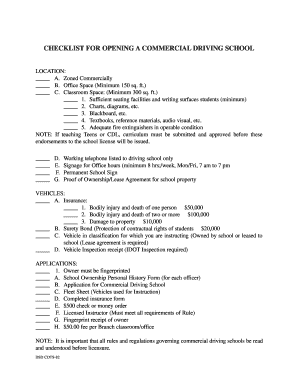
Dsd cdts 82 form print

Illinois application renewal foreign name
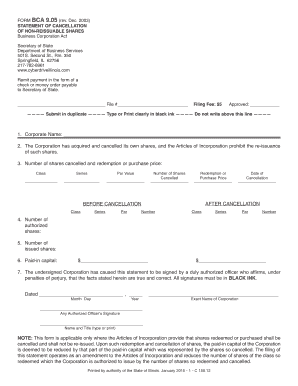
Statement non reissuable

Illinois i215
NM Resource Mobilization Guide
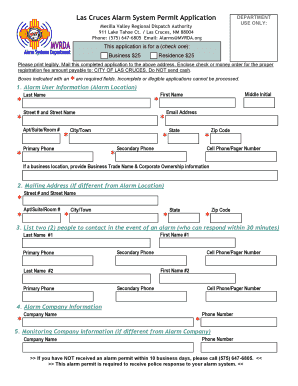
Las Cruces Alarm System Permit Application
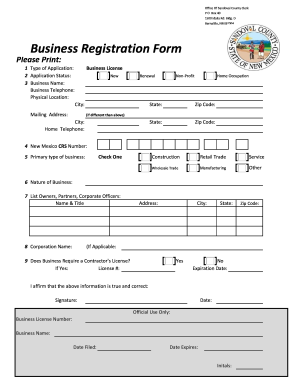
Business Registration Form - Sandoval County
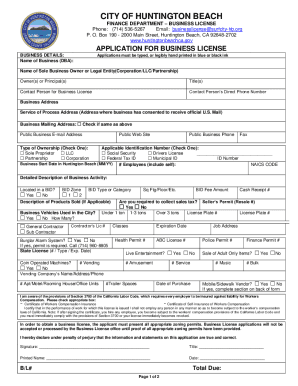
Huntington beach business license renewal

SPEECH-LANGUAGE PATHOLOGY & AUDIOLOGY & HEARING AID DISPENSERS BOARD - REQUEST FOR LICENSE VERIFICAT
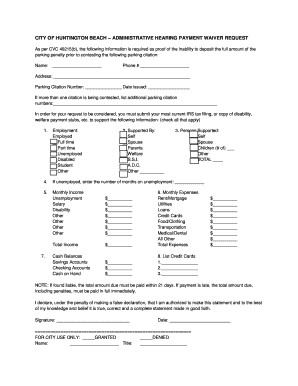
City of huntington beach administrative hearing payment waiver
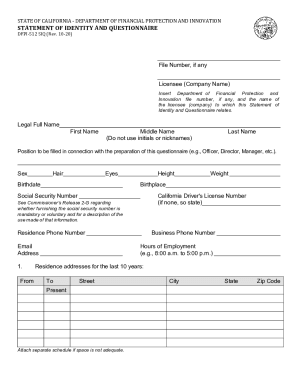
Dfpi form
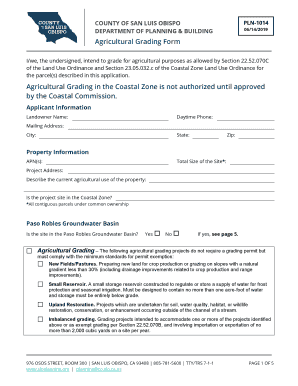
Agricultural Grading Form Agricultural Grading in the Coastal Zone
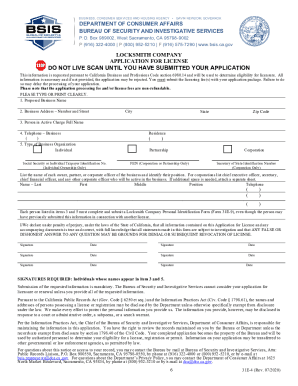
Locksmith Company Application For License Locksmith Company Application For License
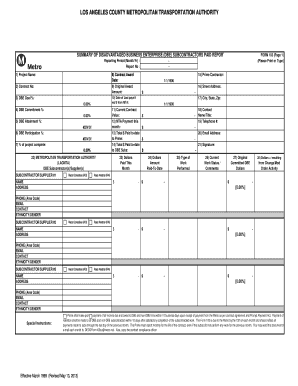
Form 103 dbe form
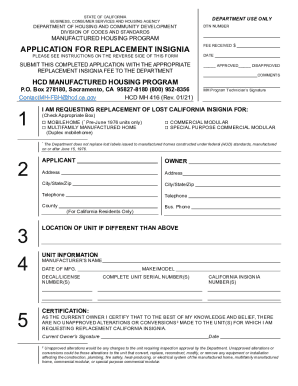
Hcd 416
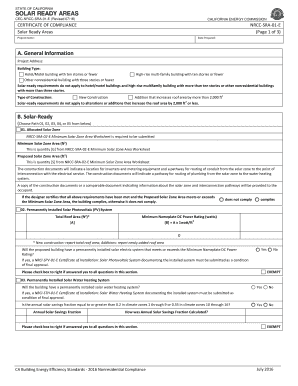
The California Solar Mandate Rolls Out In 2020 Here's How

Form posting alcoholic beverage control
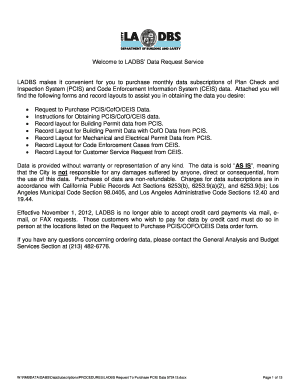
La cofo

Boe 64 ses assr
Sf treasurer updates accountinformation
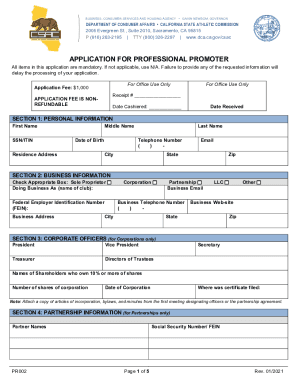
Promoter form pdf

Credit Application - Best Yet Express

Fingerprint application

Auto-Reply Email Sample for Customer Service: A
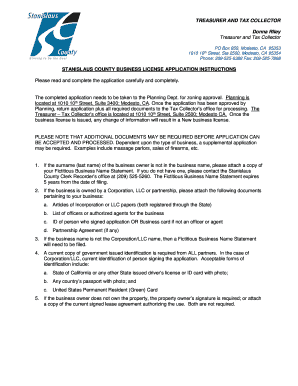
Business license stanislaus county
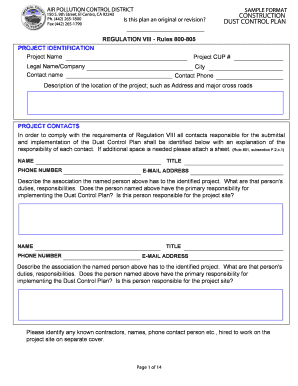
Dust plan county
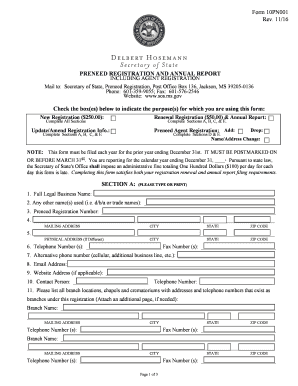
Mississippi 10pn001 pdf

Ny vendor disclosure form

Physician's Certificate BSC-B2
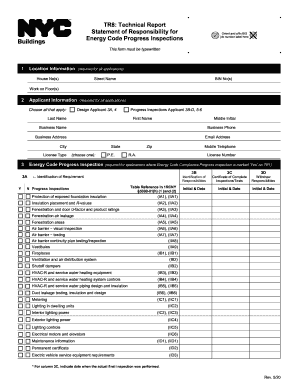
Tr8 form
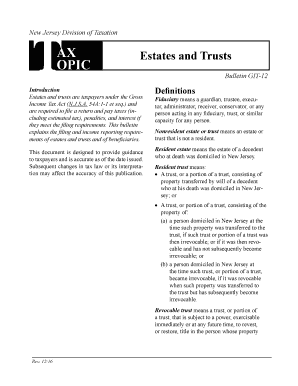
Tax Topic Bulletin GIT12, Estates and Trusts, Revised December 2016 Tax Topic Bulletin GIT12, Estate
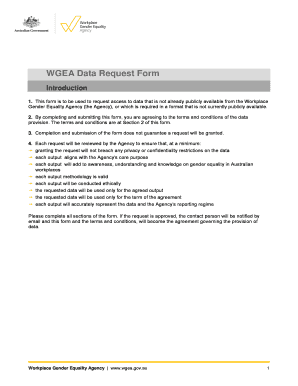
Workplace gender equality agency
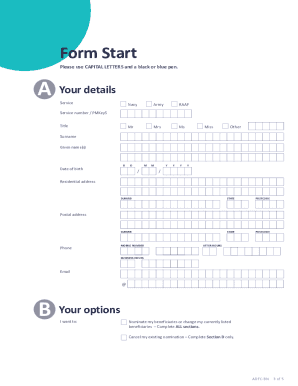
Non binding form
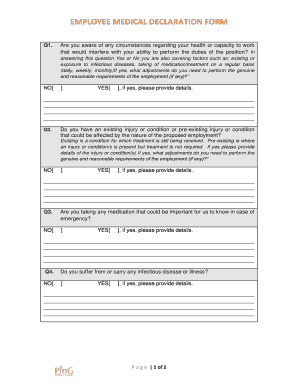
Bemployeeb medical bdeclaration formb - Partners in Grain - partnersingrain org
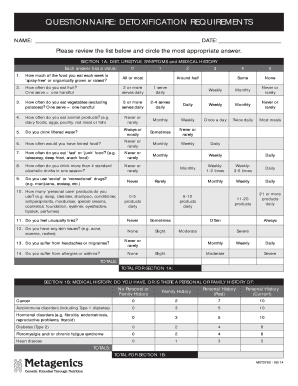
Monthly blank
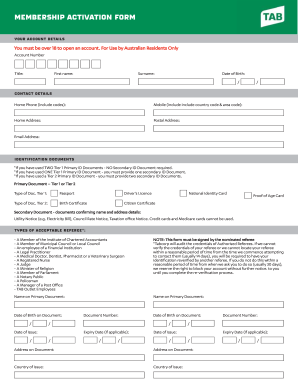
Australian address

Australia excursion information consent
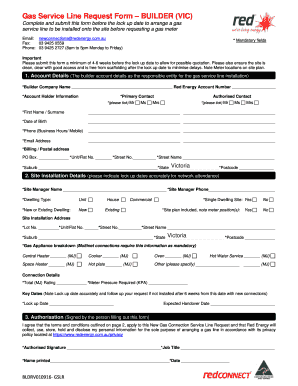
Gas form red energy
Benefit from the DocHub online library of fillable PDF forms
Searching the PDF forms doesn't have to be a tedious and time-consuming process. With the DocHub online library, it has become easier to find the fillable PDF forms and modify them in your browser. The service allows you to adjust the document to your needs using powerful editing tools.
You can use online document editing features to modify almost any type of document with ease. You just need to find the template of your choice, open it in the editor, and use the toolbar to make the necessary corrections.
Follow this guide to get your document done with DocHub:
- Find the PDF template you need.
- Click the Get Form button to open the file in the editor.
- Use the toolbar to fill out and edit the document.
- Easily add and highlight text, insert images, checkmarks, and symbols.
- Drop new fillable fields, and rearrange or delete pages from your file.
- Save changes and download your record.
DocHub empowers everyone to streamline document editing, signing, and distribution, and form completion. Create an account and benefit from our well-organized PDF Forms library and comprehensive editor.