
Get any PDF form from the DocHub library of ready-made templates - Page 790

Career Schools & Colleges Form CSC-072: Completer Follow-Up

Emergency services district county

APPLICATION FOR EMPLOYMENT - krkallentx

Indeed cmpJoyland-Amusement-ParkJOYLAND AMUSEMENT PARK salaries: How much does JOYLAND

Texas workforce commission benefits

Dallas registered food manager
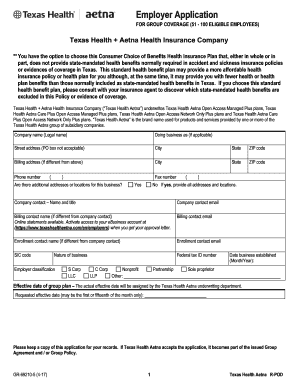
Texas Health Aetna Employer Application - 51-100 Employees - Aetna Texas Health Aetna Employer Appli

302 sam workforce commission form

Garden oaks veterinary clinic
Veteran Directed Home and
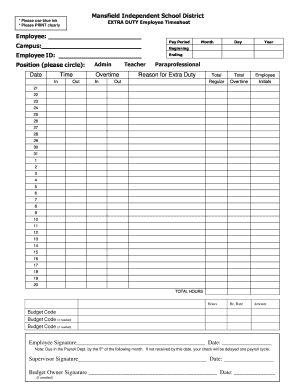
Extra Duty Time Sheet - Mansfield ISD
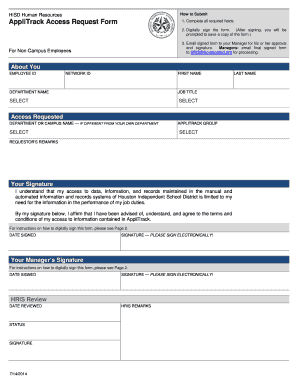
Hisd applitrack
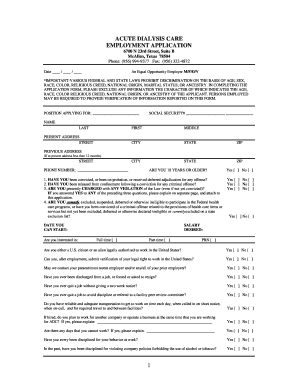
NephroSTAT Acute Dialysis Services - Acute Dialysis Care

Evaluation outstanding performance
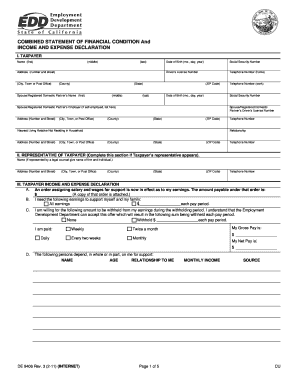
DE 9406 - Employment Development Department - State of California
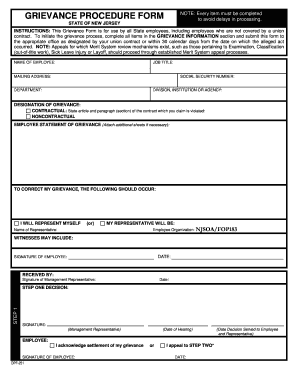
Grievance procedure form
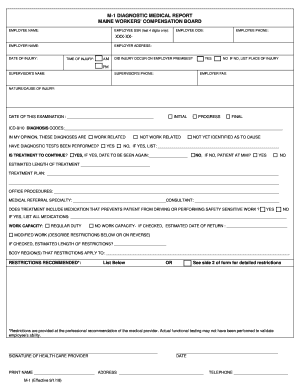
Maine wcb m
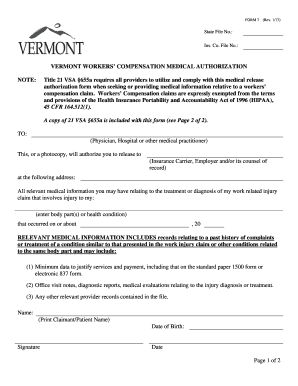
Vt medical authorization
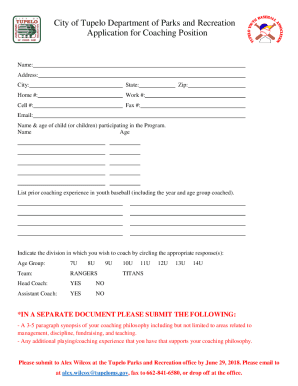
City Of Tupelo Parks Recreation Department in Tupelo, MS
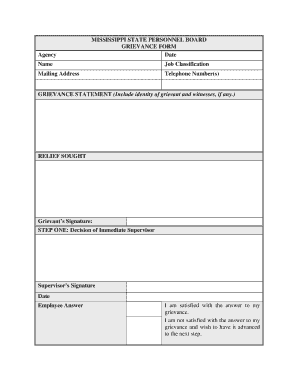
Mississippi grievance form
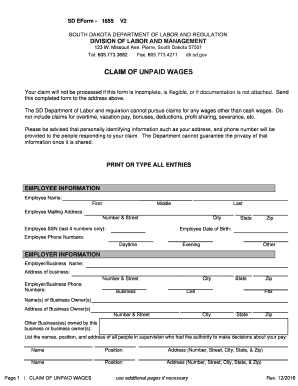
South dakota claim form
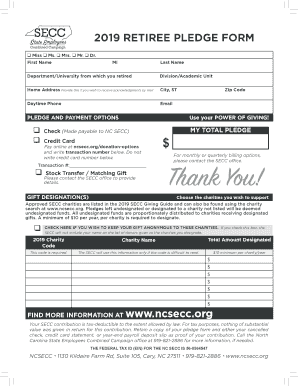
Andrew StocksInterviewing a Dream Maker - Hua Hin Today
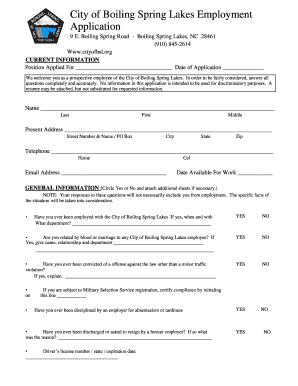
Cityofbsl

Wyoming re exam worker compensation form

Wyoming reimbursement form
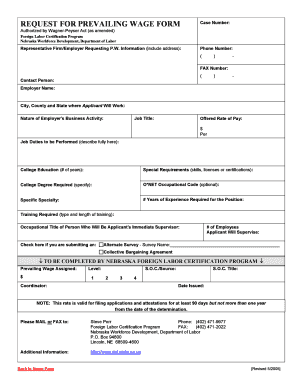
2005 nebraska labor request prevailing wage wagner peyser fillable
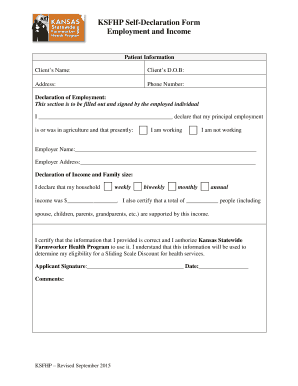
Self declaration employment income

Durable Power of Attorney for Healthcare Decisions - NV-DCFS
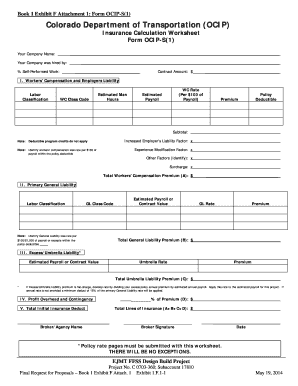
Colorado ocips 1 attachment 1 form
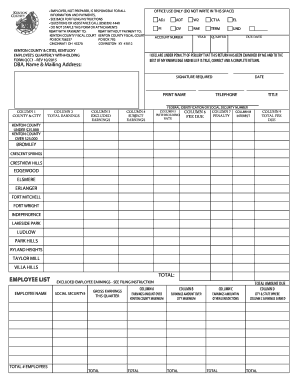
Kentucky employee form
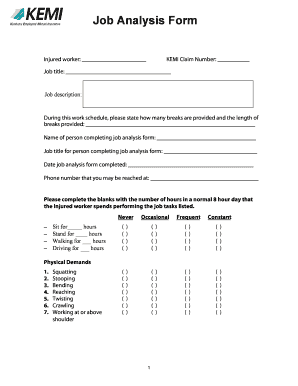
Kemi job

1997 kentucky form el2 lessee information instructions create

Ky application claim
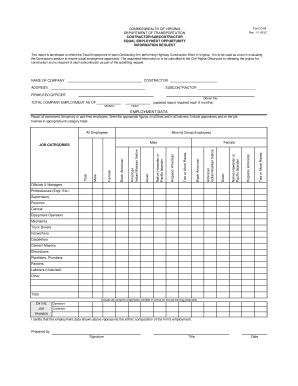
Contractor Orientation - VDot
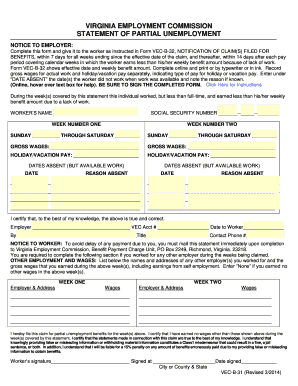
Vec b form
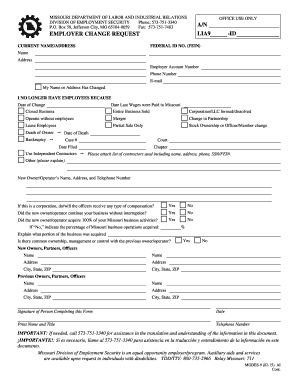
Mo form 9
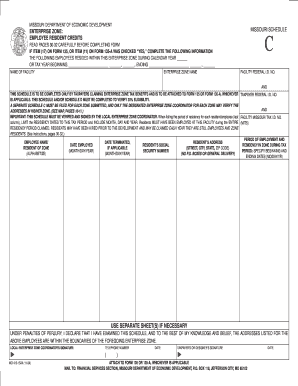
Xnxx shldren
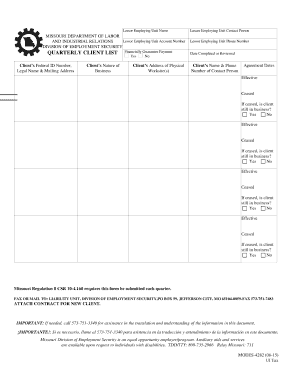
Missouri quarterly make
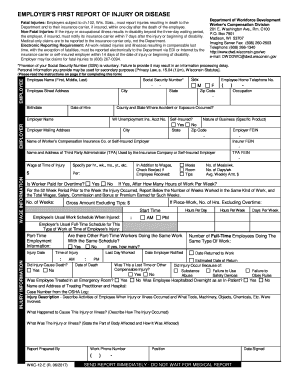
Wi wkc workforce development
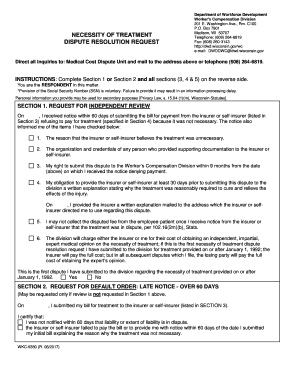
Dwd dispute
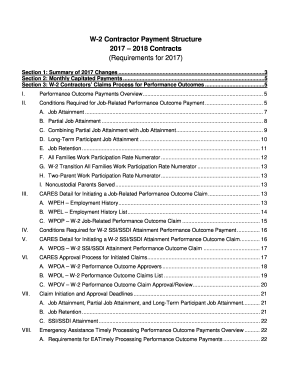
W 2 structure blank

Minnesota payroll form
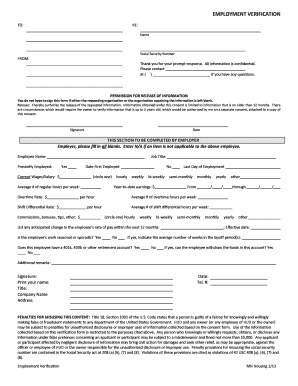
Mn employment verification form
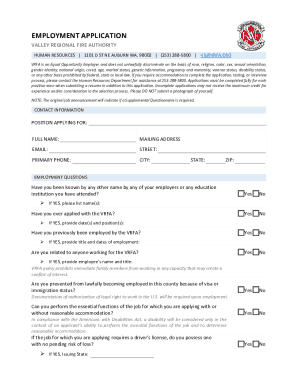
State of Vermont Careers
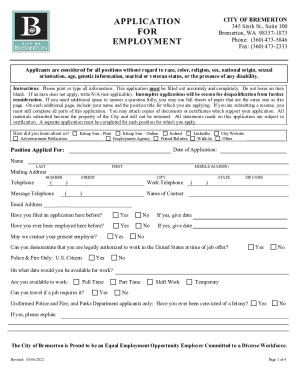
Bremertonwa 167Application-ProcessApplication ProcessBremerton, WA - Official Website

Declaration entitlement benefits

Reopen form

Travel reimbursement request form
Minor variance

WASHINGTON STATE 4099
Plan labor industries form
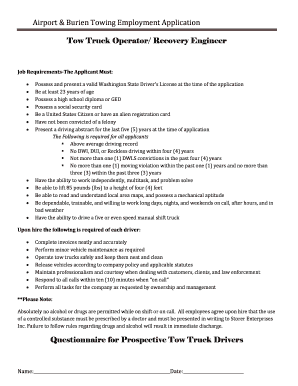
Airport & Burien Towing Employment Application
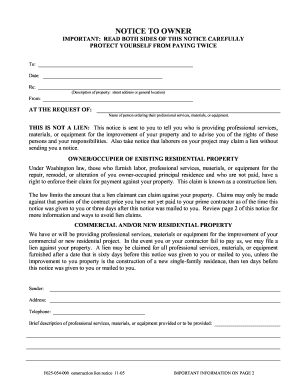
Washington lien notice
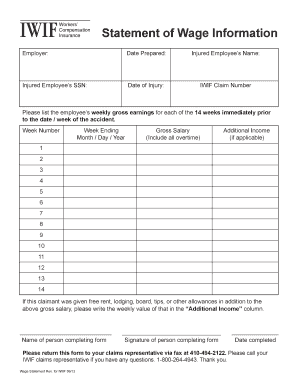
Md iwif form
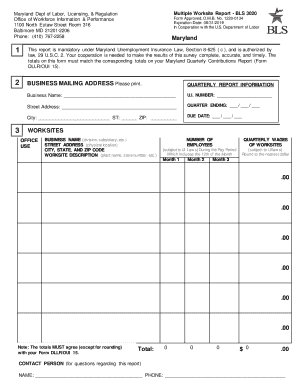
Maryland multiple labor
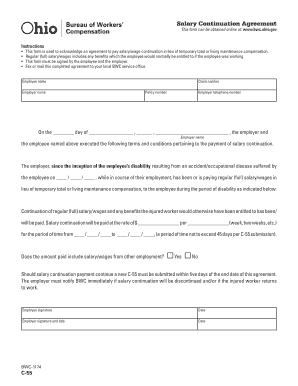
Bureau workers continuation

Ohio application
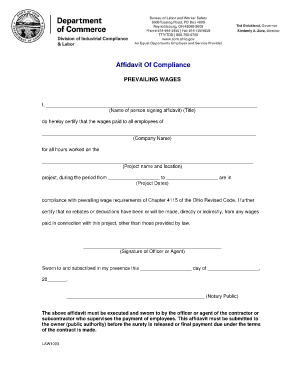
Ohio form law1003 download
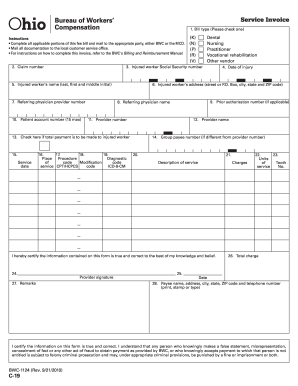
Form c19 bwc bureau compensation form
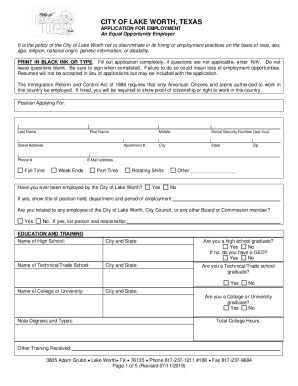
Tx employment application city form
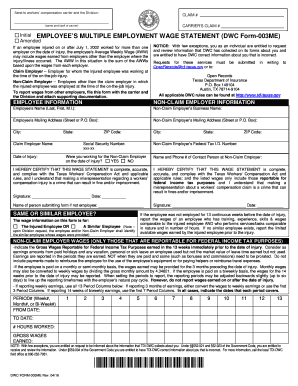
Dwc employees form tdi
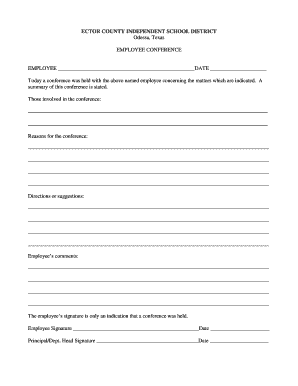
Employee conference form
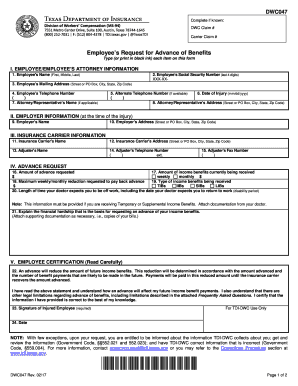
Texas form employee benefits
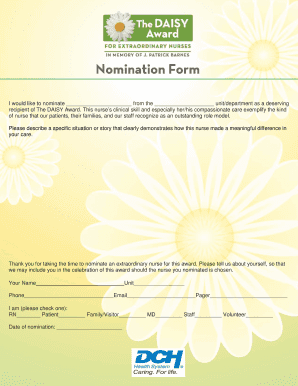
I would like to nominate from the unitdepartment as a deserving
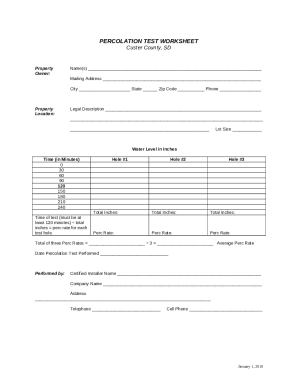
PERCOLATION TEST WORKSHEET - Custer County, South Dakota
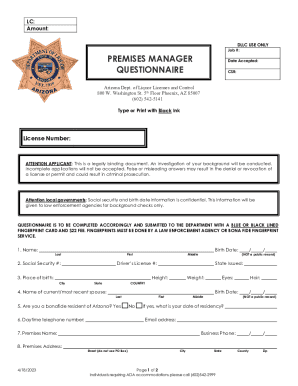
Weekend part time jobs work from home Permanent, full-
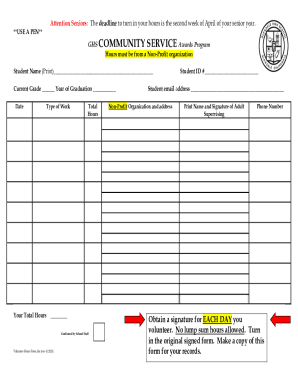
Student Forms Community Service Form

ADM010 - Release of Information Authorization - DMG - new proposal
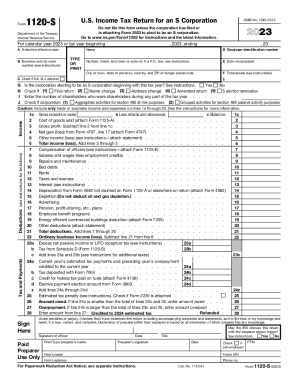
F1120s

Imm5257e

Imm5444e

Fillable Vehicle Inspection Form ALABAMA DEPARTMENT

Application to add a child to an existing child support

Mental Health Services Division - DHCS - CA

Application from a Resident or Former Resident Visa Holder (INZ1175)
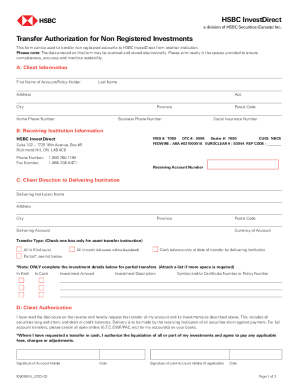
Transfer Authorization for Registered Investments - HSBC Canada
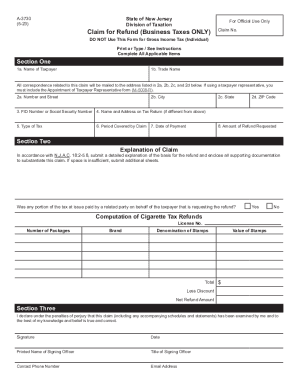
State of New Jersey Division of Taxation CLAIM FOR
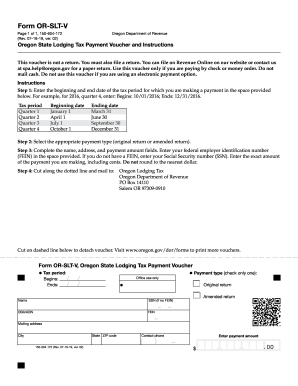
Forms - Forms and publications library - State of Oregon
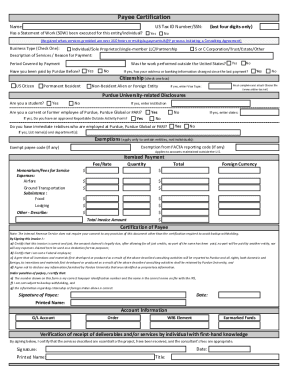
Payee Certification Form
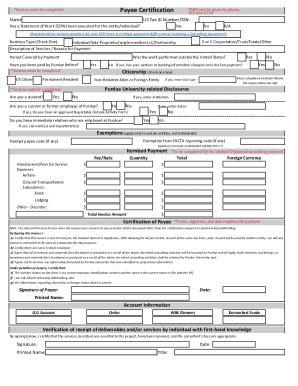
Payee Certification
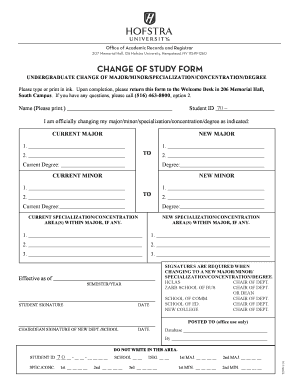
CHANGE OF STUDY FORM - Hofstra University - hofstra
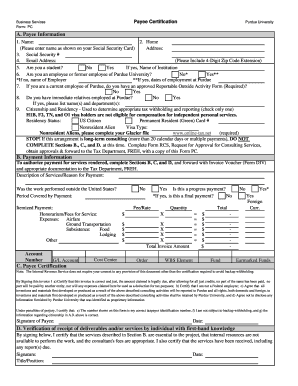
Purdue payee certification form

Medical clearance form fiji
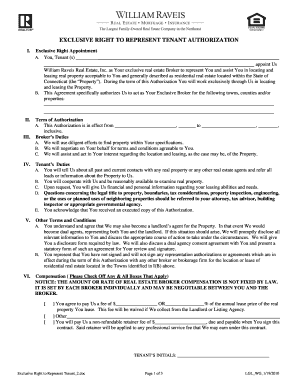
Exclusive Right to Represent Tenant 2 - intranet raveis
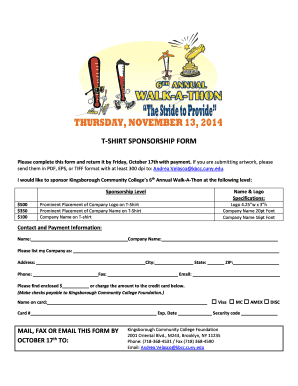
T-shirt sponsorship form - Kingsborough Community College - CUNY
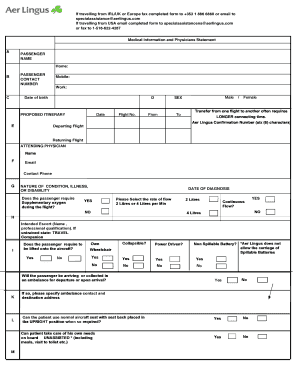
Aer lingus medical form

Truck Hire 724 Agreement - bselfstoragewellingtonbbcobbnzb - selfstoragewellington co
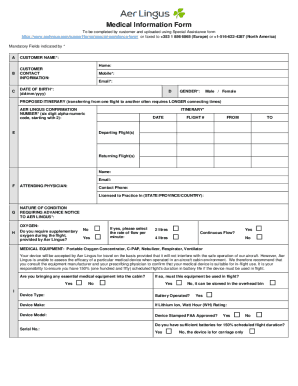
Aer Lingus - incadincapacitated passengers handling
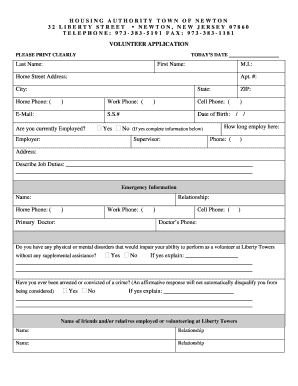
Newton housing authority application
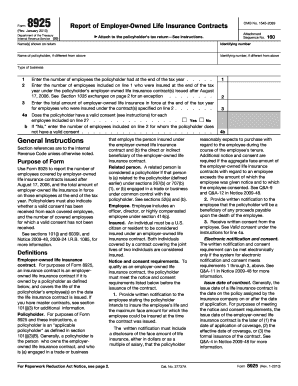
Irs form 8925
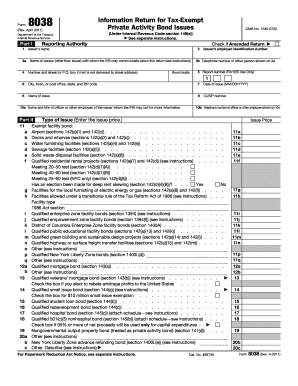
Form 8038

CHECKLIST FOR BUILDING PERMIT APPLICATIONS AND
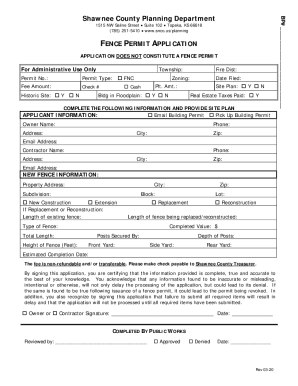
Fence App Only (Rev 3-20) doc
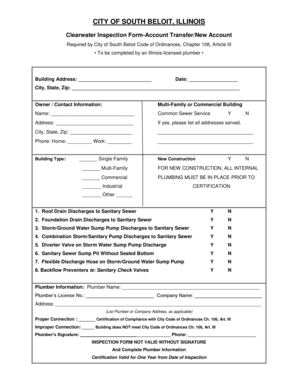
CITY OF SOUTH BELOIT ILLINOIS - southbeloit
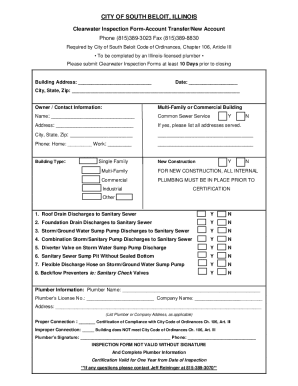
Fillable Online southbeloit Clearwater inspection
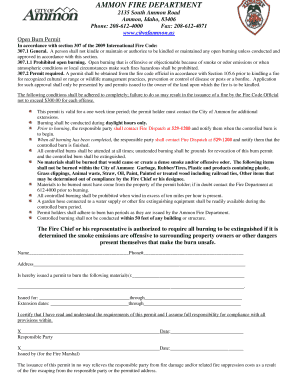
Burn permit - City of Ammon
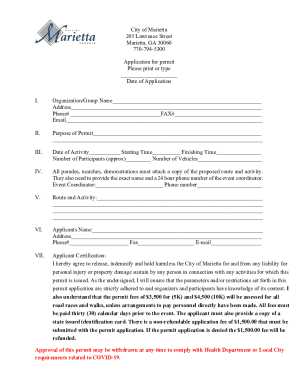
Fillable City of Marietta 205 Lawrence Street Marietta, GA
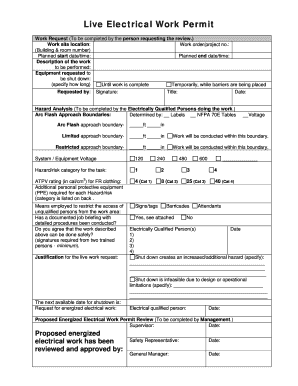
Live electrical work permit template
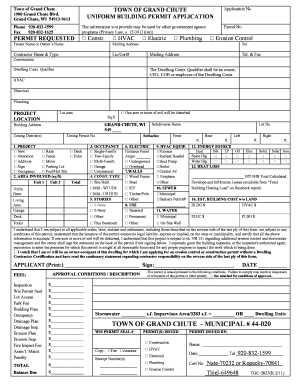
Building Permit Application - Town of Grand Chute
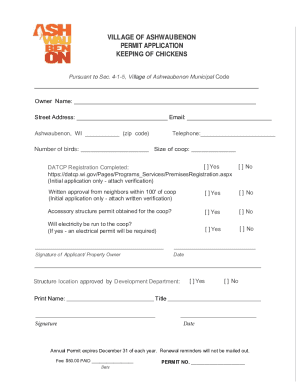
Fillable Online VILLAGE OF ASHWAUBENON PERMIT
Benefit from the DocHub online library of fillable PDF forms
Searching the PDF forms doesn't have to be a tedious and time-consuming process. With the DocHub online library, it has become easier to find the fillable PDF forms and modify them in your browser. The service allows you to adjust the document to your needs using powerful editing tools.
You can use online document editing features to modify almost any type of document with ease. You just need to find the template of your choice, open it in the editor, and use the toolbar to make the necessary corrections.
Follow this guide to get your document done with DocHub:
- Find the PDF template you need.
- Click the Get Form button to open the file in the editor.
- Use the toolbar to fill out and edit the document.
- Easily add and highlight text, insert images, checkmarks, and symbols.
- Drop new fillable fields, and rearrange or delete pages from your file.
- Save changes and download your record.
DocHub empowers everyone to streamline document editing, signing, and distribution, and form completion. Create an account and benefit from our well-organized PDF Forms library and comprehensive editor.