
Get any PDF form from the DocHub library of ready-made templates - Page 716

Cdss ca adoptionsAdoptions - HomeCalifornia Dept of Social Services
(Maiden):
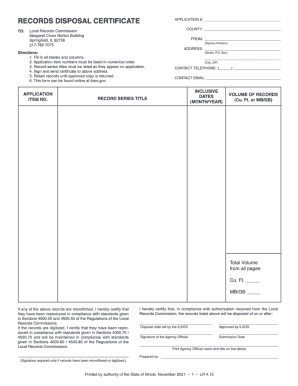
Waste disposal certificate template
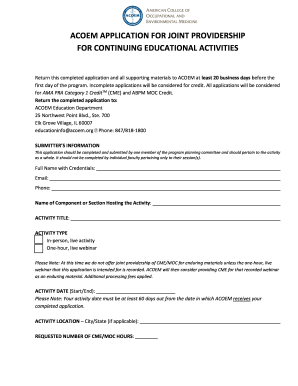
Acoem application for joint providership for continuing

Park PassesUtah State Parks

Oversize Weight Vehicle Permit Application
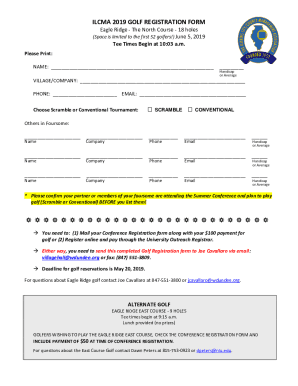
Ilcma wp-contentuploads(Space is limited to the first 52 golfers!) June 5 - ILCMA
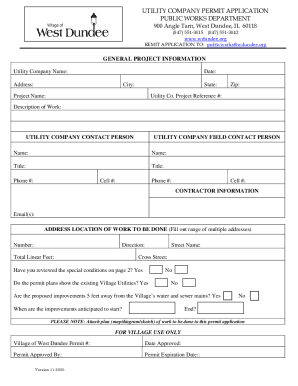
UTILITY COMPANY PERMIT APPLICATION

PDF CPD-31 509
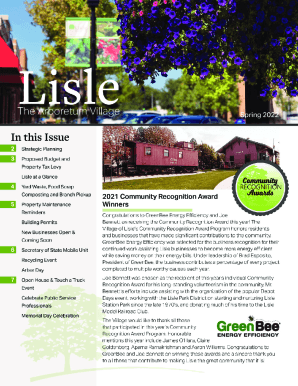
IL Village of Lisle Newsletter

Mcgill nursing supplies
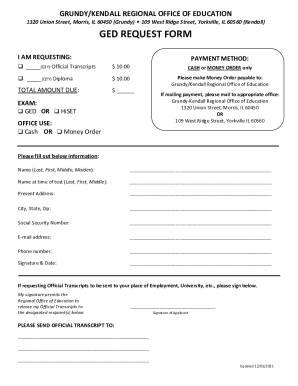
Grundy Kendall Regional Office Of Education in Morris, IL

Il isl 21

Dog relinquishment form
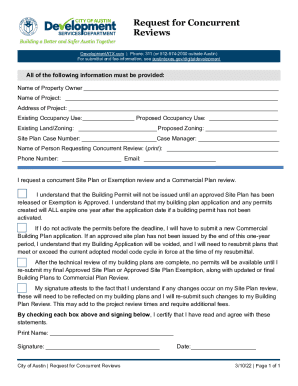
Request for Concurrent Reviews Application for Title in Austin, Texas
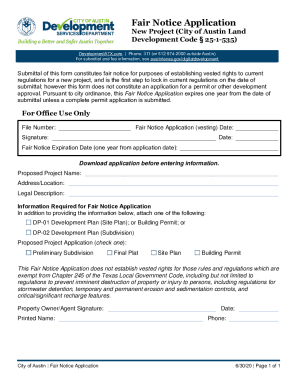
Fair Notice Application Application for Fair Notice in Austin, Texas

Annual Permit Report Form Annual Permit Report Form
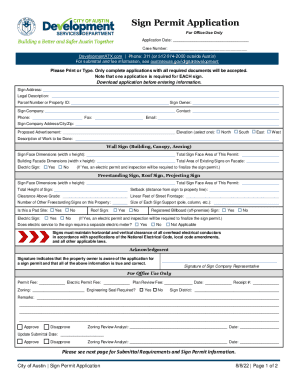
Sign Permits- Applications and FormsPortland
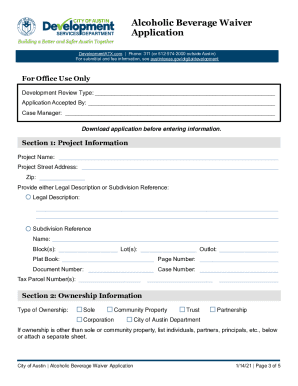
Opendata utah browseResults matching authority of Official and of Alcoholic

Templateroller template2313898"Residential Fence Permit Application" - City of Austin, Texas

Statutory Authority: 31 Delaware Code,Chapter 3 (31 Del C

DocHub localized-formsma-01600bgBoston Massachusetts Office Lease Agreement and Memorandum of

Municlerks unt sitesdefaultCITY OF DALWORTHINGTON GARDENS Supervised by Department

Police beaumonttexas administration-servicesRecruitment - City of Beaumont, Texas Police Department

Sapoasequim board-membersBoard Members SAPOA

Notarize local-documentstexasSubdivision Application - City of Austin and Extraterritorial
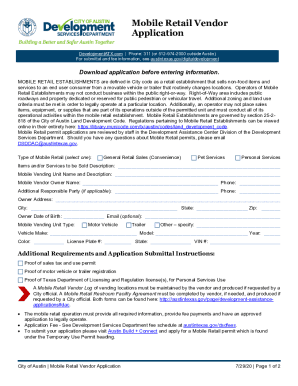
Mobile Retail Vendor Application Application for Mobile Retail Vendor in Austin, Texas
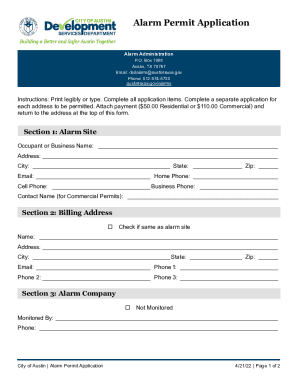
Texas application alarm permit

Tx application annual permit

Application for admission - Western District of Texas - txwd uscourts

The State Fire Marshals Office Travis County Esd 12 Facebook

Cosm mdexhibitor-infoExhibit Information - COSM
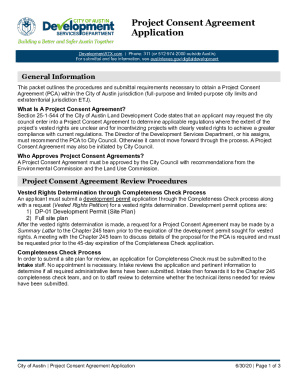
Project Consent Agreement Application Application for Project Consent Agreement in Austin, Texas

Commercial Plan Review Revision Form Plan Review Revision Form in Austin, Texas

Tx fence permit city
Temporary Use Permit (TUP) Application Application for Temporary Use Permit in Austin, Texas

Demolition permit form

Certification Statement Application for Development Assessment and Alternative Equivalent Compliance
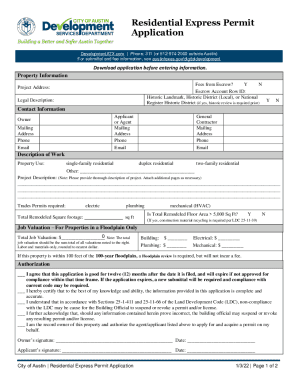
Premiereyachtcharters y9zbqllcity-of-austincity of austin permit center - premiereyachtcharters

Printable 1040 ez form

Commercial Building Application Application for Title in Austin, Texas
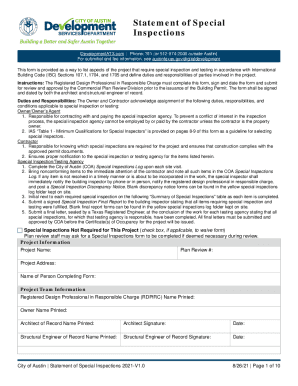
City of Austin Statement of Special Inspections
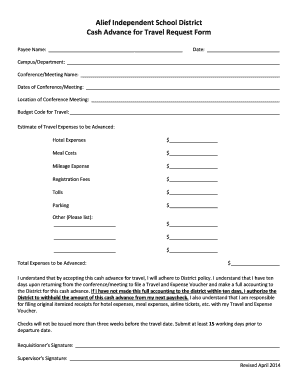
Alief Independent School District Cash Advance for Travel - Alief ISD

Caddo Parish Public SchoolsCaddo Parish Public SchoolsCaddo Parish Public SchoolsRoyse City ISD Home
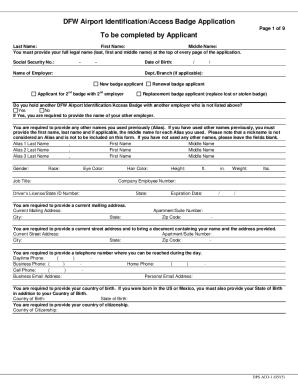
Dfw airport access badge

Fossil Ranch Dental Care 1209 N Saginaw Blvd Suite #D

Lubbock ISD is required to collect the socioeconomic status of each student as a performance indicat

Owned and operated, or vehicles not owned or operated, by
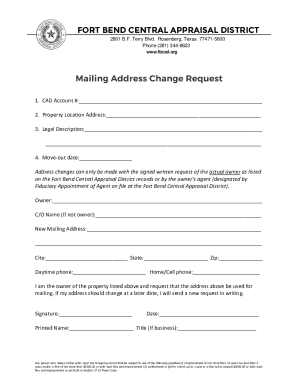
Texas mailing address change
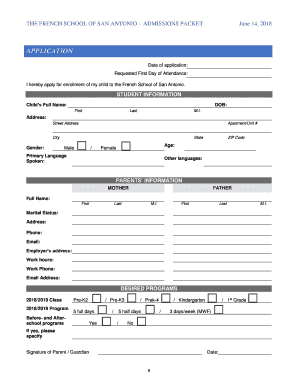
THE FRENCH SCHOOL OF SAN ANTONIOADMISSIONS PACKET ADMISSIONS PACKT

Andes-Straley Veterinary Hospital Wildlife Rehabilitation
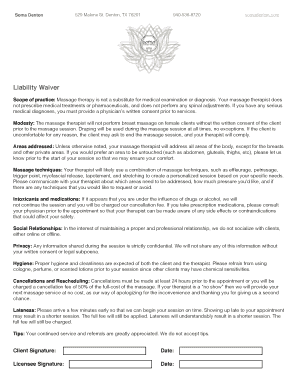
Working together to safeguard children - GOV UK
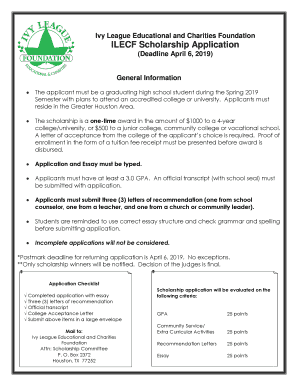
Ilecf scholarship
FY 20 Statement of Work TDEM 17-A - Texas Emergency
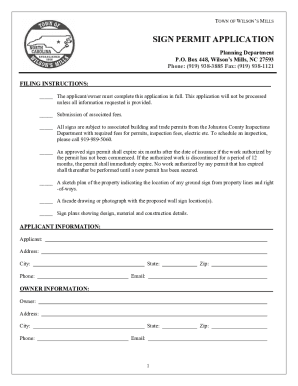
Forms PermitsTown of Wilson
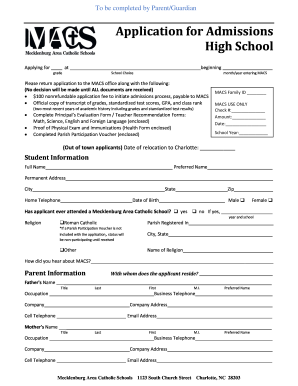
North carolina high school

HAZARDOUS-MATERIALS PERMIT APPLICATION

Townofmooresvillenc onemoorefestival documentsthe APPLICATION - townofmooresvillenc

Charlotte-Mecklenburg Schools Enrollment Form
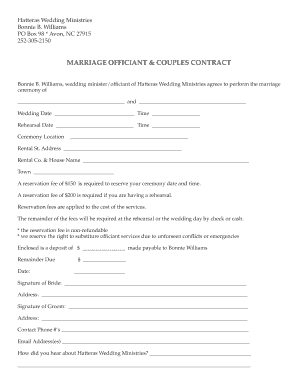
North carolina wedding marriage
Lost Island of Hy-Brasil, page 1

Please complete this form if you are UNABLE to provide

Icense# State

AR AUDITS and ACADEMYFREE EDUCATIONYOUR

Mcginniswoods admissionsapplication-processApplication Process - McGinnis Woods Country Day School

PATIENT INFORMATION REPORTING INFORMATION
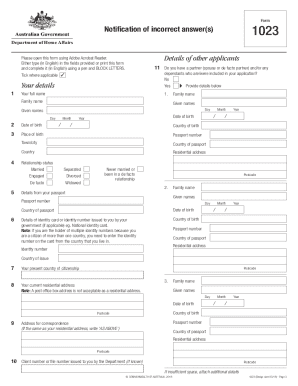
1023 - Notification of incorrect answer(s)

Publix Pharmacy Virginia Immunization Consent Form

CR-150 CERTIFICATE OF IDENTITY THEFT: JUDICIAL FINDING OF FACTUAL INNOCENCE

Fillable Online dos ny Free fillable Apostille Certificate of
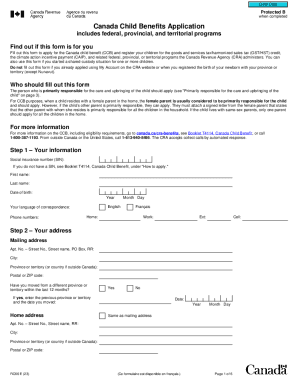
RC66 Form - How to Apply for Canada Child Benefit (CCB)
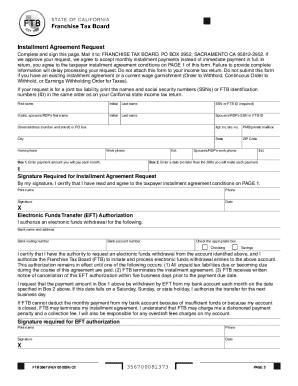
FTB 3567 Installment Agreement Request FTB 3567, Installment Agreement Request

1195 - Identity declaration 1195 - Identity declaration
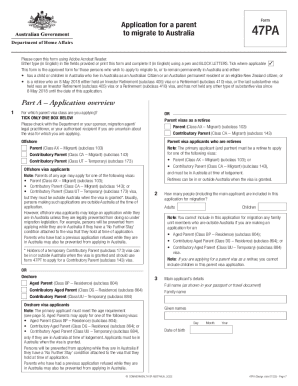
First PeoplesTerritory relations - ACT Community Services

Kentucky Department of Corrections Division of Probation

Toys for Tots b2014b
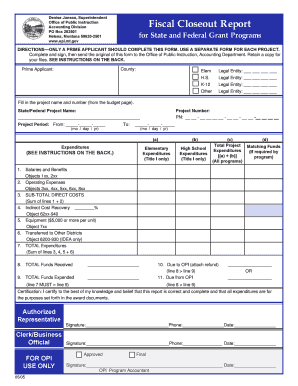
Fiscal Closeout Report for State and Federal Grant Programs

Fillable Online Poway Unified School District

Lake Lucero Tour Registration

Backcountry Guide - nps
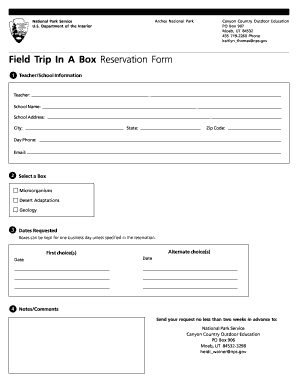
Field Trip In A Box Reservation Form - National Park Service - nps

Structure Site Information Form - NPS Focus - pdfhost focus nps

National Oceanic and Atmospheric Administration (NOAA) Ernest F - oesd noaa

Microsoft PowerPoint - Award Payment and Closeout Process pptx - corporateservices noaa

PART I THE SCHEDULE - National GACC - gacc nifc
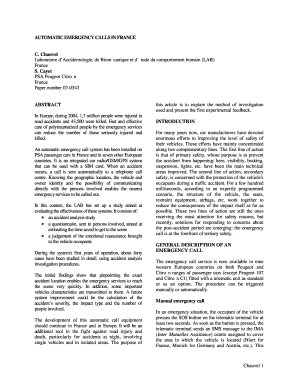
Automatic emergency calls in france - Research - www-nrd nhtsa dot

The Credit Union Connection LOANS TABLE OF - NCUA - ncua

P00005 - public navy

The Newsletter for Navy Retirees
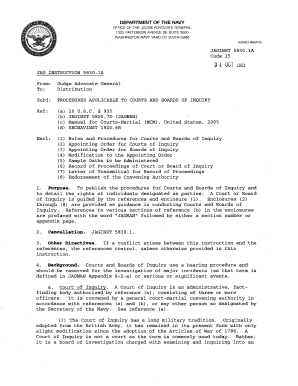
Procedures applicable to courts of inquiry - U S Navy Judge - jag navy

Vegetable Inventory 2005-06 - National Agricultural Statistics Service - nass usda
Mail Center - hq nasa

WFF # X-035 Damage Control and Service

Reduced Gravity Proposal Submission Instructions - NASA

DPR Record for Building 133
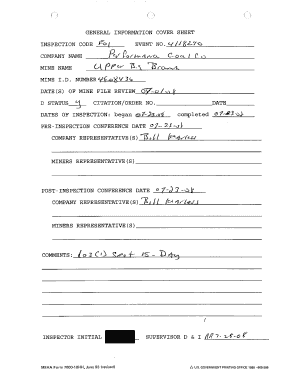
INSPECTION CODE ho-
ToolkitCourse Materi - Library of Congress - loc

Theater request application - fill in

NSO Financial Aid Form - The John F Kennedy Center for the - kennedy-center

UNITED STATES TRUSTEE FEE GUIDELINES
Benefit from the DocHub online library of fillable PDF forms
Searching the PDF forms doesn't have to be a tedious and time-consuming process. With the DocHub online library, it has become easier to find the fillable PDF forms and modify them in your browser. The service allows you to adjust the document to your needs using powerful editing tools.
You can use online document editing features to modify almost any type of document with ease. You just need to find the template of your choice, open it in the editor, and use the toolbar to make the necessary corrections.
Follow this guide to get your document done with DocHub:
- Find the PDF template you need.
- Click the Get Form button to open the file in the editor.
- Use the toolbar to fill out and edit the document.
- Easily add and highlight text, insert images, checkmarks, and symbols.
- Drop new fillable fields, and rearrange or delete pages from your file.
- Save changes and download your record.
DocHub empowers everyone to streamline document editing, signing, and distribution, and form completion. Create an account and benefit from our well-organized PDF Forms library and comprehensive editor.