
Get any PDF form from the DocHub library of ready-made templates - Page 658

Patient Consent Form Therapeutic for Hyperhidrosis

WARRANTY DEED WITH VENDOR'S LIEN

Letter of credit example pdf
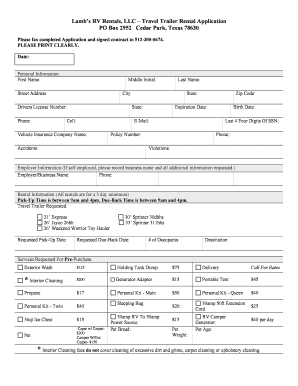
Lamb's RV Rentals, LLC Travel Trailer Rental Application PO Box

Basic Medication Administration Test doc

School Safety Audit Checklist

Svdp intake forms - St Vincent de Paul - svdpcle
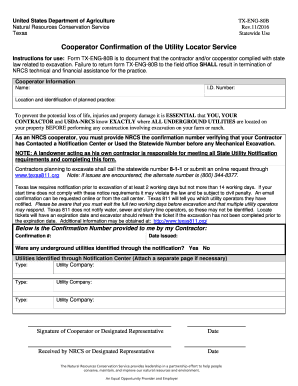
TX- ENG-80B, Cooperator Confirmation of the Utility Locator Service

Dovenmuehle payoff request
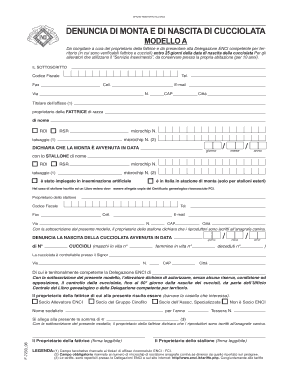
Enci modello a pdf

Manatee cove golf course application

Ftc affidavit

Alberta Driver's Abstract Form - Fill Out and Sign Printable

Mri referral form

Rf1643
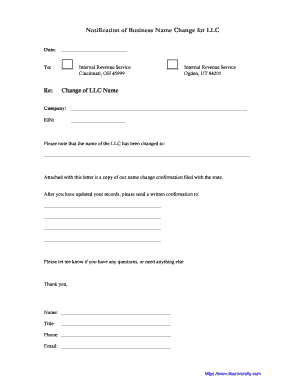
IRS LLC Name Change Letter - How to change your LLC name with the IRS Use this template letter in or
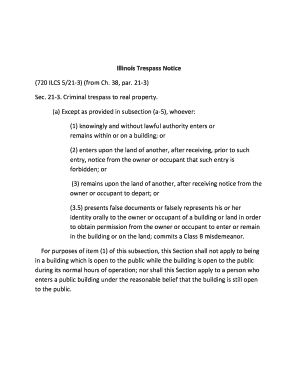
Illinois Trespass Notice b720b ILCS 521-3 from Ch 38 par 21-3 bb

Safety concern reporting form

Colorado post firearms qualification
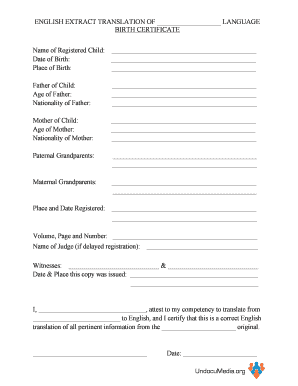
Translated birth certificate template
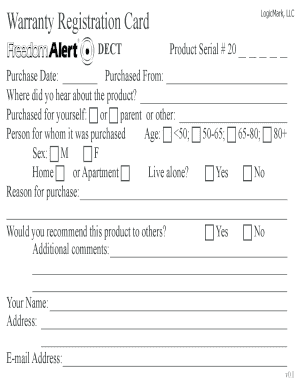
Logicmark com warranty cards

GAD-7 Seven-Symptom Checklist for Anxiety - theducklows

UNITE Lay Member Expense Form - unitetheunion

Necsa online application
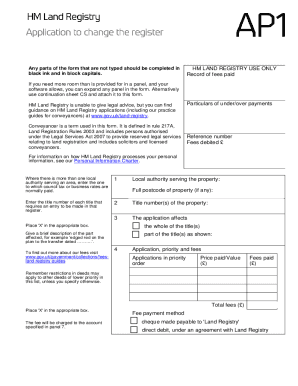
Ap1 form land registry

Bauleitererkl rung formular kostenlos

Custom clearance form

Service report template

Asic form 902

COVID Vaccination Declination Form

Thai visa application form pdf
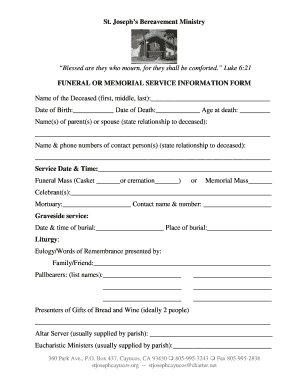
Funeral form

Arizona quit claim deed form pima county

Eacvi logbook

Craft vendor application

Social media madness 1 answer key

8863 from 2009 form
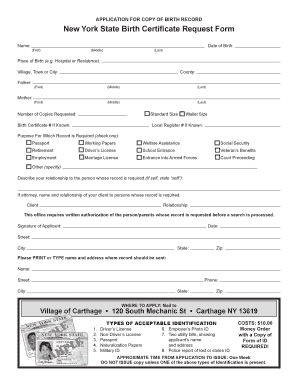
New York State Birth Certificate Request Form - Village of Carthage

Pa advance directive
Number scroll printable

Homecare homebase cheat sheet

Novo nordisk patient assistance program application 2022 pdf

Funeral Cost Budget Sheet

SELF EMPLOYED PROFIT AND LOSS TEMPLATE

Drone pre flight checklist excel template

ATTESTATION D HEBERGEMENT
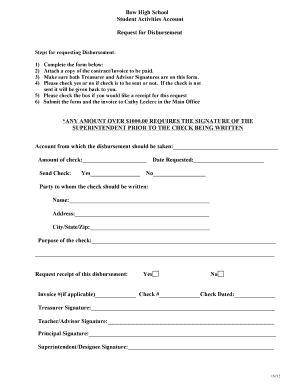
Printable disbursement form template

Bcat pdf

Missio aachen application form
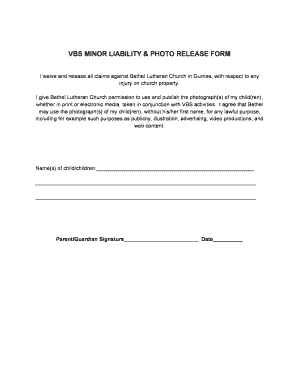
Church photo release form

Carta de empleador para comprobar ingresos
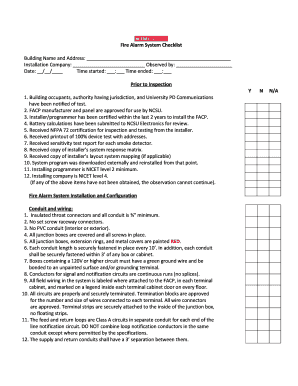
Fire alarm system maintenance checklist pdf

Autocertificazione tim
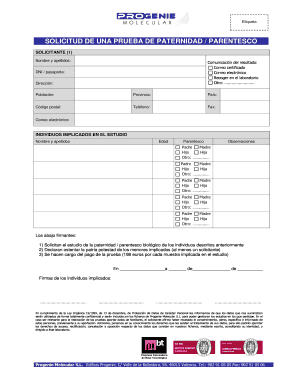
Formato de prueba de adn
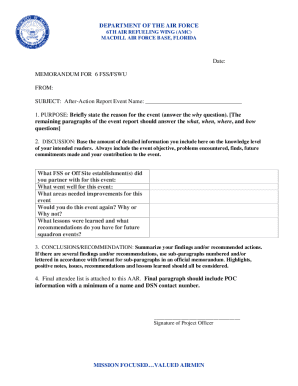
Air force letterhead

Shah abdul latif university degree verification
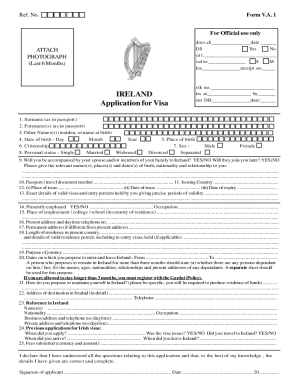
Ireland Visa Application Form: Download PDF file Online
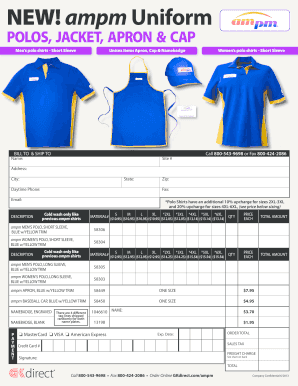
Ampm uniform

Kansas abuse registry

Temp Tag Registration Form

Weekly Current Event Report
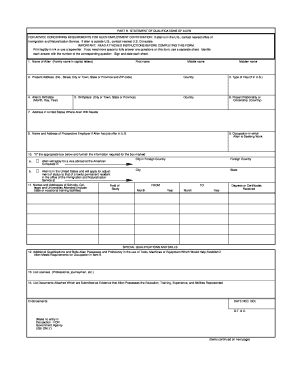
Eta 750

Crr022 form

Fringe benefit statement

GLOBAL ENTRY RENEWAL APPLICATION FORM
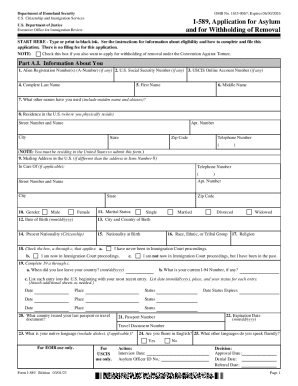
I 589

Nmc revalidation forms

Optometrist referral letter example

Request to Appear by Telephone and Order

DV-520-INFO S Judicial Council forms

Subcontracting plan template
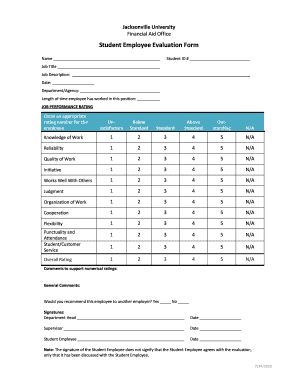
Student Employee Evaluation Form - Jacksonville University - ju

Proof of affiliation document

Forms and DocumentsUniversity HousingUIUC

DILATED OPHTHALMOLOGICAL EXAM - Florida Department

Untitled

Arkansas Child Maltreatment Form - Fill Online, Printable

Medication Authorization Form - Cosmopolitan Kids
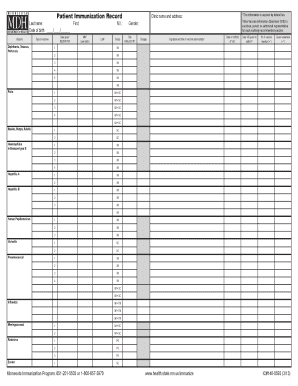
Immunization record form
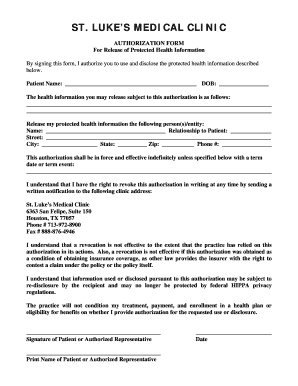
AUTHORIZATION FORM - St Luke's Medical Center

Health Information Authorization - St Louis
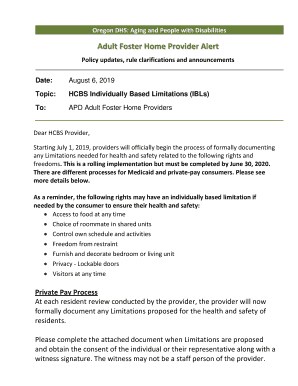
HCBS IBL APD 0556 Form

Wildlife intake form

Summer Camp Registration Form 2013 Cost 135Wk - stdavidchurch

Hazardous materials business plan - Environment, Health and Safety - www-ehs ucsd

Income waiver form

POWERED SCOOTER SHARE PROGRAM PERMIT Spin (Skinny - SFMTA

Booted Vehicles

Low-Income Eligibility Form

Grade 3 score sheet pdf

Use this form to establish income eligibility for discounts for the following SFMTA programs:

Hm 952 form

DEPARTMENT OF ENVIRONMENTAL HEALTH AND QUALITY

Documents and Forms - Prince Hall Grand Lodge of Virginia
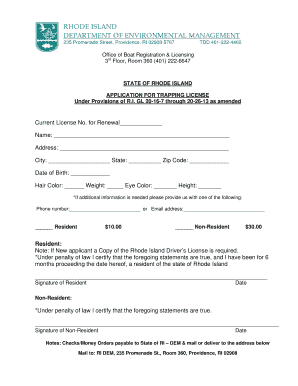
RI DEM Fish and Wildlife- Trapping License application Trapping License

Get Dem Boat Registration Ri Form
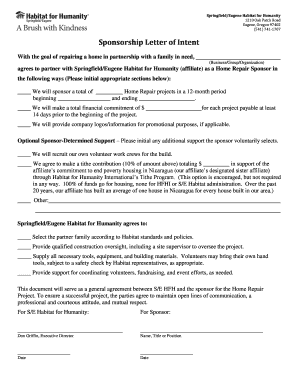
Habitat for humanity

Asthma CareHealth Services

Nyc doe allergy form

A+ Charter Schools - Medical Conditions
Benefit from the DocHub online library of fillable PDF forms
Searching the PDF forms doesn't have to be a tedious and time-consuming process. With the DocHub online library, it has become easier to find the fillable PDF forms and modify them in your browser. The service allows you to adjust the document to your needs using powerful editing tools.
You can use online document editing features to modify almost any type of document with ease. You just need to find the template of your choice, open it in the editor, and use the toolbar to make the necessary corrections.
Follow this guide to get your document done with DocHub:
- Find the PDF template you need.
- Click the Get Form button to open the file in the editor.
- Use the toolbar to fill out and edit the document.
- Easily add and highlight text, insert images, checkmarks, and symbols.
- Drop new fillable fields, and rearrange or delete pages from your file.
- Save changes and download your record.
DocHub empowers everyone to streamline document editing, signing, and distribution, and form completion. Create an account and benefit from our well-organized PDF Forms library and comprehensive editor.