




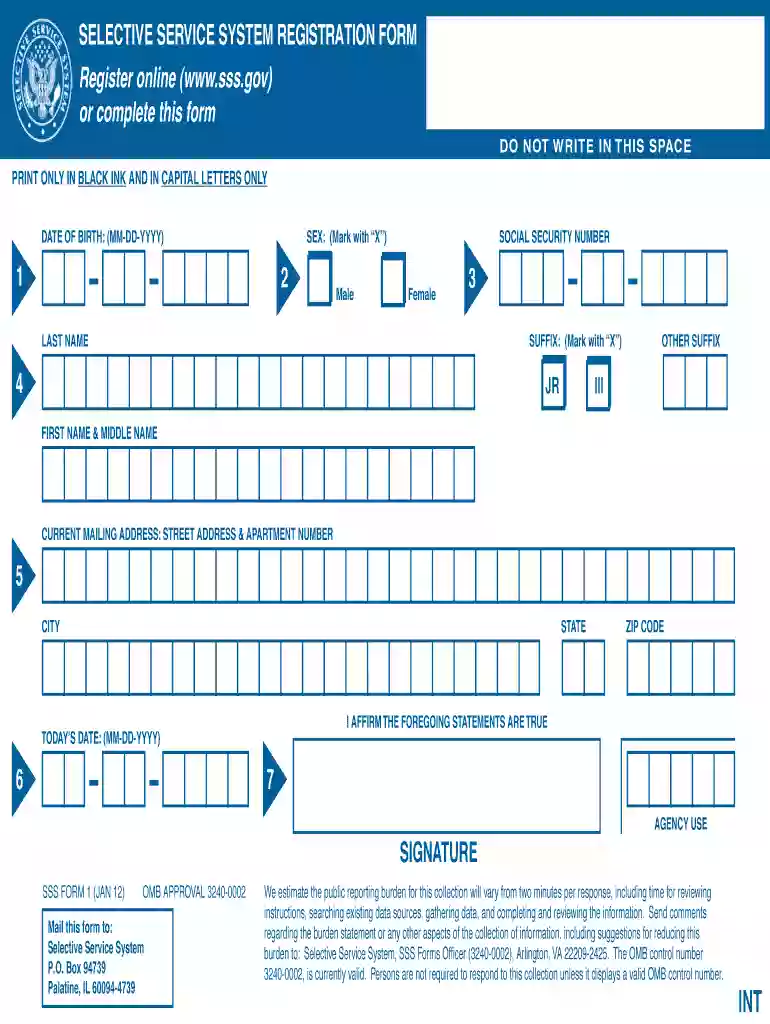
01. Edit your what is a selective service number online
Type text, add images, blackout confidential details, add comments, highlights and more.

Type text, add images, blackout confidential details, add comments, highlights and more.

Draw your signature, type it, upload its image, or use your mobile device as a signature pad.

Send whats a selective service number via email, link, or fax. You can also download it, export it or print it out.

Start filling out your selective service registration form online for free with our platform today!
We've got more versions of the what is a selective service number form. Select the right what is a selective service number version from the list and start editing it straight away!
At DocHub, your data security is our priority. We follow HIPAA, SOC2, GDPR, and other standards, so you can work on your documents with confidence.
Use this form if you are man between 18-25 years old, living in the United States who registered with Selective Service and changed your address.Read more
The names, logos, emblems, slogans, vehicle model names, and vehicle body designs appearing in this manual including, but not limited.Read more
Most males between the ages of 18 and 25 are required to be registered within 30 days of turning 18. Registration is required by federal law, and is requiredRead more


