




01. Edit your handy ride online
Type text, add images, blackout confidential details, add comments, highlights and more.

Type text, add images, blackout confidential details, add comments, highlights and more.

Draw your signature, type it, upload its image, or use your mobile device as a signature pad.

Send handy ride fresno via email, link, or fax. You can also download it, export it or print it out.

Start filling out your handy ride application today using our platform for free!
At DocHub, your data security is our priority. We follow HIPAA, SOC2, GDPR, and other standards, so you can work on your documents with confidence.
The RIDEpass program year runs from June 1 to May 31, with applications accepted throughout the year. Passes must be purchased monthly through Token Transit.Read more
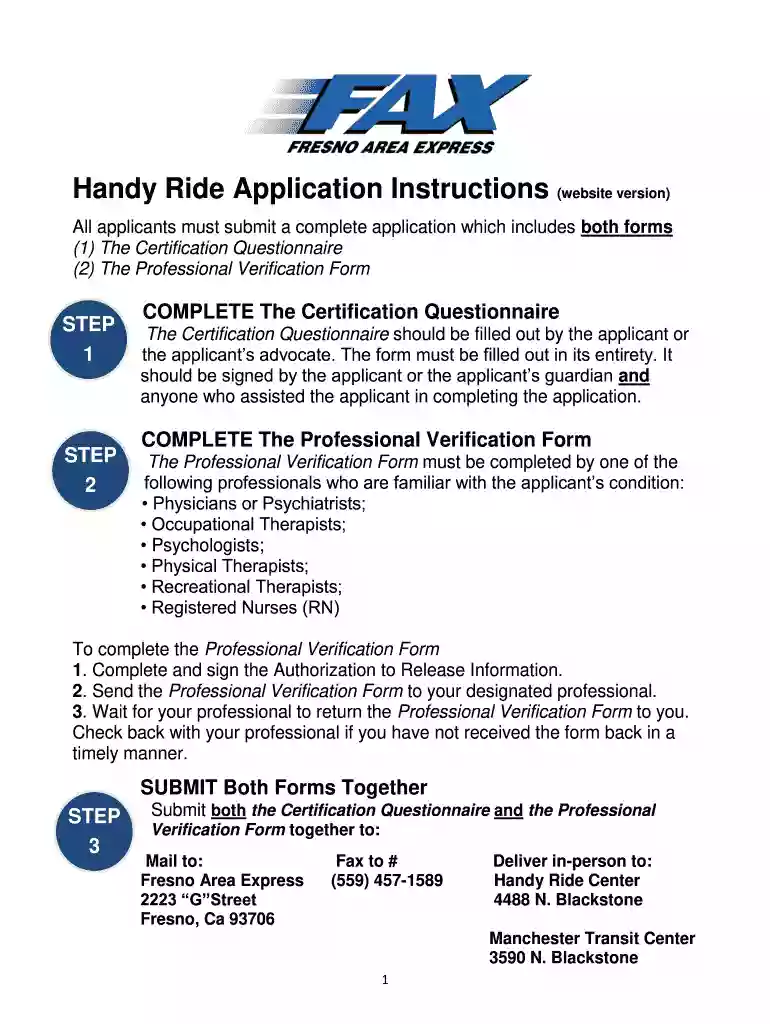
Enclosed is a copy of the Handy Ride application you requested. Please complete all forms as stated in the coversheet of the application.Read more


