




01. Edit your form online
Type text, add images, blackout confidential details, add comments, highlights and more.

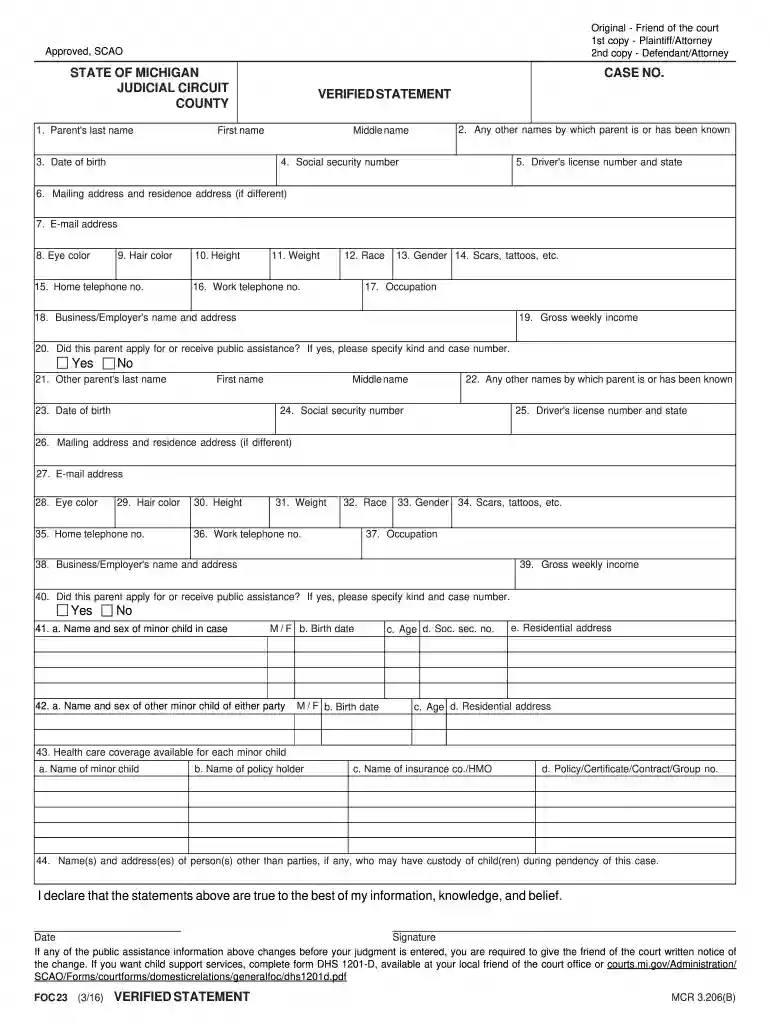
Type text, add images, blackout confidential details, add comments, highlights and more.

Draw your signature, type it, upload its image, or use your mobile device as a signature pad.

Send it via email, link, or fax. You can also download it, export it or print it out.

Start using our platform today to streamline your application process for free!
We've got more versions of the application iv d services form. Select the right application iv d services version from the list and start editing it straight away!
Yes, you can use DocHub for signing any business and private documentation, including your application iv d services. All electronic signatures you create with our tool are legally binding and court-admissible, as DocHub complies with criteria required by ESIGN and UETA. Save your completed form with a detailed Audit Trail if needed.
If you store your paperwork in Google Drive, there is no need to download your application iv d services on the computer and upload it back to our editor. A significantly simpler way is to set up a browser extension created by DocHub to streamline this flow. The extension allows editing PDFs right in your internet browser. Alternatively, you can integrate your DocHub and Gmail accounts for more efficient editing.
At DocHub, your data security is our priority. We follow HIPAA, SOC2, GDPR, and other standards, so you can work on your documents with confidence.
The initial application must include a comprehensive statement identifying how the Tribe or Tribal organization is meeting the requirements of subpart C of thisRead more
To submit a form via email, users must first download the form to their device and then click submit on the completed form. Non IV-D Supporting Claim ofRead more
Content Manager OnDemand processes the print output of application programs, extracts index fields from the data, stores the index information in a relationalRead more


