
Get any PDF form from the DocHub library of ready-made templates - Page 1879
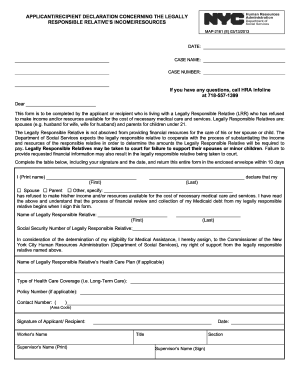
Map 2161a form
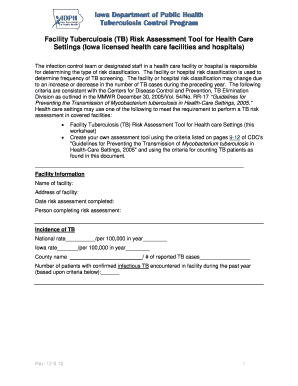
Hospitals and Healthcare Facilities - Iowa Department of Public Health

Unit 7 injury management

Welcome to Kindergarten at CHPS

GENERIC CHILD CARE SIGN-IN SIGN-OUT SHEET - sites placercoe k12 ca
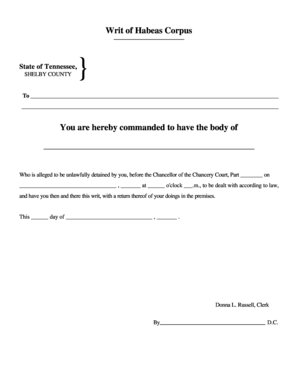
Writ of Habeas Corpus - Shelby County Tennessee

Escrow deposit receipt

Escrow deposit receipt verification form

Certificate to Serve as a Godparent or Sponsor - stmaryumorg

Letter of eligibility to be a godparent
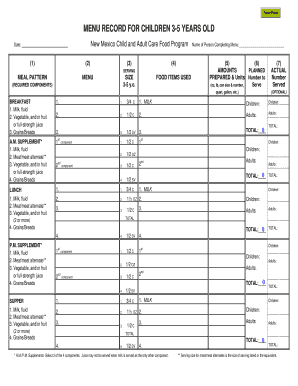
MENU RECORD FOR CHILDREN 3-5 YEARS OLD
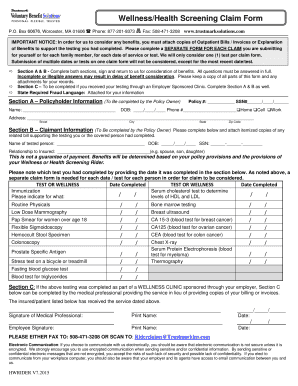
Trustmark claim forms
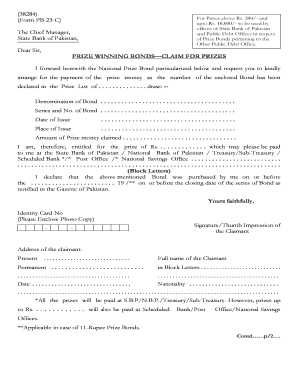
Prize bond claim form 2022
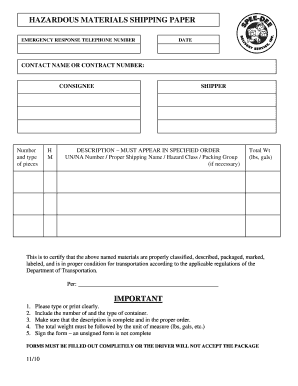
Hazmat shipping paper forms

Caregiver Contract-NHPDF
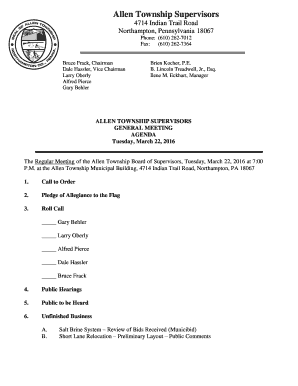
Pennsylvania allen general meeting
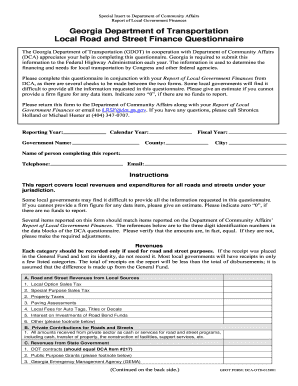
Gdot questionnaire online
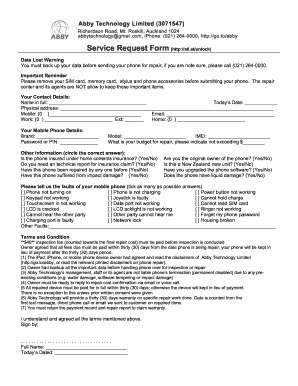
Service Request Form - Abby Mobile Phone Repair
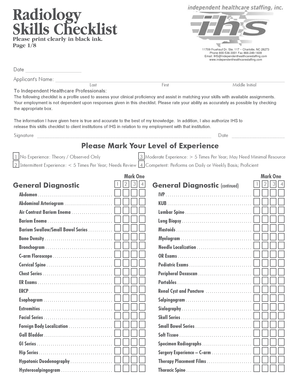
IHS Radiology Skills Checklist - Independent Healthcare

Fr mandat future template
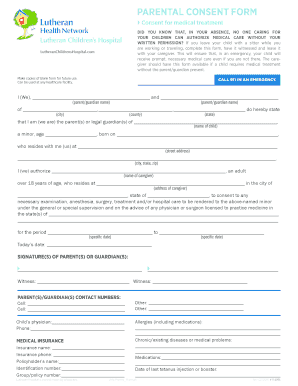
PARENTAL CONSENT FORM - Lutheran Hospital of Indiana

Cerfa contrat printable

Student-Athlete Feedback Form Head Coach - webdev allentownsd
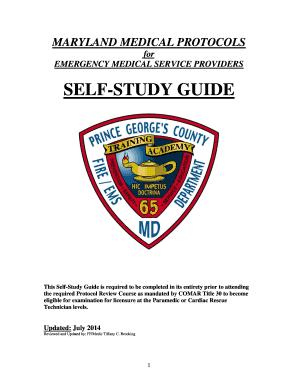
Maryland ems protcols book

Bbdc com sg

Ddr form

DONATION RECEIPT - PVA Pick-Up Service
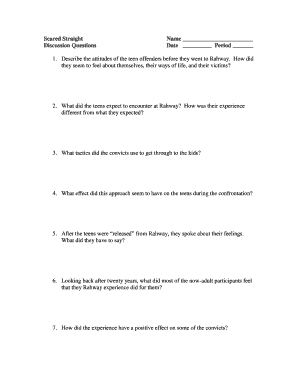
Beyond scared straight number
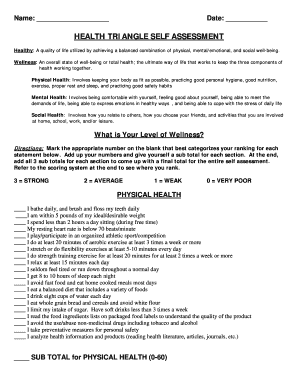
Health triangle template
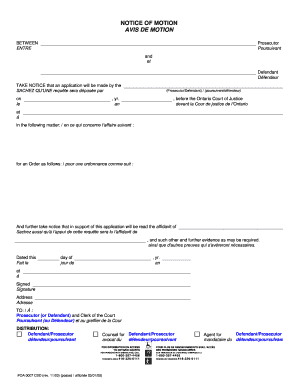
Poa 0007
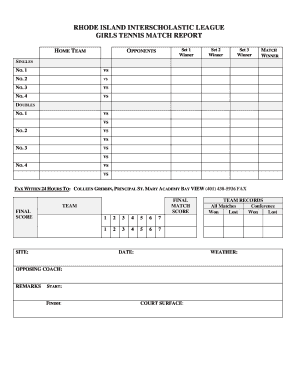
RHODE ISLAND INTERSCHOLASTIC LEAGUE GIRLS TENNIS MATCH REPORT - riil

IELTS PREPARATION COURSES 2016 Registration Form - canberra edu

Application Form for IELTS Academic Course - aibe-edu
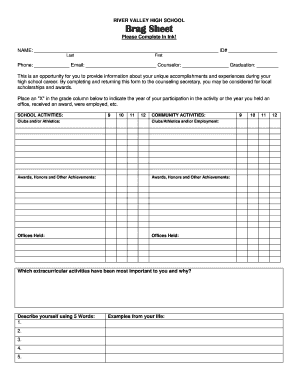
Rvhs ycusd

Standard Form 86 Certification - Federal Government Jobs
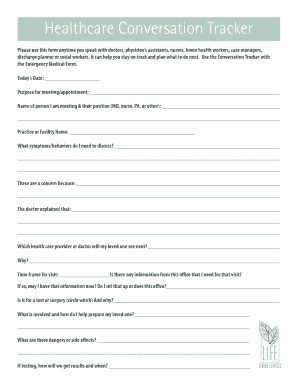
Senior conversation tracker

Sallie mae school deferment form pdf
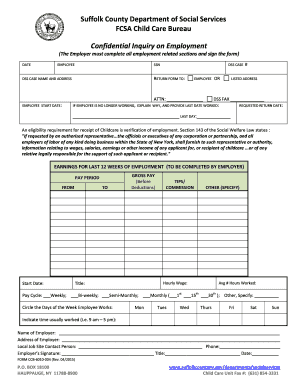
Dss suffolk county
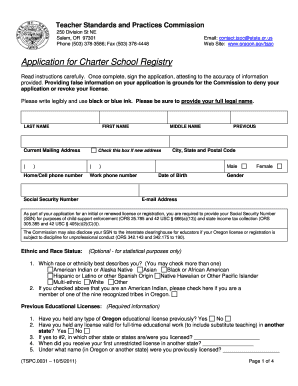
Application for Charter School Registry - State of Oregon - tspc state or

Ashton application form

WATER DAMAGE WORK AUTHORIZATION - Empire Construction - empirecompany
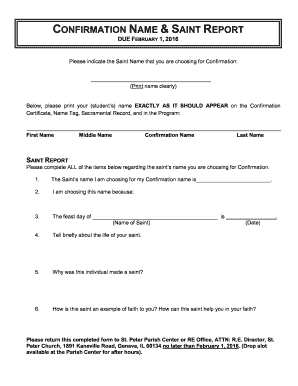
DUE FEBRUARY 1 2016 - St Peter Catholic Church

Dane drifters
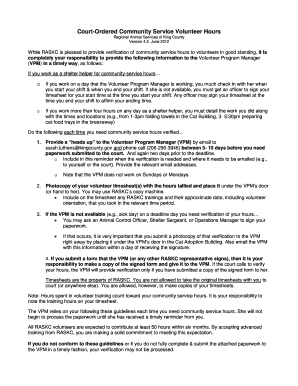
Court ordered community service king county
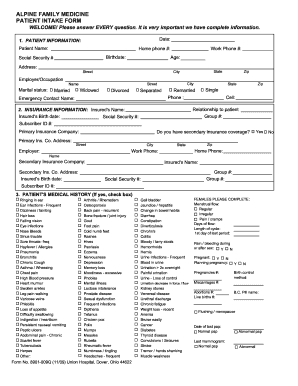
Alpine family medicine form 8901 009q
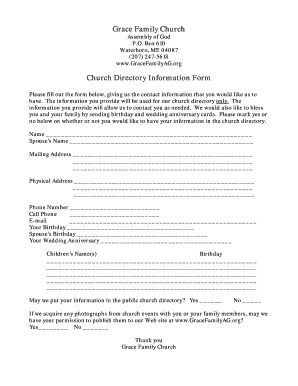
Grace family church
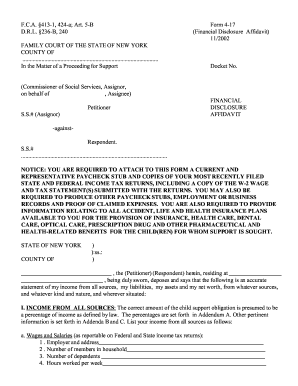
FCA 413-1 424-a Art 5-B Form 4-17 112002 - courts state ny
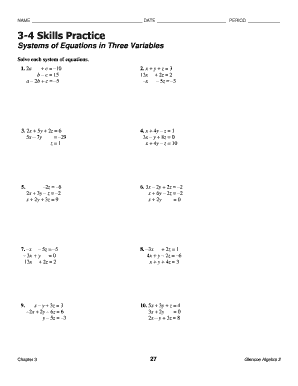
3 4 practice systems of equations in three variables
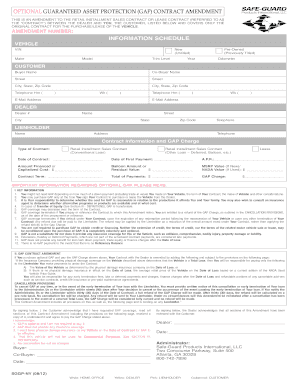
Gap contract amendment
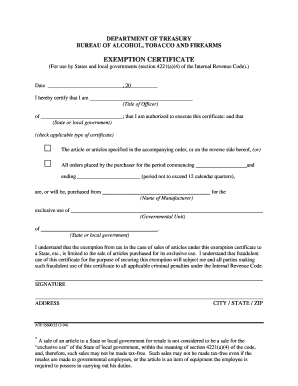
DEPARTMENT OF TREASURY BUREAU OF ALCOHOL, TOBACCO AND FIREARMS EXEMPTION CERTIFICATE (For use by States and local governments (section 4221(a)(4) of the Internal Revenue Code)

Physician referral form 2014docx - fcps
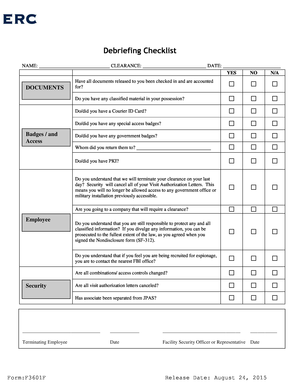
Security debrief template

King county probate forms
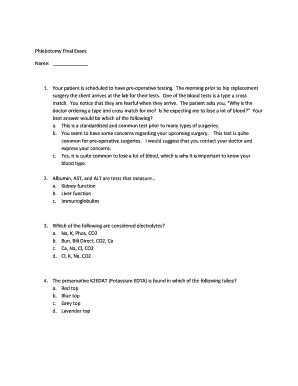
Phlebotomy final exam 2021

Hoa violation forms
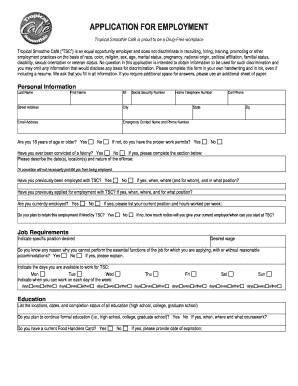
Tropical smoothie online application

8th grade science staar review games
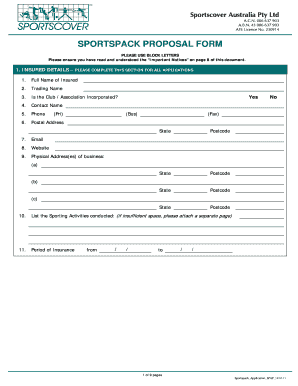
Sportscover proposal form

HHS Youth Soccer Camp Registration Form 2015doc - harrisonvilleschools
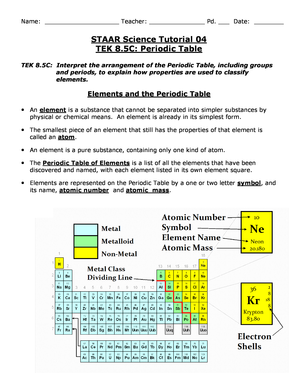
Staar science tutorial 10 tek 8 5 c periodic table answers
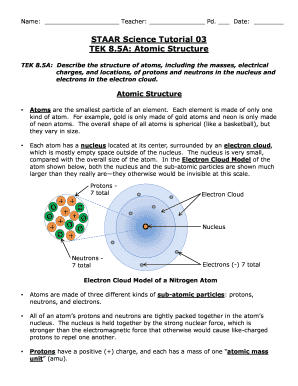
Staar science tutorial

Ucia fingerprint consent form illinois
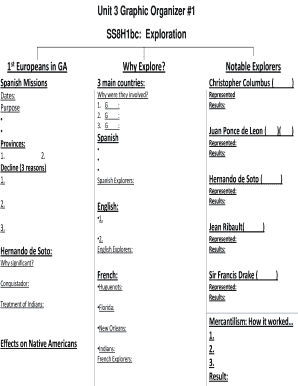
Ss8h1bc
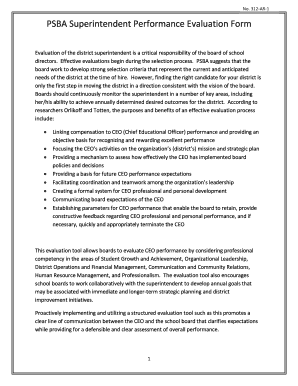
PSBA Superintendent Performance Evaluation Form
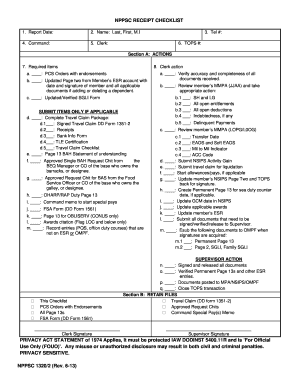
Nppsc 1300 4
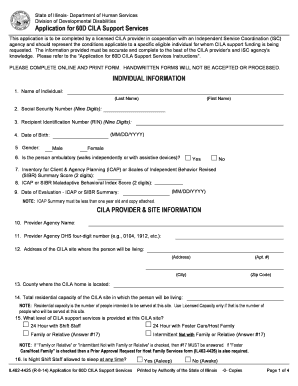
Application for 60D CILA Support Services - dhs state il

Maumee High School Athletic Hall of Fame Nomination Ballot - maumee k12 oh
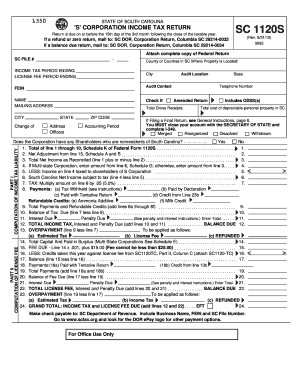
Sc 1120s
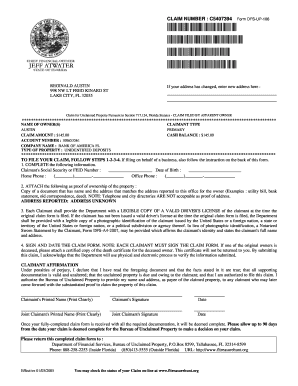
CLAIM NUMBER C5407394 Form DFS-UP-106
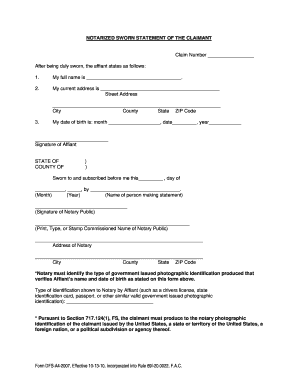
NOTARIZED SWORN STATEMENT OF THE CLAIMANT
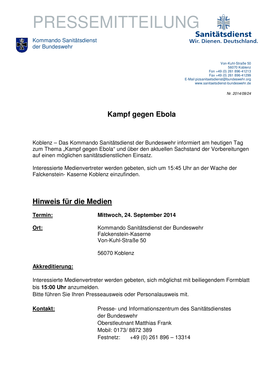
Koblenz Das Kommando Sanittsdienst der Bundeswehr informiert am heutigen Tag - sanitaetsdienst-bundeswehr
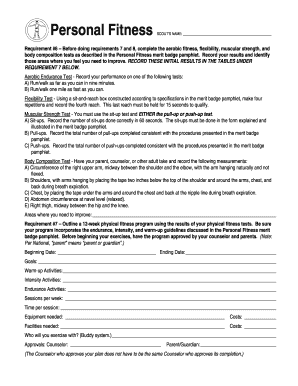
Personal fitness log

2016-2017EnrollmentRegistration
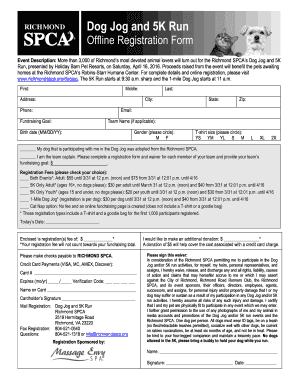
Dog jog offline
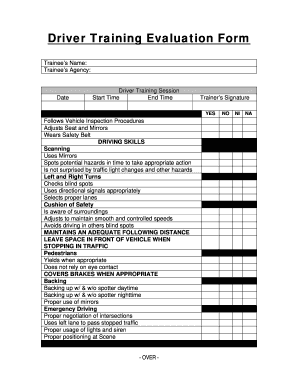
Driver Training Evaluation Form - Larchmont VAC - larchmontvac

Cell theory worksheet
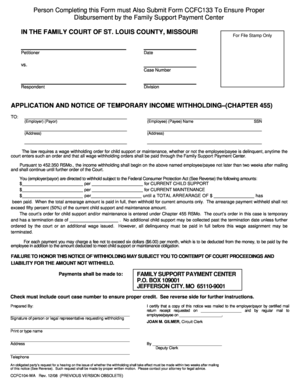
Person Completing this Form must Also Submit Form CCFC133 to Ensure Proper

3800 pm wsfr0083v
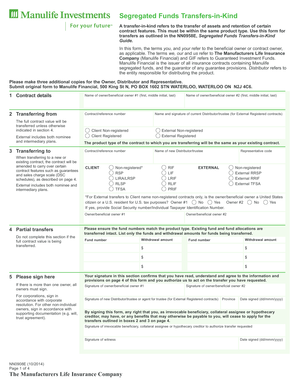
Nn0908e
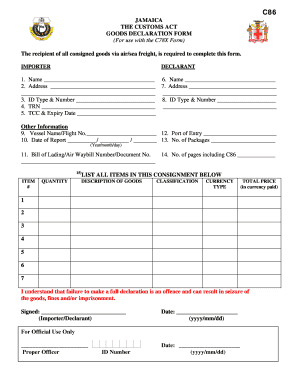
C86 form
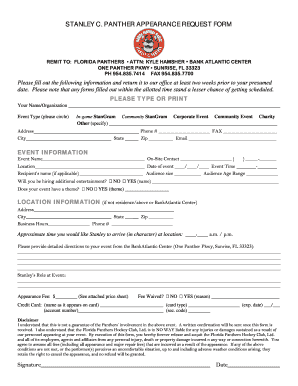
STANLEY C PANTHER APPEARANCE REQUEST FORM
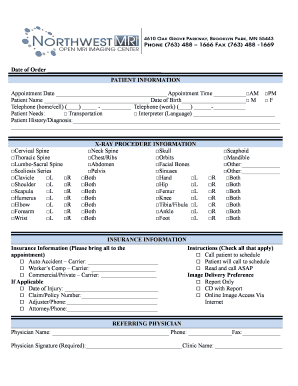
Northwest-MRI-X-Ray-Referral-Form-1pdf
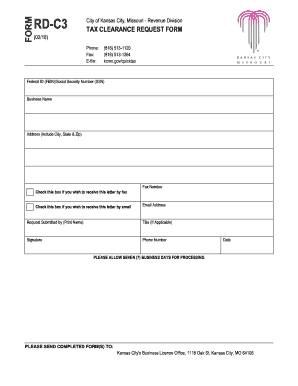
Rd c3
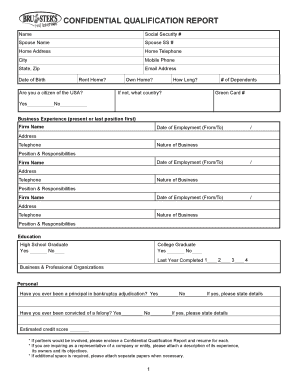
CONFIDENTIAL QUALIFICATION REPORT -

PTA Program Proposal Form - San Diego Unified Council of PTAs
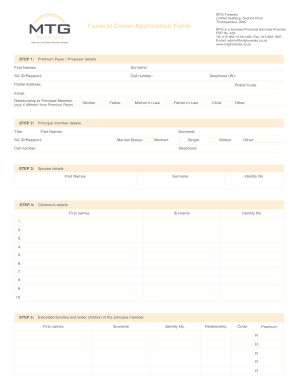
Mtg funeral form

2549 Allergy testing request form - King George Hospital
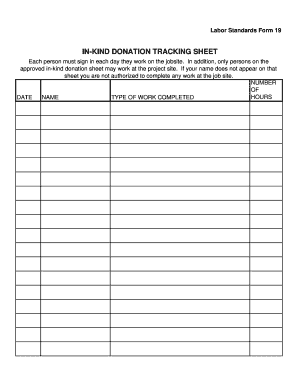
Labor Standards bForm 19b -In-Kind Tracking Sheet

Scoresheet 3x3
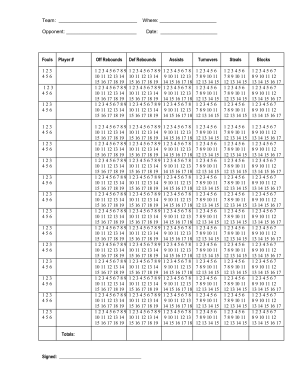
Coaching Form - Stats Sheet -- pdf - Basketball Coaching
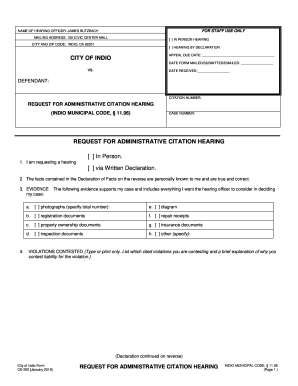
Ce200 request administrative form
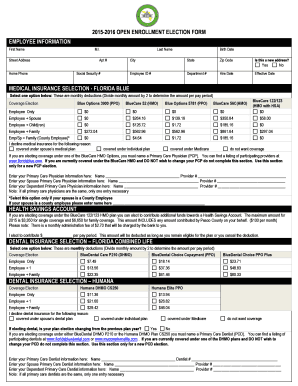
2015-2016 OPEN ENROLLMENT ELECTION FORM EMPLOYEE
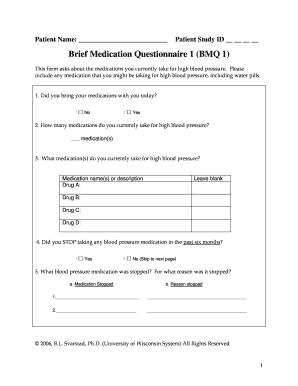
Bmq questionnaire
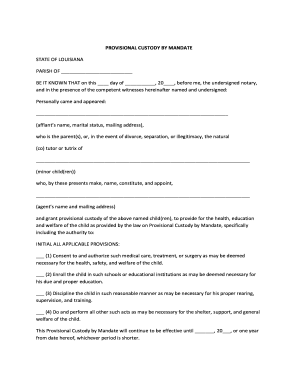
PROVISIONAL CUSTODY BY MANDATE - Baton Rouge - batonrougenotary
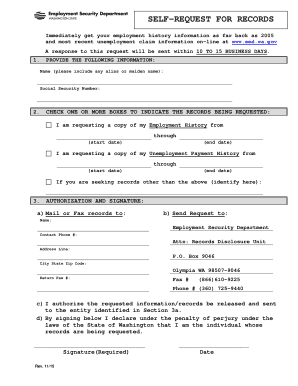
SELF-REQUEST FOR RECORDS - Windows
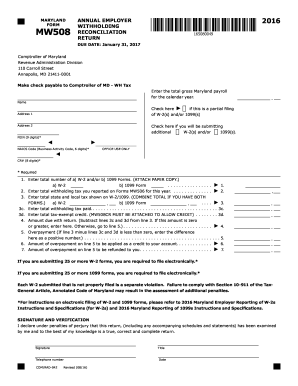
2016 form mw508

452 sc carolina form
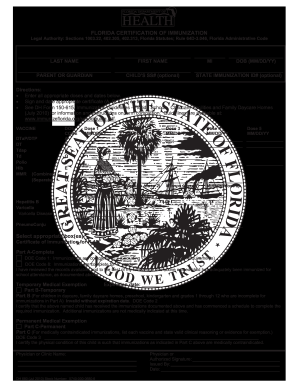
313, Florida Statutes Rule 64D3

Hagar form
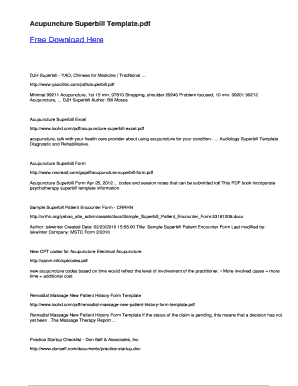
Acupuncture superbill template
Benefit from the DocHub online library of fillable PDF forms
Searching the PDF forms doesn't have to be a tedious and time-consuming process. With the DocHub online library, it has become easier to find the fillable PDF forms and modify them in your browser. The service allows you to adjust the document to your needs using powerful editing tools.
You can use online document editing features to modify almost any type of document with ease. You just need to find the template of your choice, open it in the editor, and use the toolbar to make the necessary corrections.
Follow this guide to get your document done with DocHub:
- Find the PDF template you need.
- Click the Get Form button to open the file in the editor.
- Use the toolbar to fill out and edit the document.
- Easily add and highlight text, insert images, checkmarks, and symbols.
- Drop new fillable fields, and rearrange or delete pages from your file.
- Save changes and download your record.
DocHub empowers everyone to streamline document editing, signing, and distribution, and form completion. Create an account and benefit from our well-organized PDF Forms library and comprehensive editor.