




01. Edit your form online
Type text, add images, blackout confidential details, add comments, highlights and more.

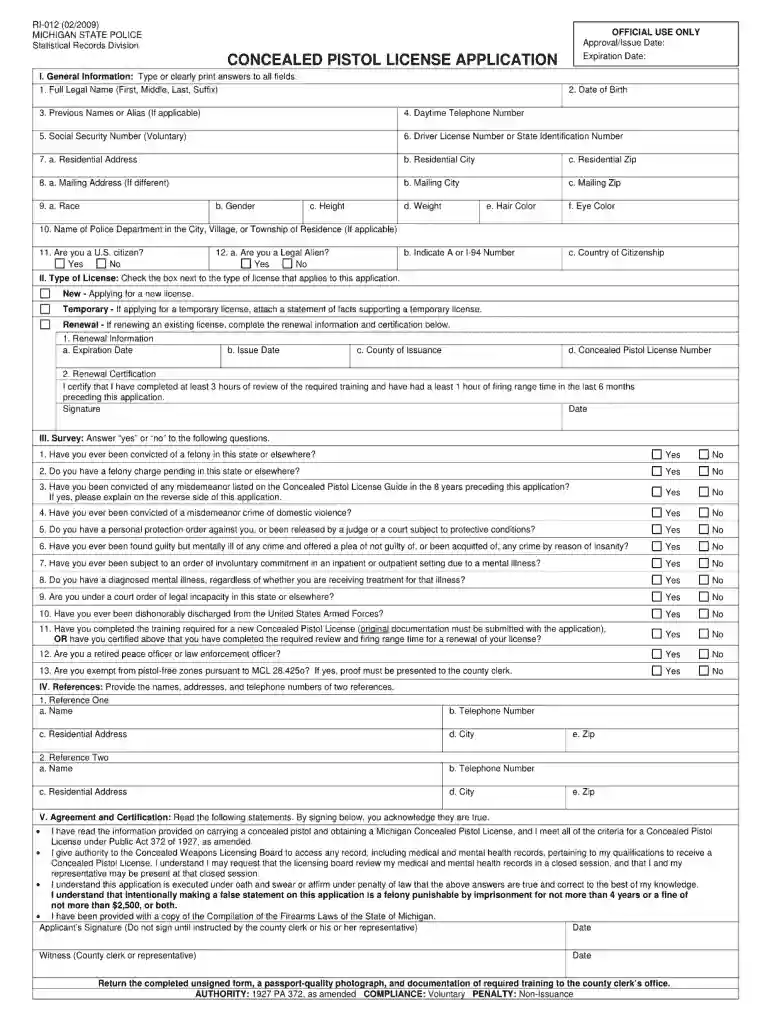
Type text, add images, blackout confidential details, add comments, highlights and more.

Draw your signature, type it, upload its image, or use your mobile device as a signature pad.

Send it via email, link, or fax. You can also download it, export it or print it out.

Start using our platform today to effortlessly complete your forms!
At DocHub, your data security is our priority. We follow HIPAA, SOC2, GDPR, and other standards, so you can work on your documents with confidence.
Feb 13, 2025 Rule R1-012B establishes the universitys Complaint resolution procedures to provide for the prompt and equitable resolution of Complaints made by students.Read more
Oct 10, 2019 245.12 Items Not Eligible for Deposit or Pickup. [Revise the text to read as follows:] Customers must present the following First-Class Mail.Read more


