




Here's how it works

01. Edit your form online
Type text, add images, blackout confidential details, add comments, highlights and more.

02. Sign it in a few clicks
Draw your signature, type it, upload its image, or use your mobile device as a signature pad.

03. Share your form with others
Send it via email, link, or fax. You can also download it, export it or print it out.
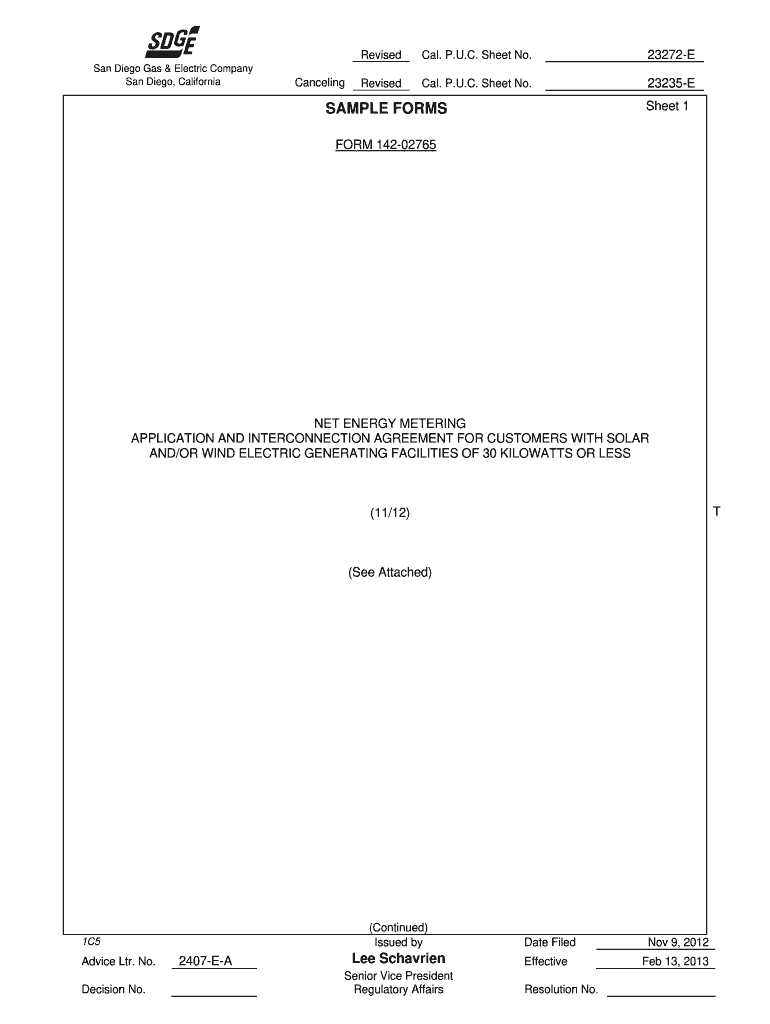
How to use or fill out form 142 02765 with our platform

- Click ‘Get Form’ to open it in the editor.
- Begin by filling in the Application Identification Number, which is for SDG&E’s use only. This is crucial for tracking your application.
- In Part I, provide details about the Generating Facility's location and responsible parties. Ensure that the name matches your SDG&E service account.
- Complete the Customer Generating Facility Information section, including your account number, address, and contact information. Make sure all fields are filled accurately.
- In Part II, check the appropriate boxes regarding the type of service you are applying for and provide any necessary documentation as outlined.
- Fill out Part III with your current Electric Rate Schedule and any additional information required about electric vehicle recharging facilities or other generators connected to your account.
- Finally, review all sections for completeness before submitting. You can save and share your completed form directly from our platform.
Start using our platform today to simplify your form completion process for free!
Fill out form 142 02765 online
It's free
It's free
Got questions?
We have answers to the most popular questions from our customers. If you can't find an answer to your question, please contact us.
Contact us
What do I do if the opposing party refuses to provide their declaration of disclosure?
(1) File a motion to compel a further response. (2) File a motion for an order preventing the noncomplying party from presenting evidence on issues that should have been covered in the declaration of disclosure.
What is Form FL 142 used for?
The FL-142 Schedule of Assets and Debts form is used during divorce proceedings in California to list all known community and separate assets and debts, providing a detailed account of the financial situation for equitable distribution.
What financial documents are needed for divorce in California?
Gather financial documents Mortgage statements. Bank account statements. The title to your house or car. Credit card statements. Retirement account statements (pension, 401k, IRA)
What is NEM ST?
NEM 2.0 stands for net energy metering 2.0. It refers to the state policy that governs how power utilities can buy and sell energy from solar customers.
What is a schedule of assets and debts?
List all your known property and debt. This can be used as an attachment to Declaration of Disclosure (form FL-140) or you may use Property Declaration (form FL-160) instead.
Security and compliance
At DocHub, your data security is our priority. We follow HIPAA, SOC2, GDPR, and other standards, so you can work on your documents with confidence.
Learn more


