



DE 542 - Employment Development Department 2026

Get Form
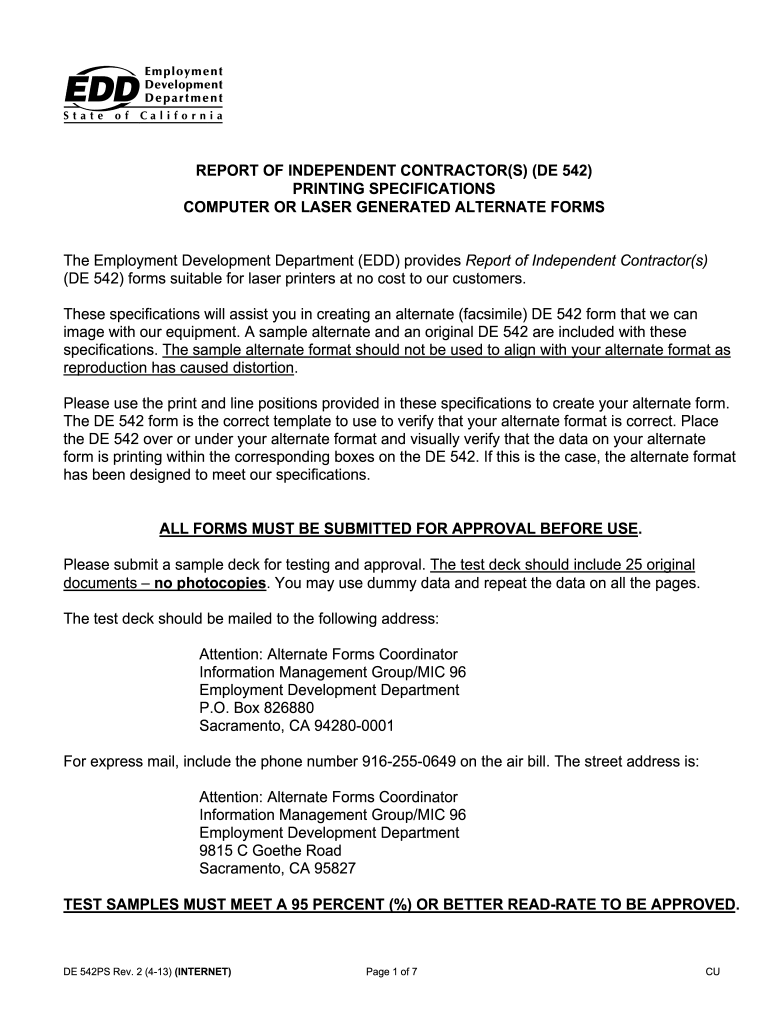
de 542 Preview on Page 1

Here's how it works

01. Edit your de 542 online
Type text, add images, blackout confidential details, add comments, highlights and more.

02. Sign it in a few clicks
Draw your signature, type it, upload its image, or use your mobile device as a signature pad.

03. Share your form with others
Send de542 via email, link, or fax. You can also download it, export it or print it out.

How to use or fill out DE 542 - Employment Development Department with our platform

Form edit decoration
9.5
Ease of Setup
DocHub User Ratings on G2
9.0
Ease of Use
DocHub User Ratings on G2
  1. Click ‘Get Form’ to open the DE 542 in the editor.
  2. Begin by filling out the 'Service-Recipient' section. Enter the name, address, and contact information as specified, ensuring all letters are in uppercase.
  3. Next, provide the 'Federal Identification Number' and 'California Employer Account Number'. Ensure these numbers are formatted correctly without any additional characters.
  4. In the 'Service-Provider' section, repeat the process for entering names and addresses. Remember to include social security numbers in the required format.
  5. Complete the contract details including 'Start Date', 'Amount of Contract', and 'Contract Expiration Date'. Use MMDDYY format for dates.
  6. Finally, review all entries for accuracy before saving or printing your completed form.

Start using our platform today to easily fill out your DE 542 form online for free!

See more DE 542 - Employment Development Department versions

We've got more versions of the DE 542 - Employment Development Department form. Select the right DE 542 - Employment Development Department version from the list and start editing it straight away!
Versions Form popularity Fillable & printable
2013 4.8 Satisfied (60 Votes)
2007 4 Satisfied (23 Votes)
be ready to get more

Complete this form in 5 minutes or less

Get form

Got questions?

We have answers to the most popular questions from our customers. If you can't find an answer to your question, please contact us.
Contact us
An independent contractor agreement is a contract that lays out the terms of the independent contractors work. It covers the contractual obligations, scope, and deadlines of the work to be performed. It affirms that the client and contractor are not in an employer-employee relationship.
Beginning in 2025, private employers who hire certain independent contractors will be required to provide a written agreement specifying certain terms and to pay their compensation by certain deadlines. The new law aims to give freelancers basic worker protections and the right to be paid on time.
REPORT OF INDEPENDENT CONTRACTOR(S), DE 542. WHO MUST REPORT: Any business or government entity (defined as a Service-Recipient) that is required to file a federal Form 1099-MISC for service performed by an independent contractor (defined as a Service-Provider) must report.
If you decide to hire independent contractors, youll need to collect the following documentation: Form W-9. Forms W-8BEN or W-8BEN-E. Form 1099-NEC. Form SS-8. Independent contractor agreement. Confidentiality agreement (NDA) Non-compete agreement. Non-solicitation agreement.
Statewide Toll-Free Numbers: English: 1-877-238-4373. Spanish: 1-877-379-3819. All other languages: 1-877-238-4373. Press 3 for free interpreter services. Teletypewriter (TTY): 1-800-445-1312. California Relay Service: Call 711 and provide the number 1-877-238-4373 to the operator.

Security and compliance

At DocHub, your data security is our priority. We follow HIPAA, SOC2, GDPR, and other standards, so you can work on your documents with confidence.

Learn more
ccpa2
pci-dss
gdpr-compliance
hipaa
soc-compliance
be ready to get more

Complete this form in 5 minutes or less

Get form

People also ask

What forms does a business need to file for 1099 employees? A business needs to file Form 1099-NEC for a 1099 worker to report non-employee compensation. Your business should also keep an independent contractors W-9 on hand, though you dont need to file that anywhere.

Related links

