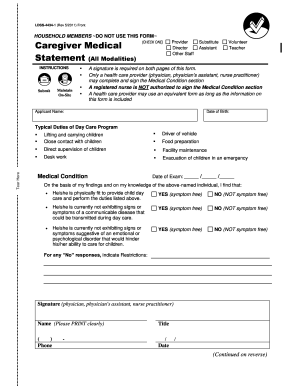
Type text, add images, blackout confidential details, add comments, highlights and more.
02. Sign it in a few clicks
Draw your signature, type it, upload its image, or use your mobile device as a signature pad.
03. Share your form with others
Send it via email, link, or fax. You can also download it, export it or print it out.
How to use or fill out ns government with our platform
Ease of Setup
DocHub User Ratings on G2
Ease of Use
DocHub User Ratings on G2
Click ‘Get Form’ to open the ns government application in the editor.
Begin with Section A - Personal Information. Fill in your Last Name, First Name, Initial, Date of Birth, Phone Number, and Mailing Address. Ensure all details are accurate for processing.
Indicate your Alberta Personal Health Number (PHN) and E-mail Address. Select how you heard about the AMFH Program and express interest in receiving information from the Canadian Diabetes Association if applicable.
In Section B - Diabetes History, provide the date of your first diabetes diagnosis.
Complete Section C - Diabetes Education by indicating who provided your diabetes education and any training received related to diabetes management.
In Section D - Certification, confirm your residency status in Alberta and income eligibility by selecting the appropriate family status and income level.
Finally, sign and date the application at the bottom of the form. Ensure that a copy of your Prescription/Official Receipt is attached before submission.
Start using our platform today to simplify your application process for free!
Nova Scotia government departmentsN.S. government Announcement todayNova Scotia Announcement today liveNova Scotia government partyNova Scotia Government directoryN.S. government office closuresNova Scotia Government loginNova Scotia government Liberal or Conservative
Security and compliance
At DocHub, your data security is our priority. We follow HIPAA, SOC2, GDPR, and other standards, so you can work on your documents with confidence.
The Digital National Security Archive (DNSA) is an invaluable online collection of more than 100,000 declassified records documenting historic U.S. policyRead more
Cookie consent notice
This site uses cookies to enhance site navigation and personalize your experience.
By using this site you agree to our use of cookies as described in our Privacy Notice.
You can modify your selections by visiting our Cookie and Advertising Notice.