
Get any PDF form from the DocHub library of ready-made templates - Page 1504
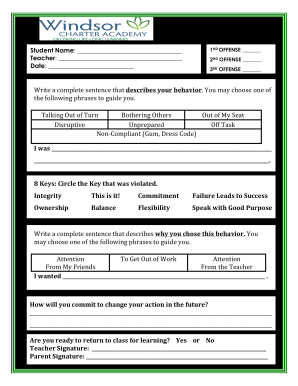
Refocus form pdf
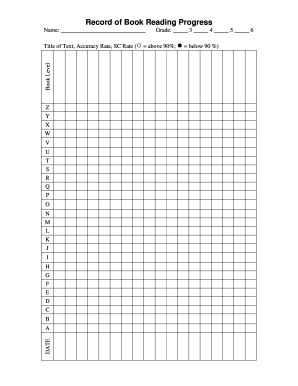
Record of Book Reading Progressdoc
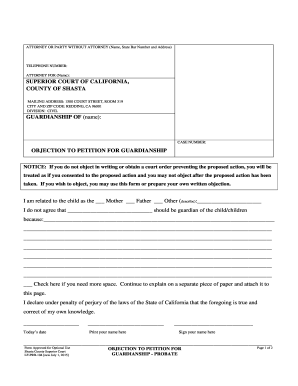
LF-PRB-104 Objection to Petition for Guardianship-Probate

Denna blankett anvnds fr bouppteckning med anledning av
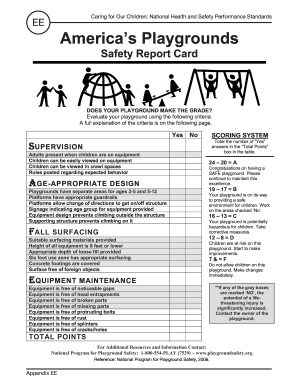
Americas Playgrounds
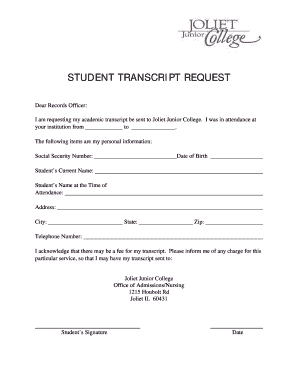
Jjc transcripts
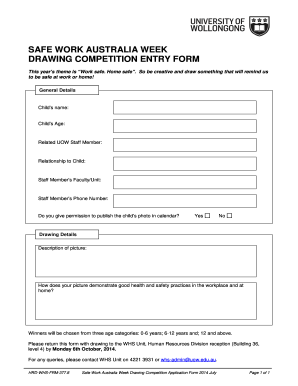
Art competition entry form
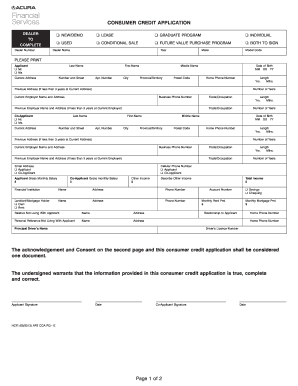
28NOV201211093145 CONSUMER CREDIT APPLICATION - Acura

JJC Letterhead.dotx - jjc
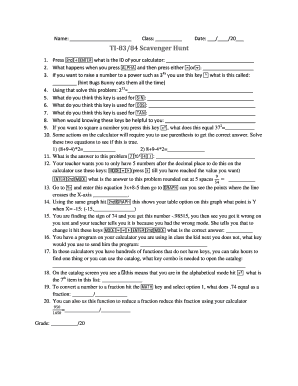
Ti 83 84 scavenger hunt answer key
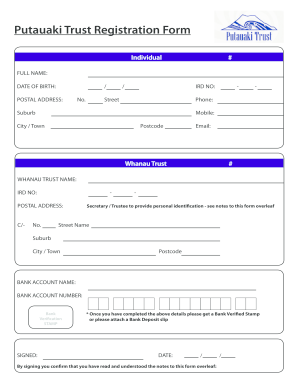
Putauaki trust
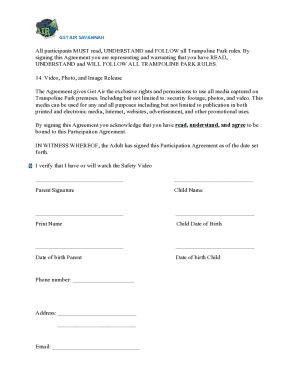
Get air waiver form
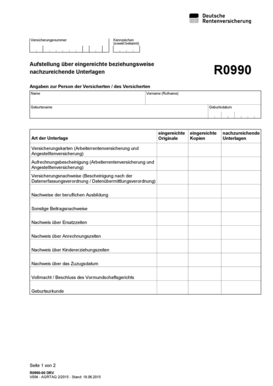
R0990
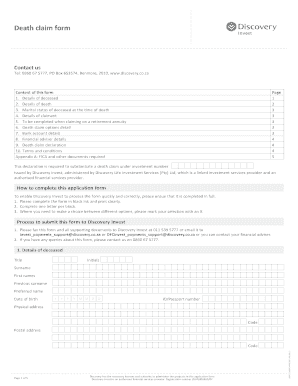
Discovery death claim form
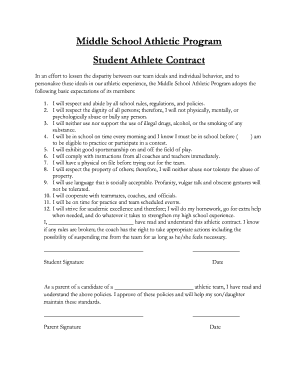
Student athlete contract
Form MRT-441, Meals and Rooms Tax Return - Vermont ... - tax vermont

Adverse incident report
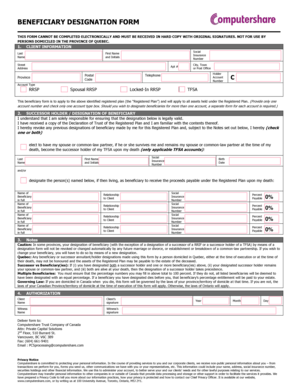
Computershare beneficiary designation form
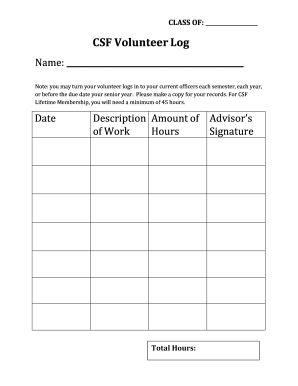
Csf volunteer hours sheet
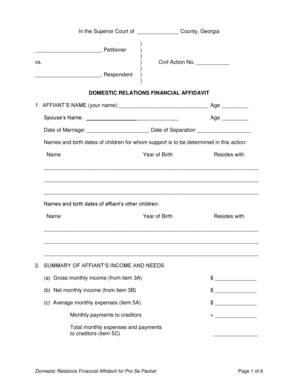
DOMESTIC RELATIONS FINANCIAL AFFIDAVIT - Hall County GA - hallcounty

Senior Ad Order Form - Clovis East High school
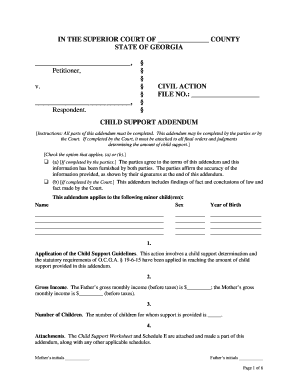
Child support addendum
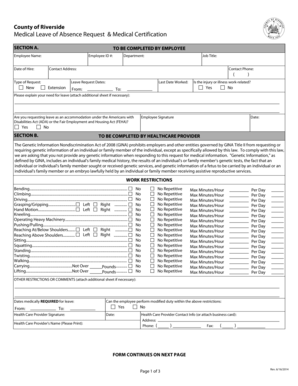
Leave of absense request

Honors Thesis Research Formdocx - cals ufl
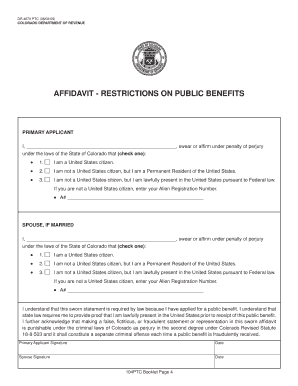
Dr4679
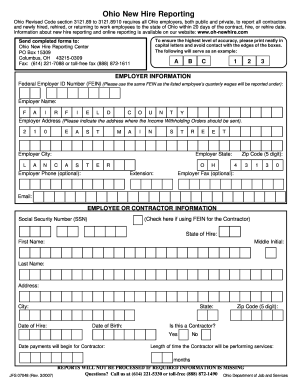
Ohio New Hire Reporting - Fairfield County - intranet co fairfield oh
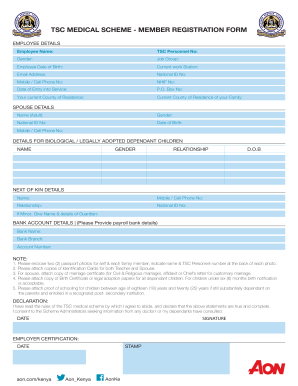
Collaboration kenya minet com tsc
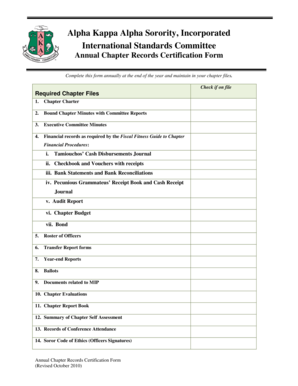
Aka study guide pdf
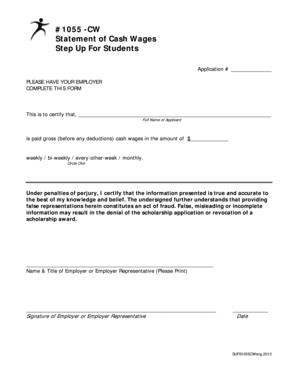
1055 scw form
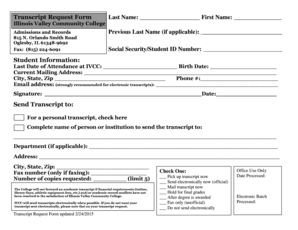
Ivcc transcript request
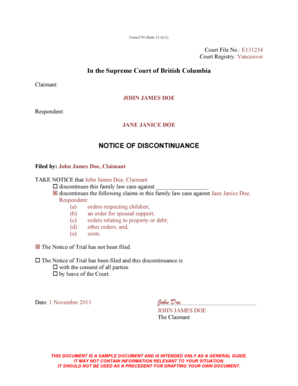
Sample of notice of discontinuance in nigeria
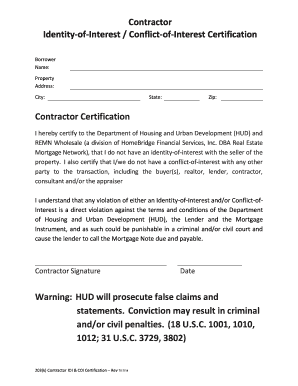
Identity of interest

Medical Exemption Letter - Homeschool-Lifecom
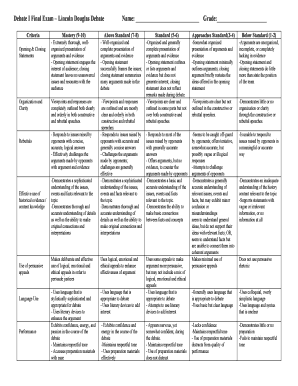
Ld debate rubric
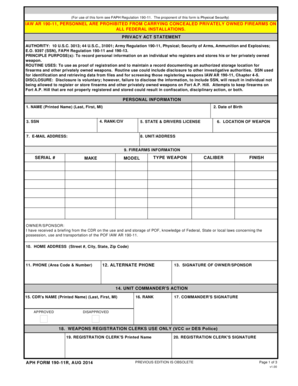
Fc form 2635 fillable

Sustainability Forum for Greenhouse Floriculture and Horticulture - sustainca
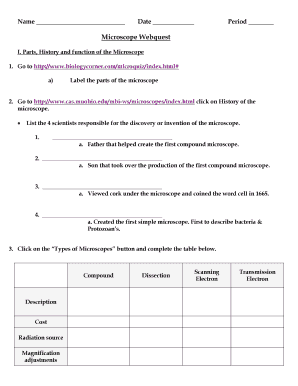
Microscope webquest answer key pdf
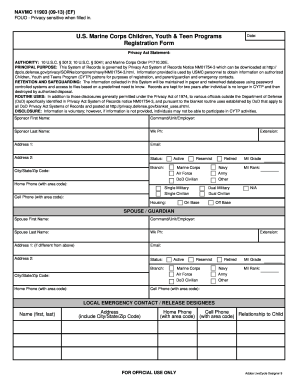
11903 form
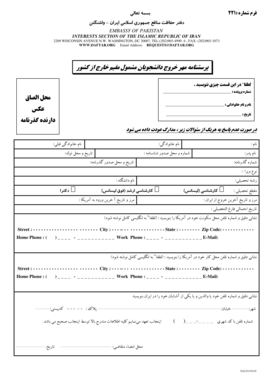
Daftar hafez manafe iran in washington
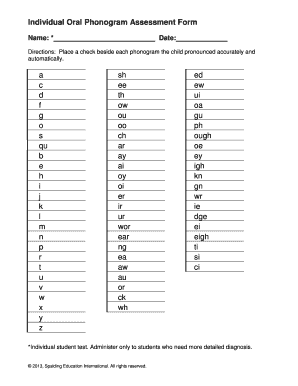
Individual Oral Phonogram Assessment Form - spalding
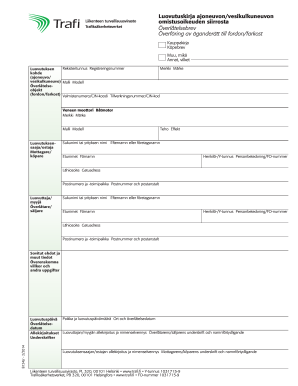
Luovutuskirja

CAT-Adoption-Application - orphananimalrescue
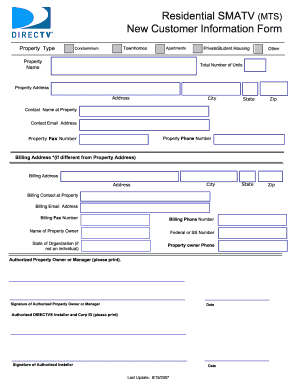
Residential SMATV MTS New Customer Information Form
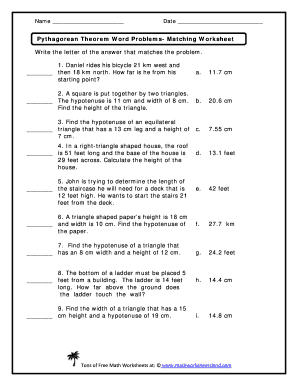
Pythagorean theorem word problems matching worksheet answer key
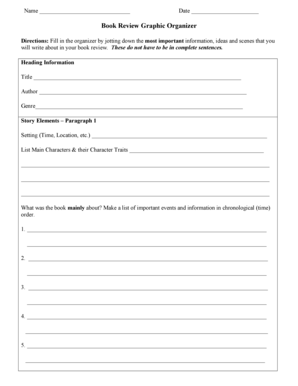
Book review graphic organizer pdf

Form 45b

2014 Form 1040 - foothilledu
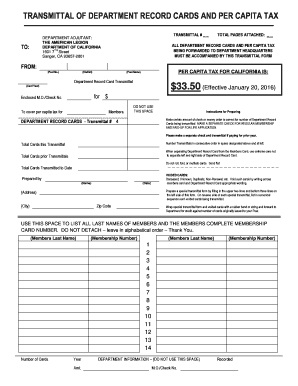
TRANSMITTAL DEPARTMENT RECORD CARDS AND PER CAPITA TAX - calegion
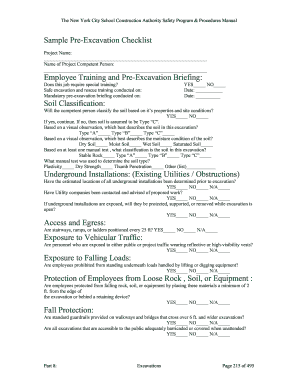
Chart review irb
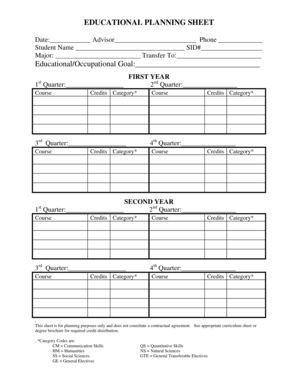
EDUCATIONAL PLANNING SHEET - Pierce College - pierce ctc
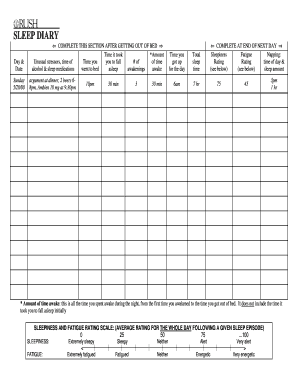
Sleep diary rush
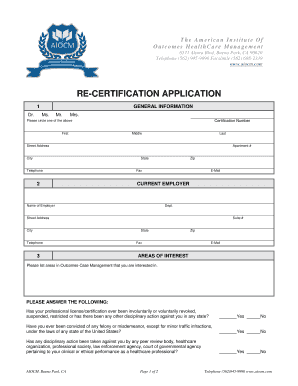
DOWNLOAD Re-Certificate Form - aiocm
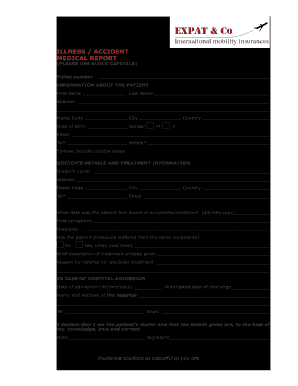
ILLNESS ACCIDENT MEDICAL REPORT PLEASE USE BLOCK - expatinsurance
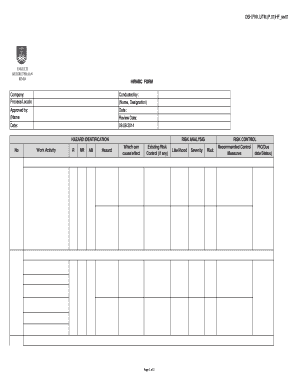
Hirac template excel
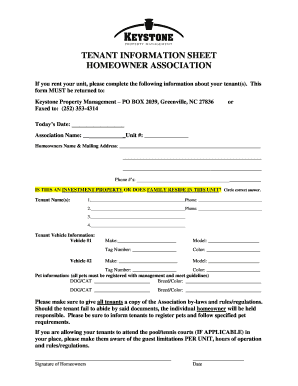
New tenant information sheet
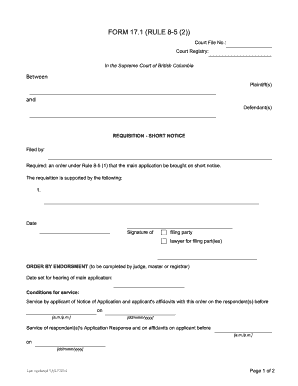
Rule 8 5 2
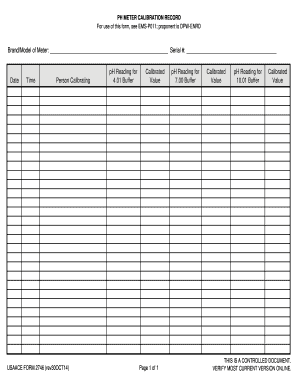
Ph meter calibration log
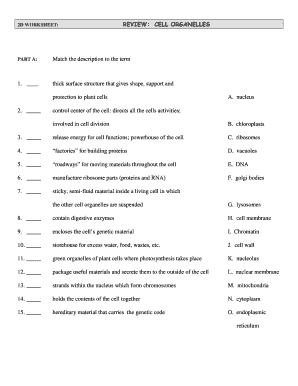
Cell organelles review worksheet answer key

MARTIN COUNTY BUILDING DEPARTMENT 900 SE RUHNKE STREET - martin fl
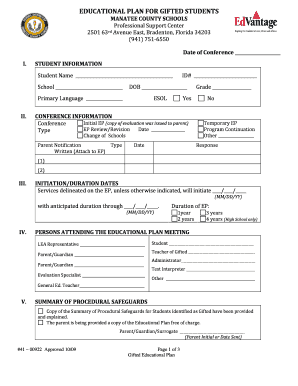
Florida plan gifted students

Transcript of Records - uni-muensterde
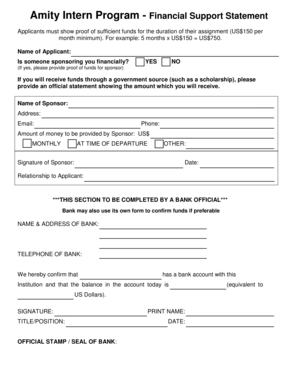
Show an assignment
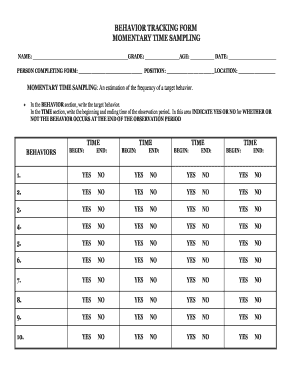
Behavior tracking form momentary time sampling name grade age date person completing

Sag exhibit g pdf

Saha forms

Uniform hazardous waste manifest
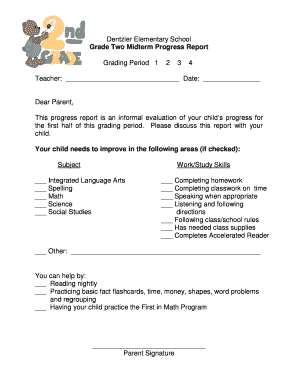
Grade One Midterm Progress Report - parmacityschoolsorg - www2 parmacityschools
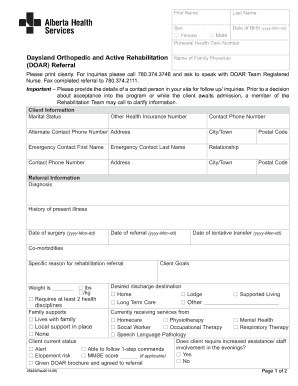
Daysland doar program
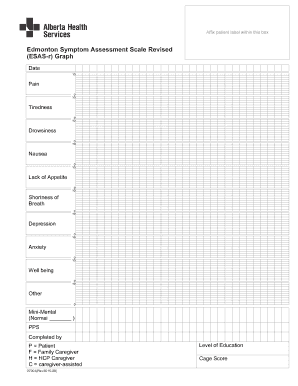
Esas form
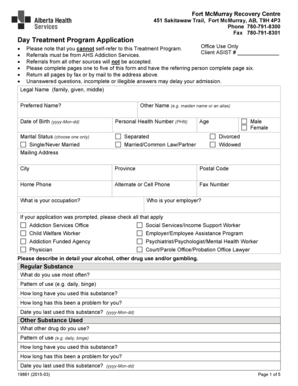
Day Treatment Program Application - Alberta Health Services

Appeal of Satisfactory Academic Progress SAP Policy USE - chemeketa
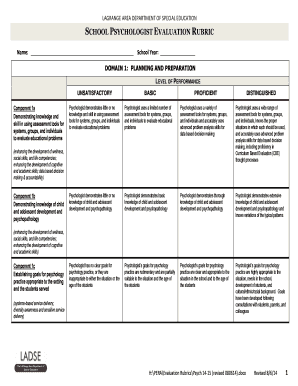
SCHOOL PSYCHOLOGIST EVALUATION RUBRIC - ladse
Child time sheet
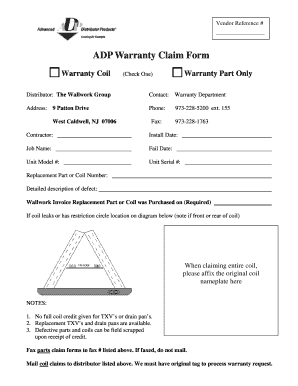
Adp warranty claim form
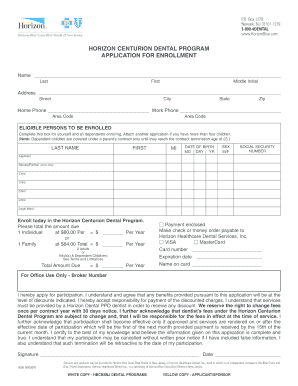
Horizon centurion dental fee schedule 2021
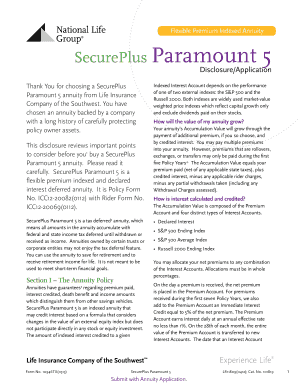
National life group paramount 5
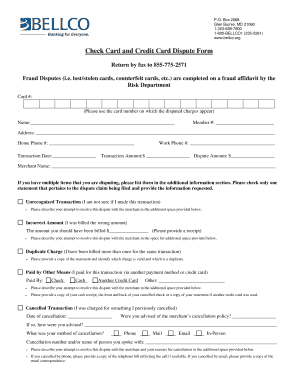
Check Card and Credit Card Dispute Form - Denver CO - bellco
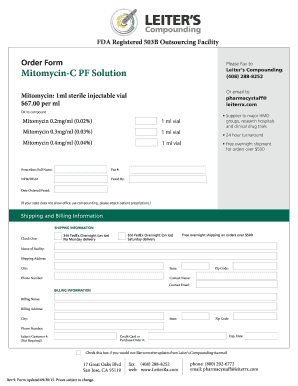
Form pf leiters form
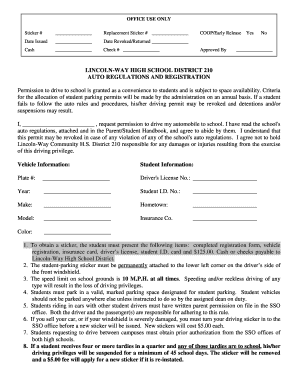
LINCOLN-WAY HIGH SCHOOL DISTRICT 210 AUTO REGULATIONS AND - lw210
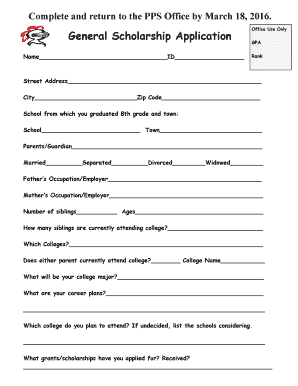
General Scholarship Application - Lincoln-Way East High School - lw210
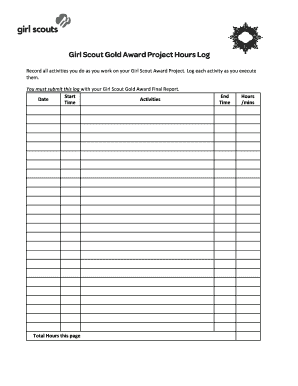
Girl Scout Gold Award Project Hours Log - gswpa
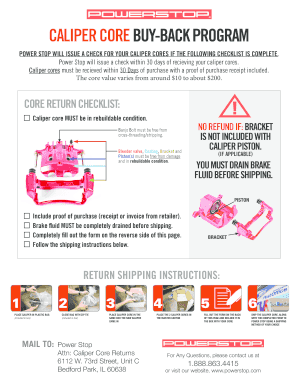
Powerstop core return
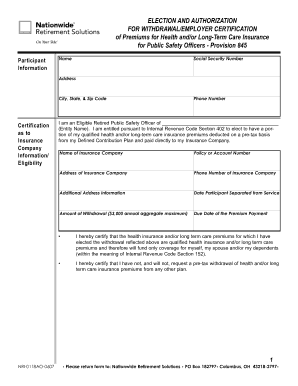
The nri ppa form
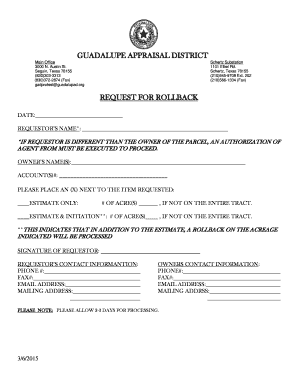
Guadalupe county appraisal district
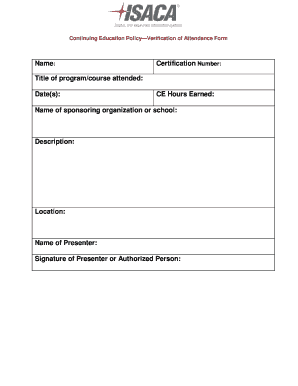
Isaca verification of attendance form
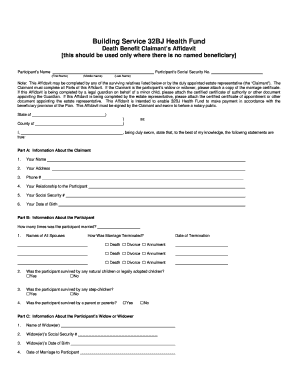
32bj benefit affidavit
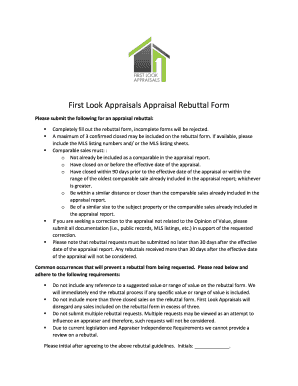
Driver appraisal sample
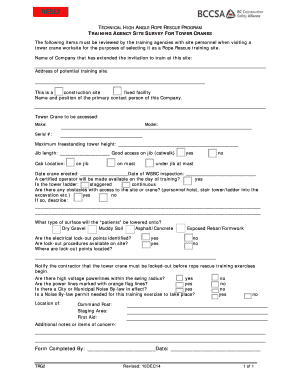
T - Burnaby - burnaby
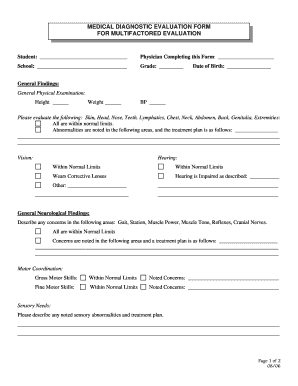
MEDICAL DIAGNOSTIC EVALUATION FORM FOR MULTIFACTORED
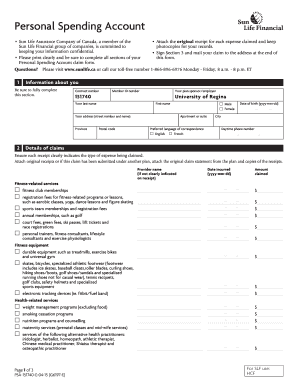
Sunlife psa form
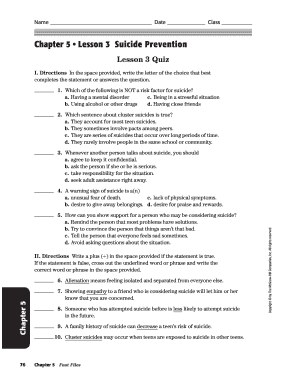
Chapter 5 lesson 3 suicide prevention answer key
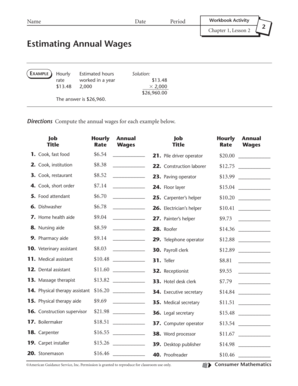
Estimating annual wages worksheet answers
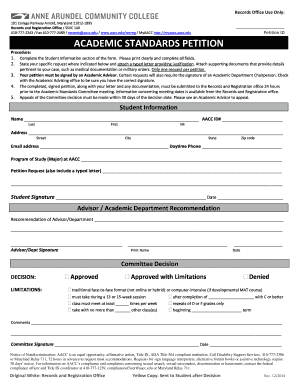
Aacc records
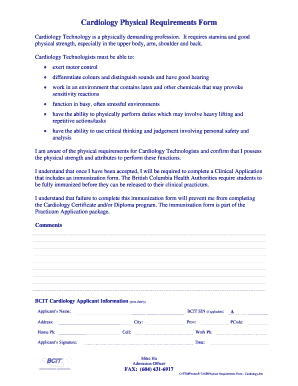
Cardiology Physical Requirements Form - BCIT - bcit

Request foR maRks Reassessment - BCIT - bcit

Pep notification form
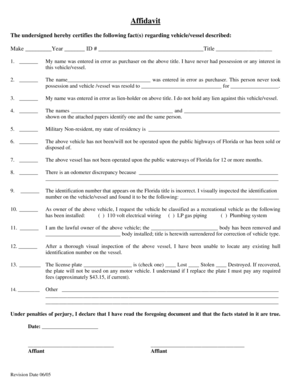
General Affidavit for MV HCTC Affidavit Revision date 0605 - hillstax

Dd form 2945
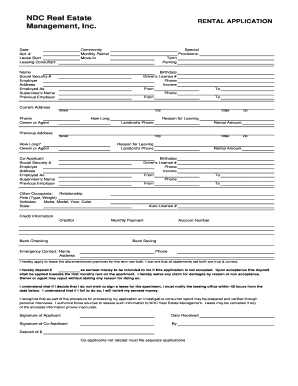
Ndc real estate form
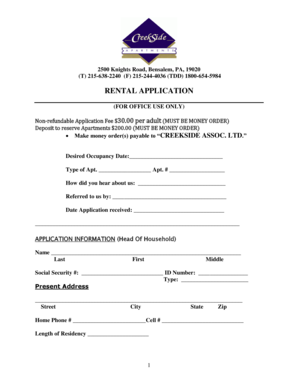
CREEKSIDE APARTMENTS RENTAL APLLICATION
Benefit from the DocHub online library of fillable PDF forms
Searching the PDF forms doesn't have to be a tedious and time-consuming process. With the DocHub online library, it has become easier to find the fillable PDF forms and modify them in your browser. The service allows you to adjust the document to your needs using powerful editing tools.
You can use online document editing features to modify almost any type of document with ease. You just need to find the template of your choice, open it in the editor, and use the toolbar to make the necessary corrections.
Follow this guide to get your document done with DocHub:
- Find the PDF template you need.
- Click the Get Form button to open the file in the editor.
- Use the toolbar to fill out and edit the document.
- Easily add and highlight text, insert images, checkmarks, and symbols.
- Drop new fillable fields, and rearrange or delete pages from your file.
- Save changes and download your record.
DocHub empowers everyone to streamline document editing, signing, and distribution, and form completion. Create an account and benefit from our well-organized PDF Forms library and comprehensive editor.