Csf volunteer hours sheet 2026

Get Form
csf volunteer form Preview on Page 1

Here's how it works

01. Edit your csf volunteer form online
Type text, add images, blackout confidential details, add comments, highlights and more.
02. Sign it in a few clicks
Draw your signature, type it, upload its image, or use your mobile device as a signature pad.
03. Share your form with others
Send csf 50 form via email, link, or fax. You can also download it, export it or print it out.

How to use or fill out csf volunteer hours sheet with our platform

Form edit decoration
9.5
Ease of Setup
DocHub User Ratings on G2
9.0
Ease of Use
DocHub User Ratings on G2
  1. Click ‘Get Form’ to open the csf volunteer hours sheet in the editor.
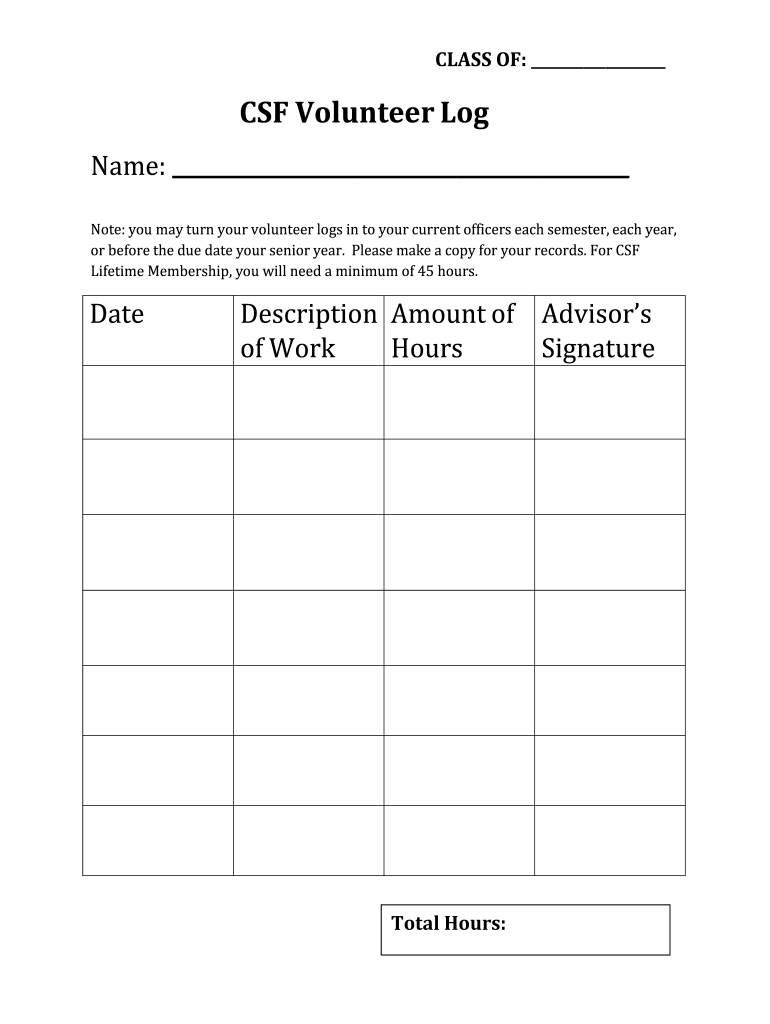
  2. Begin by entering your name in the designated field at the top of the form. This personalizes your log and ensures proper identification.
  3. In the 'Date' section, input the date when you completed each volunteer activity. This helps track your hours accurately over time.
  4. Next, describe your work in the 'Description of Work' field. Be specific about your tasks to provide clarity on your contributions.
  5. Enter the number of hours worked in the 'Amount of Hours' column corresponding to each activity. Ensure this is accurate for proper credit.
  6. Have an advisor sign off on your hours in the 'Advisor’s Signature' section. This validation is crucial for official recognition.
  7. Finally, calculate and enter your total hours at the bottom of the form to summarize your volunteer efforts.

Start using our platform today to easily fill out and manage your csf volunteer hours sheet for free!

be ready to get more

Complete this form in 5 minutes or less

Get form

Got questions?

We have answers to the most popular questions from our customers. If you can't find an answer to your question, please contact us.
Contact us
How To Track Volunteer Hours The volunteers name. The volunteers position (the exact position may shift between events, so make sure to note any changes) The date volunteered. The number of hours worked. The hourly value of the volunteers work. The volunteers contact information.
In order to qualify for CSF, students must accrue 10 total points from a maximum of five qualifying courses taken in the previous semester. Students must earn a set amount of points from each list.
* A D or an F in any course will disqualify you for that semester. Associate Membership will be granted to second semester Freshmen and first semester Sophomores (looking at freshman grades from the second semester of Freshmen year) whose grades meet the CSF requirements.
We found the best way to track volunteer hours is to keep a dedicated spreadsheet. Make columns for the date, number of hours, activity description, and a contact person at the organization. Each time you volunteer, update it immediately. This habit avoids any confusion later on.
To maintain active CSF membership status, students must meet the State CSF grade points (10) requirement, work 20 hours of community service and pay $4 dues for each semester application. ASSOCIATE MEMBERSHIP Freshmen Year: Fall Semester (1st) Aug-Dec: Eligible for Associate Membership based on December grades.

Security and compliance

At DocHub, your data security is our priority. We follow HIPAA, SOC2, GDPR, and other standards, so you can work on your documents with confidence.

Learn more
ccpa2
pci-dss
gdpr-compliance
hipaa
soc-compliance

People also ask

Requirements for Semester Membership Students earn membership in CSF if they apply and have earned 10 (ten) CSF points. Points are earned on grades from the previous semester according to the following scale. 4 (Four) of the 10 (ten) points must come from List I courses.
Graduation Recognition Students who complete community service throughout their high school years are eligible to receive special graduation cords: 100 hours White Cord. 500 hours Silver Cord. 1,000 hours Gold Cord.

csf volunteer hours sheet