
Get any PDF form from the DocHub library of ready-made templates - Page 1378
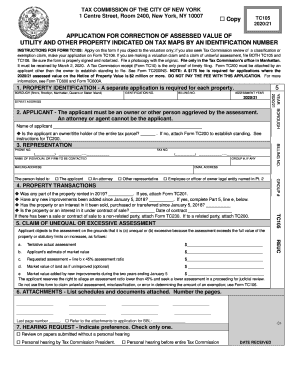
Assessed identification

Tc600

Tc309 2020 21 instructions

Nys ct 636 fillable form

Nys 50 t nys
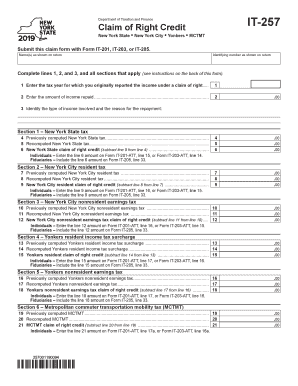
2019 new york credit

It242
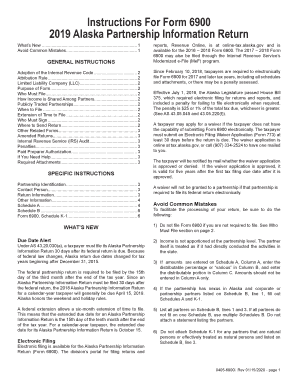
Instructions For Form 6390 2012 Alaska Federal-based Credits

Nyc 222 instructions
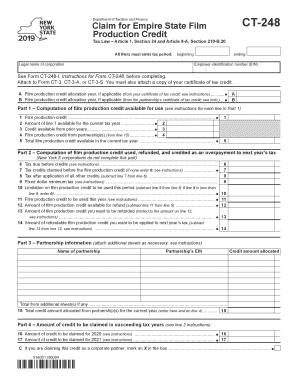
Ct 248
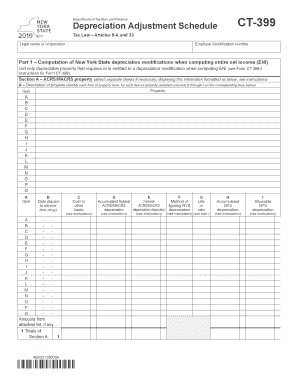
Ct 399
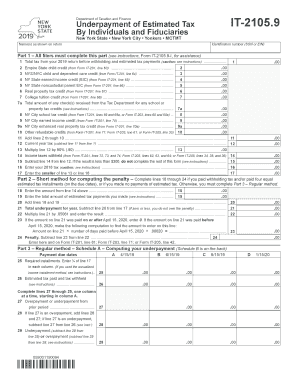
It21059
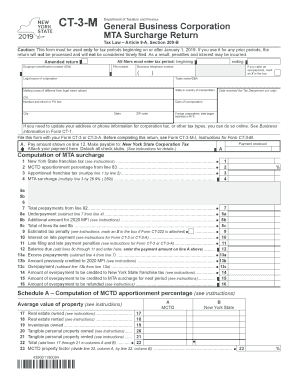
Nys dft ct
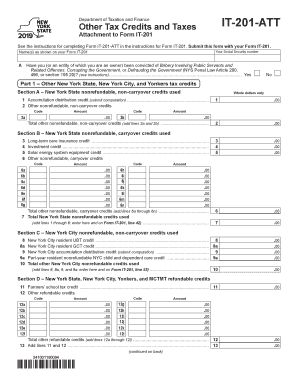
2019 it 201 att

Images.google.com
2020 estimated south carolina tax form

Sc 1120
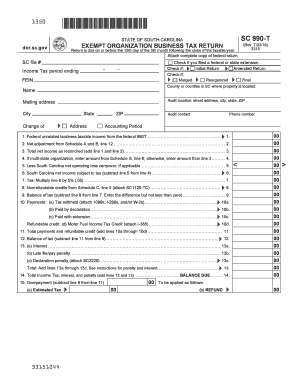
Sc 990 t instructions
South carolina cemetery audit forms
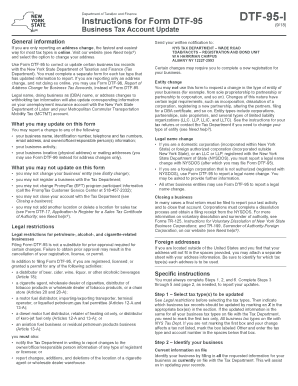
Dtf form 95
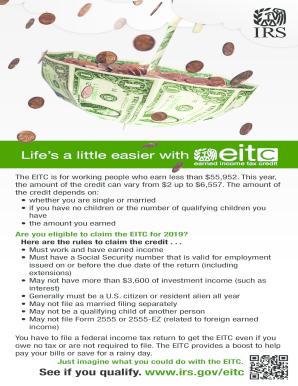
Irs goc

Publication 5354 (Rev. 9-2020) - Internal Revenue Service
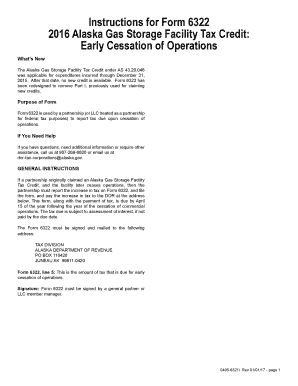
Instructions for Form 6322 2016 Alaska Gas Storage Facility Tax Credit
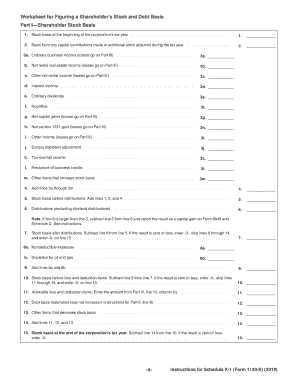
K 1
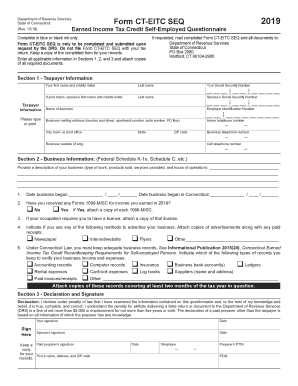
Drs cteitc
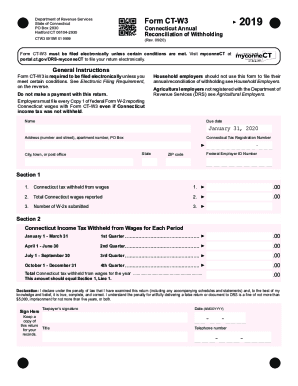
Ctw3 2020

Ct 1120si
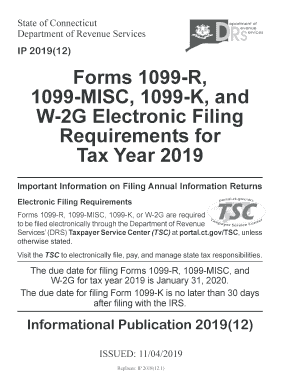
W-2G Electronic Filing
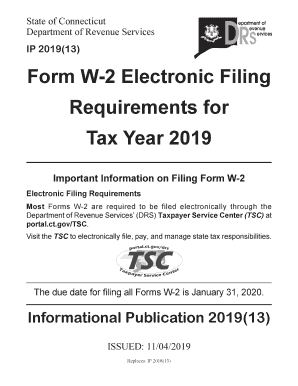
Important Information on Filing Form W2
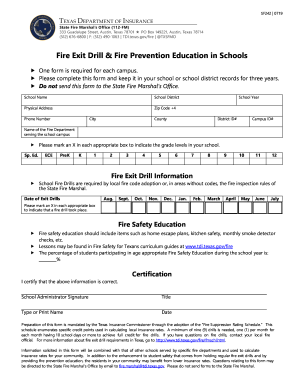
Texas fire drill form
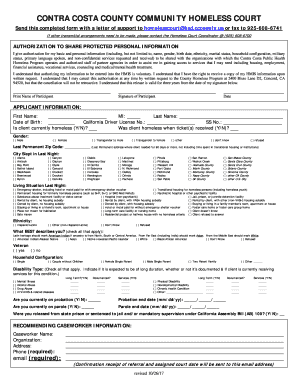
Change in ownership form contra costa county

Alabama rds tobacco

Mv irp b instructions

M4np form

2020 mn form

Minnesota m8 instructions 2019

Ma nrcr
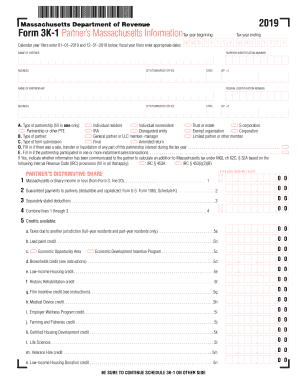
2019 mass form 1

355sbc
355sc
Instructions for form 1 for massachusetts 2019 tax
Massachusetts schedule
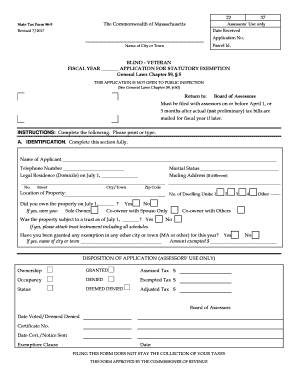
Ma form 96 4 how to

Massachusetts form 3

Business partner number florida

General Information - Florida Department of Revenue
Instead, retailers of natural gas are

State of ma income tax 1 4 tax form
Dr15n
Vehicle for on-road use

Florida Dept. of Revenue - Fuel Tax
Instructions for form dr15 ez
Effective 01/20

Form 1 form
2019 Insurance Premium Tax Information

Instructions dr 15ez
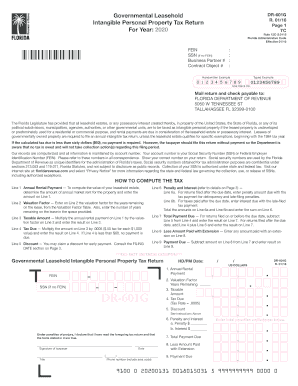
Florida leasehold
TC-69C Notice of Change for a Tax Account - Utah State Tax ...
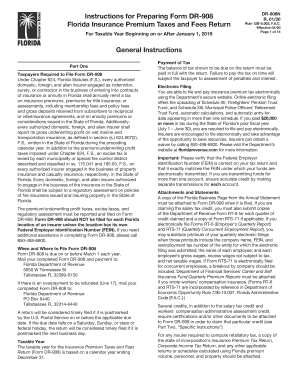
Dr 908
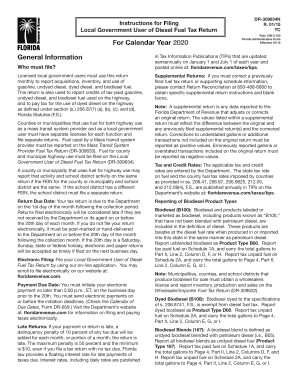
2020 census forms printable
Warning - Florida Department of Revenue
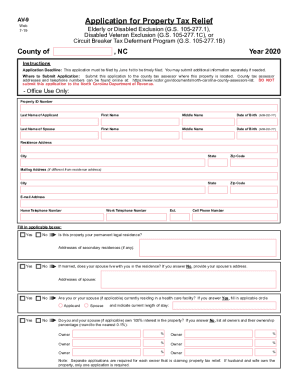
Application tax relief
Cd 418
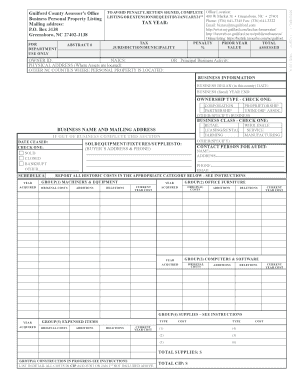
Listing guilford county

City of ridgecrest transient occupancy tax form

Dr 501ts form

8960 form

Publication 596
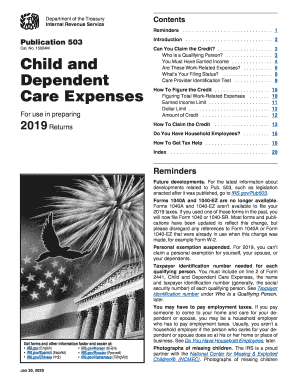
2018 dependent care expenses
Instructions for Form 8871 Iii/JI Internal Revenue Service ...

2018 form 3805p

YOUR COPY - Florida Department of Revenue
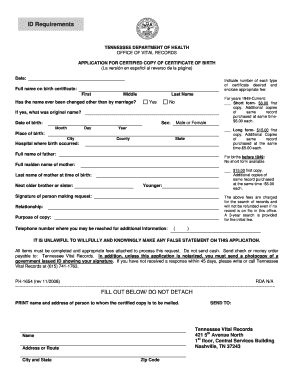
Tennessee department of health certificate of divorce or annulment form

8453 c form

P 142op form

?????package ??????? - Agence du revenu du Canada - cra-arc gc

Dhcr notification dob

Mta fmla forms
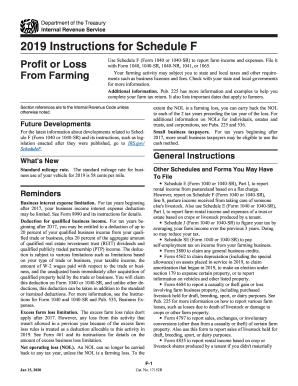
Schedule f instructions
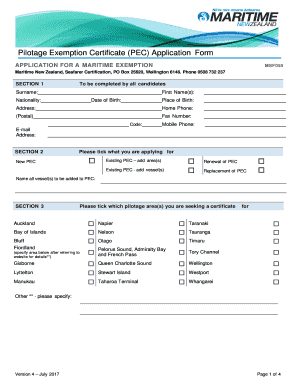
Pilotage Exemption Certificate (PEC) application form - Maritime NZ

Allowance form studylink
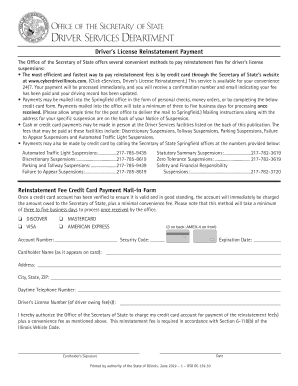
Il drivers reinstatement

Title lodged registry
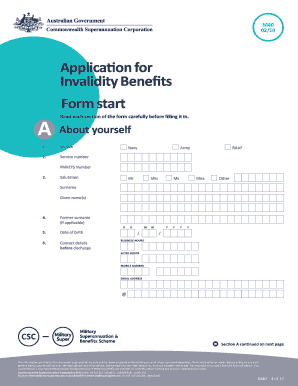
M40 form

Building code enforcement address/name change request form

SMALL CLAIMS COURT RONNIE FUSSELL, CLERK OF THE ...

California re 226

Iema iema form first online

Visitor Visa Guide (INZ 1018)

Psiexams contact PSI Online - One stop Solution for Test Takers
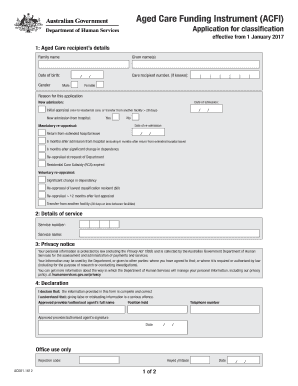
Aus age pension application form 2020

Dva direct order form
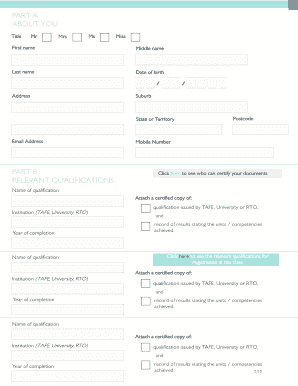
Vba domestic builder application

114 individual

Customs form 708
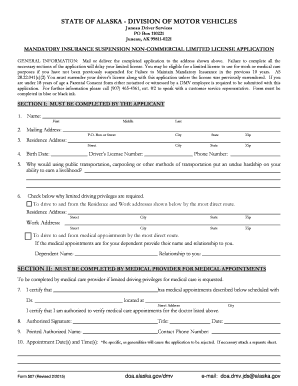
Alaska 507

Colorado exceptions processing
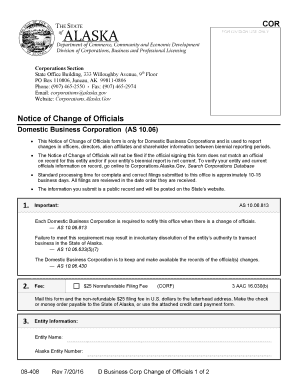
Alaska foreign corporation change of statement form
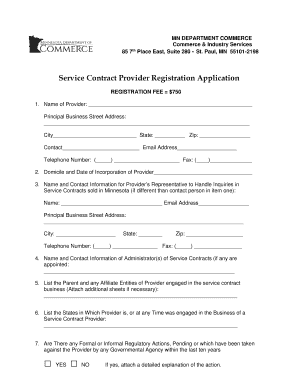
Minnesota contract for services form

Designation individual va form
Benefit from the DocHub online library of fillable PDF forms
Searching the PDF forms doesn't have to be a tedious and time-consuming process. With the DocHub online library, it has become easier to find the fillable PDF forms and modify them in your browser. The service allows you to adjust the document to your needs using powerful editing tools.
You can use online document editing features to modify almost any type of document with ease. You just need to find the template of your choice, open it in the editor, and use the toolbar to make the necessary corrections.
Follow this guide to get your document done with DocHub:
- Find the PDF template you need.
- Click the Get Form button to open the file in the editor.
- Use the toolbar to fill out and edit the document.
- Easily add and highlight text, insert images, checkmarks, and symbols.
- Drop new fillable fields, and rearrange or delete pages from your file.
- Save changes and download your record.
DocHub empowers everyone to streamline document editing, signing, and distribution, and form completion. Create an account and benefit from our well-organized PDF Forms library and comprehensive editor.