
Get any PDF form from the DocHub library of ready-made templates - Page 1379
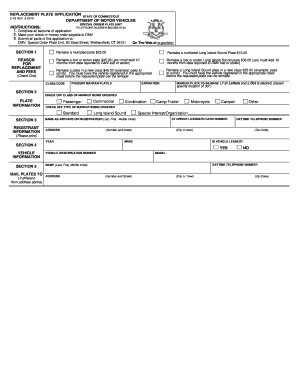
Ct e 45
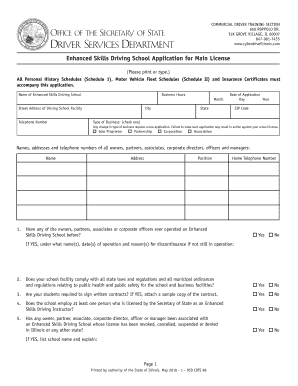
Illinois driver services departmert
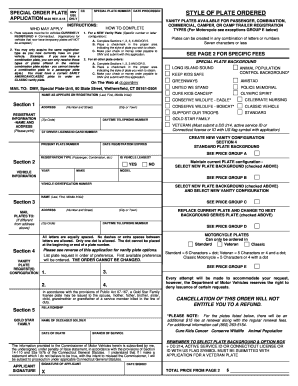
M 22 form

Hsmv affidavit
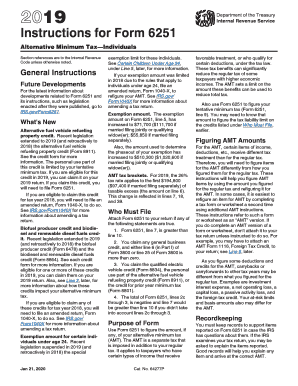
2018 federal tax tables
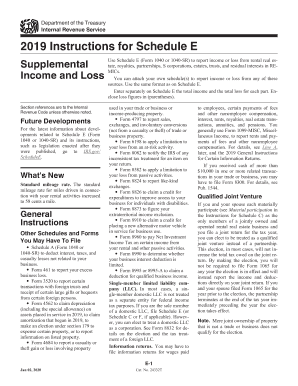
Irs schedule e 2020 instructions

Publication 5412-G (SP) (5-2020). Economic Impact Payment by Prepaid Debit Card (Spanish Version)
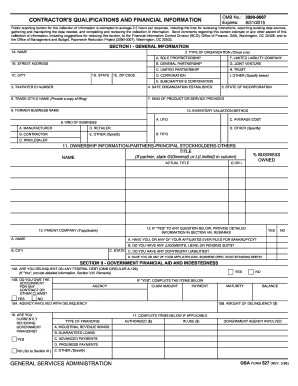
Form 527
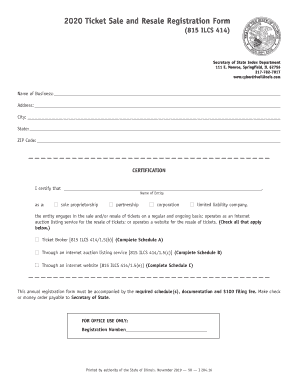
Illinois ticket form
Sf035 form

DUE DATE FOR FILING IS APRIL 1, 2018

Chiropractic Application - USVI Department of Health
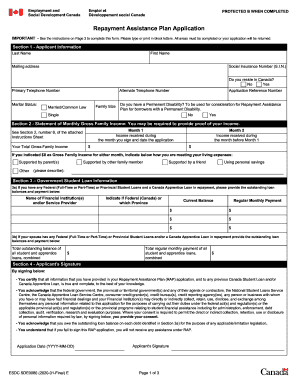
REPAYMENT ASSISTANCE PLAN APPLICATION. SDE0080E

CPR and First Aid Training Request Form. SDS 361 12/12

Birth Certificates - Pennsylvania Department of Health - PA.gov

Insurance benefits program
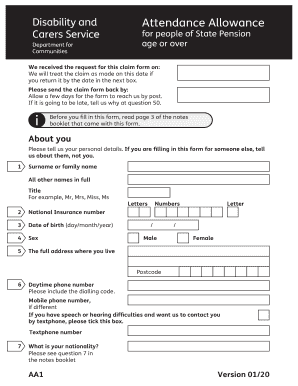
Ds1500 form pdf download
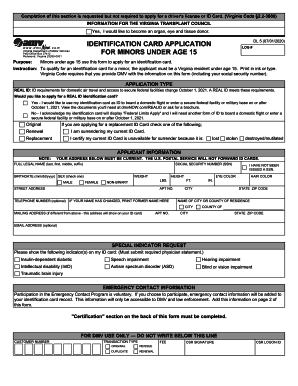
Identification card application for minors under ... - Virginia DMV

SEBB Employee Request for Review Notice of Appeal
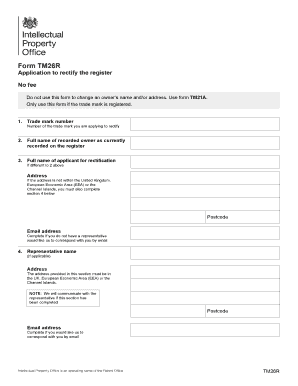
Application to rectify the register: Form TM26R

Ifta quarterly tax form
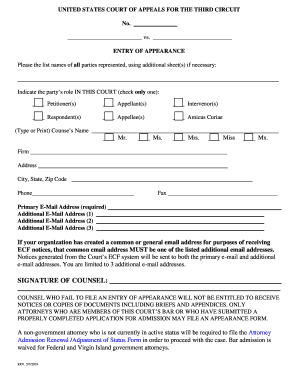
Justia :: Entry Of Appearance (US Court Of Appeals For The ...

FORM SA&I 2644

Dshs 17 063

Letter of awarding contract
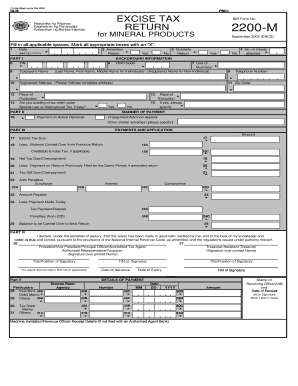
2200-M.PDF - ftp bir gov
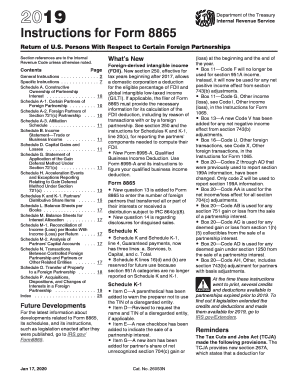
About Form 8865, Return of US Persons With Respect to ... - IRS
1065 m3 instructions
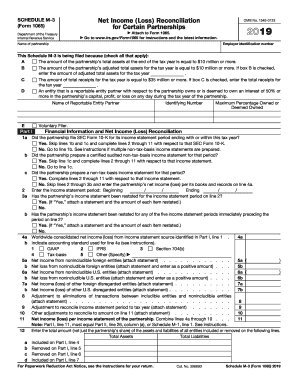
2018 m 3

Sanctions Programs and Country InformationU.S ...
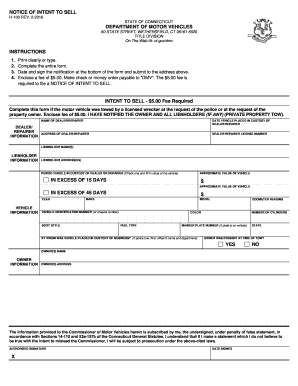
Ct h 100

Nys cpa form 6pr
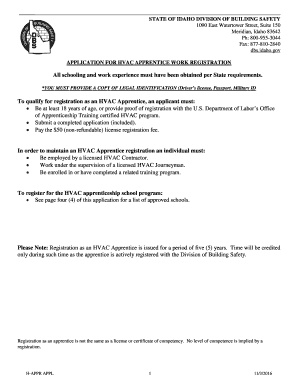
Limited Liability Company Forms - Idaho Secretary of State - State of ...
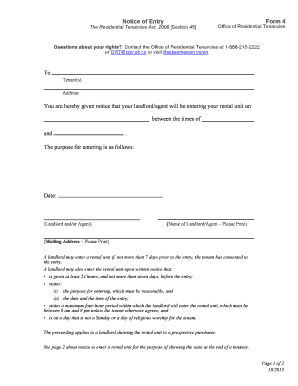
G:DMOCPECommonDMcEwenFinance & AdminOffice of ...
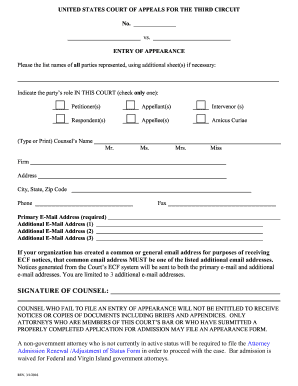
What is a notice of special appearance

AV-2- FINAL 5-12-17VS-

Queensland housing forms
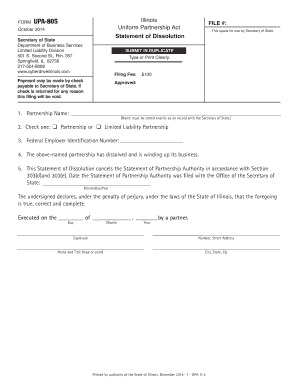
Domestic partnership dissolution il download
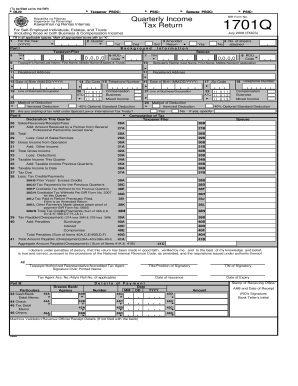
Bir form quarterly
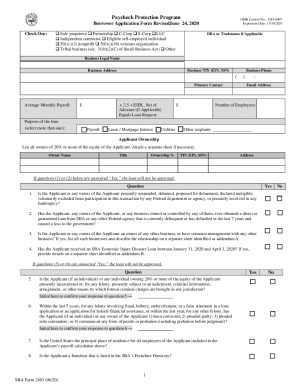
2020 SBA 2483

Vl184
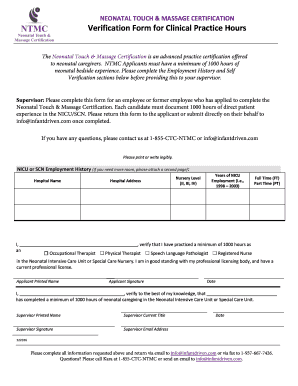
Free Certificate Templates nurse executive certification review ...

3683 gsa

2020 5500ez instructions
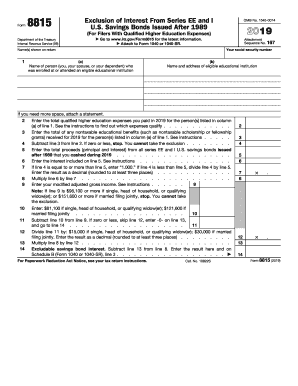
2018 form 8815
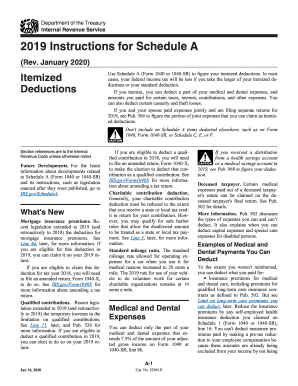
2015 instructions 1040 schedule

Tn wage statement form for worker's compensation
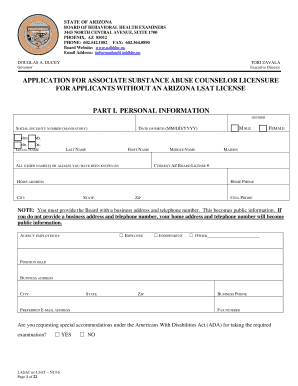
DUCEY TOBI ZAVALA Governor Executive Director APPLICATION FOR ASSOCIATE SUBSTANCE ABUSE COUNSELOR LICENSURE FOR APPLICANTS WITHOUT AN ARIZONA LSAT LICENSE PART I - azbbhe
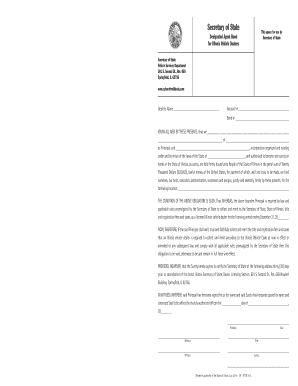
State of illinois vehicle bond application
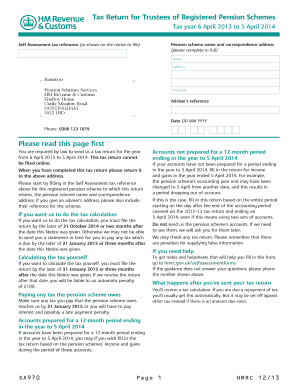
2014 15 hmrc tax return form
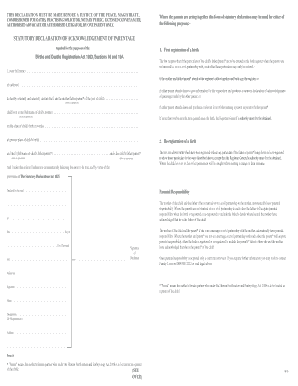
Ssp1 form to print off

Fp92a form to print off
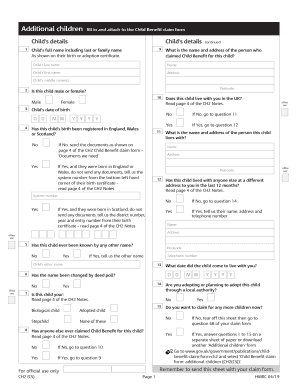
Ch2 cs form

Where to post the aw8 retirement form
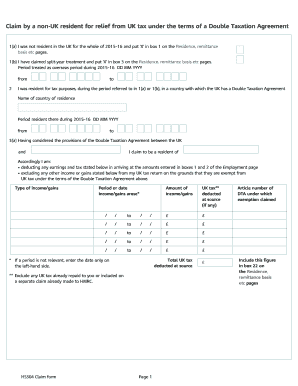
Hs304 claim form 2020

Tennessee workers compensation questionnaire printable form
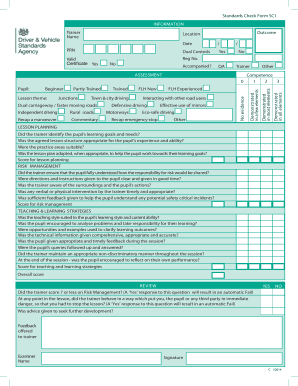
Download self certification form sc1

New jersey forms application for a license to operate a new show
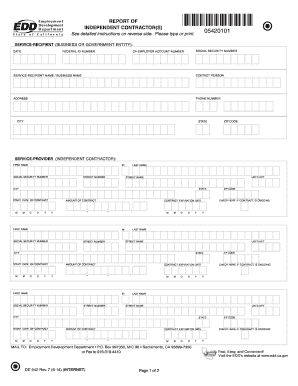
De542
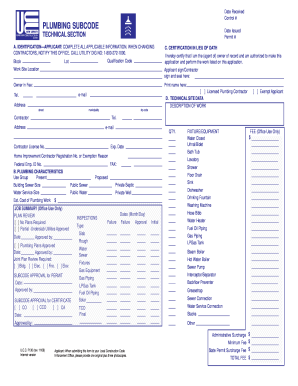
Electrical subcode form

Illinois registered agent form

Form 3400-163 Notice of Intent (NOI) Industrial Storm Water Discharge General Permit. Form 3400-163 Notice of Intent (NOI) Industrial Storm Water Discharge General Permit

Llc 35 15

Iht402

Tdlr cosmetology license application
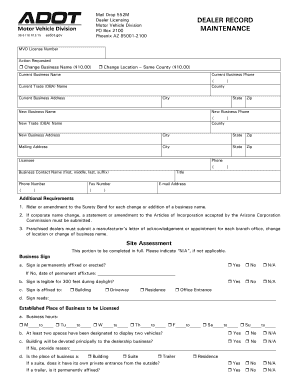
38 5118
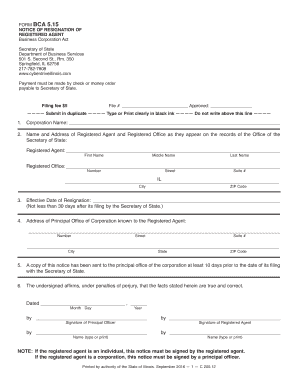
Il resignation
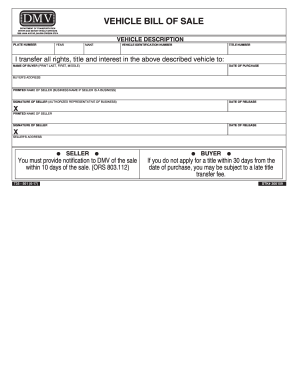
Oregon bill of sale dmv

Illinois form upa 1102

Lp 203

Where to lodge a complaint about rv dealership florida
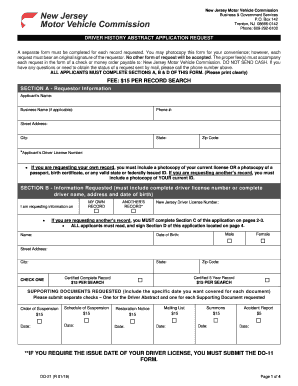
Nj motor vecicle abstract form

Ny av 1
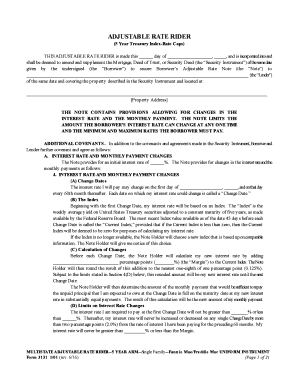
Production line downtime forms
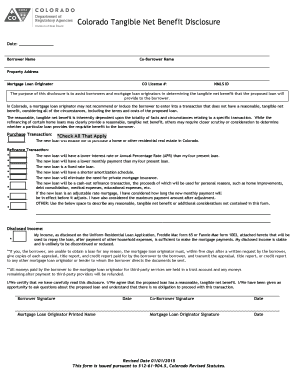
Fillable Online Colorado Tangible Net Benefit Disclosure ...
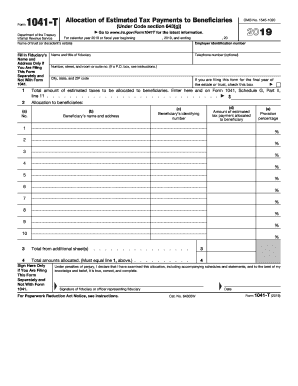
1041 estimated payments
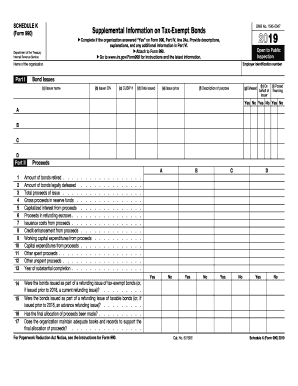
2020 k form

1494
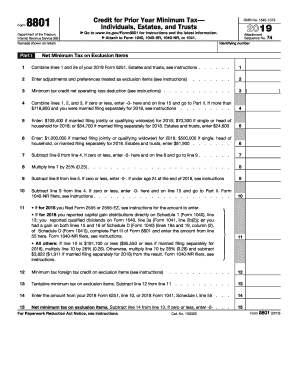
8801

990 schedule form
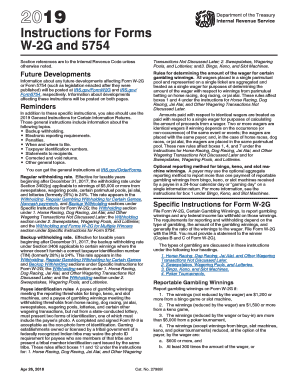
Gambling tax form
Irs 5074 form

2019 Schedule A (Form 8804). Penalty for Underpayment of Estimated Section 1446 Tax by Partnerships
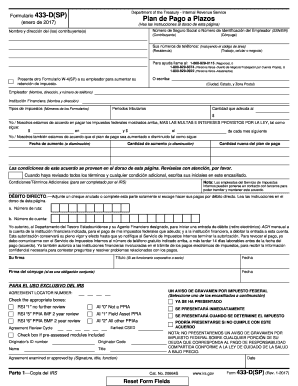
433 d form
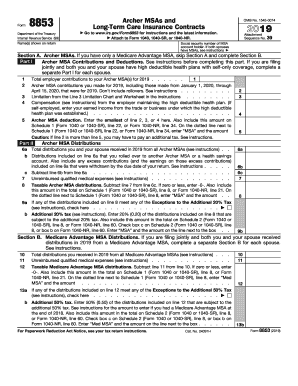
Form 8853 for 2018
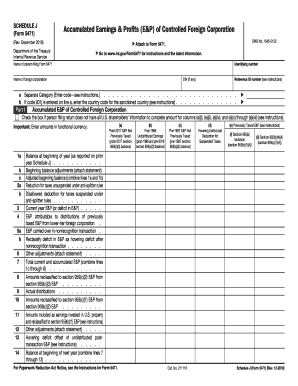
What is form 5471

Sppa aw8 form

P356 - Application for subscriptions to be allowed as a tax deduction

Natest nank standing order form download
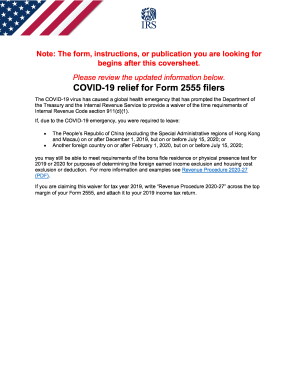
Instructions 2555
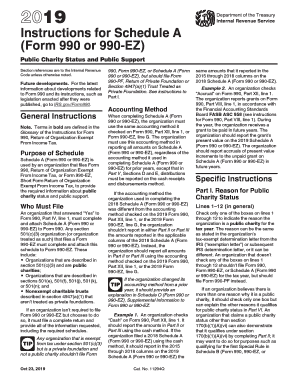
990 ez
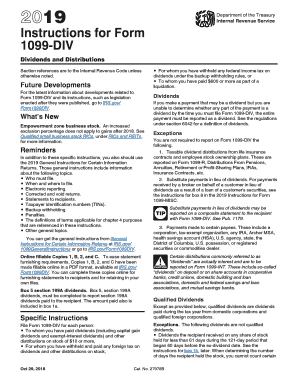
Form irs dividend
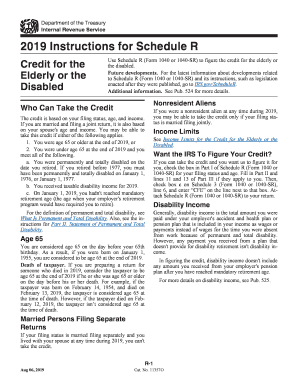
Instructions schedule r form
1120 irs pc form
3800
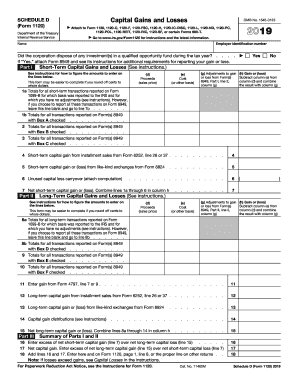
Schedule d 1120
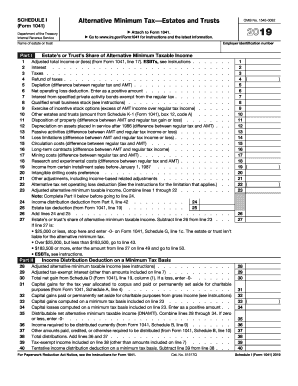
1041 2019 tax form schedule i
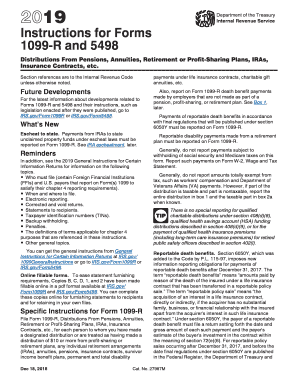
Irs form for ira distribution
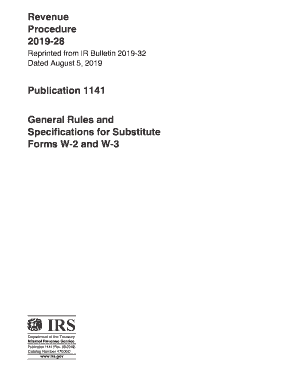
Irs form w3
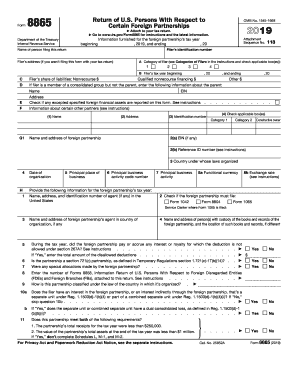
Irs gov tax forms
Benefit from the DocHub online library of fillable PDF forms
Searching the PDF forms doesn't have to be a tedious and time-consuming process. With the DocHub online library, it has become easier to find the fillable PDF forms and modify them in your browser. The service allows you to adjust the document to your needs using powerful editing tools.
You can use online document editing features to modify almost any type of document with ease. You just need to find the template of your choice, open it in the editor, and use the toolbar to make the necessary corrections.
Follow this guide to get your document done with DocHub:
- Find the PDF template you need.
- Click the Get Form button to open the file in the editor.
- Use the toolbar to fill out and edit the document.
- Easily add and highlight text, insert images, checkmarks, and symbols.
- Drop new fillable fields, and rearrange or delete pages from your file.
- Save changes and download your record.
DocHub empowers everyone to streamline document editing, signing, and distribution, and form completion. Create an account and benefit from our well-organized PDF Forms library and comprehensive editor.