




Here's how it works



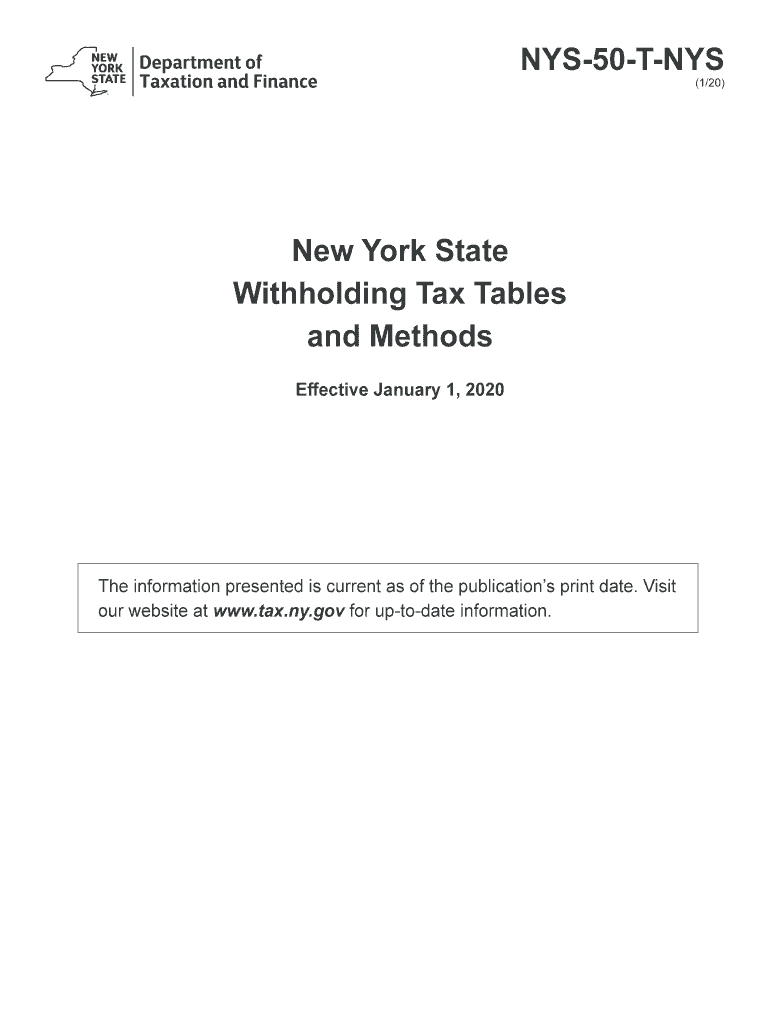
How to use or fill out NYS 50 T NYS with our platform

- Click ‘Get Form’ to open it in the editor.
- Begin by entering your payroll period at the top of the form. Choose from weekly, biweekly, semimonthly, or monthly based on your payment schedule.
- Next, locate the section for exemptions claimed. Input the number of exemptions you are eligible for, which will help determine your withholding amount.
- Refer to the appropriate tax table based on your filing status (single or married) and payroll period. Use this table to find the correct withholding amount corresponding to your wages.
- Finally, review all entries for accuracy before saving or printing your completed form. Ensure that all calculations align with the latest tax tables provided in the document.
Start using our platform today for free and streamline your form completion process!
It's free
See more nys 50 t nys versions
| Versions | Form popularity | Fillable & printable |
|---|---|---|
| 2026 | 4.2 Satisfied (29 Votes) | |
| 2023 | 4.9 Satisfied (32 Votes) | |
| 2022 | 4.8 Satisfied (265 Votes) | |
| 2021 | 4.8 Satisfied (46 Votes) | |
| 2021 | 4.4 Satisfied (177 Votes) | |
| 2020 | 4.4 Satisfied (242 Votes) | |
| 2019 | 4.3 Satisfied (427 Votes) | |
| 2018 | 4.3 Satisfied (31 Votes) | |
| 2016 | 4.4 Satisfied (101 Votes) |
Got questions?
Can I sign my nys 50 t nys on a mobile?
Yes, you’ll find numerous applications for this on the web. Nonetheless, if you need to eSign your nys 50 t nys without installing additional software, DocHub is the best choice you can make. This robust editor works on mobile devices just like on desktops. Open our editor in your preferred internet browser, register or log in to your account, and start processing your paperwork.
Can I sign my nys 50 t nys while I edit it?
If you edit your nys 50 t nys with DocHub, you simply will not need to look for other applications or solutions to sign it. An electronic signature is part of DocHub’s comprehensive editing toolset, which enables you to apply changes in your form without jumping between platforms. Just complete your form, double-check the correctness of your data and put your electronic signature at the end to make it submission-ready quickly.
Security and compliance
At DocHub, your data security is our priority. We follow HIPAA, SOC2, GDPR, and other standards, so you can work on your documents with confidence.
Learn more


