
Get any PDF form from the DocHub library of ready-made templates - Page 1248
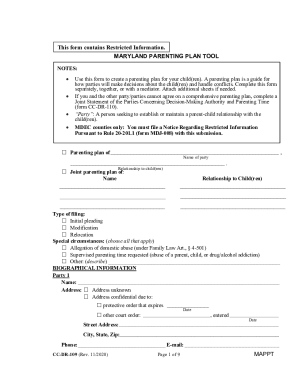
Maryland parenting
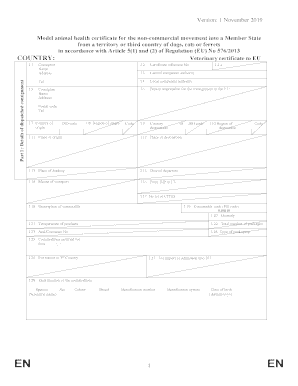
Model animal health certificate for non-commercial movement of pets into a Member State from a territory or 3rd country
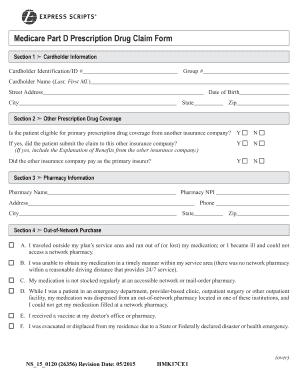
MEDICARE PART D PRESCRIPTION DRUG CLAIM FORM ...
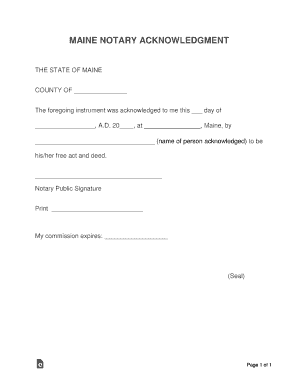
ME (Maine) Notarial Certificates

Travel consent form for minor

South carolina notary form

Medical referral form

FORM OF NO OBJECTION CERTIFICATE
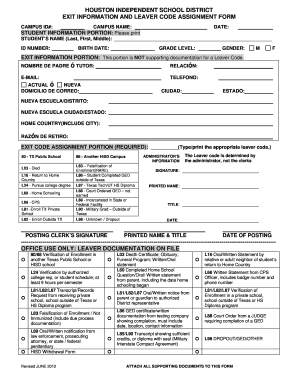
Houston independent school district exit information ... - HISD

Hawaii medical report

California employment development
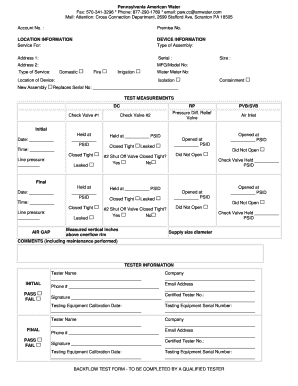
Pa american water backflow test form

Grades 9 -12 INDIVIDUALIZED HOME INSTRUCTION PLAN (IHIP ...
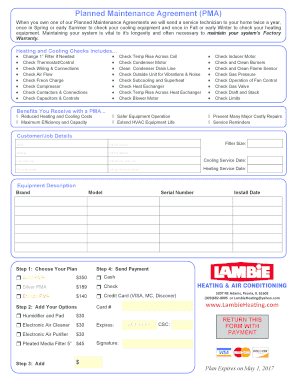
Hvac maintenance agreement pdf
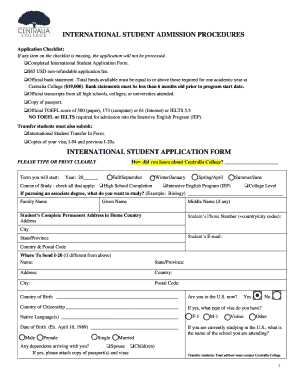
International student application form

Notice of Change in Relationship (English/Spanish) - Western United ...
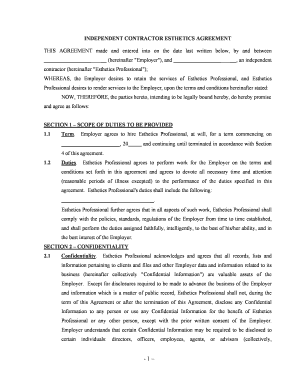
Independent contractor agreement

South carolina llc
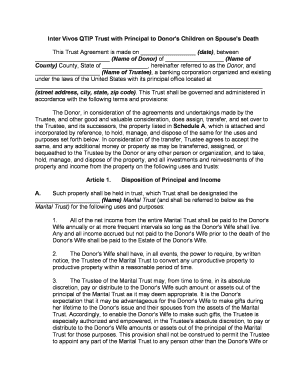
Qtip trust
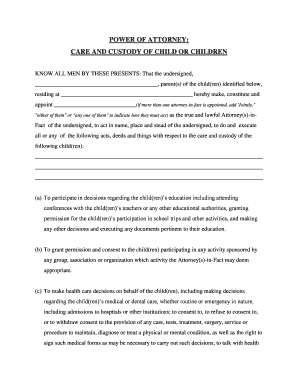
Kentucky custody

Ohio trust
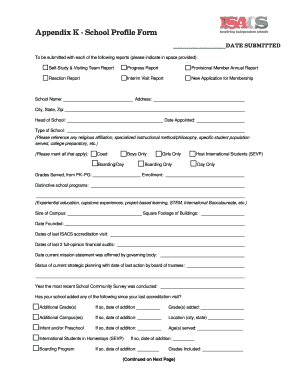
Appendix K - School Profile Form - isacs
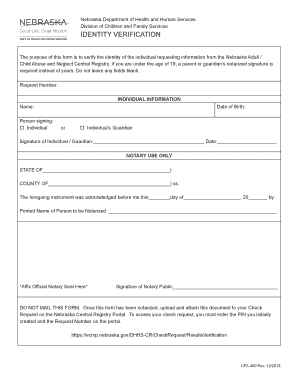
The purpose of this form is to verify the identity of the individual requesting information from the Nebraska Adult /
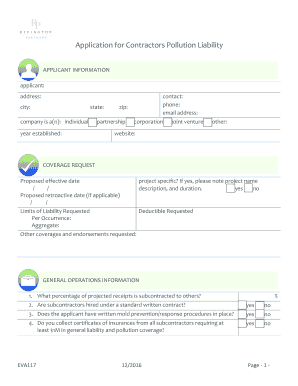
CPL Application - Rivington
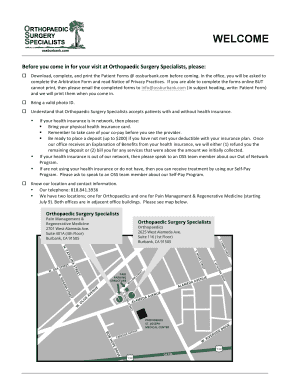
Welcome to Orthopaedic Surgery Specialists (OSS) - ossburbank.com
Holiday inn receipt template
Biome concept map answer key
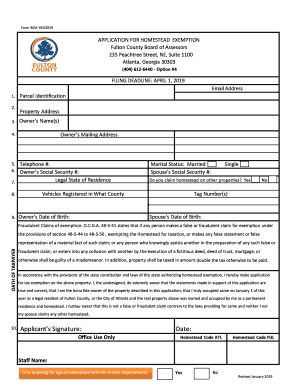
Ga form homestead exemption
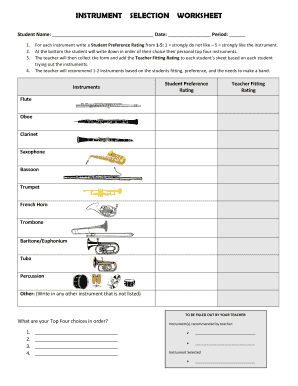
INSTRUMENT SELECTION WORKSHEET - gladesbandmiami.com
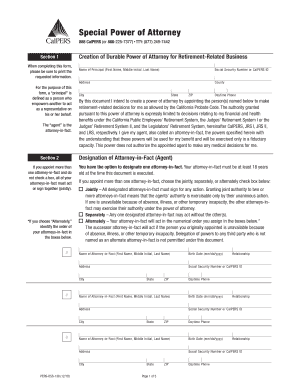
California calpers power
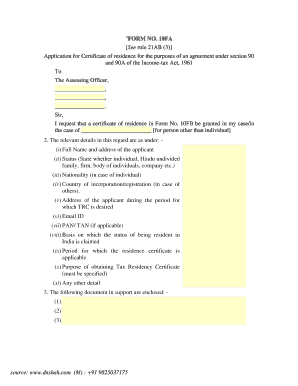
Trc certificate
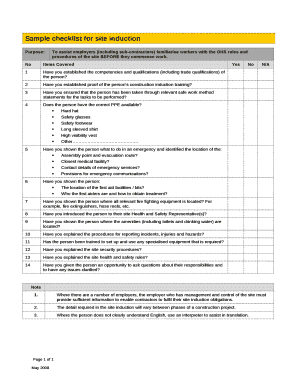
Yes no checklist template
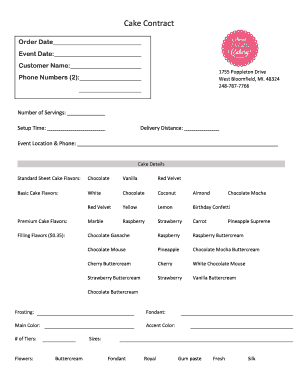
Cake contract template
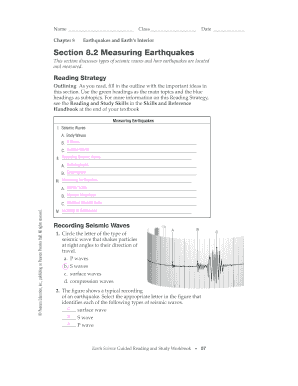
Section 8 2 measuring earthquakes answer key

2019 TCC Dental Hygiene Program Required Observation Hours Form
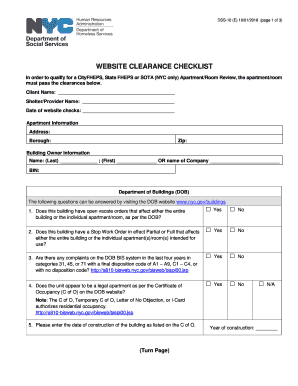
Cityfheps forms
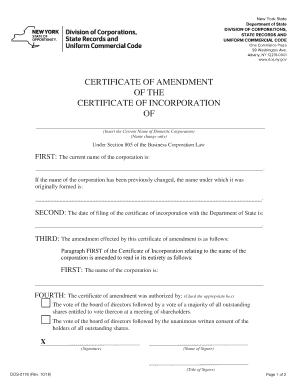
Dos 2118
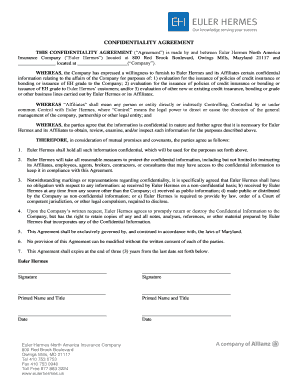
Confidentiality agreement - Euler Hermes
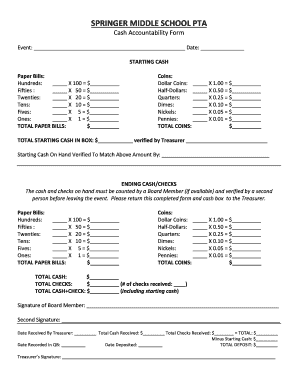
Maximum cash accountability form
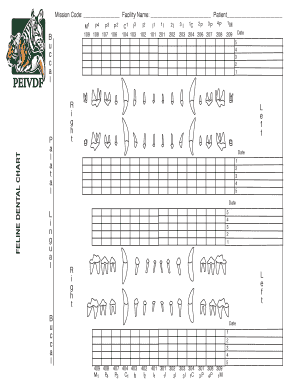
Cat Dental Chart

Possession letter
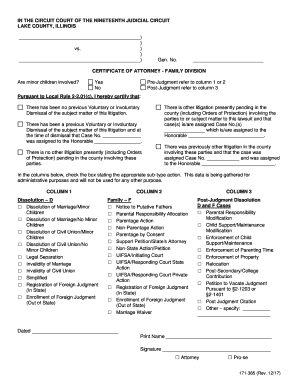
Lake county certificate of attorney
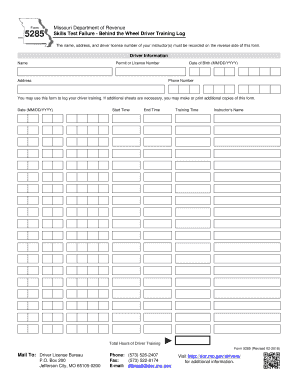
Mo dor skills test driver
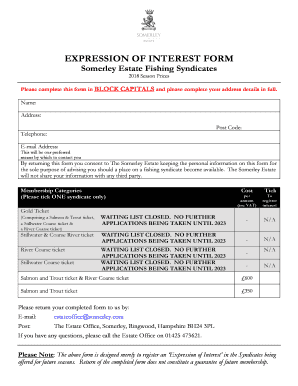
Somerley estate fishing syndicate
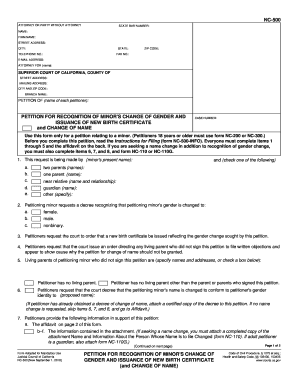
NC-500 Petition for Recognition of Minor's Change of Gender and Issuance of New Birth Certificate. Judicial Council forms

Initial guardianship plan
Home at heart
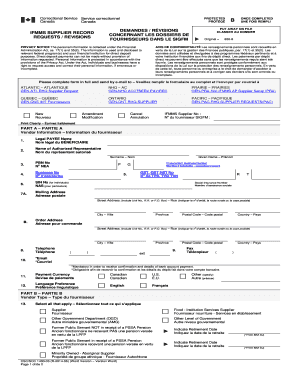
IFMMS Supplier Record Requests / Revisions (Word Version, 2 pages). Demandes / Rvisions concernant les dossiers de fournisseurs dans le SIGFM (Version Word, 2 pages)
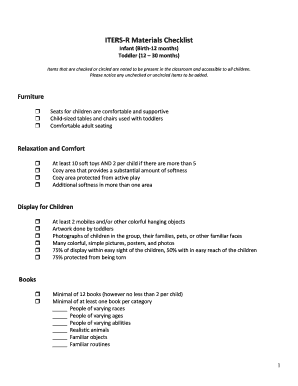
Iters checklist 2022
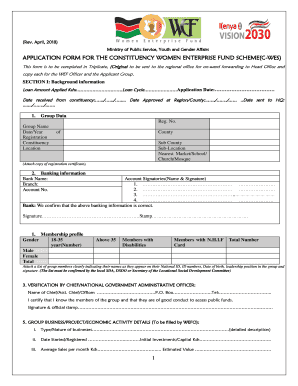
Womens enterprise fund application form pdf 2022
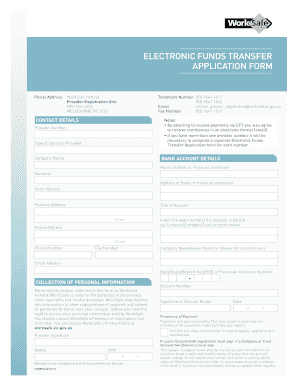
Worksafe electronic funds transfer form
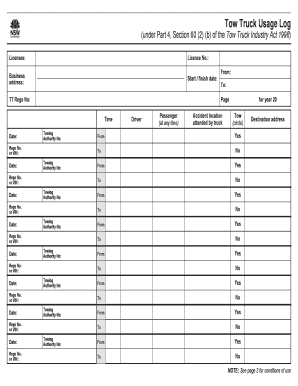
Nsw tow truck log

Quad chart template word

Alabama power landlord agreement

Nevada annulment forms
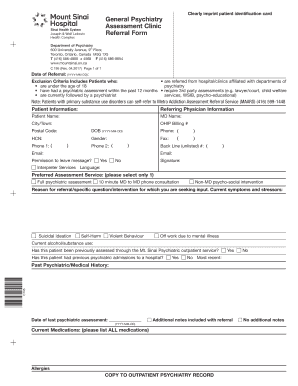
Psychiatry referral form
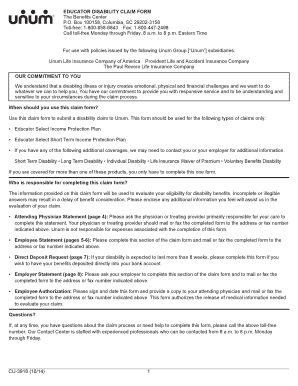
CU-3918-DRAFT.indd
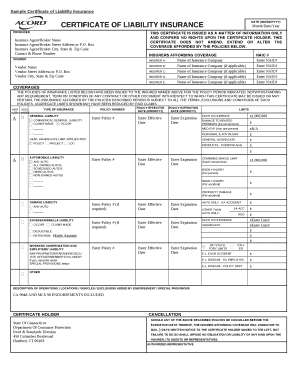
* CERTIFICATE OF LIABILITY INSURANCE
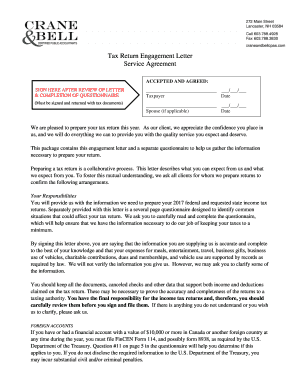
Tax Return Engagement Letter Service Agreement - Crane and Bell
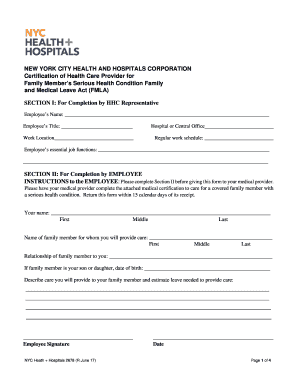
Certification of Health Care Provider for Family Member's Serious Health Condition (FMLA) Form 2678
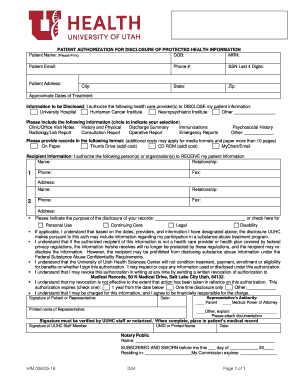
Records release pdf
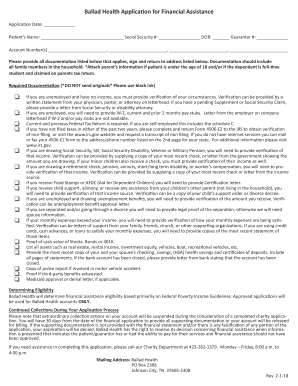
Ballad financial assistance

Oracle fusion period close white paper

Numenera jade colossus pdf
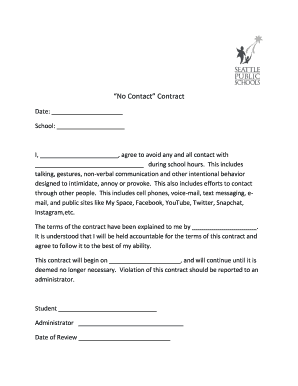
No contact agreement template
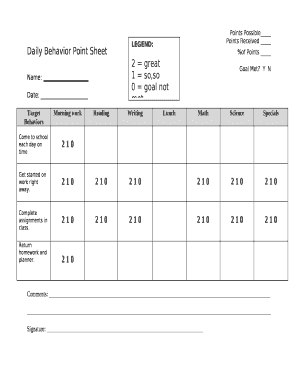
Behavior point sheet template
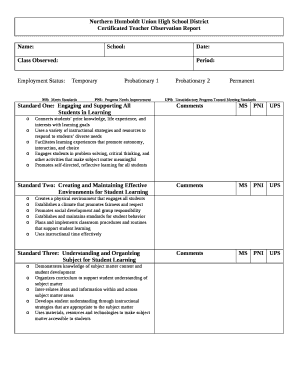
Observation report template word
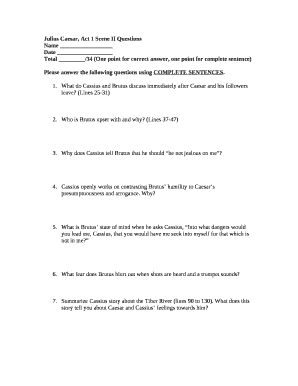
Julius caesar act 1 scene 1 questions and answers pdf

Barangay budget preparation forms 2022
Globe postpaid plan renewal form
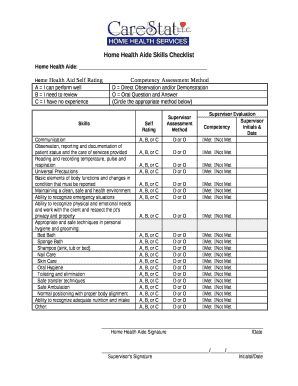
Home Health Aide Skills Checklist

Pad form cibc
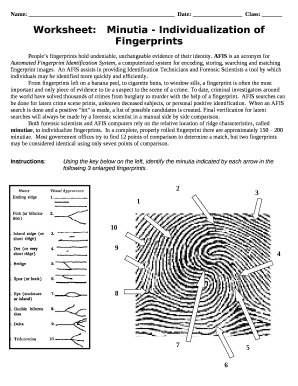
Fingerprint minutiae worksheet answers
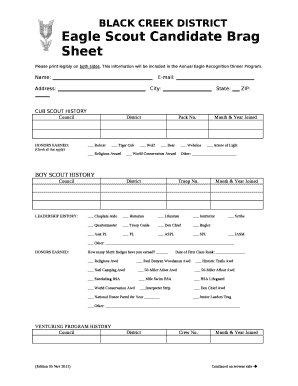
Eagle Scout Candidate Brag Sheet
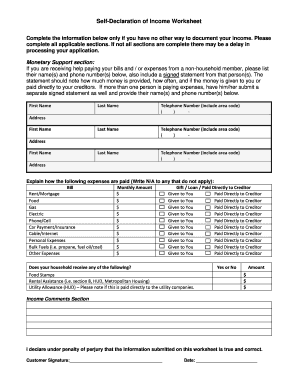
Self declaration of income worksheet

SCUBA DIVING MEDICAL FORM FOR

Chart audit excel template

Letter of intent usports
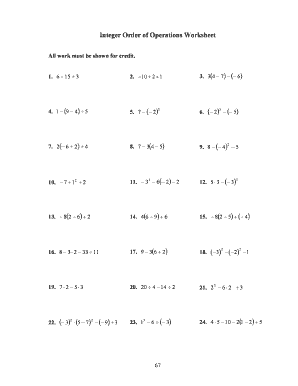
Integer operations worksheet pdf
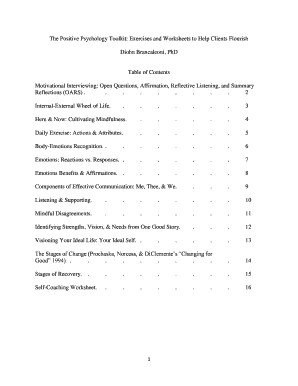
Positive psychology toolkit download
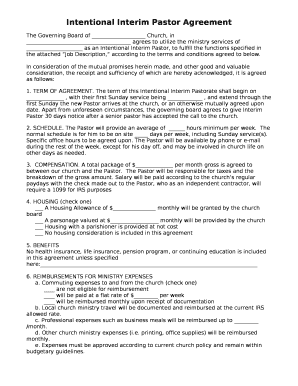
Intentional Interim Pastor Agreement
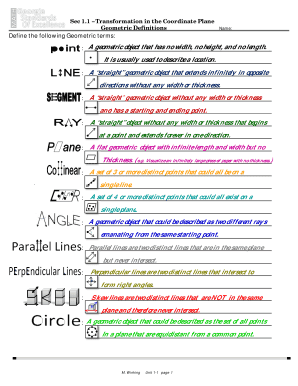
Sec 1 1 transformation in the coordinate plane

Multiplying & Dividing within 100
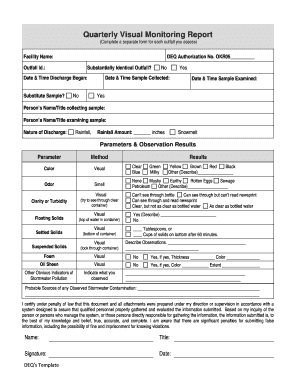
Quarterly Visual Monitoring Report
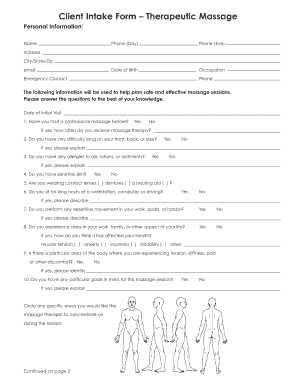
Therapeutic massage form
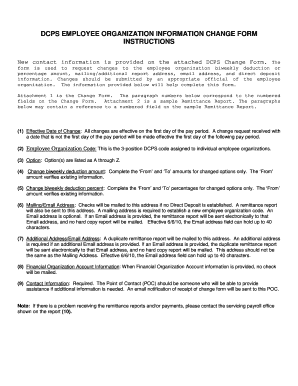
DCPS EMPLOYEE ORGANIZATION INFORMATION CHANGE FORM
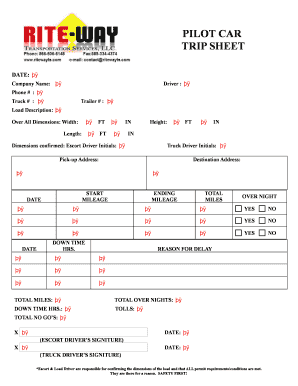
Pilot car invoice template

Capital call notice template
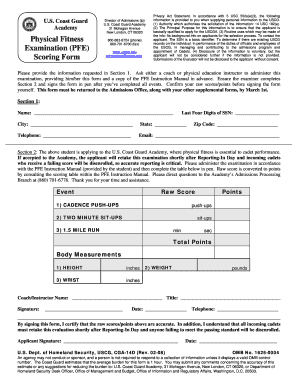
Uscga pfe scores

Ambar org aarp forms

Religious exemption form ri
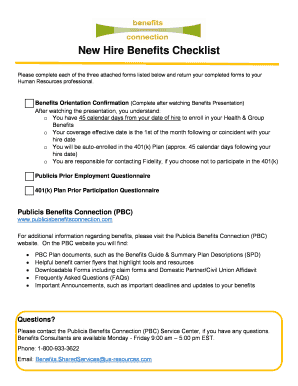
New Hire Benefits Checklist

Omaha zoo donation request
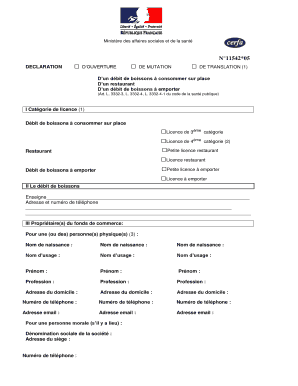
Cerfa 11542 5 word

MINOR WAIVER AND RELEASE OF LIABILITY

Newton dee application form
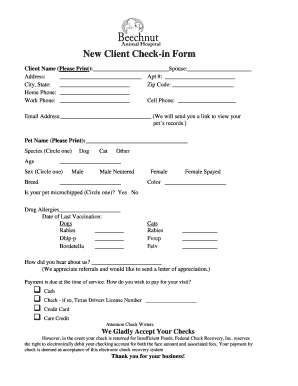
New Client Check-in Form - Beechnut Animal Hospital
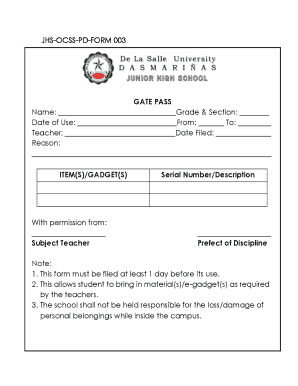
Gate pass format for school students
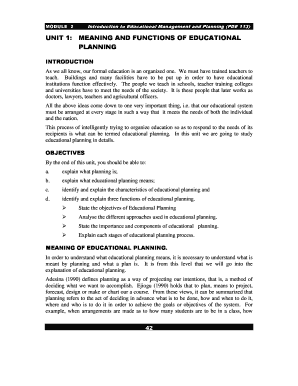
Nti nce modules download pdf
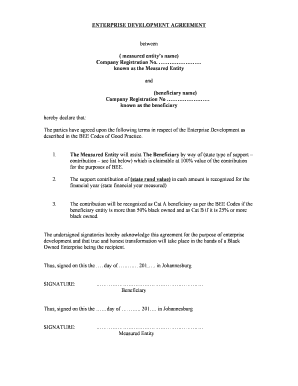
Enterprise development agreement
Benefit from the DocHub online library of fillable PDF forms
Searching the PDF forms doesn't have to be a tedious and time-consuming process. With the DocHub online library, it has become easier to find the fillable PDF forms and modify them in your browser. The service allows you to adjust the document to your needs using powerful editing tools.
You can use online document editing features to modify almost any type of document with ease. You just need to find the template of your choice, open it in the editor, and use the toolbar to make the necessary corrections.
Follow this guide to get your document done with DocHub:
- Find the PDF template you need.
- Click the Get Form button to open the file in the editor.
- Use the toolbar to fill out and edit the document.
- Easily add and highlight text, insert images, checkmarks, and symbols.
- Drop new fillable fields, and rearrange or delete pages from your file.
- Save changes and download your record.
DocHub empowers everyone to streamline document editing, signing, and distribution, and form completion. Create an account and benefit from our well-organized PDF Forms library and comprehensive editor.