
Get any PDF form from the DocHub library of ready-made templates - Page 1250

Pdffiller oci card
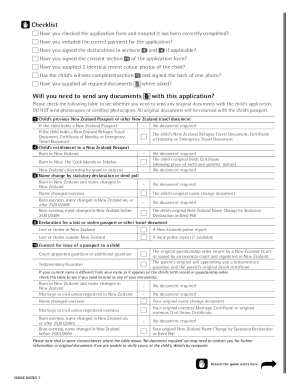
Nz passport application form pdf child

I 601
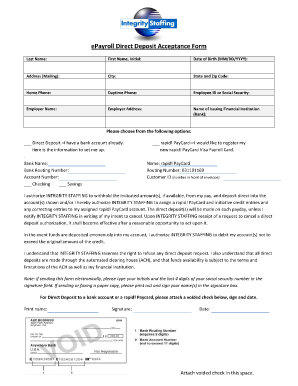
Integrity direct deposit
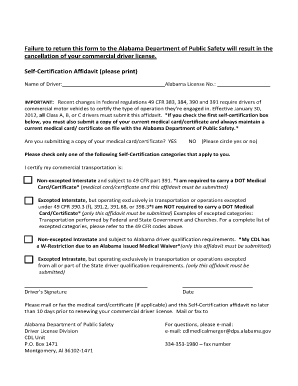
Alabama self certification online
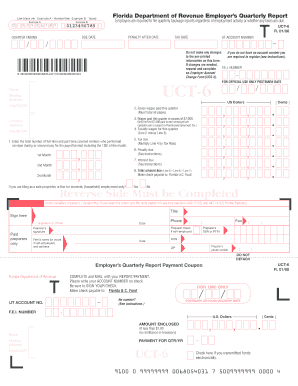
Form uct 6

Area of a circle word problems worksheet pdf
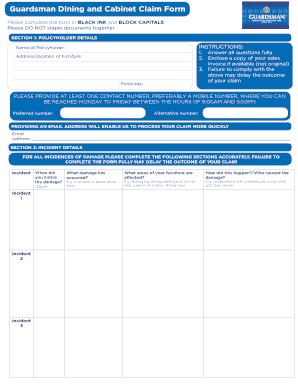
Guardsman claim
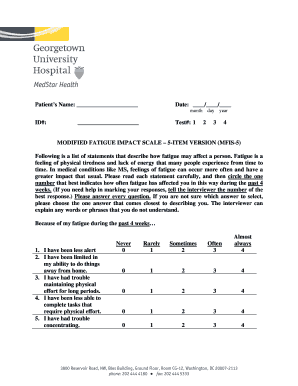
Modified fatigue impact scale
Lidl pdf online
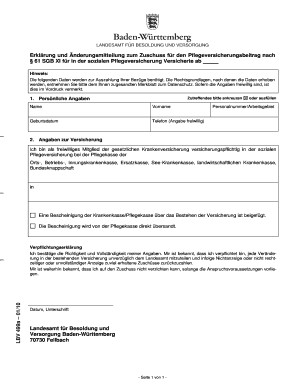
LBV 499a.doc
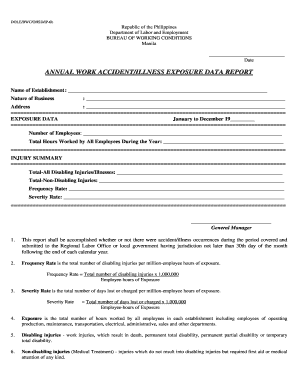
Annual work accident illness exposure data report
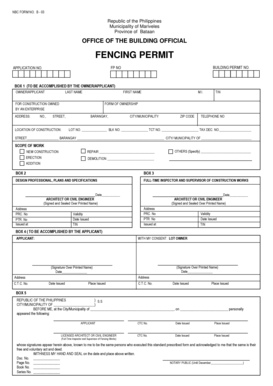
Sss acop form
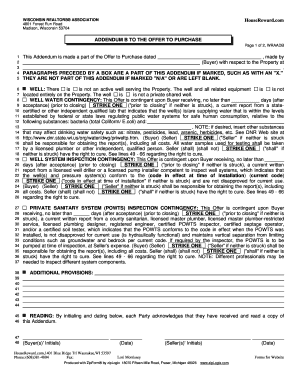
ADDENDUM B TO THE OFFER TO PURCHASE
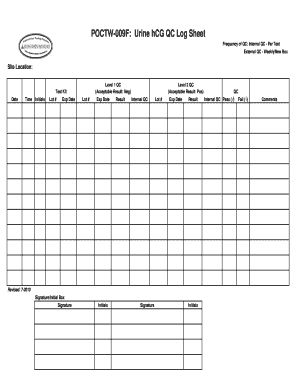
POCTW-009F: Urine hCG QC Log Sheet
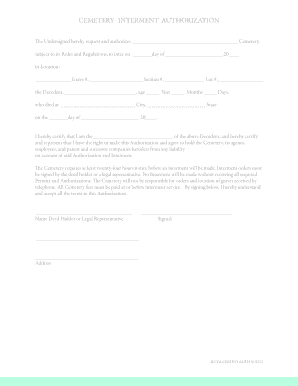
Sample authorization letter for interment

Duette Preserve Annual Pass Application (PDF ... - Manatee County - mymanatee
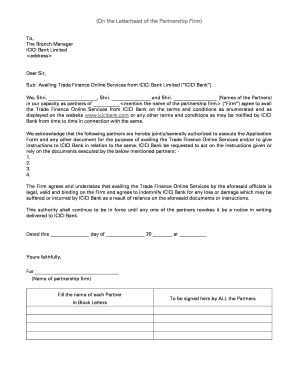
Icici bank letterhead in word

Neutrasal prescription form

Ghd return form
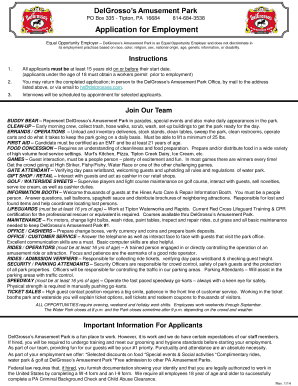
Delgrosso's application

Morris Cruise Night - Golden Wrench Award Scholarship Application
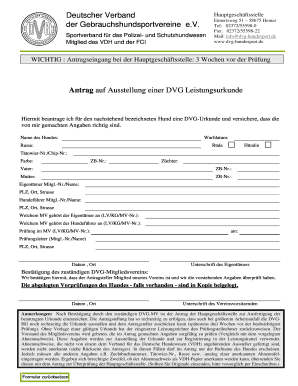
01-VPG 01-1 Antrag - Leistungsurkunde (Seite 1) 2013.pdf - dvg-hundesport
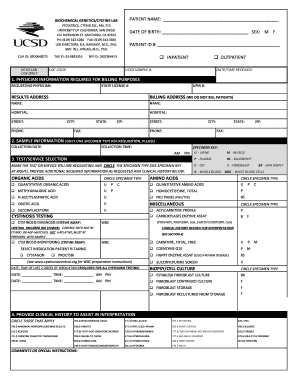
Lab requisition
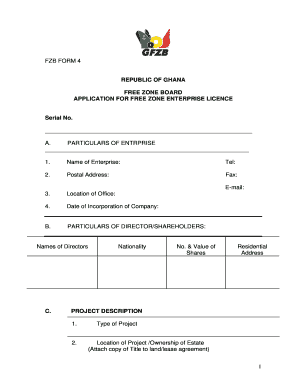
Fzb ghana form
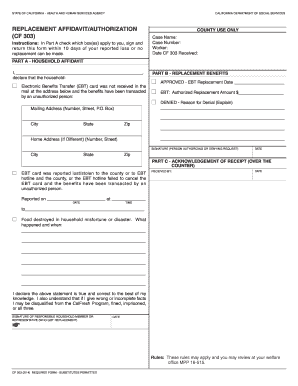
Cf303
Job Club Tool Kit: A Guide to Starting Your Job Club
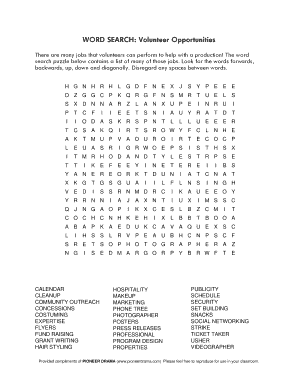
Community service word search

Dd form 1650
Foster Home Agreement - Georgia Department of Agriculture - agr georgia
Form 3 - Report by Attorney-At-Law on CLPD Programme ...

R18 form

Workforce ark id
Volunteer Application English - Grand Rapids Public Schools - grpublicschools

Minnesota application permit carry
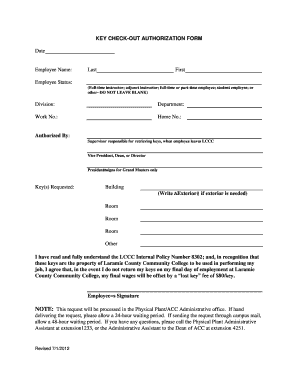
Key checkout form
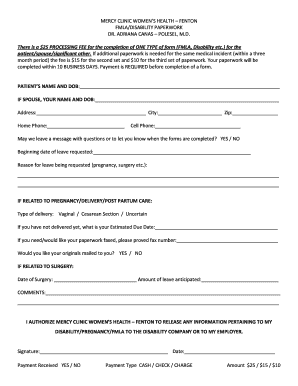
OB/GYN FMLA form information - Mercy

Official Transcript Request Form - Kwantlen Polytechnic University
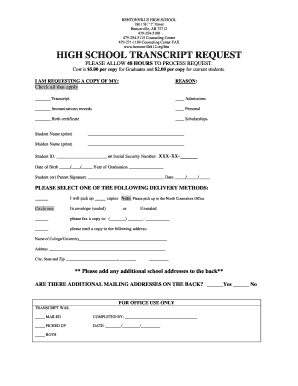
Bentonville high school transcript
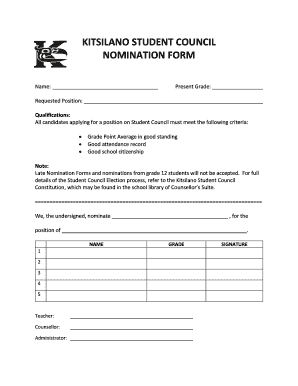
Student council nomination form
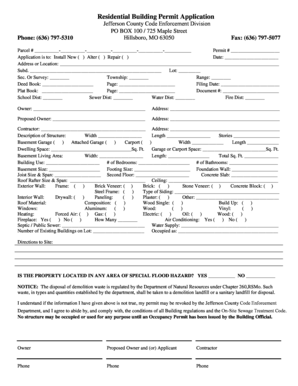
Jefferson county missouri building permits
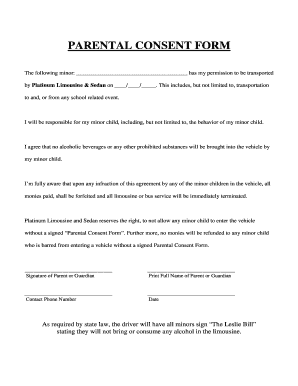
PARENTAL CONSENT FORM - Limo4me.com
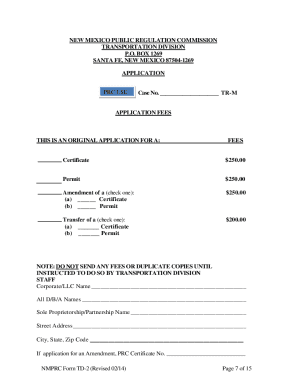
New mexico public regulation commission application for a ... - nmprc state nm
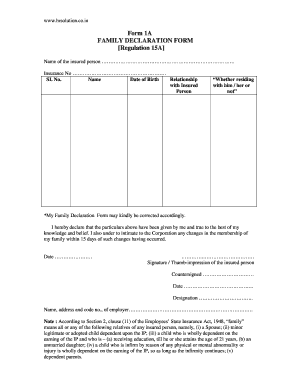
Family declaration form word document

Pierce county linx

School nurse epilepsy action plan form
Edgewater Park Dog License Form ATTENTION
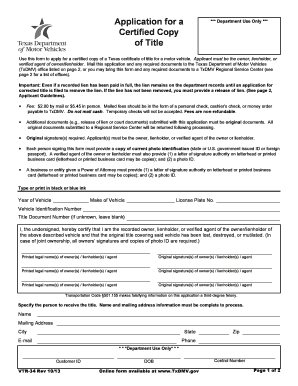
Vtr 34
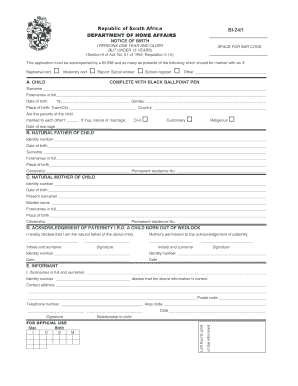
Bi 24 form
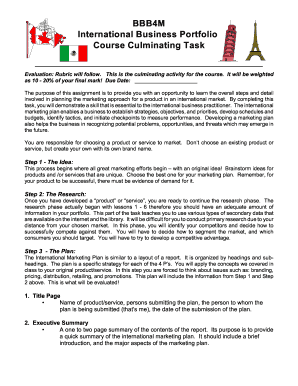
Bbb4m

GID-37-C.doc - gainsurance
Functional vision assessment template
General work permit in sweden
Will county subpoena
Access calgary application

RENTAL APPLICATION Each adult (18 or older) must fill out a ...

Police report form
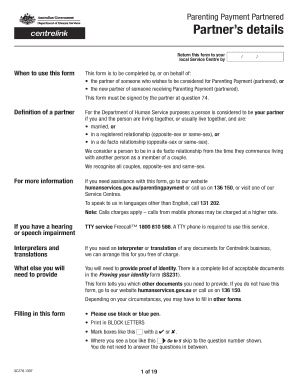
Parenting payment partnered

Sbi life certificate form
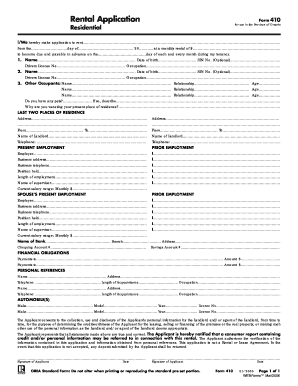
Rental application
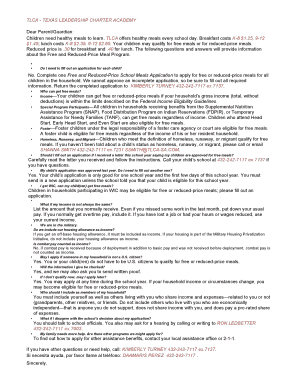
Tlca lunch menu

Konin todoke form

Form 4004
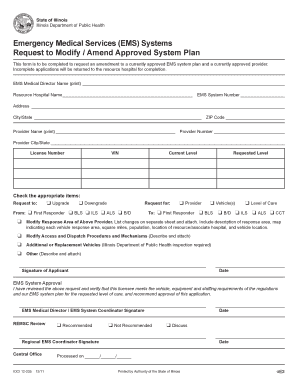
Request to Modify/Amend Approved System Plan - Illinois ... - idph state il
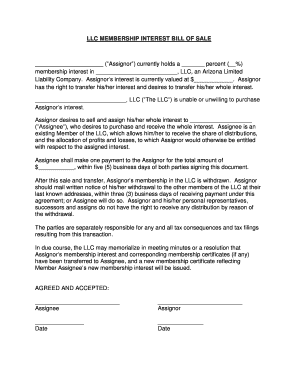
LLC MEMBERSHIP INTEREST bBILL OF SALEb
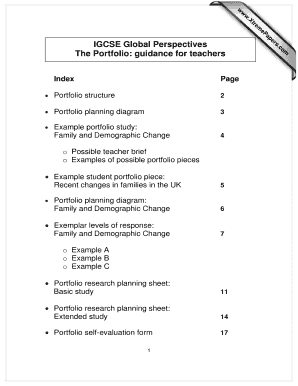
IGCSE Global Perspectives The Portfolio guidance for teachers

Dialysis flow sheet example
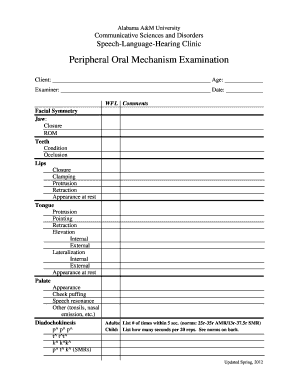
Oral motor assessment checklist pdf
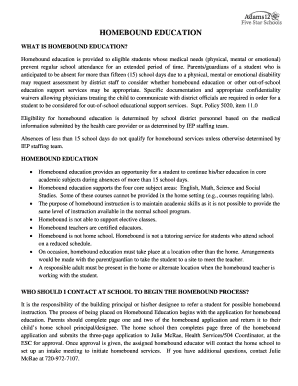
Adams 12 homebound form
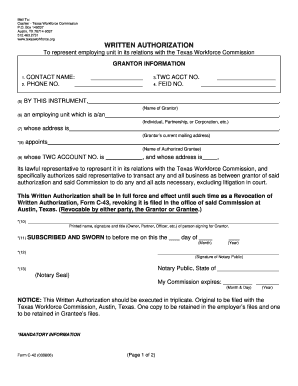
Blank form c 42 texas

Wyoming affidavit of survivorship

Yellow Fever Physician Letter - Summit County Public Health - scphoh
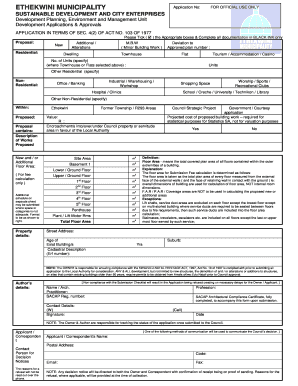
Metro police vacancies
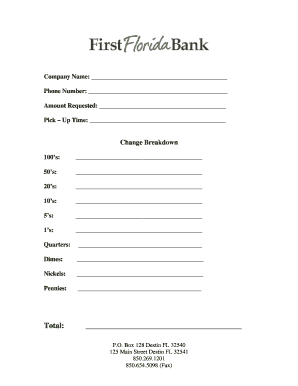
Bank change order form

Message on scoreboard during blazers game form
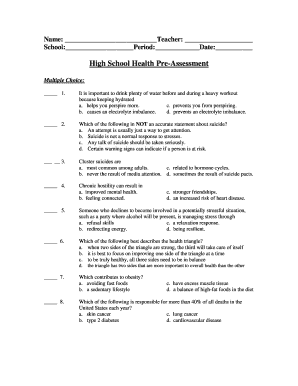
High School Health Pre-Assessment
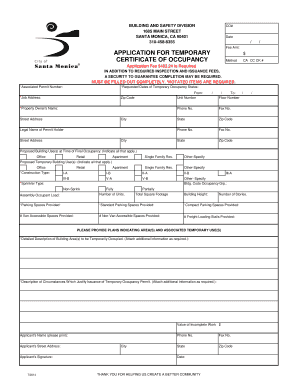
Temporary Certificate of Occupancy Application - City of Santa Monica
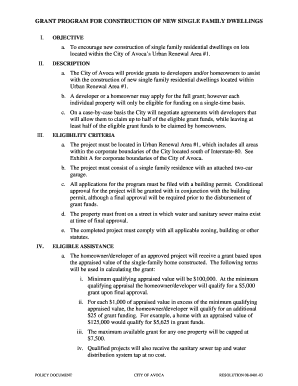
Housing Incentive Program Document - City of Avoca Iowa
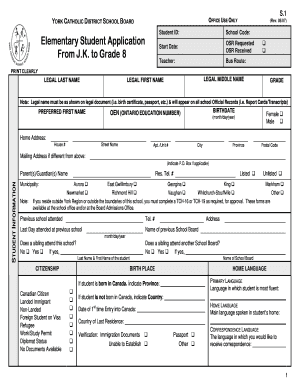
Tch15 form
Nutrisystem menu pdf
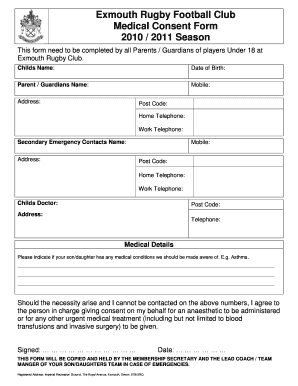
Football consent form

Declaration letter that the child does not hold the passport of any other country
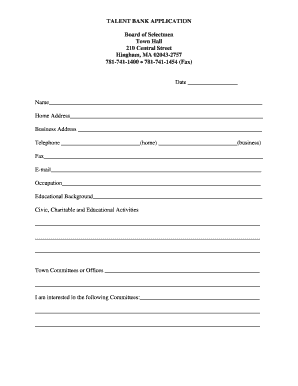
TALENT BANK bAPPLICATIONb - Town of Hingham Massachusetts

Safety Management System (SMS) Confidential Report Form (CRF)

Tax exempt form
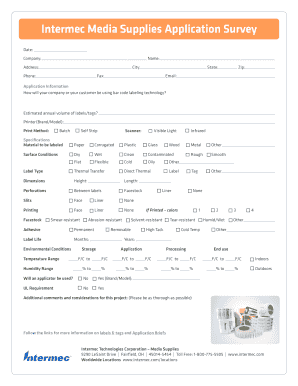
Intermec Media Supplies Application Survey
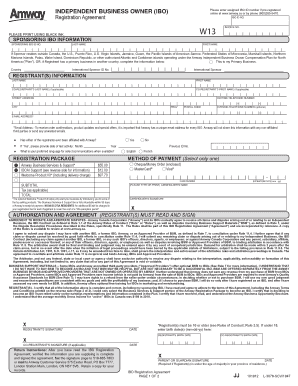
Amway application form

Baseball Camp Waiver Form

Who fills out a form da1695

Pa application food procedure form
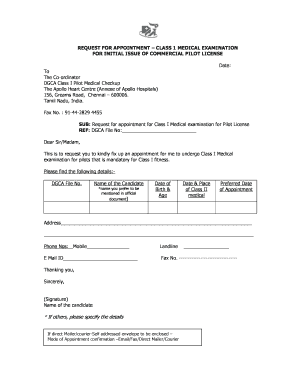
Apollo hospital letterhead pdf
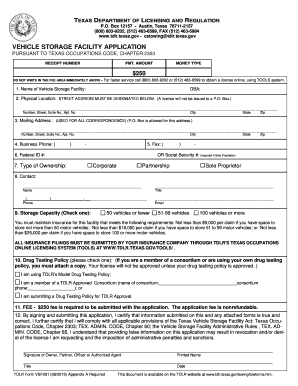
Vsf form
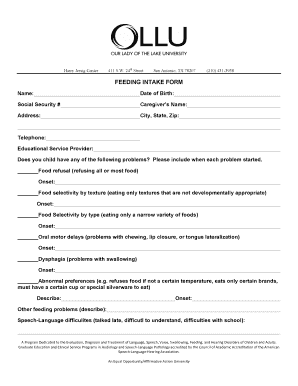
FEEDING INTAKE FORM - ollusa
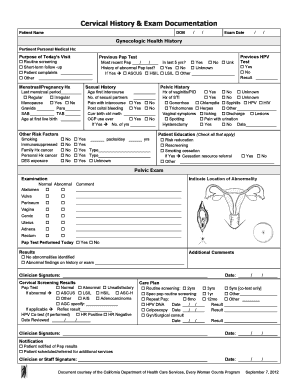
Cervical history and exam documentation worksheet
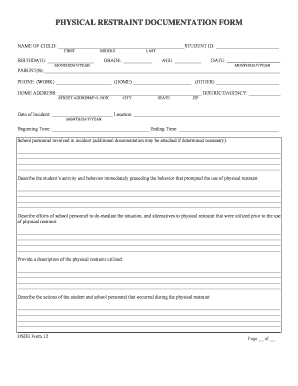
Restraint form

Nj mvc os ss 65
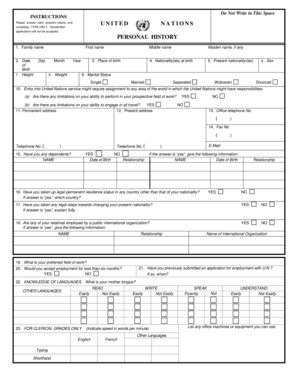
Personal history profile sample
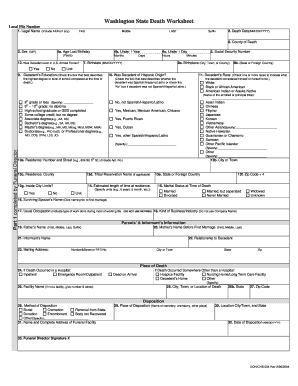
Death certificate washington state
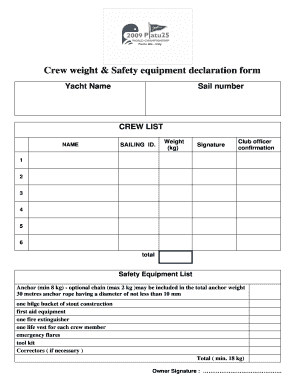
Yacht crew list template
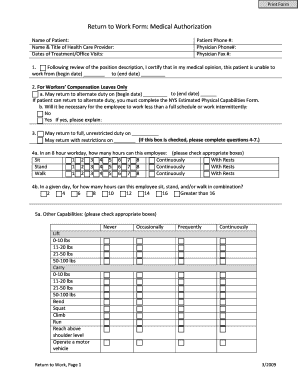
Medical consent form to return to work
Benefit from the DocHub online library of fillable PDF forms
Searching the PDF forms doesn't have to be a tedious and time-consuming process. With the DocHub online library, it has become easier to find the fillable PDF forms and modify them in your browser. The service allows you to adjust the document to your needs using powerful editing tools.
You can use online document editing features to modify almost any type of document with ease. You just need to find the template of your choice, open it in the editor, and use the toolbar to make the necessary corrections.
Follow this guide to get your document done with DocHub:
- Find the PDF template you need.
- Click the Get Form button to open the file in the editor.
- Use the toolbar to fill out and edit the document.
- Easily add and highlight text, insert images, checkmarks, and symbols.
- Drop new fillable fields, and rearrange or delete pages from your file.
- Save changes and download your record.
DocHub empowers everyone to streamline document editing, signing, and distribution, and form completion. Create an account and benefit from our well-organized PDF Forms library and comprehensive editor.