
Get any PDF form from the DocHub library of ready-made templates - Page 1174

Simply appeal form

2 10 home warranty brochure 2022 pdf
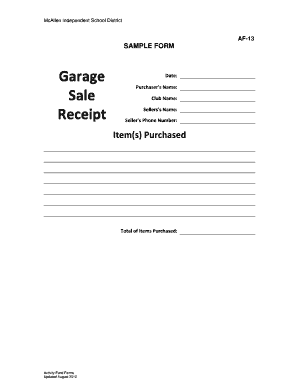
Garage sale receipt template
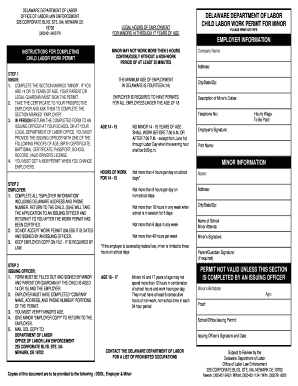
Delaware Department of Labor Child Labor Work Permit for Minor

Aoc 238 1

Pdi check sheet template
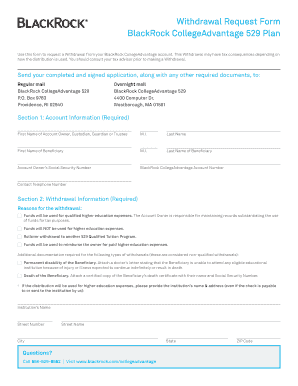
Blackrock 529 withdrawal form

Fire alarm subcontractor

Form 1040 v
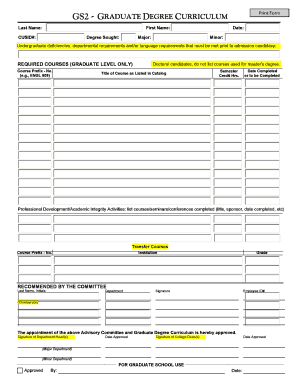
Clemson gs2
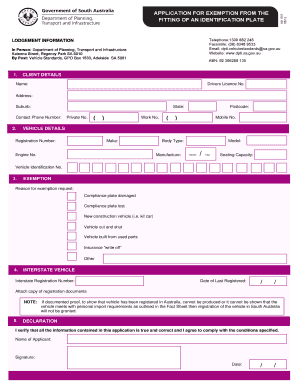
619 Application for Exemption from the Fitting of a Compliance Plate doc - sa gov

Doping control form
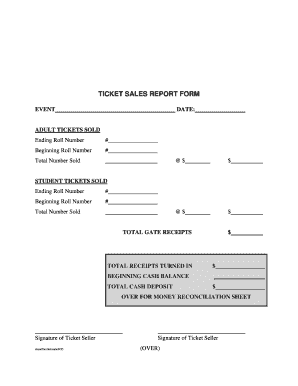
TICKET SALES REPORT FORM

Qualified personal residence trust form
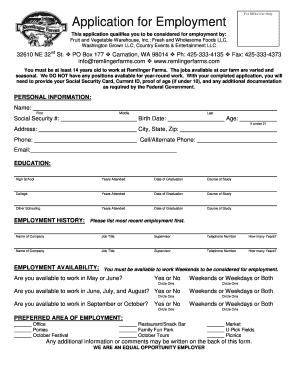
Application for Employment - Remlinger Farms

Statutory declaration wa

ODH Form 770 - State of Oklahoma - ok

Neft recall indemnity format

Spoliation letter sample

Metropolitan community college transcript request form

Indiana wesleyan transcripts
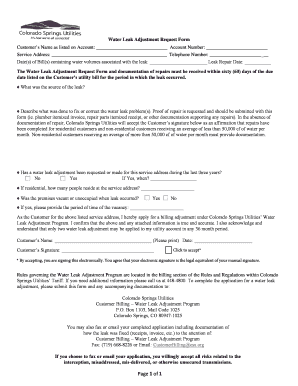
Water leak adjustment form
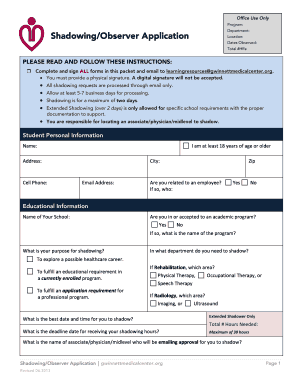
Gwinnett medical center shadowing
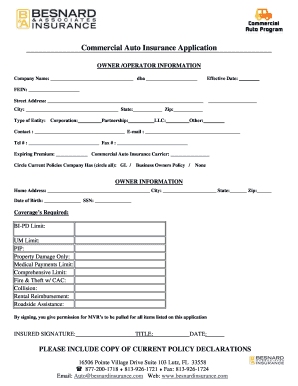
Commercial Auto Insurance Application - Besnard & Associates
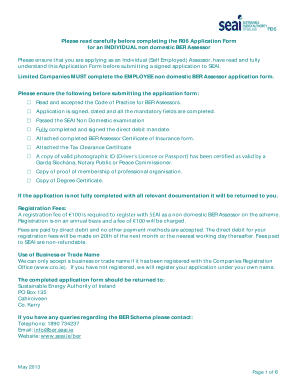
R06 form
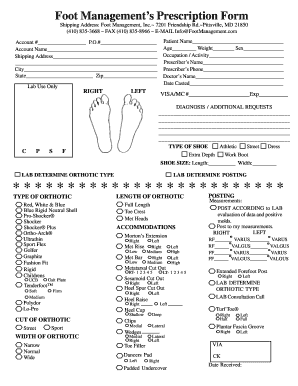
Orthotic Ordering Form

British airways third party nominee

DXCC Application Form and Record Sheet - ARRL - arrl
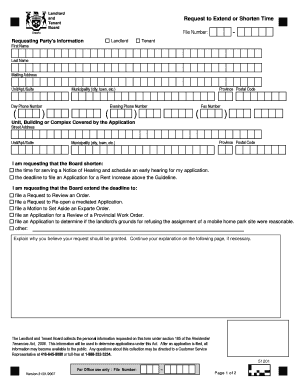
Request for extension of time - Landlord Tenant Board - ltb gov on

Application Form - University of Wollongong - uow edu
Thomson reuters eikon certification answers
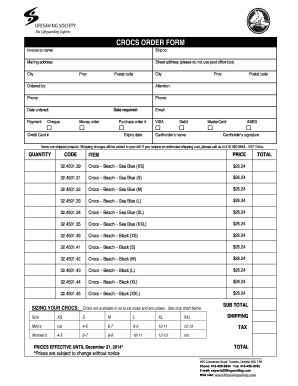
Crocs invoice
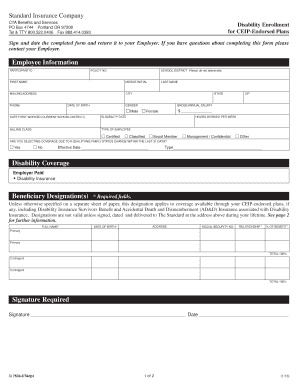
Disability Enrollment for CEIP-Endorsed Plans, 7533ctadp1

Certification of trust florida form
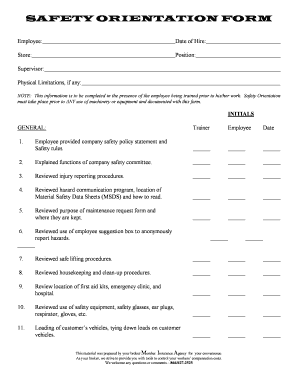
Construction safety orientation form
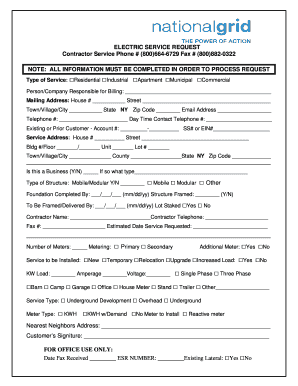
National grid esr number
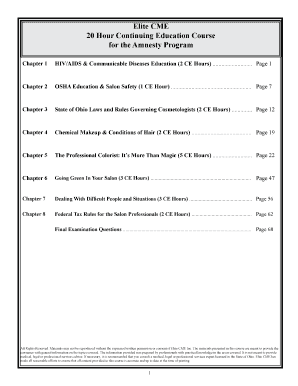
Elite continuing education cosmetology ohio
Va form 222
Ri2097

Blank parent teacher conference form
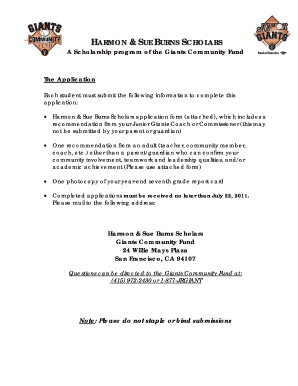
Harmon and sue burns scholarship
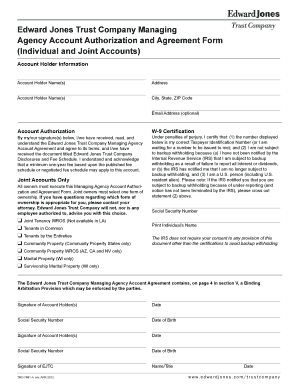
Edward jones account transfer form
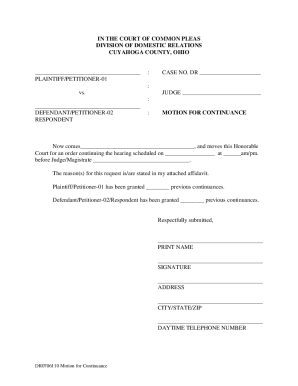
Letter recommending eviction notice
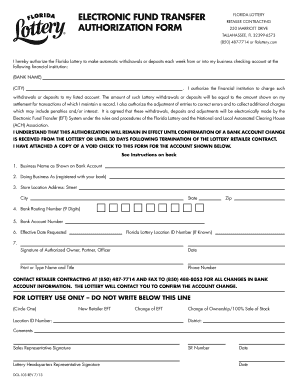
Electronic fund transfer authorization form - The Florida Lottery
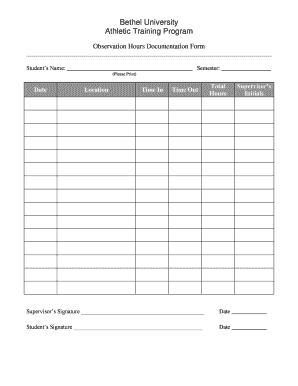
Observation hours

Meningitis Response Form - Student Affairs - Stony Brook University - studentaffairs stonybrook
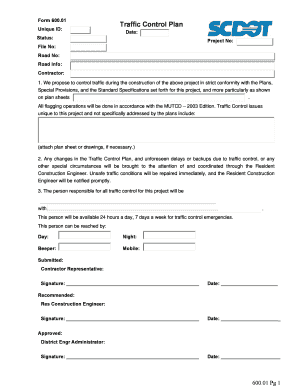
Scdot forms

This joint case conference report - State Bar Of Nevada - nvbar

Lic 198b
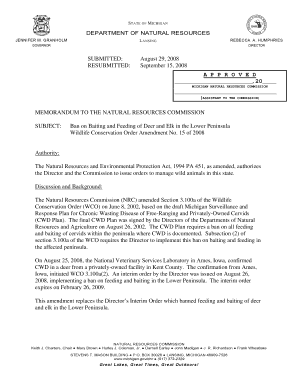
DNR Letterhead DNR Letterhead

Norsok m 630 2020 pdf
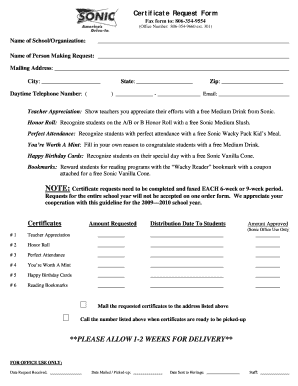
Sonic drink order form
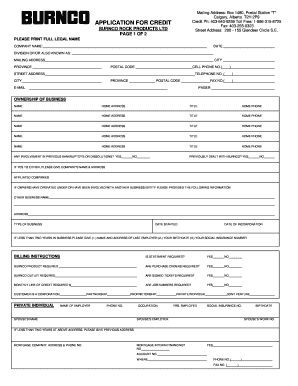
Burnco credit app form
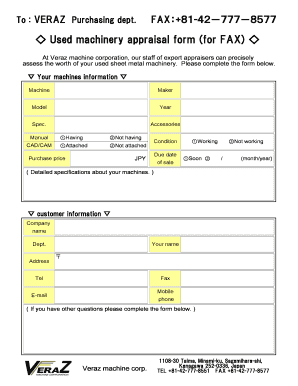
Equipment appraisal template
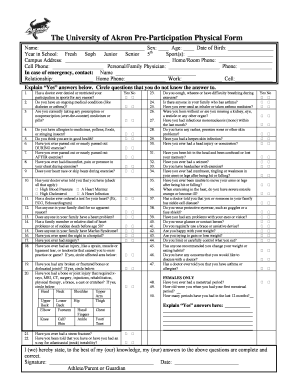
The University of Akron Pre-Participation Physical Form - uakron
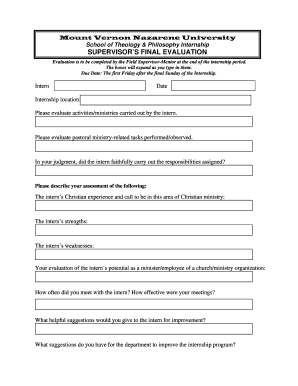
Supervisor evaluation

DROP WITHDRAWAL FORM - California State University, Fresno - fresnostate
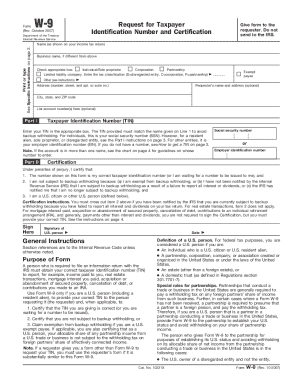
W9 request letter
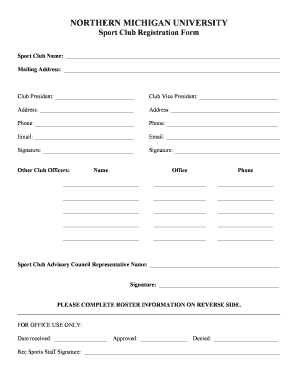
Sports club registration form pdf

Application for re-admission - Miami Dade College - mdc

Methodist doctors note

Iacva form
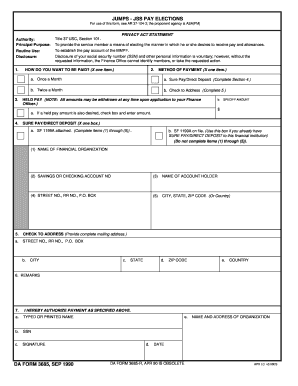
JUMPS - JSS PAY ELECTIONS For use of this form, see AR 37-104-3 - armypubs army

Colorado application defender
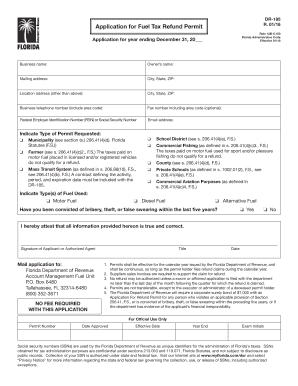
Florida fuel permit
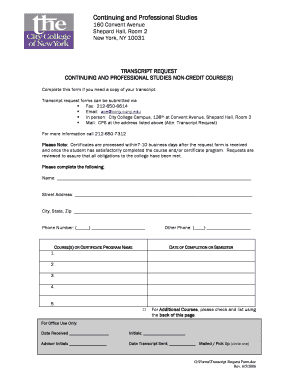
Ccny transcript
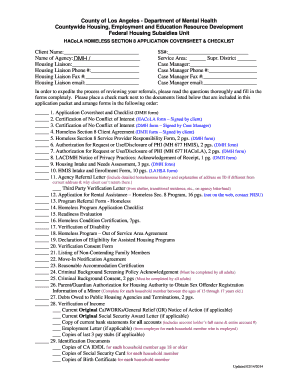
Section 8 annual recertification online

Form 4073
Nevada 4-H Horse Levels Program - unce unr
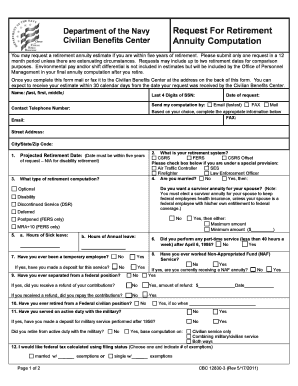
Army retirement request form
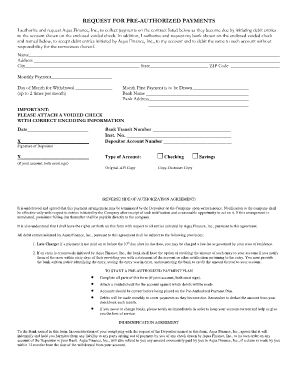
Aqua finance
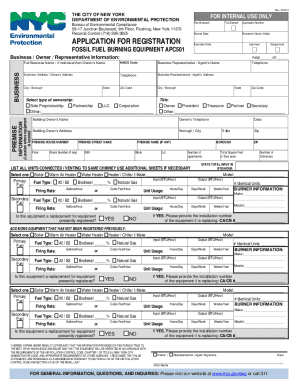
Heavy equipment operator certification cards
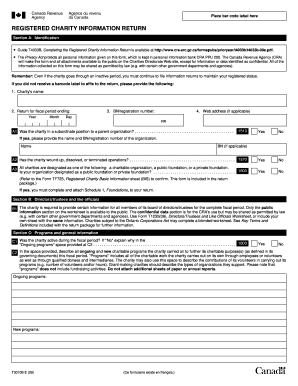
T3010
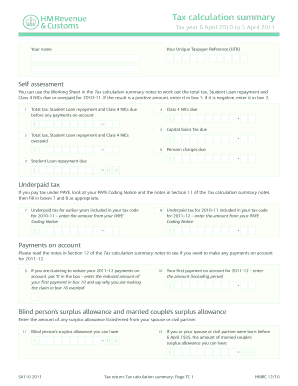
Sa110

Toddler assessment pdf

GEORGIA NOTIFIABLE DISEASE CONDITION REPORT FORM

Redhawk Properties Greentree Townhouses LEASE - Starkville

Divorce intake form
Hazardous materials business plan template
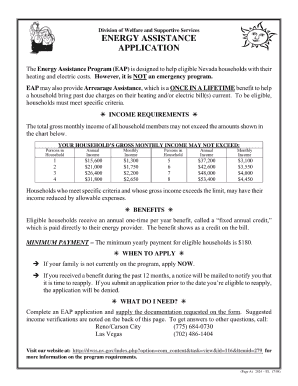
Printable energy assistance application

Waybill template
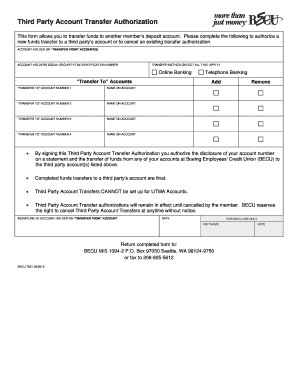
Becu third party transfer authorization
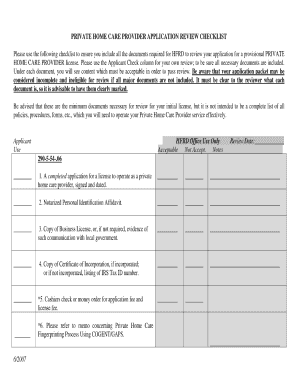
Hfrd application

Tennessee permit test cheat sheet pdf
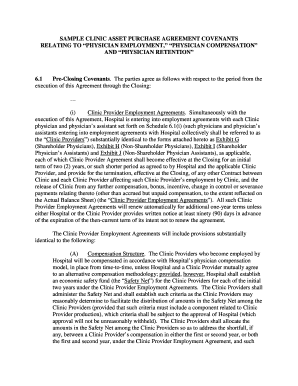
Medical practice purchase contract pdf
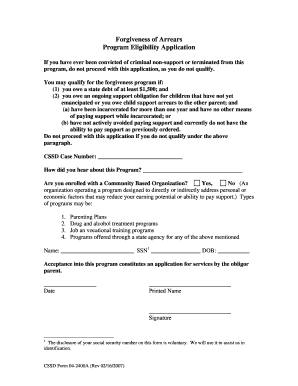
Alaska child support arrears forgiveness
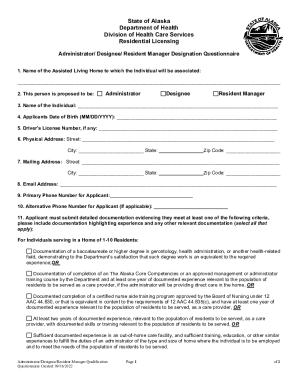
Applications, Sample Forms, & Resources

Perfect Match Adopt Foster Cat Application
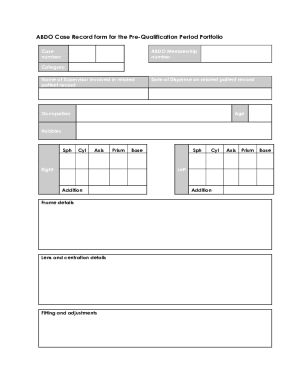
ABDO Case Record form for the Pre-Qualification Period Portfolio
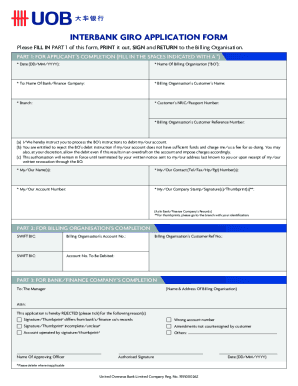
UOBInterbank Giro Form
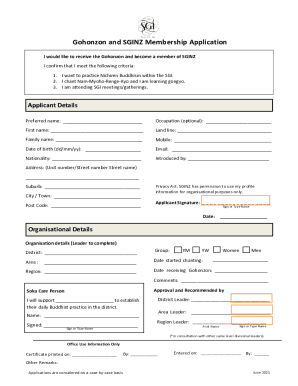
Sginz wp-contentuploadsGohonzon and SGINZ Membership Application
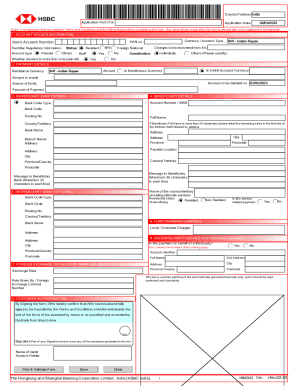
Liberalised Remittance Scheme (LRS) Application Cum Form A2 - Only for resident customers
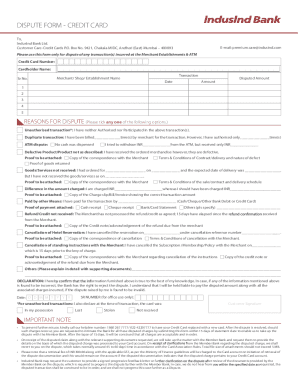
Indusind Bank Dispute Form - Fill and Sign Printable Template

Power of Attorney (Natural Person Only)
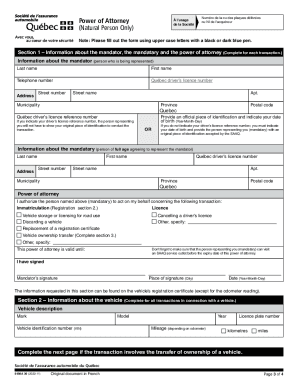
What Is a Power of Attorney and How Does it Work?
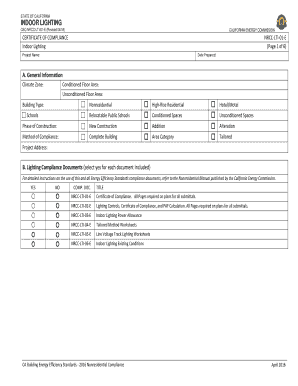
Indoor lighting - Energy Commission - State of California

Form 3794
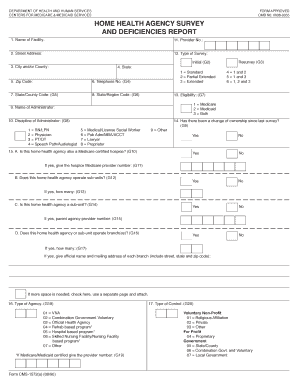
Deficiencies report
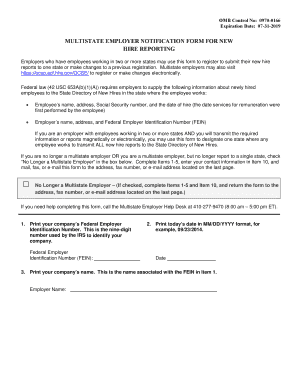
Multistate reporting form
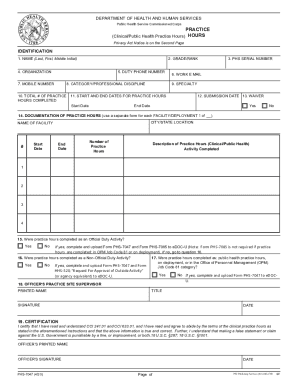
Phs 7047
Benefit from the DocHub online library of fillable PDF forms
Searching the PDF forms doesn't have to be a tedious and time-consuming process. With the DocHub online library, it has become easier to find the fillable PDF forms and modify them in your browser. The service allows you to adjust the document to your needs using powerful editing tools.
You can use online document editing features to modify almost any type of document with ease. You just need to find the template of your choice, open it in the editor, and use the toolbar to make the necessary corrections.
Follow this guide to get your document done with DocHub:
- Find the PDF template you need.
- Click the Get Form button to open the file in the editor.
- Use the toolbar to fill out and edit the document.
- Easily add and highlight text, insert images, checkmarks, and symbols.
- Drop new fillable fields, and rearrange or delete pages from your file.
- Save changes and download your record.
DocHub empowers everyone to streamline document editing, signing, and distribution, and form completion. Create an account and benefit from our well-organized PDF Forms library and comprehensive editor.