
Get any PDF form from the DocHub library of ready-made templates - Page 1173
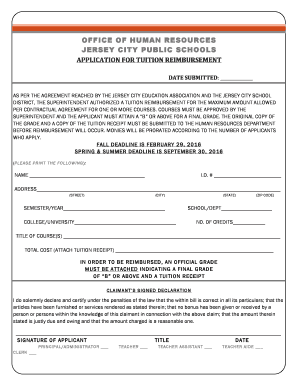
Jcboe tuition reimbursement
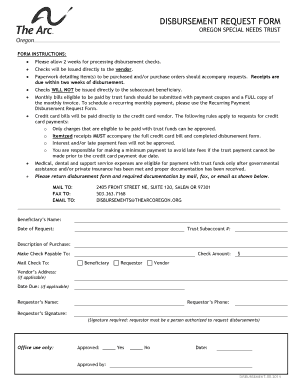
Disbursement request form
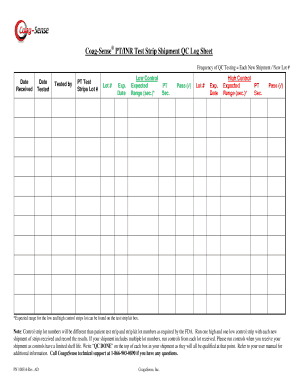
Coag-Sense PT INR Test Strip Shipment QC Log Sheet
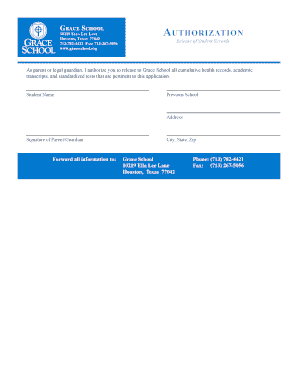
Gr a c e Sc h o o l au t h o r i z a t i o n - graceschool
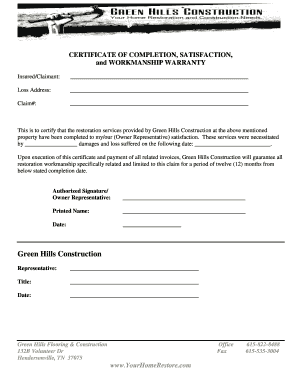
CERTIFICATE OF COMPLETION SATISFACTION and
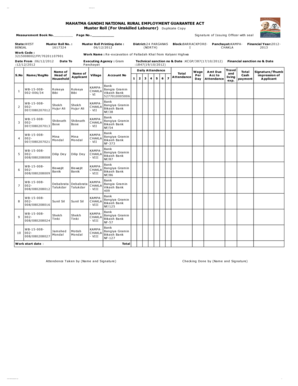
Mgnrega muster roll format
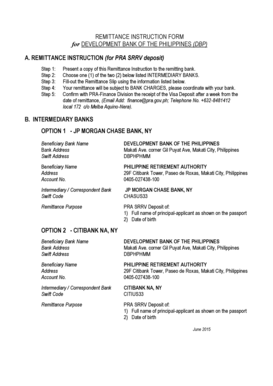
Remit instruction sheet

Apply dubai visa
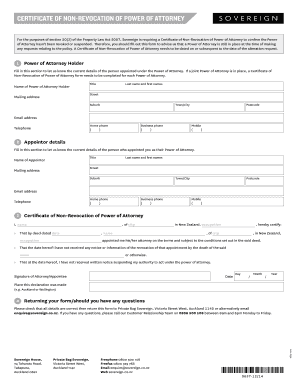
Certificate of non revocation nz
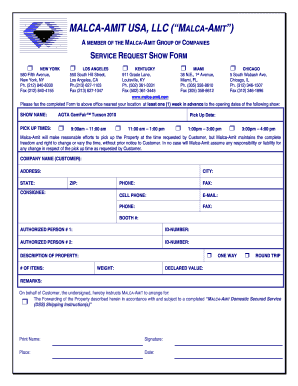
MALCA-AMIT USA LLC MALCA-AMIT - agtaorg
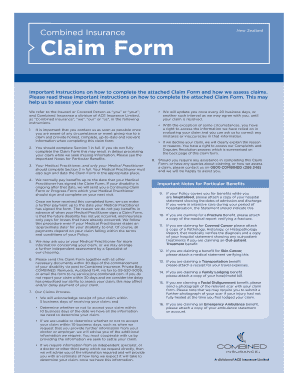
Combined insurance nz
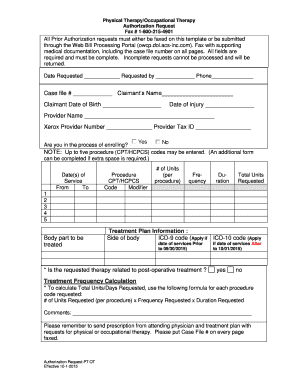
All Prior Authorization requests must either be faxed on this template or be submitted through the W
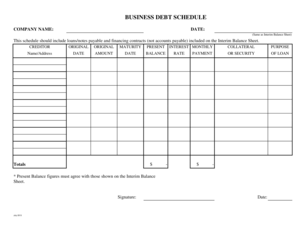
BUSINESS DEBT SCHEDULE - ALB Commercial Capital

Zero Income Statement 6-11 - Metropolitan Boston Housing - mbhp
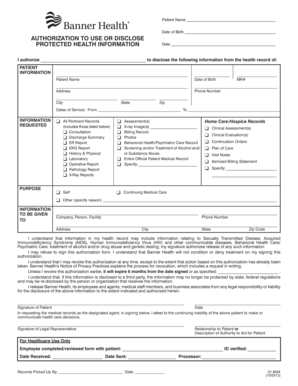
Dates of Service From

Tc96229 doc
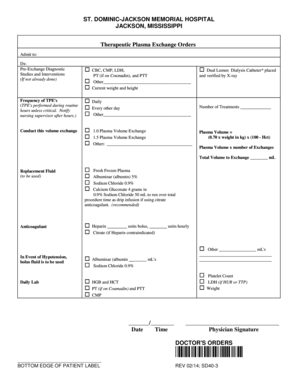
Plasmapheresis order set
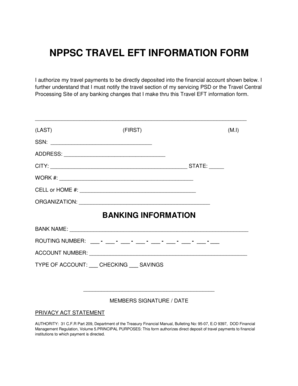
Nppsc travel eft information form

Texas roadhouse printable menu

Nintendo switch different models
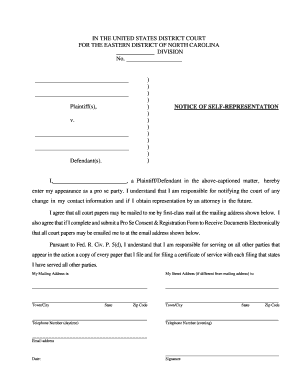
Notice of Self Representation Form

Public carrier certificate

Sfaa agreement to rent parking space - cloudfront
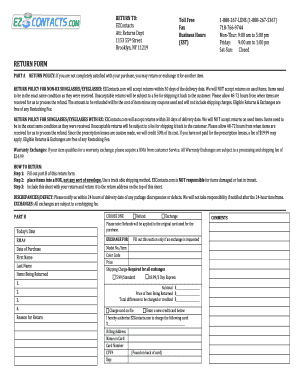
Ezcontacts return policy
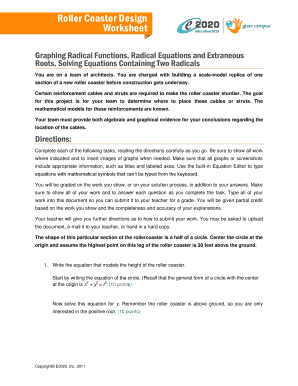
Roller coaster design worksheet e2020 answers

Tcpdf signature

(A C, No, Ext):

TOEFL iBT Score Reinstatement Request Form TOEFL iBT Score Reinstatement Request Form - ets

Wash laundry card reload online
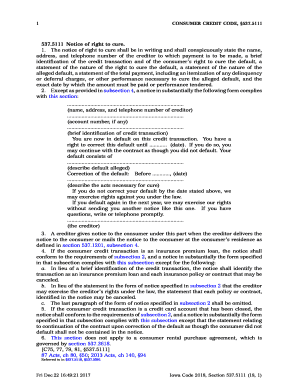
Iowa notice of right to cure form

Form 8862 2012

Japan Customs Form C No 5360-B

New boston police department
I dont know example how to fill out texas department of insurance division of workers compensation f

Trs rmd election form
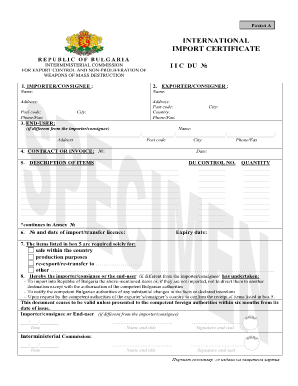
International import certificate
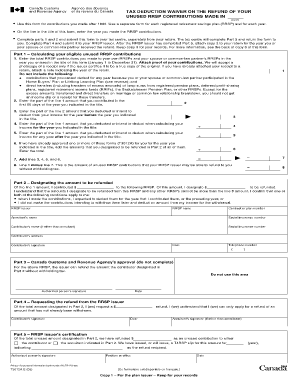
Rrsp overcontribution form
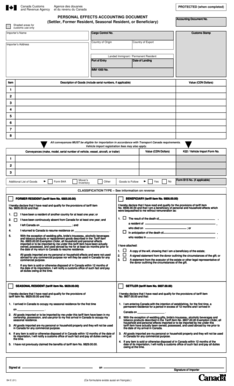
Personal effects accounting document example
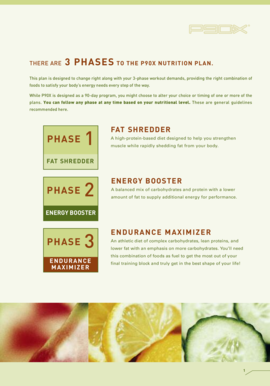
P90x nutrition plan pdf download
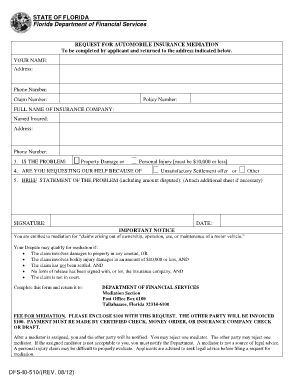
Request for mediation - Florida Department of Financial Services

Entry Form - United States Eventing Association
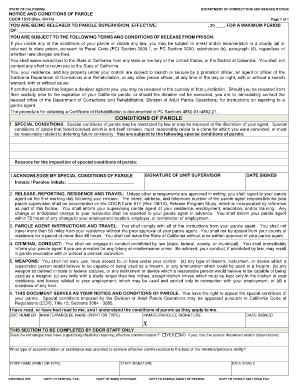
Cdcr forms
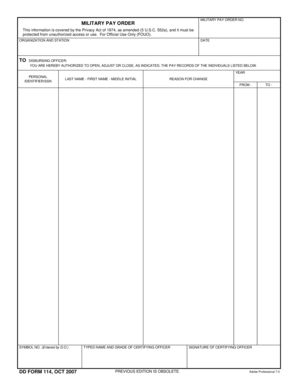
Dd form 114
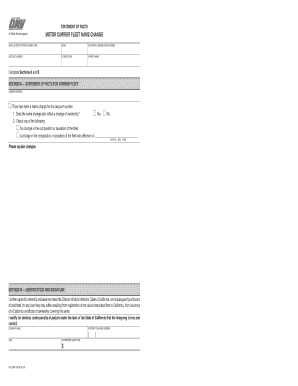
REG 256M, Motor carrier fleet name change index-ready If a fleet registrant name is changed during t
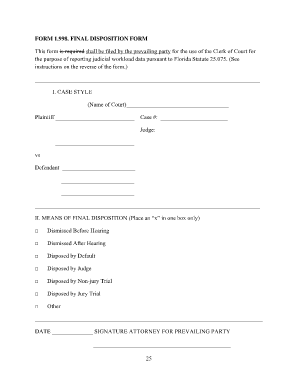
Disposition form

Ohio vaccine exemption form 2022 pdf

Contractor receipt pdf
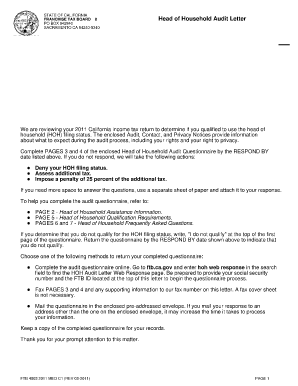
HOH Audit Letter HOH Audit Letter - ftb ca

Va form 2105
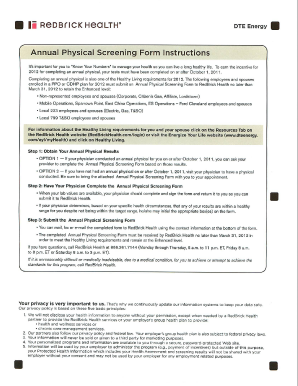
Annual Physical Screening Form Instructions - local223uwua
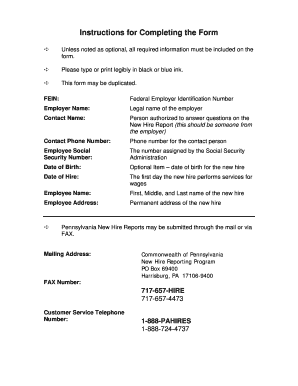
Blank pa new hire forms
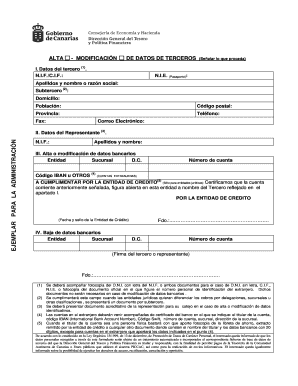
Modelo alta a terceros gobierno de canarias pdf

Membership Application Form 2014 - Blue Spader Blue Spaders
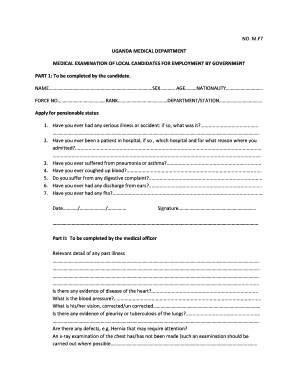
Public service medical examination form pdf

Perio refusal form

R0666 ausf llhilfe
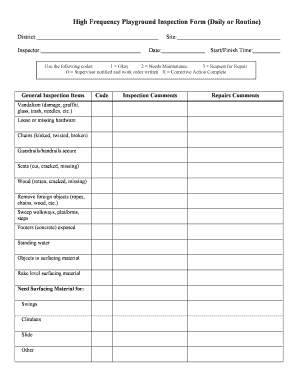
Nrpa npsi pdrma
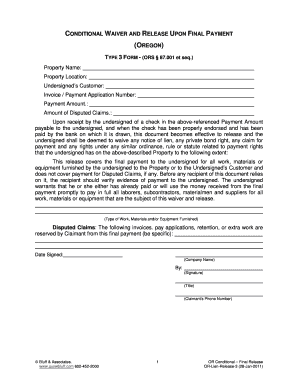
TYPE 3 FORM - (ORS 87
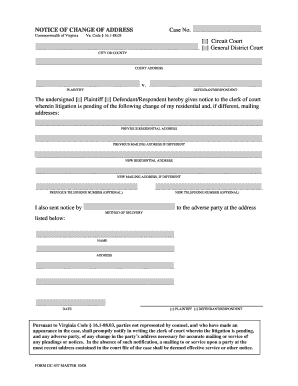
DC-437 Notice of Change of Address
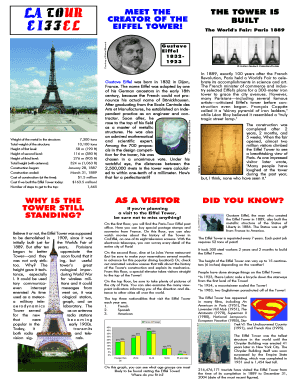
Eiffel tower brochure
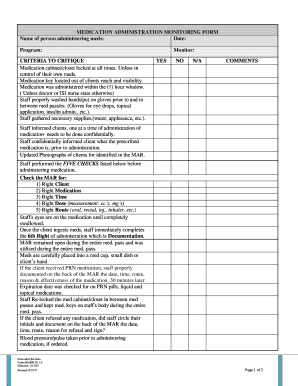
Medication monitoring form
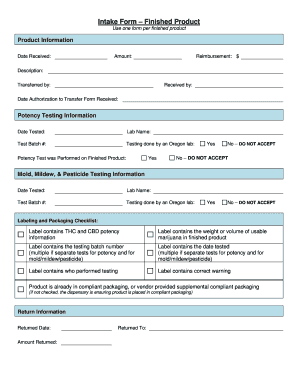
Oregon intake finished
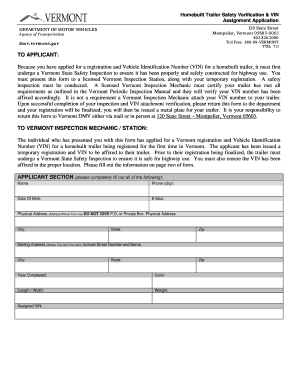
Vermont homemade trailer registration
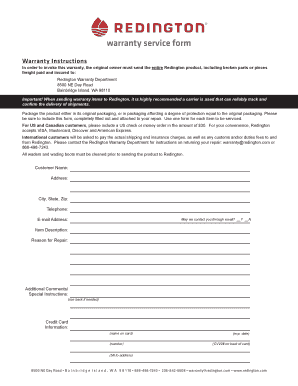
Redington warranty form
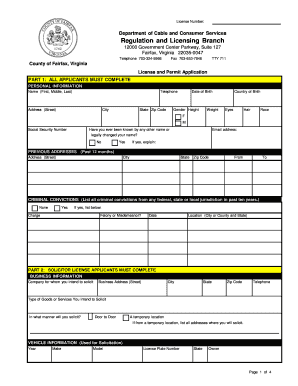
Fairfax county massage permit
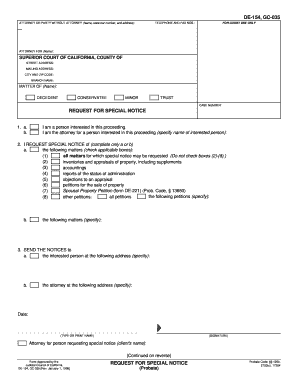
DE-154 REQUEST FOR SPECIAL NOTICE (Probate) Judicial Council forms - courts ca

Form 1716 Application for Missouri Personalized and Special - dor mo

Texas lp gas practice test
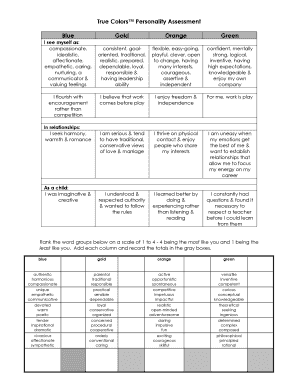
True colors personality test google form
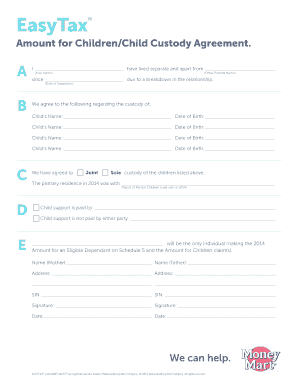
2212-1-ET Child Custody Form-EN indd

Beep test score sheet

Commercial real estate checklist pdf
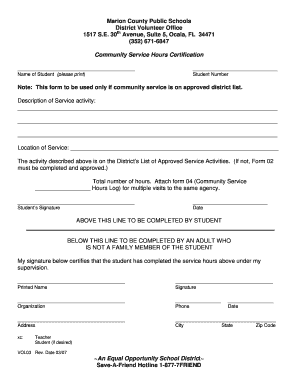
Community Service Hours Certification VOL03

Medically Supervised Weight Loss Visit 1 Month 1 - mybrandnewlife
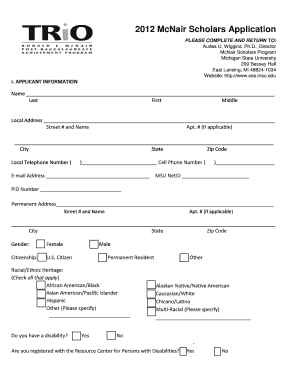
2012 McNair Scholars Application - Michigan State

Wells fargo advisors forms
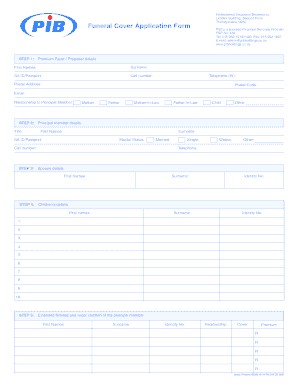
Pib funeral cover
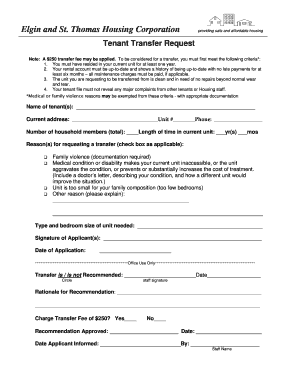
Tenant transfer form

Sd form 822

Head Teacher Experience Verification Form - Connecticut Charts-A - ctcharts

Petitioner's or Lawyer's Name

Sherlock bones answer key
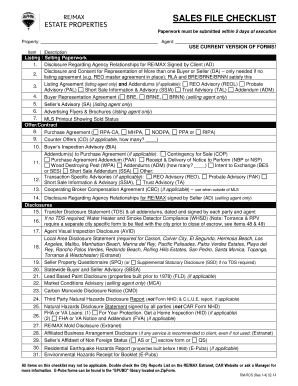
Sales checklist pdf

Palmetto Surety Corporation

PRACTICAL PROBLEM SOLVING PPS - Dakkota Integrated Systems
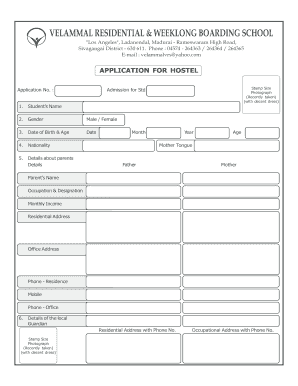
Boarding form
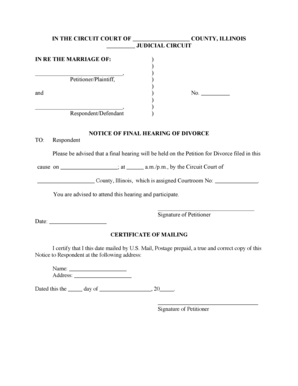
Illinois-notice-of-final-hearing-for-divorce-form
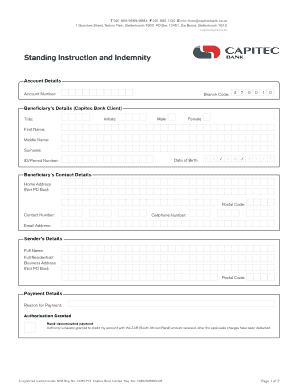
Capitec bank form pdf

Scheduling Order - Fulton County Superior Court
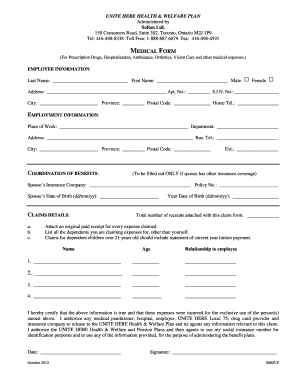
Soben claim form
Unicef volunteer application form

High school scholarship application form
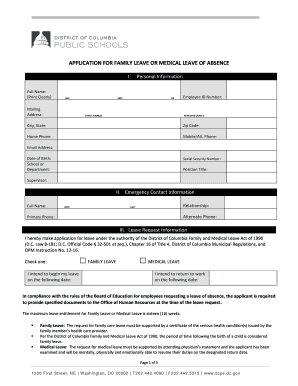
Dcps fmla

Proposed plan of supervision cadc nj
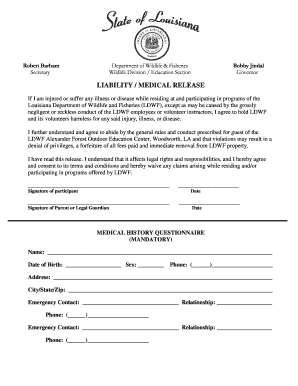
Fishing Camp Liability Waiver - Louisiana Department of Wildlife - wlf louisiana

Grady doctors note

Medical Verification Form - York Region

Pretend play doctor forms pdf
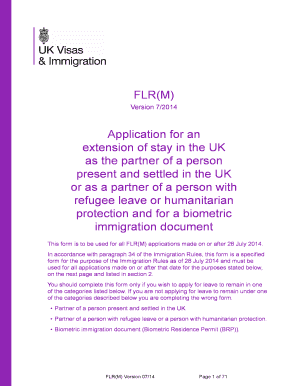
Flr m application form

Human foosball flyer form
Benefit from the DocHub online library of fillable PDF forms
Searching the PDF forms doesn't have to be a tedious and time-consuming process. With the DocHub online library, it has become easier to find the fillable PDF forms and modify them in your browser. The service allows you to adjust the document to your needs using powerful editing tools.
You can use online document editing features to modify almost any type of document with ease. You just need to find the template of your choice, open it in the editor, and use the toolbar to make the necessary corrections.
Follow this guide to get your document done with DocHub:
- Find the PDF template you need.
- Click the Get Form button to open the file in the editor.
- Use the toolbar to fill out and edit the document.
- Easily add and highlight text, insert images, checkmarks, and symbols.
- Drop new fillable fields, and rearrange or delete pages from your file.
- Save changes and download your record.
DocHub empowers everyone to streamline document editing, signing, and distribution, and form completion. Create an account and benefit from our well-organized PDF Forms library and comprehensive editor.