
Get any PDF form from the DocHub library of ready-made templates - Page 1161
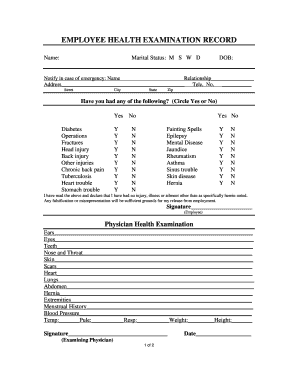
EMPLOYEE HEALTH EXAMINATION RECORD - printablep1nnaclecom
Mi casa makeover
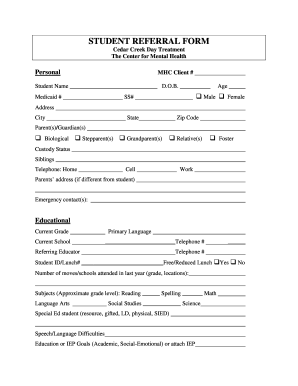
Student referral form

Eviction notice miami

Vocabulary power plus for college and career readiness pdf

MetLife-Home Quotation Formpdf

Yukon nominee program handbook
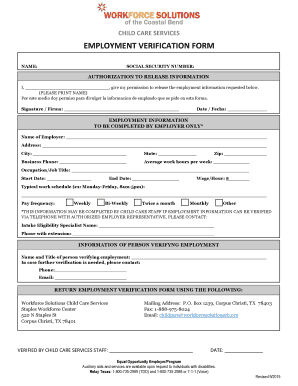
CHILD CARE SERVICES EMPLOYMENT VERIFICATION FORM NAME: SOCIAL SECURITY NUMBER: AUTHORIZATION TO RELE

Certificate of Eligibility BAPTISM - The Church of Saint Monica - saintmonicachurch
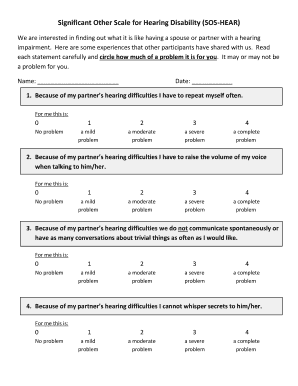
Sos hear

TEXAS SALES AND USE TAX RESALE CERTIFICATE
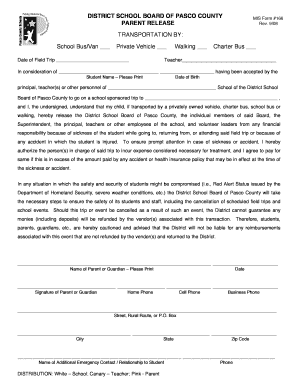
District school board of pasco county parent release mis 166 rev 12 16
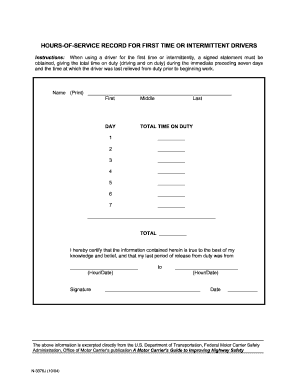
HOURS-OF-SERVICE RECORD FOR FIRST TIME OR INTERMITTENT DRIVERS
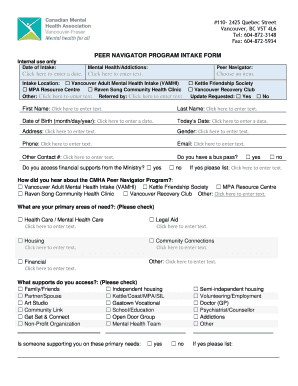
PEER NAVIGATOR PROGRAM INTAKE FORM

Humanitarian reassignment sample letter navy
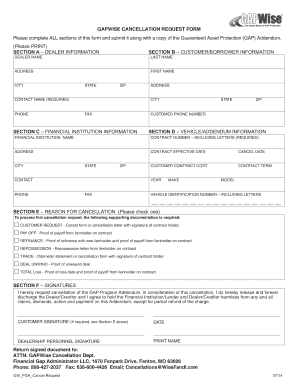
Gapwise cancellation form

Sbd 9720

Pentegra Retirement Services SPOUSAL CONSENT FOR A WITHDRAWAL - 401ksave
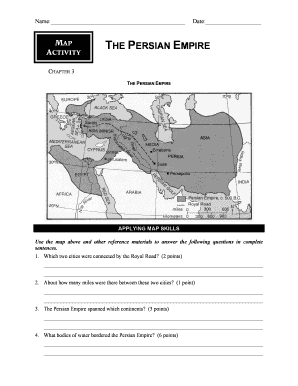
Persian empire worksheet pdf
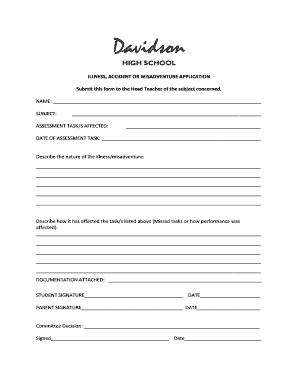
ILLNESS, ACCIDENT OR MISADVENTURE APPLICATION - davidson-h schools nsw edu

Constitution scavenger hunt pdf

Phonics for reading placement test

Diminished Value Desk Appraisal Request
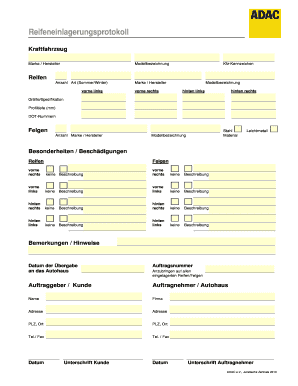
Reifeneinlagerungsprotokoll
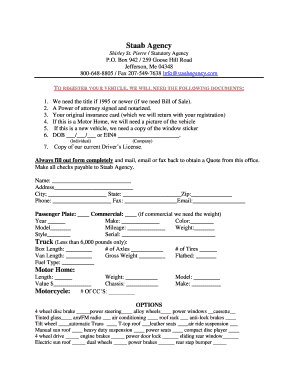
Info staabagency com
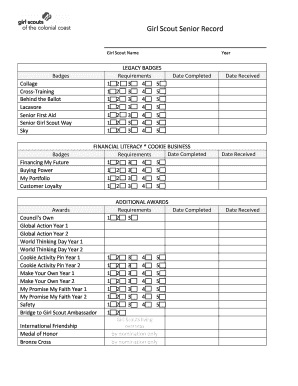
Girl Scout Senior Record - Girl Scouts of the Colonial Coast - gsccc
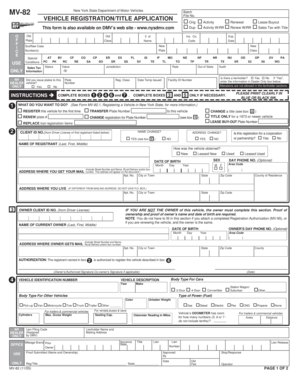
Mv82

Nemb form

Application for Modification NOC - Industrial - Trakhees - ehss
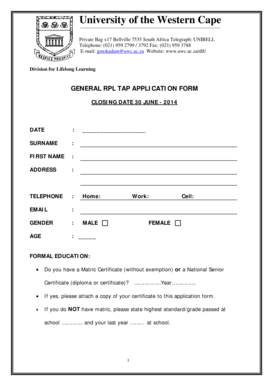
Uwc affidavit example

Express employment time card
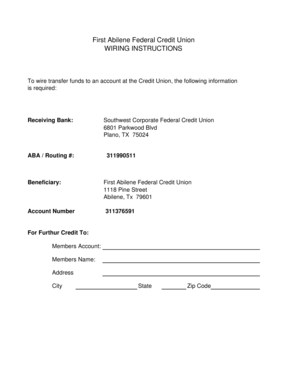
Wiring instructions
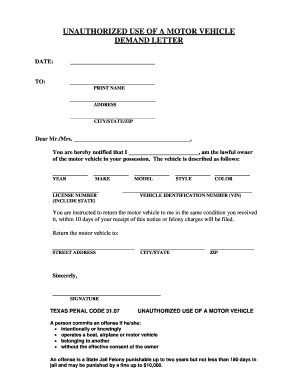
Unauthorized use motor vehicle
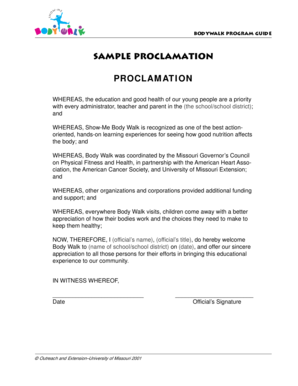
Sample Proclamation PROCLAMATION - extension missouri
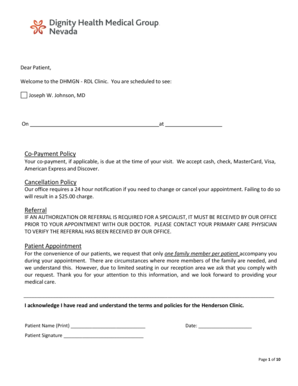
Dignity health doctors note

Job Shadow Day Muller Road Middle School - richland2
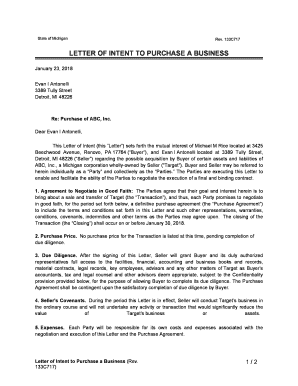
LETTER OF INTENT TO PURCHASE A BUSINESS
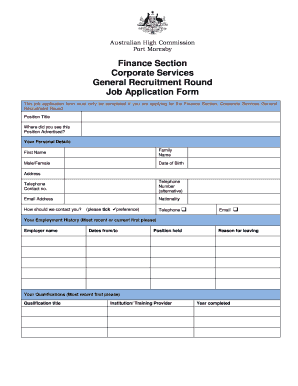
This job application form must only be completed if you are applying for the Finance Section, Corpor
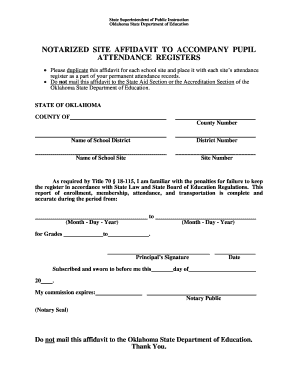
NOTARIZED SITE AFFIDAVIT TO ACCOMPANY PUPIL

Hud form 27054e

Form CAFC040 - Property and Debt Statement and Proposed - courts mo
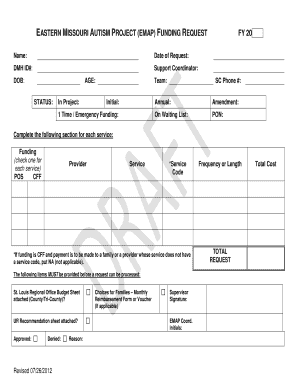
Emap funding
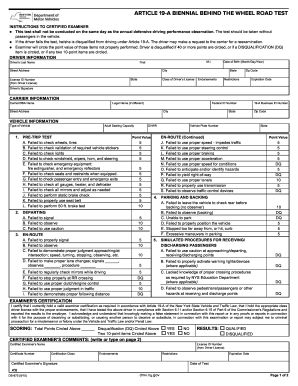
Ny dmv road test evaluation sheet

Ir590
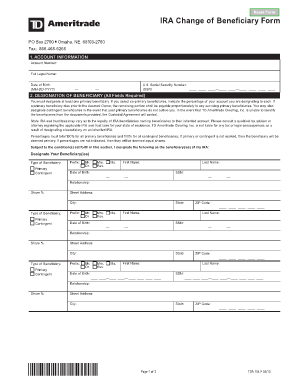
Td ameritrade beneficiary claim form

Belastningsregistret gratis
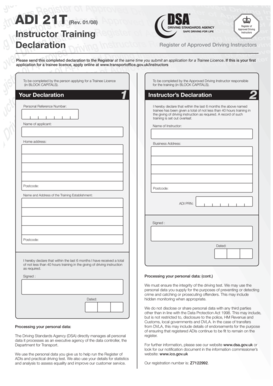
Adi 21t form

Sportsbet certified documents form

Electrical Application Form

Unison streamlined case form

A 0520 ba
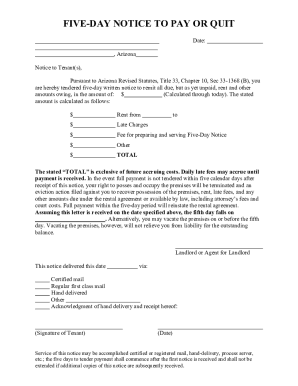
5 day pay rent or quit notice
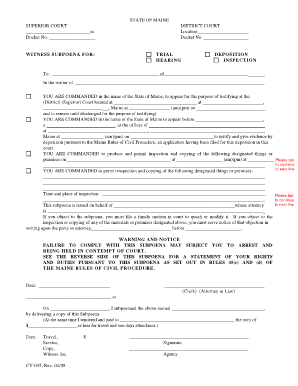
Maine cv 035

Ics 208
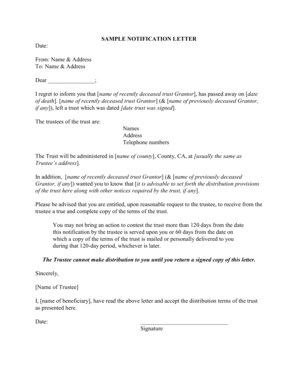
Trustee letter to beneficiaries sample

Dwelling premises form
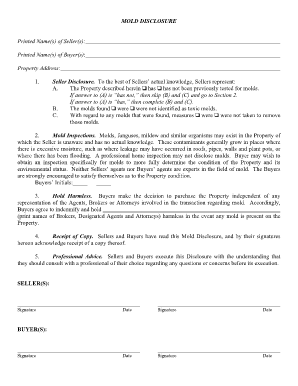
MOLD DISCLOSURE

Irish visa application letter sample

Ftb 540 1990 form
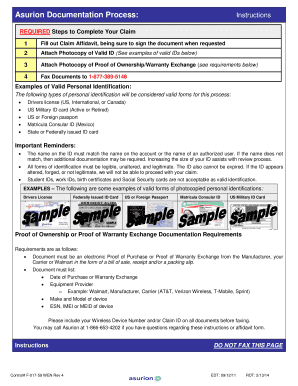
Phoneclaim att documents
Hsmv 82191

Va form 21p 4703
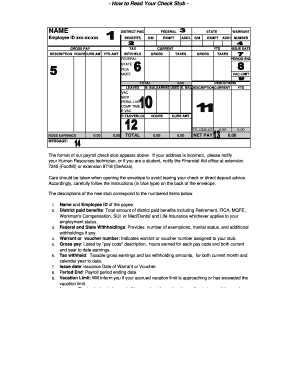
Miami dade enet paycheck
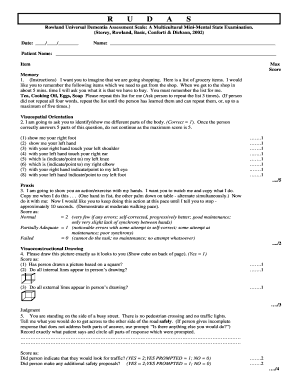
Rudas pdf
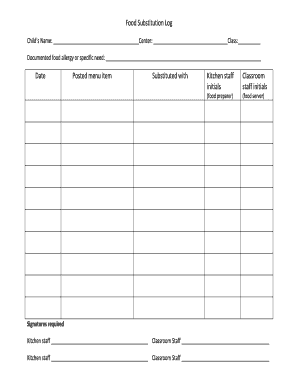
Menu substitution log
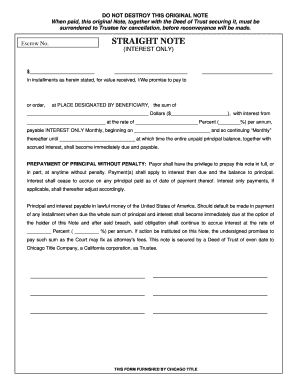
Straight Note Interest Only - Chicago Title Connection Home
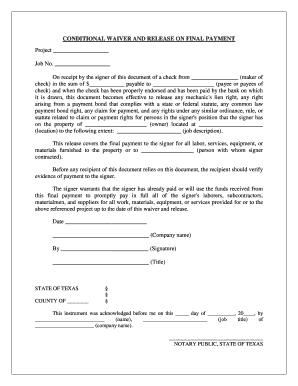
CONDITIONAL WAIVER AND RELEASE ON FINAL PAYMENT
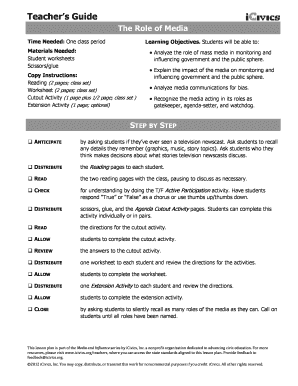
The role of media answer key
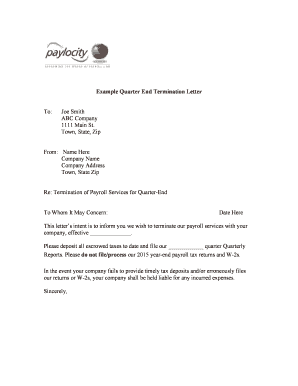
Term Letter Template - Clean Quarter Start - Paylocity

Nih cpsi female
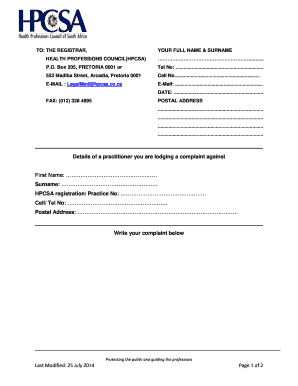
Hpcsa complaint form
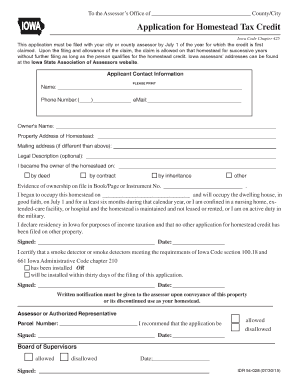
Application for Homestead Tax Credit 54-028
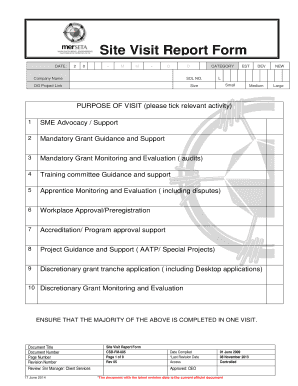
Site visit form

Personalfragebogen f r neue Mitarbeiter - interaktiv
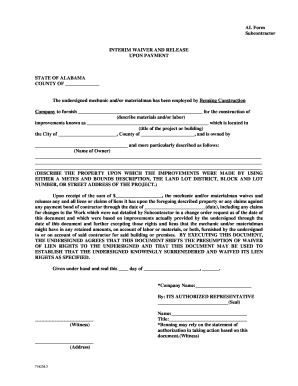
Lien waiver form
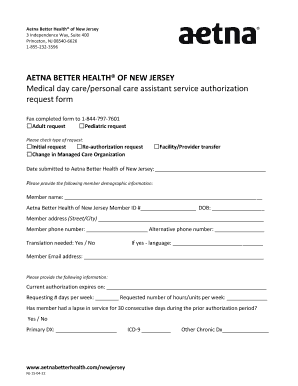
Aetna letterhead

Issuing form

Wells fargo budget worksheet

Form 14704

Ib 181 fillable
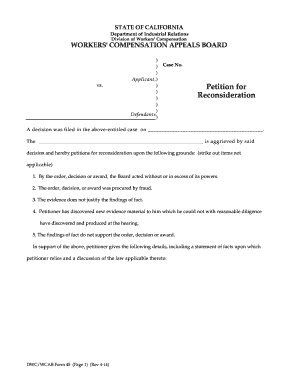
Petition for reconsideration sample
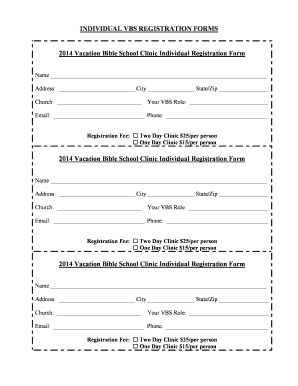
Vbs registration form template

Cayman islands naturalization form
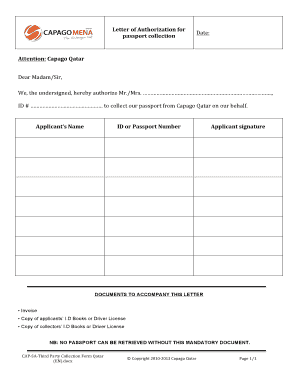
Capago third party collection form
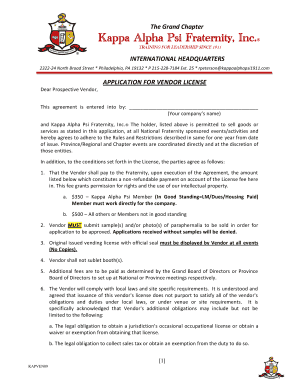
Kappa alpha psi vendor application
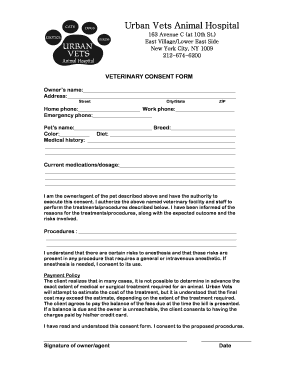
Veterinary consent form template
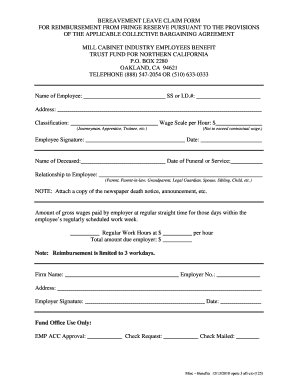
Bereavement leave claim form for reimbursement from fringe reserve - cfao
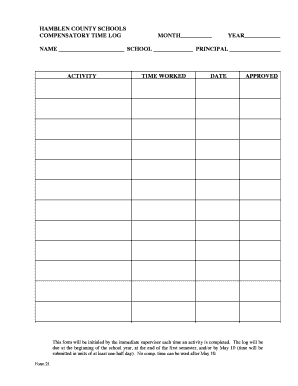
HAMBLEN COUNTY SCHOOLS COMPENSATORY TIME LOG MONTH YEAR NAME
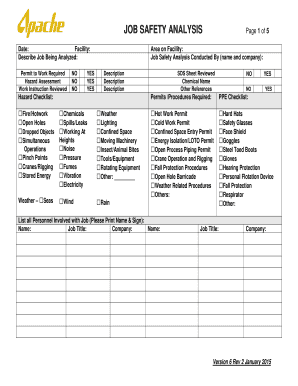
Jsa forms
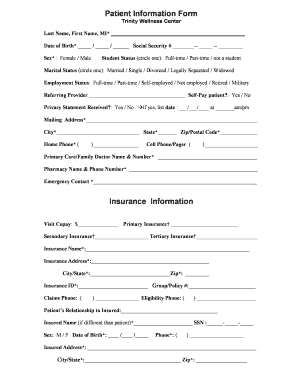
Insurance information form
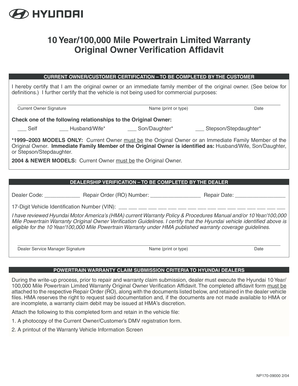
Hyundai original owner affidavit
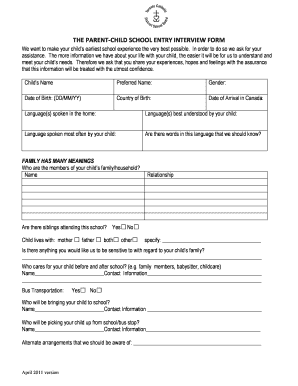
Tcds the parent child school entry interview form
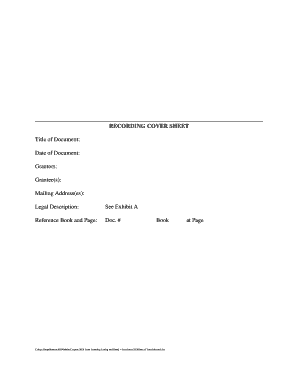
RECORDING COVER SHEET - GLS Business Consultants
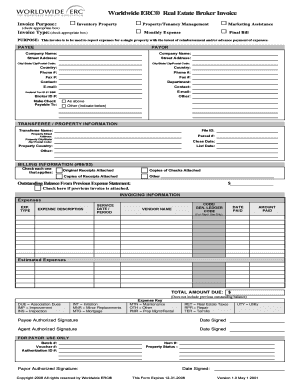
ERC Real Estate Broker Invoice Legal size

Leave form for government employees
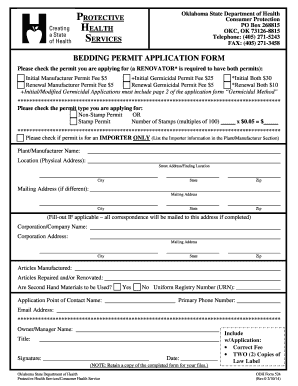
Oklahoma bedding license form
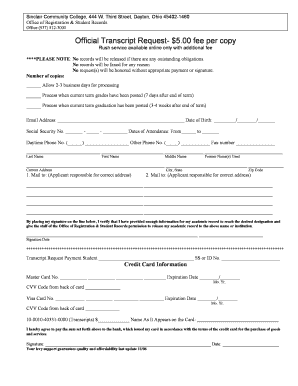
Sinclair transcript request
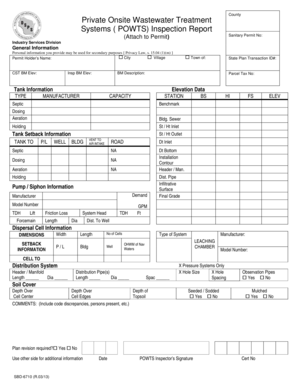
SBD-6710 POWTS Insp Report R0313doc - dsps wi
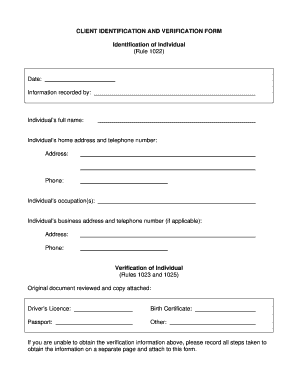
Client identification and verification form ontario
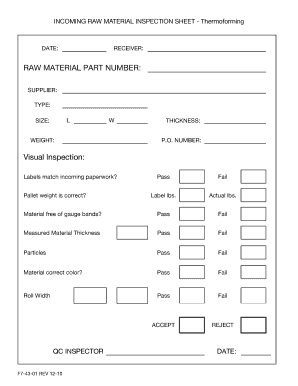
Incoming raw material inspection report format in excel
Benefit from the DocHub online library of fillable PDF forms
Searching the PDF forms doesn't have to be a tedious and time-consuming process. With the DocHub online library, it has become easier to find the fillable PDF forms and modify them in your browser. The service allows you to adjust the document to your needs using powerful editing tools.
You can use online document editing features to modify almost any type of document with ease. You just need to find the template of your choice, open it in the editor, and use the toolbar to make the necessary corrections.
Follow this guide to get your document done with DocHub:
- Find the PDF template you need.
- Click the Get Form button to open the file in the editor.
- Use the toolbar to fill out and edit the document.
- Easily add and highlight text, insert images, checkmarks, and symbols.
- Drop new fillable fields, and rearrange or delete pages from your file.
- Save changes and download your record.
DocHub empowers everyone to streamline document editing, signing, and distribution, and form completion. Create an account and benefit from our well-organized PDF Forms library and comprehensive editor.