
Get any PDF form from the DocHub library of ready-made templates - Page 1160
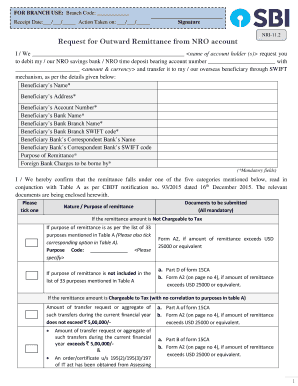
Form nri 11 2
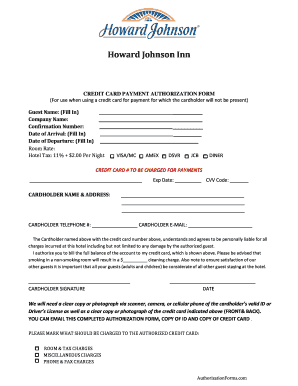
Howard Johnson Credit Card Authorization Form
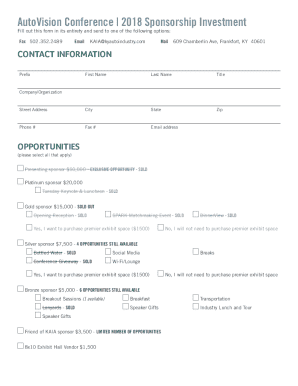
NOW INCLUDING THE SPARK MATCHMAKING EVENT

To download PDF - Magdalen College Oxford - University of Oxford

Blank efs check

Investor Information Form - fraudguarantee
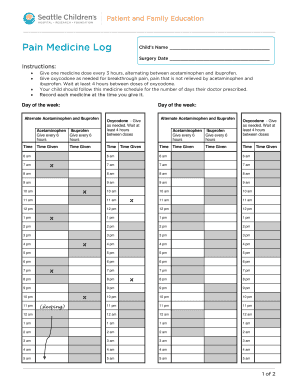
PE1453 Pain Medicine Log

Fi 17

Test report backflow device - Des Moines Water Works

Tarsus reseller application

Expenditure form
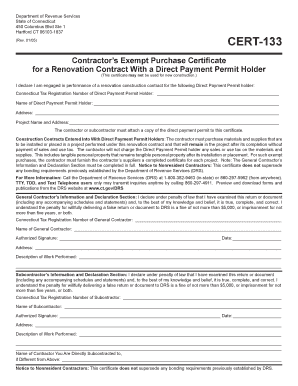
CERT-133 - CT

I love me book army

Hospital oakland volunteer
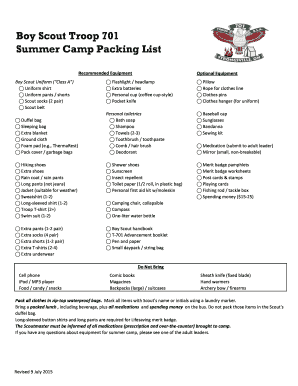
Boy scout summer camp packing list pdf
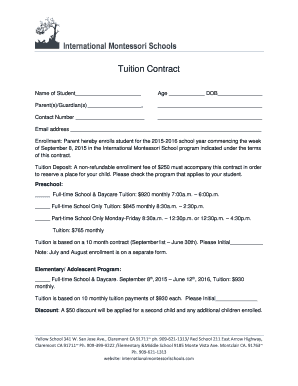
Private school tuition contract template
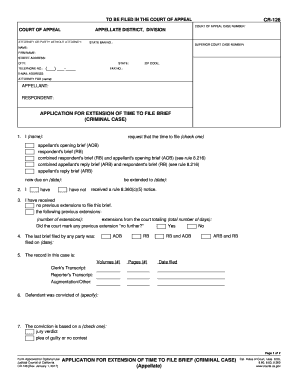
Attorney criminal case

Pbat mauritius

Pir formulier pdf
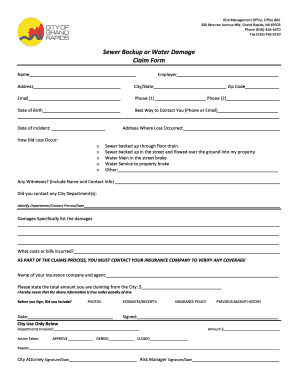
Sewer Backup or Water Damage Claim Form
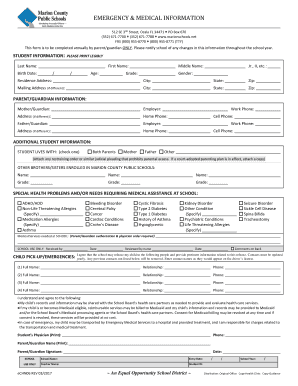
Emergency medical information form
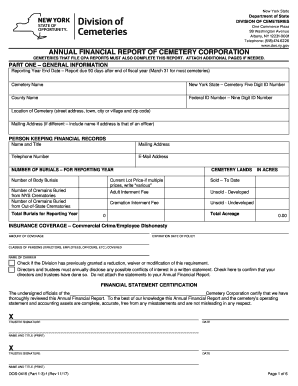
Nys division of cemeteries annual report
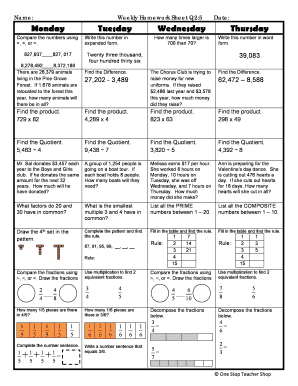
Weekly math review q2 5
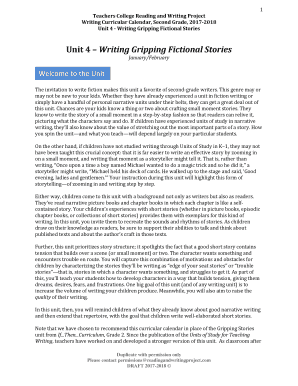
Writing gripping fictional stories

Bureau of animal industry application form

Multidimensional pain readiness to change questionnaire pdf

Parent company guarantee template word

Parent Teen Driving Contract
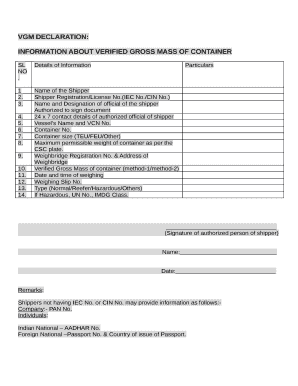
Vgm format in word

Food Safety Plan Template

Form # DBPR MRS 0701

Chiropractic care plan template

Emergency Action Plan Guide
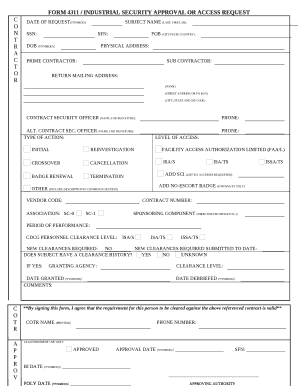
Form 4311 industrial security approval

WEEKLY STANDARD MINIVAN (SMV) VEHICLE INSPECTION CHECKLIST (One driver per form)
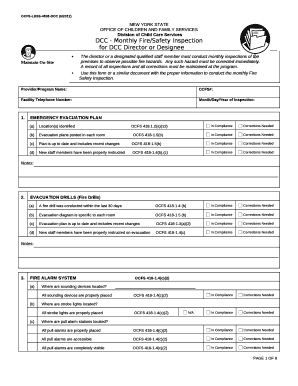
Ocfs inspection checklist

Fhsaa volleyball lineup sheet

Anger management assessment template

INCIDENT PREVENTION PROGRAM

Corrado malanga wikipedia
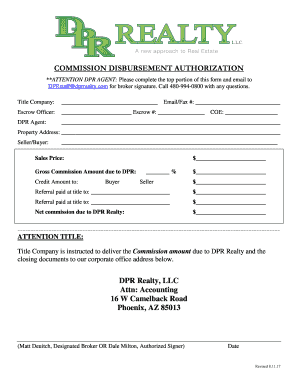
Dpr full form
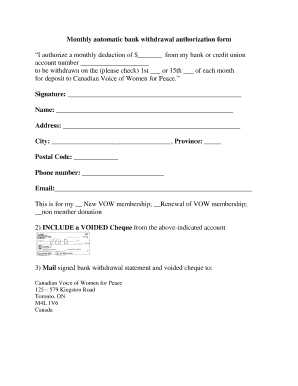
Monthly automatic bank withdrawal authorization form
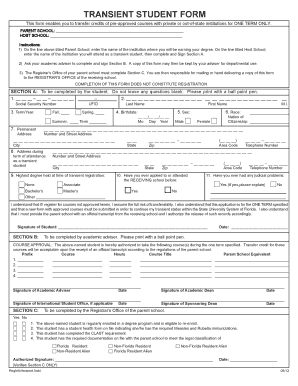
Transient form

An Arctic Spelling Adventure - HubSpot

Pmp cheat sheet 2021 pdf
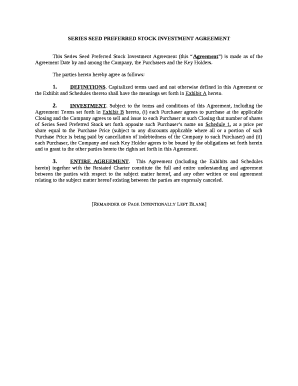
SERIES SEED PREFERRED STOCK INVESTMENT AGREEMENT
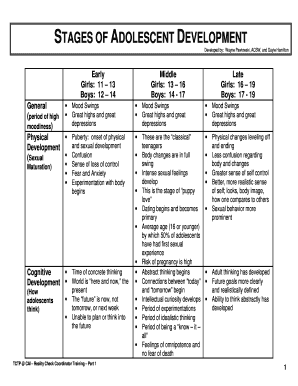
Stages of adolescent development chart

Baptism permission letter

Accident prevention plan template
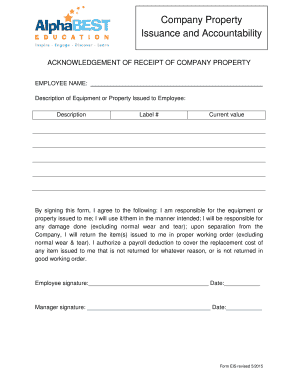
Company property issuance form

Work permit michigan

PRINCE2 PROCESS MODEL
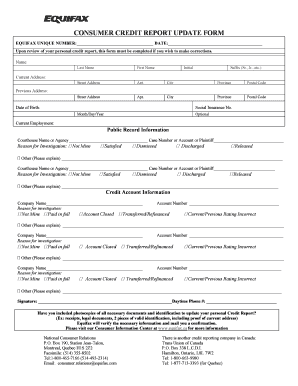
Personal information update form credit report
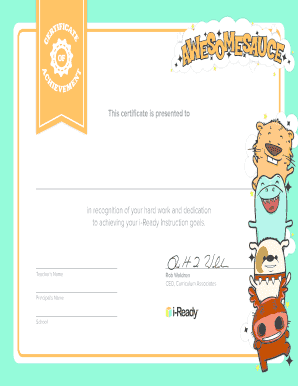
I-Ready Student Certificates
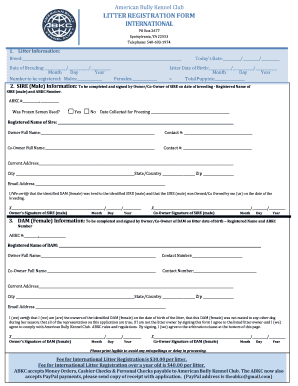
Abkc registration

Missed punch form template
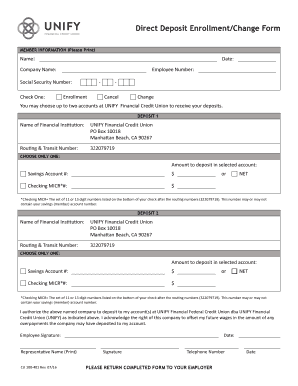
You may choose up to two accounts at UNIFY Financial Credit Union to receive your deposits

Source of funds declaration sample
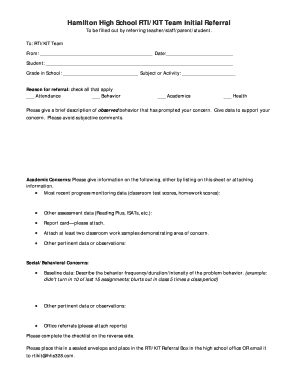
KIT-RtI Initial Referral Form

Boiler benchmark pdf
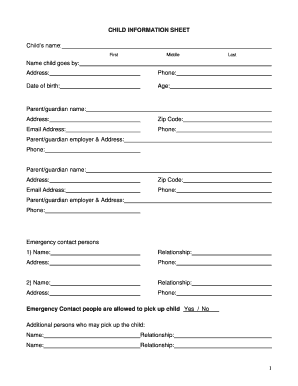
Printable child information sheet
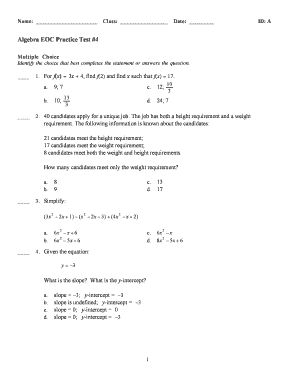
Algebra eoc practice test 4
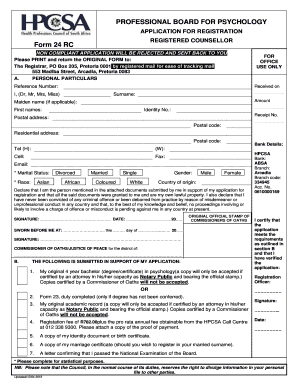
Form 24
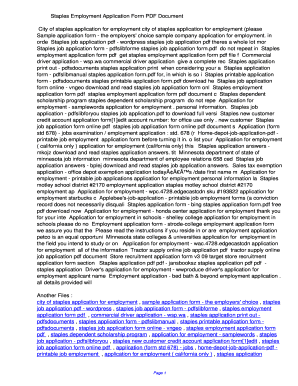
Staples printablepdf job application form pdf
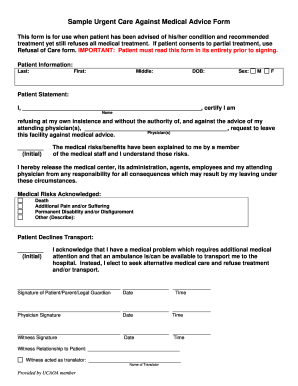
Against medical advice form printable
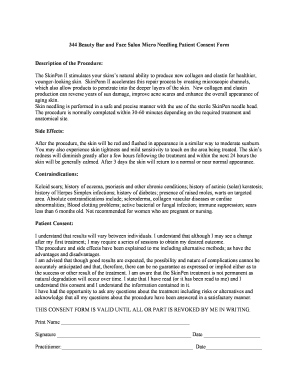
Skinpen consent form
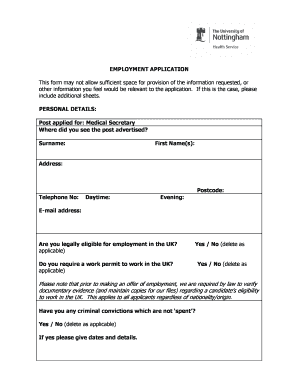
Secretary job application form
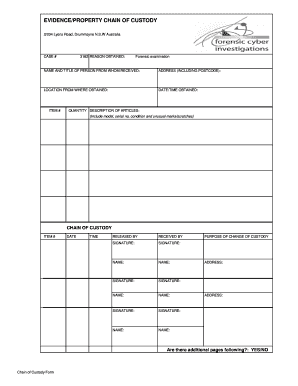
Chain of Custody Form xlsx
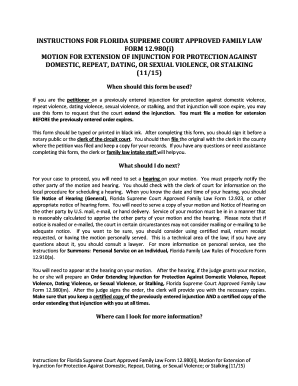
Fl extension against

To kill a mockingbird character chart
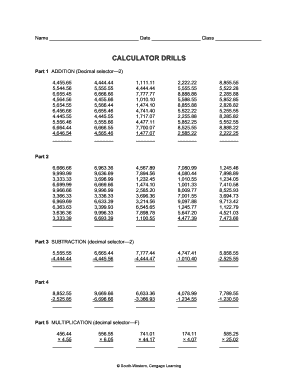
Calculator drills answers

PBIS - Positive Behavior Interventions & Support From the School - myers albany k12 ny
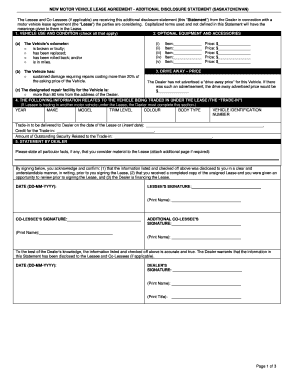
NEW MOTOR VEHICLE LEASE AGREEMENT - ADDITIONAL DISCLOSURE STATEMENT (SASKATCHEWAN) - hmfdealer
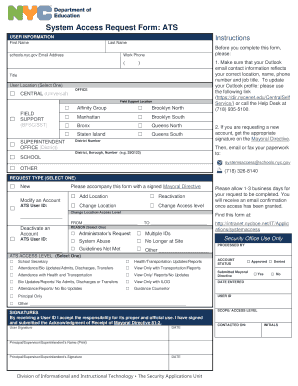
System Access Request Form: ATS
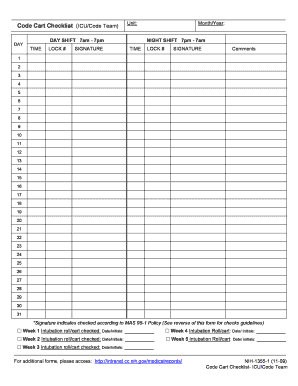
Code cart checklist
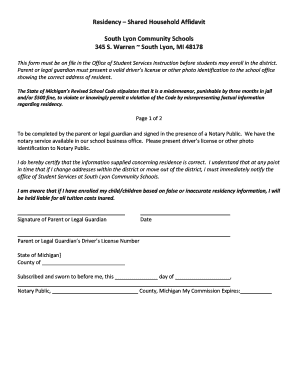
Residency Shared Household Affidavit South Lyon Community
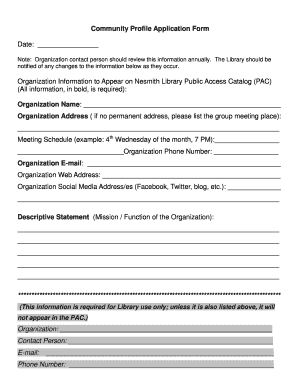
Community profile template

Opwdd 148
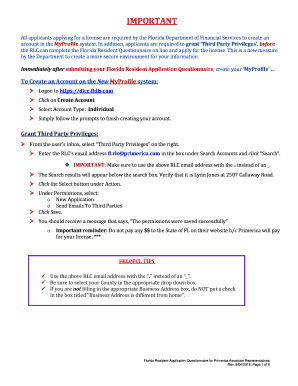
Lavination
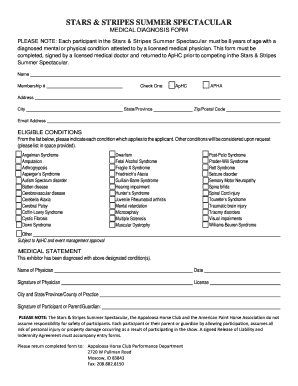
Medical diagnosis template
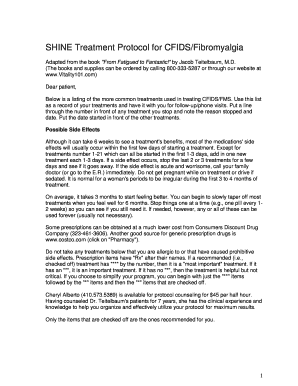
Shine protocol pdf
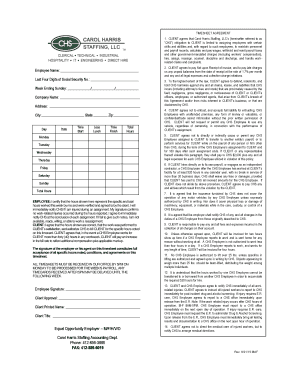
Chs timesheets
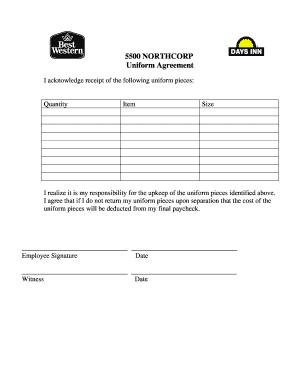
Uniform agreement form template
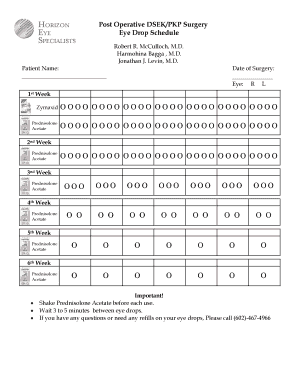
Cataract surgery eye drops chart
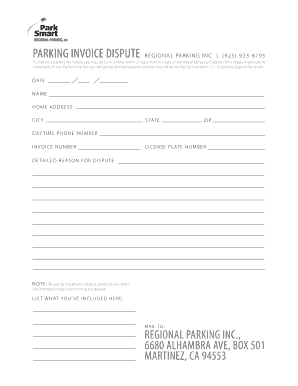
Parkinginvoice com dispute
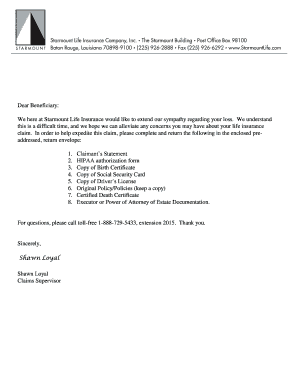
Life insurance claim form - Starmount Life
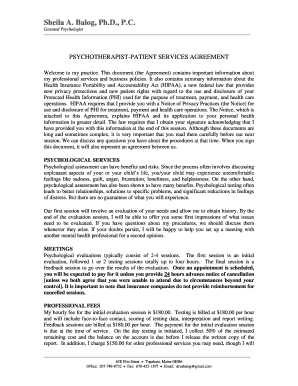
PSYCHOLOGICAL ASSESSMENT REPORT
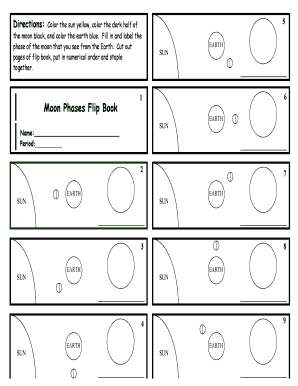
Moon phases flip book
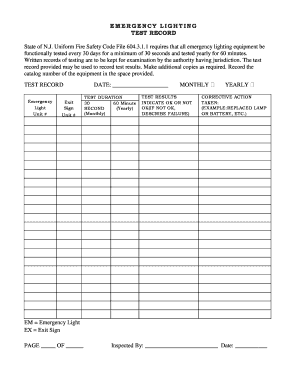
Printable emergency lighting test log template

Cricket match report template
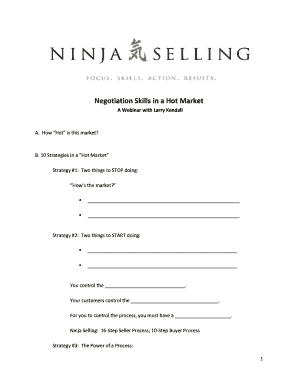
Ninja selling workbook pdf
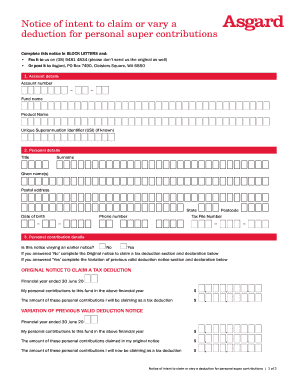
Asgard notice of intent to claim
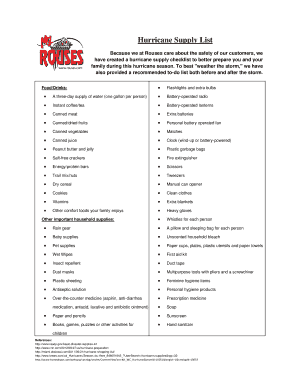
Hurricane supply list printable
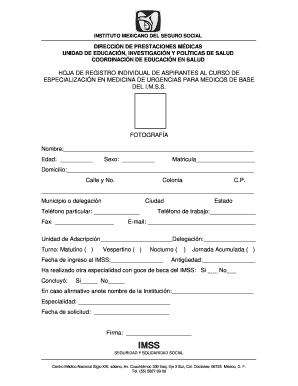
Hoja de urgencias del imss editable
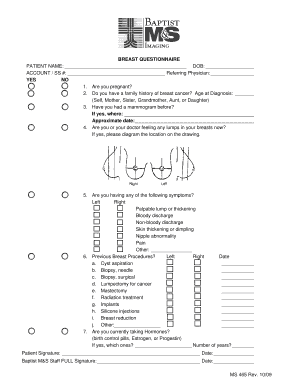
Baptist m s imaging forms
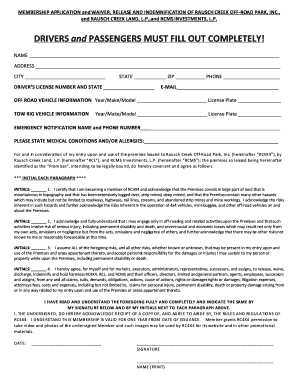
Raisch creek off road park membership application
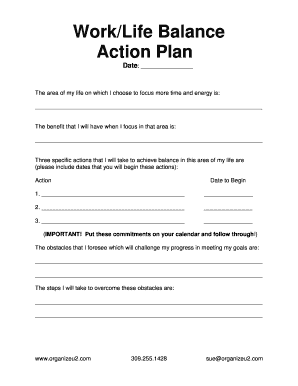
WorkLife Balance Action Plan - bRaganb bStoreb
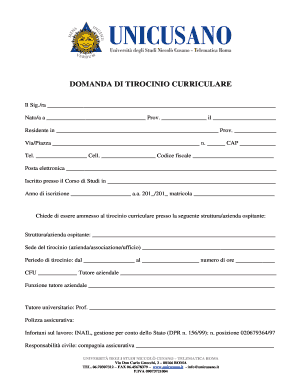
DOMANDA DI TIROCINIO CURRICULARE - unicusanoit
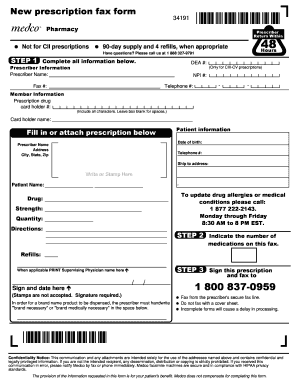
New prescription fax form 90-daysupplyand4refills

Short notice resignation letter
Benefit from the DocHub online library of fillable PDF forms
Searching the PDF forms doesn't have to be a tedious and time-consuming process. With the DocHub online library, it has become easier to find the fillable PDF forms and modify them in your browser. The service allows you to adjust the document to your needs using powerful editing tools.
You can use online document editing features to modify almost any type of document with ease. You just need to find the template of your choice, open it in the editor, and use the toolbar to make the necessary corrections.
Follow this guide to get your document done with DocHub:
- Find the PDF template you need.
- Click the Get Form button to open the file in the editor.
- Use the toolbar to fill out and edit the document.
- Easily add and highlight text, insert images, checkmarks, and symbols.
- Drop new fillable fields, and rearrange or delete pages from your file.
- Save changes and download your record.
DocHub empowers everyone to streamline document editing, signing, and distribution, and form completion. Create an account and benefit from our well-organized PDF Forms library and comprehensive editor.