
Get any PDF form from the DocHub library of ready-made templates - Page 1103
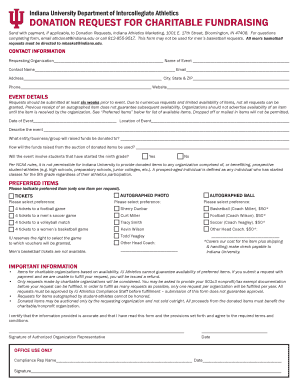
Donation request indiana
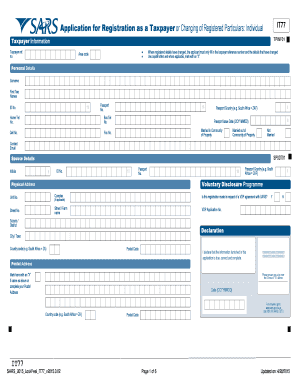
Sars registration form
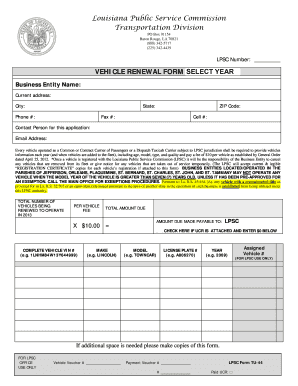
Vehicle registration pdf
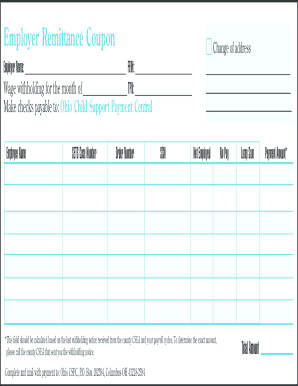
Child support remittance form

Blm form 3830 5a
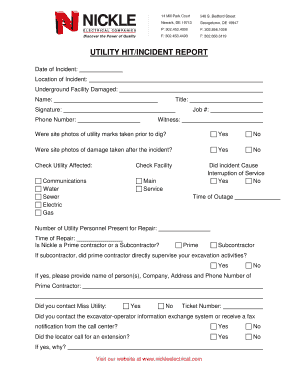
UTILITY HIT INCIDENT REPORT - Nickle Electrical Companies
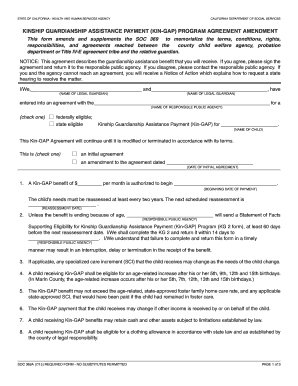
Kinship guardianship assistance payment (kin-gap) - California - cdss ca

LOCKOUT TAGOUT Annual Procedure Inspection

Root cause corrective action form template

Nfp chart printable

Housing pathways medical assessment
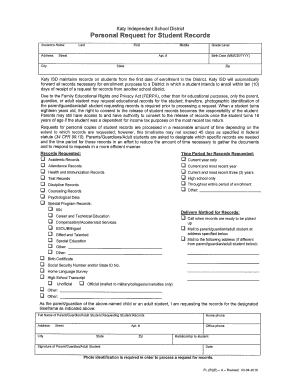
Personal Record Request - Katy Independent School District - katyisd
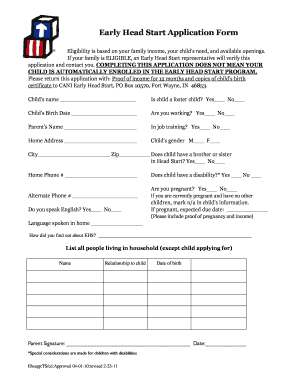
Head start application pdf

Jones college jacksonville transcript request
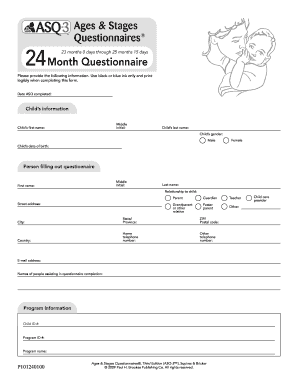
23 month asq
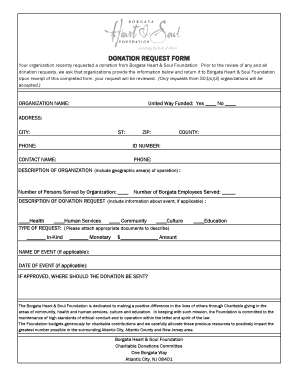
Borgata donation request
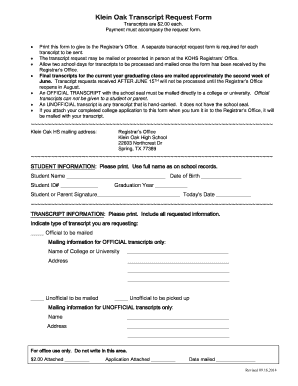
Klein oak transcript request

Tax Receipt Form - Cradles to Crayons

Police trespass letters
Tenancy Application Form - Inspire Real Estate Solutions
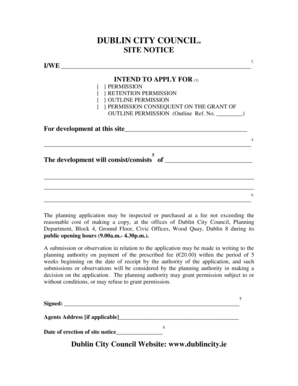
Dublin city council site notice
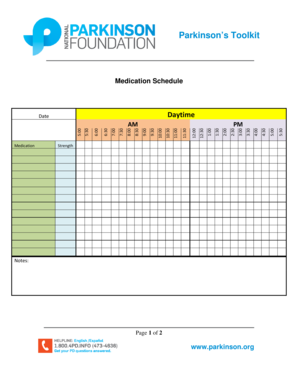
Medication Schedule Form - Parkinson's Toolkit
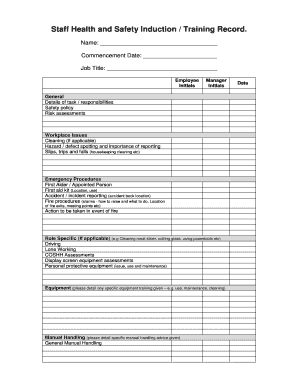
Safety induction training format pdf
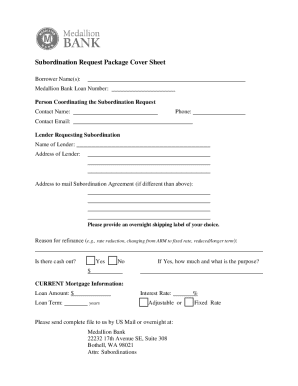
Medallion bank subordination
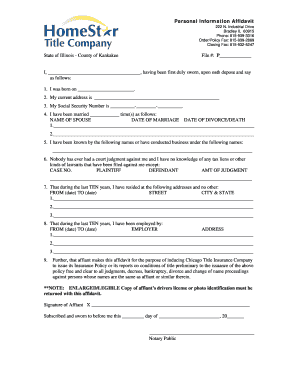
Personal information affidavit example

DH 4016 (page 3) pdf form - Florida Department of Health

Planned service form - St Joseph Scollard Hall Catholic Secondary - sjsh npsc
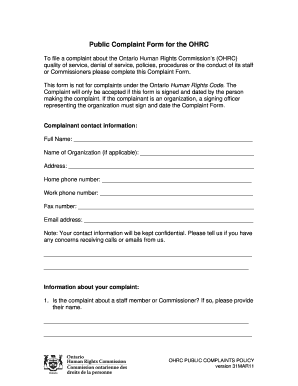
Human rights commission complaint form
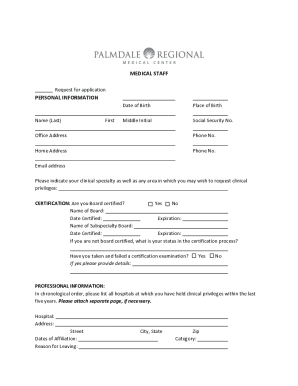
Pre-Application Form - Palmdale Regional Medical Center
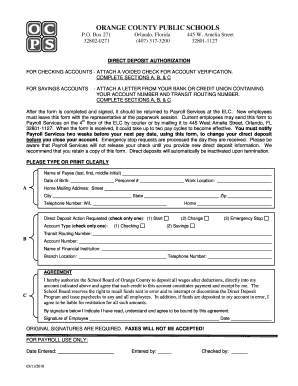
Ocps direct deposit
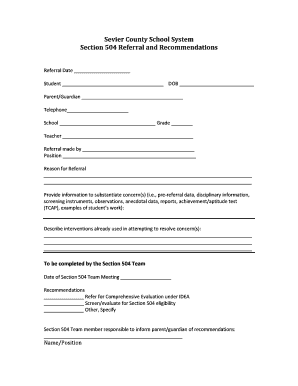
Sevier form system 504 pdf

Escambia county absence form

Emergency medical treatment release form - St Perpetua Parish - stperpetuaparish
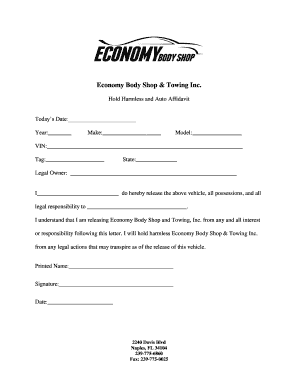
BHold Harmlessb Letter - Economy Body Shop

Solar Construction Safety Manual Solar Construction Safety - coshnetwork
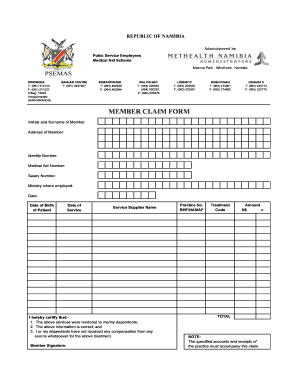
Methealth claim submission cover sheet

Advocacy letter example

Works of Mercy (Service) Validation Form - Delone Catholic High
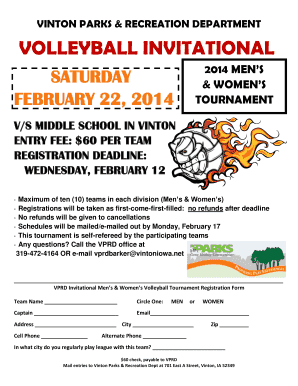
Volleyball tournament registration form

Physician medication order form

Notice of servicing transfer letter
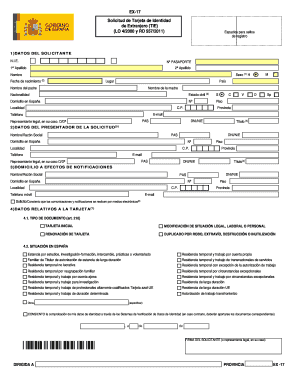
Ex17 form in english

Pre-Application - San Antonio Housing Authority - saha

Zoning certificate online
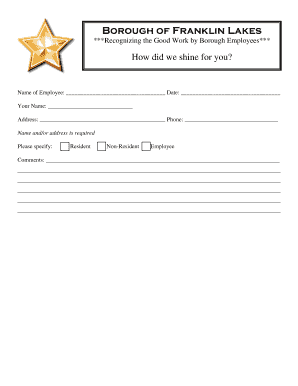
Compliment form
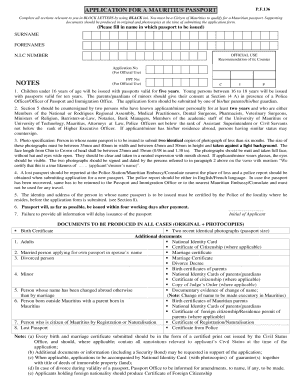
Formulaire renouvellement passeport mauricien en france

Alberta student number
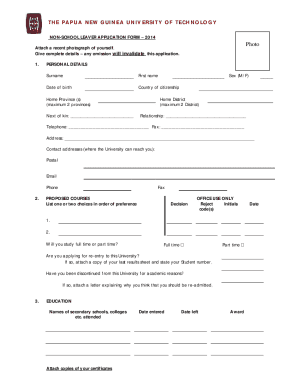
Polytechnic gpa requirement
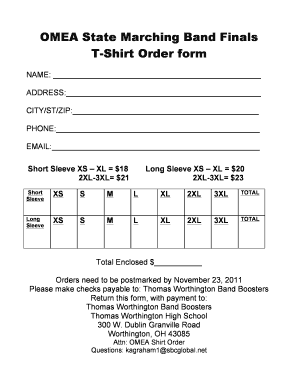
OMEA State T-Shirt Order Form
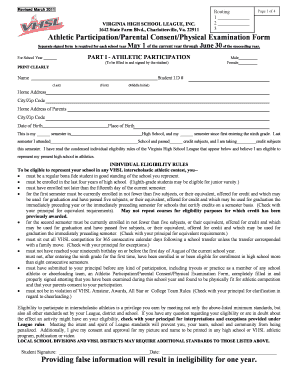
Chesapeake public schools physical form
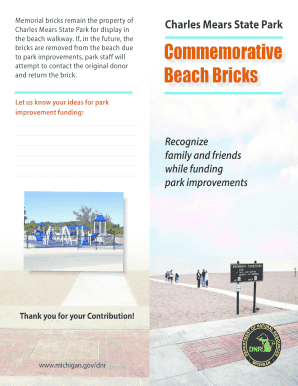
Charles Mears State Park Commemorative Beach Bricks
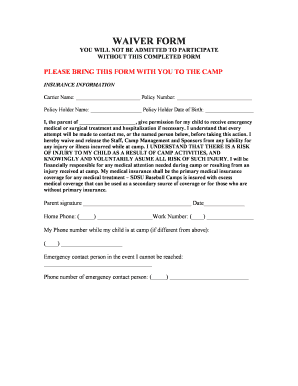
Baseball camp waiver form

Delta dental grievance form
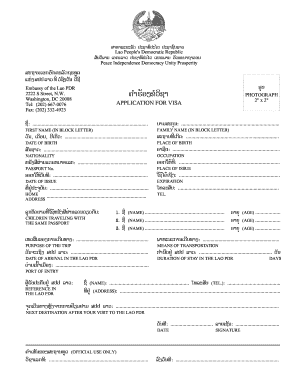
Laos visa application form pdf

Hofstra mascot tryouts form
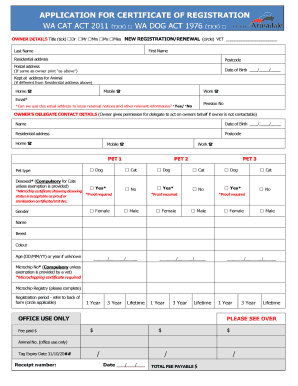
Dog registration armadale
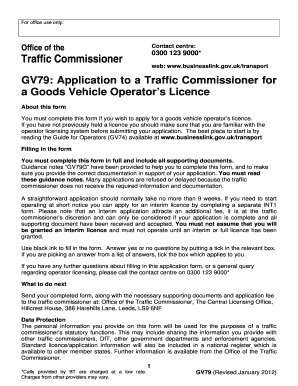
Gv79 form download
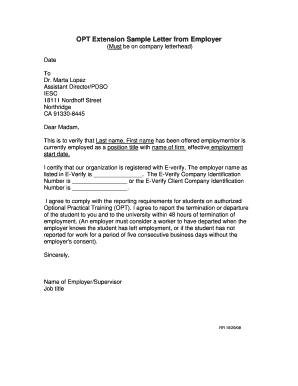
Volunteer work letter from employer

Beer Permit Form
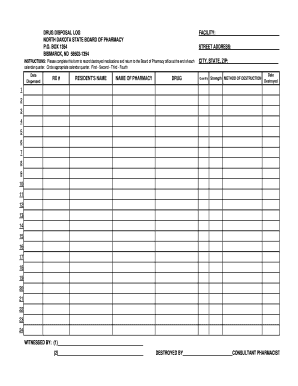
Printable medication disposal log

Claim affirmation form sent generated
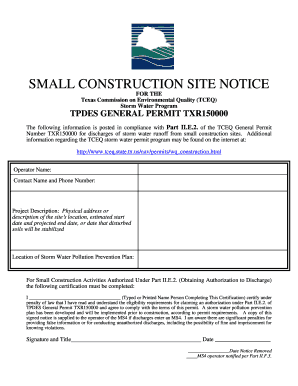
Construction site notice
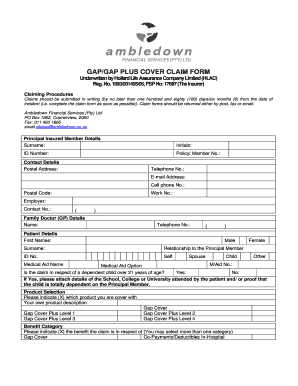
Ambledown claim form

Download expungement forms

Transport permit
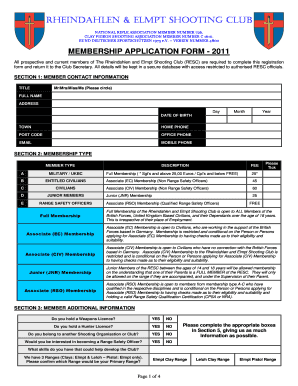
Club registration form template word

Substantial completion form

Dc vacant building response form
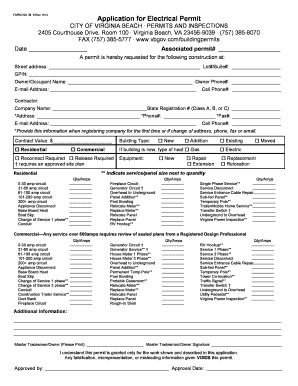
Electrical permit example

Sbi address change form
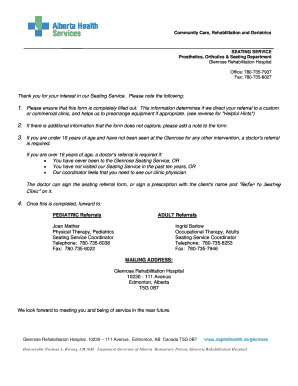
Alberta health services forms
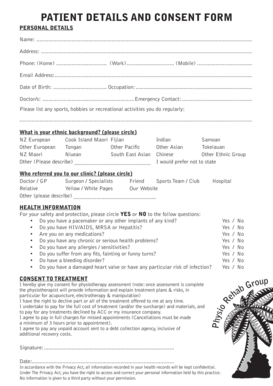
PATIENT DETAILS AND CONSENT FORM - Physio Rehab Group - physiorehabgroup co

Assessable spouse election form
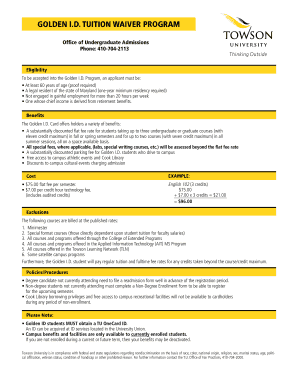
Golden ID Tuition Reduction Form (PDF) - Towson University - towson
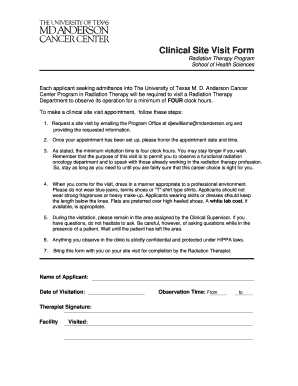
Md anderson cancer forms
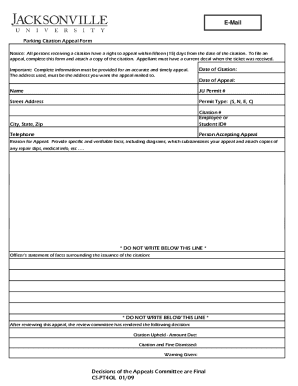
Parking Ticket Appeals Form - ju
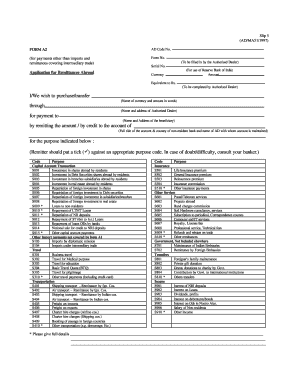
Form a2

Submittal cover sheet
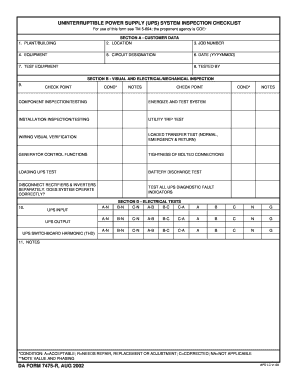
Ups checklist format
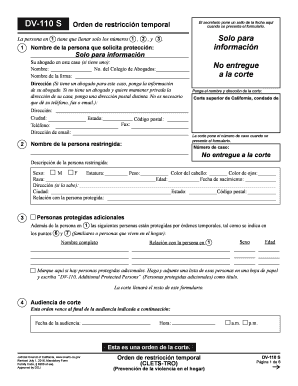
Dv 110 s form
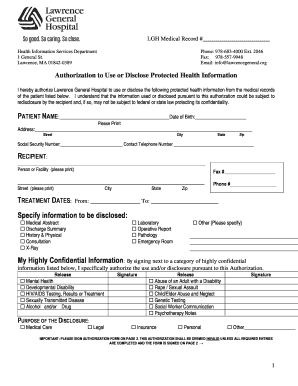
Lawrence general hospital medical records fax number
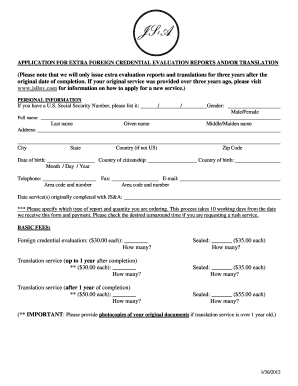
Josef silny

PRC Form 61-Participant Statement - U S Postal Regulatory - prc
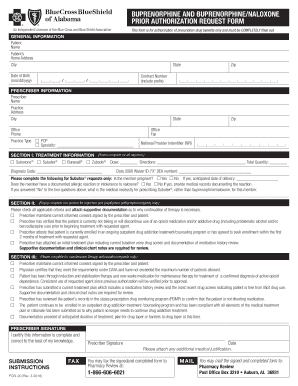
Blue cross prior authorization form pdf
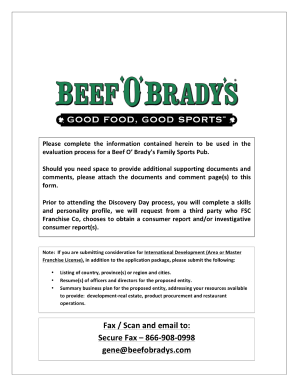
Beef o brady's application
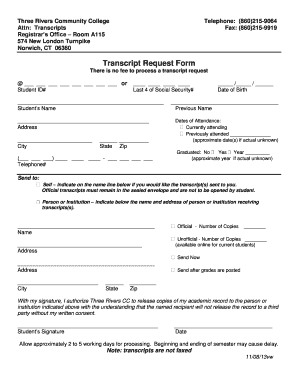
Three rivers community college transcript request
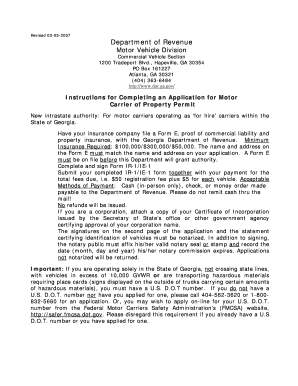
Form e filing georgia

Abt 6001
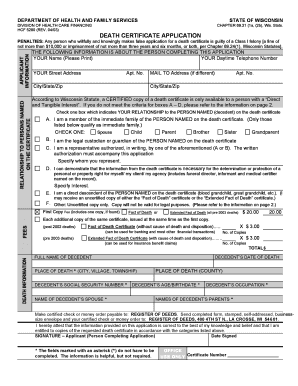
Eliminary certificate detail

Ex parte application

Smog repair program
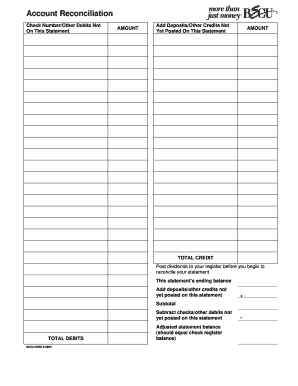
Becu form 990
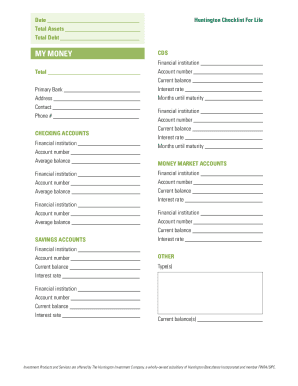
Huntington bank beneficiary form
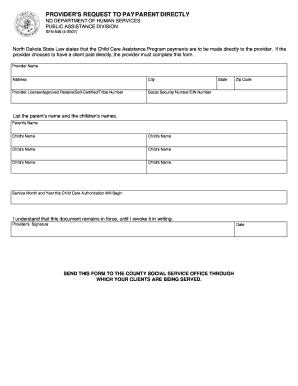
North dakota self declaration child care form
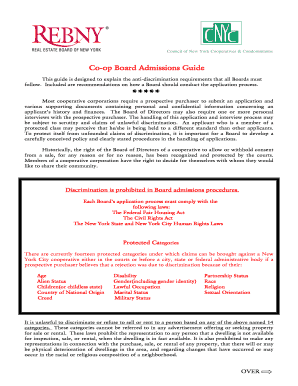
Standard form of cooperative apartment sublease
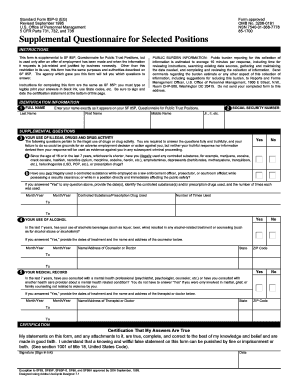
Sf 85p online

PER PAY PERIOD
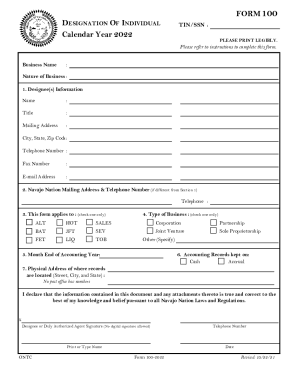
FORM100 Calendar Year 2022
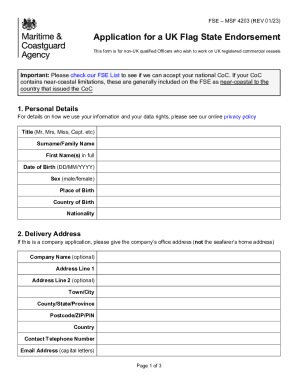
Certificates of Equivalent Competency - UK Ship Register
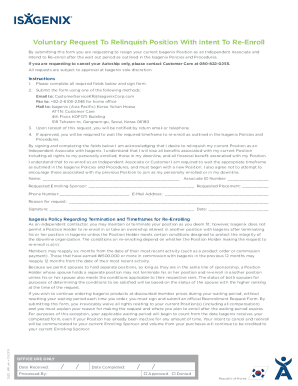
Voluntary Request To Relinquish Position With Intent To
Benefit from the DocHub online library of fillable PDF forms
Searching the PDF forms doesn't have to be a tedious and time-consuming process. With the DocHub online library, it has become easier to find the fillable PDF forms and modify them in your browser. The service allows you to adjust the document to your needs using powerful editing tools.
You can use online document editing features to modify almost any type of document with ease. You just need to find the template of your choice, open it in the editor, and use the toolbar to make the necessary corrections.
Follow this guide to get your document done with DocHub:
- Find the PDF template you need.
- Click the Get Form button to open the file in the editor.
- Use the toolbar to fill out and edit the document.
- Easily add and highlight text, insert images, checkmarks, and symbols.
- Drop new fillable fields, and rearrange or delete pages from your file.
- Save changes and download your record.
DocHub empowers everyone to streamline document editing, signing, and distribution, and form completion. Create an account and benefit from our well-organized PDF Forms library and comprehensive editor.