
Get any PDF form from the DocHub library of ready-made templates - Page 1065

Third party authority form impound

Emergingenergy auimagesDocumentsEMERGING STC Assignment Form -PV Solar NAME: E ABN
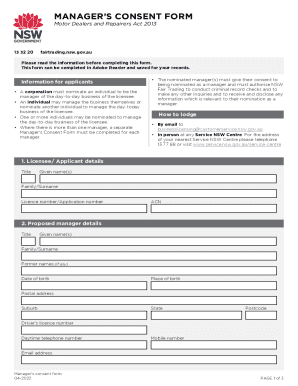
Manager consent form
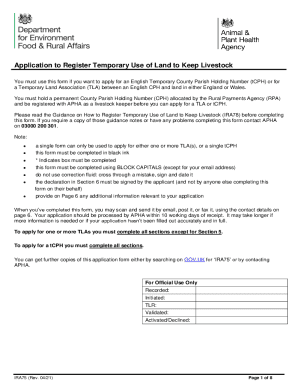
2021 register
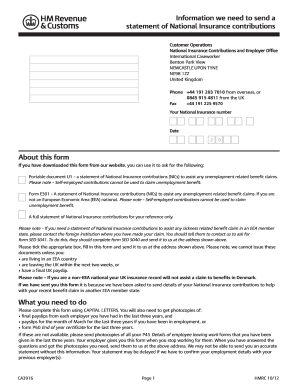
U1 form uk
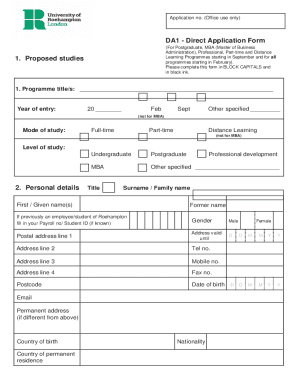
Roehampton form
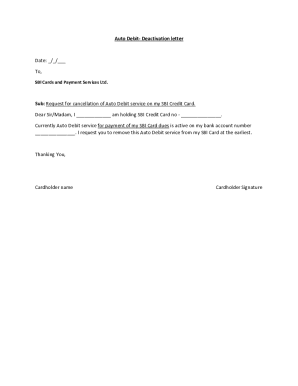
Sbi card auto debit deactivation
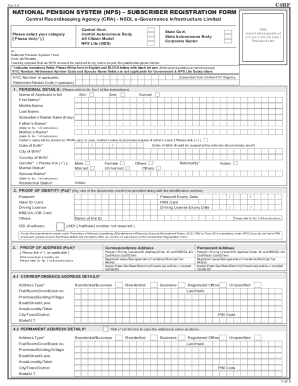
Nps filled form sample 2022 pdf
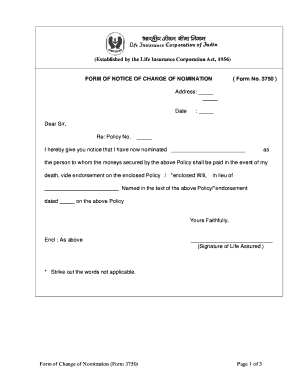
Life insurance form change nomination
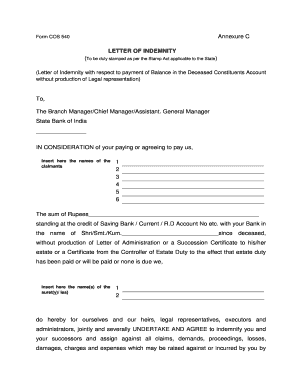
Sbi form letter pdf

Pushpaka loan
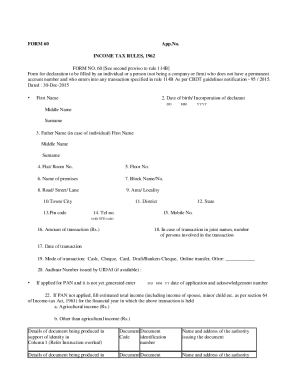
In form 60 pdf
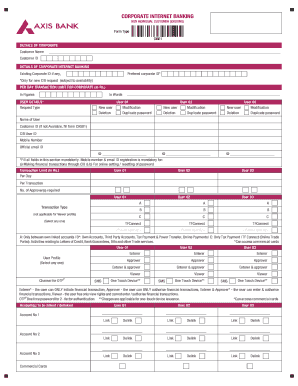
Axis corporate banking

Power of attorney malayalam format
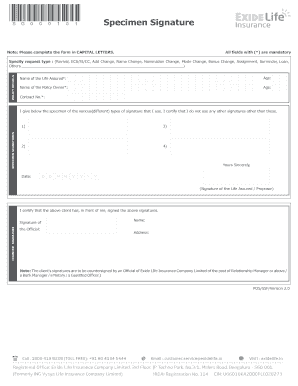
Life insurance specimen form
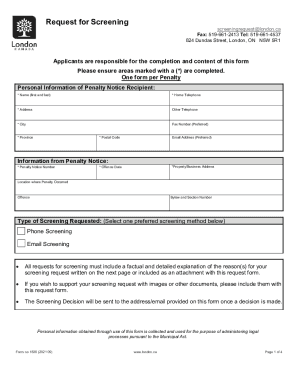
Request for screening form london

DocHub fill-and-sign-pdf-form65003-asnMedical Declaration - Fill Out and Sign Printable PDF
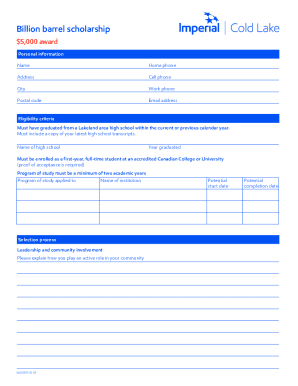
WJ00595 20 Billion Barrels Scholarship form
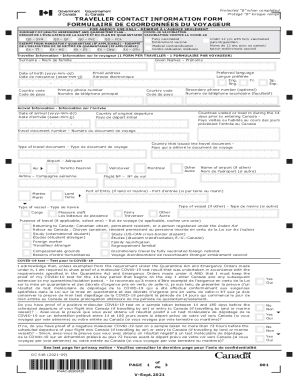
Glossary of Railway Terminology Selection en FR dePDF

Online gas permits

Permit Applicant Authorization

Science Project Informed Consent Form
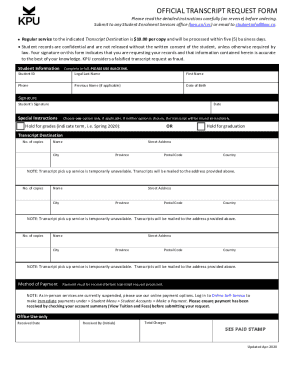
Kpu transcript
Ca health

Canada insurance
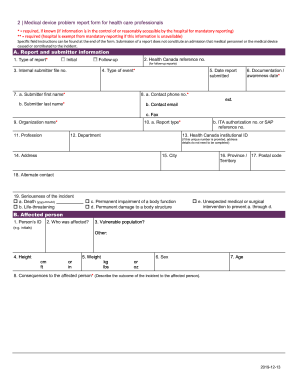
Canada health care
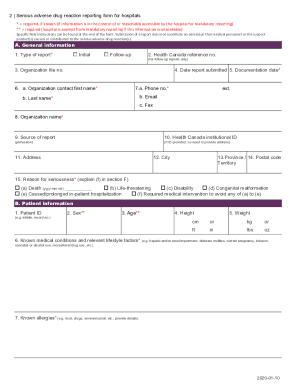
Adverse reaction reporting form
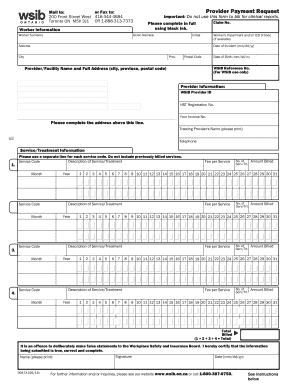
Wsib payment form
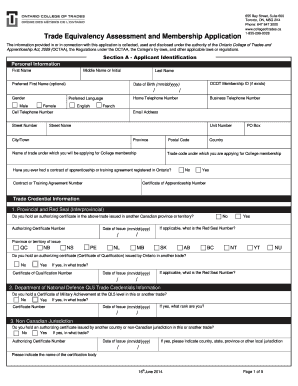
Trade equivalency assessment
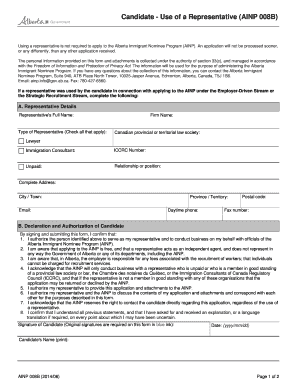
Representative alberta application

Bsf329
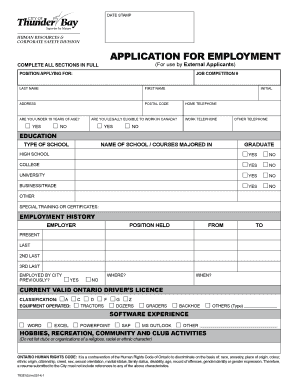
Thunderbay applycation
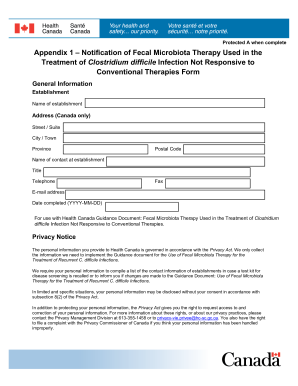
Ca therapies
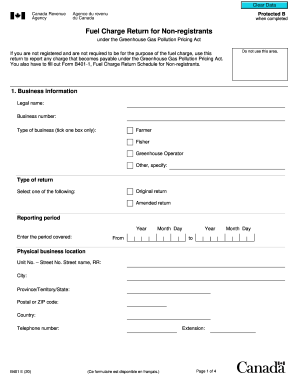
Revenue return form

Form 13 certificate
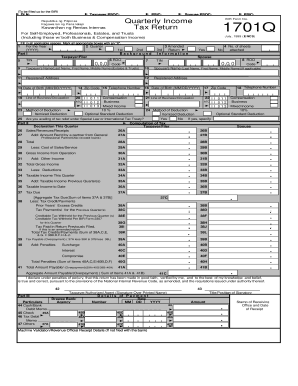
Bir 1701q form 1999
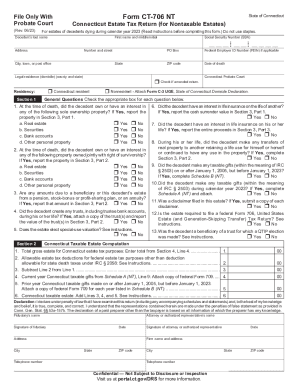
Ct 706 nt
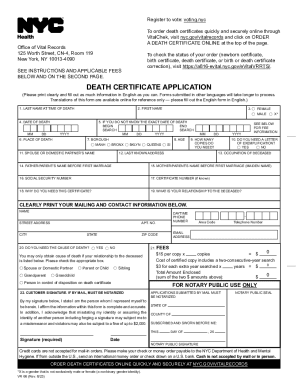
Fillable Online New York death certificates for foreign use Fax
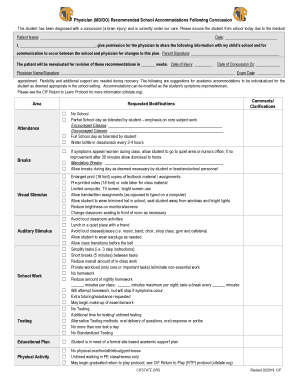
Physician (MD DO) Recommended School Accommodations Following Concussion
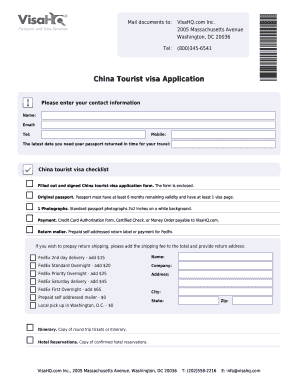
V2011a china fillable canadian form

Malaysia student dependent visa form
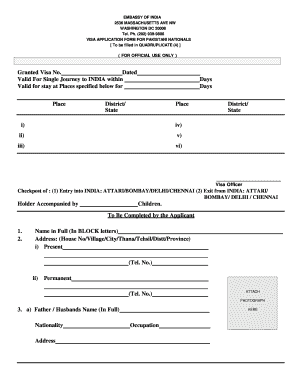
India visa online form
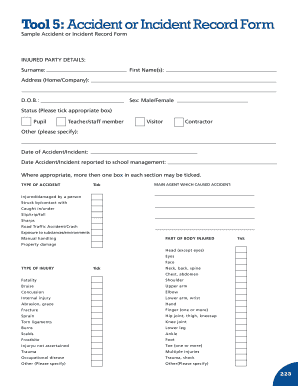
Tool 5 : Accident or Incident Record Form - hsa

Claimsmadeeasycom form
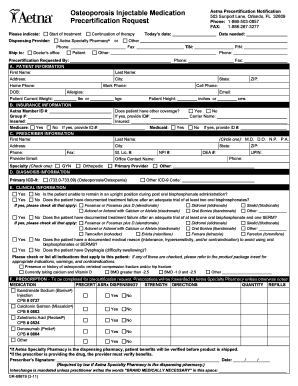
Aetna injection forms
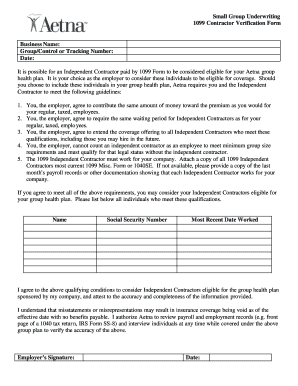
1099 form contractors
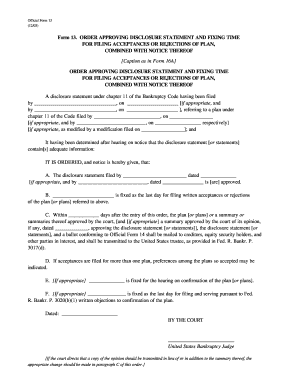
Order approving disclosure statement form

First Named Inventor Title Express Mail Label No - uspto

5748
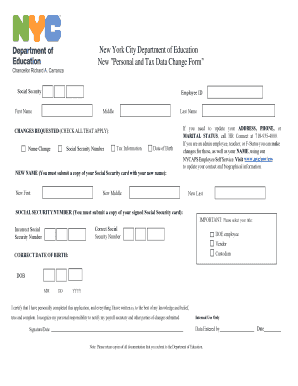
Ny personal change

Please be advised that it is the Producers responsibility to forward the fully-completed
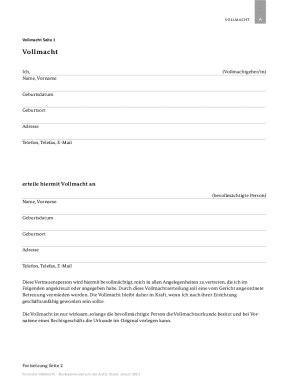
Betreuungsrecht - Mit ausfhrlichen Informationen zur Vorsorgevollmacht Neben Informationen zum Betre

Kentucky Board of Nursing - Kentucky

Food Records - Intermountain Healthcare - intermountainhealthcare

Authorization for 1215 East Michigan Avenue Disclosure of

Praktikumsnachweis Frau Herr Name

DECLARATION FOR THE PASSES & PTOS FOR FAMILY MEMBERS DEPENDENTS FOR THE YEAR 200

Request for refund of nsw registration online form
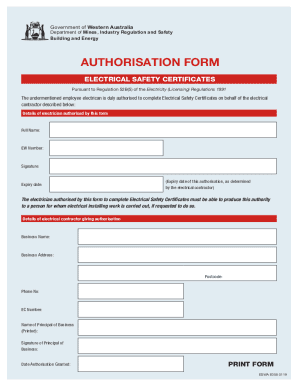
Department of Mines, Industry Regulation and Safety Mines Safety and Inspection Regulations 1995Mine
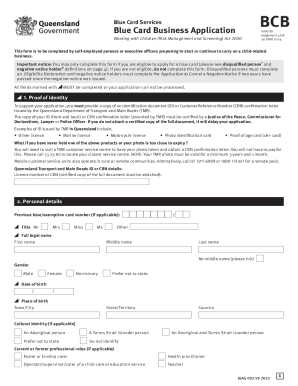
Blue card business application (BCB)
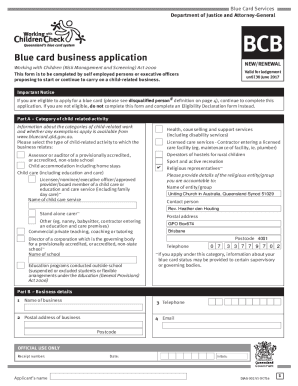
Part A Categor y of child-related activity
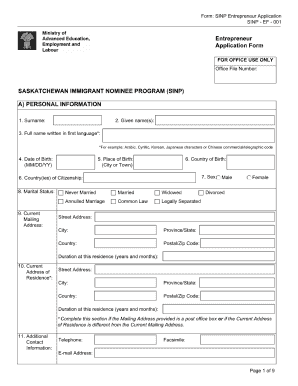
Sinp ef 001 form
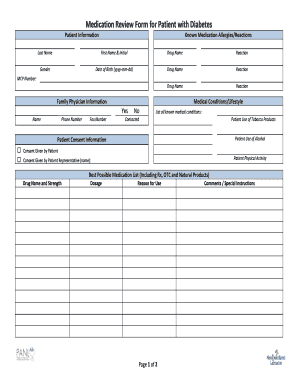
Medication Review Form - panl
Jurisprudence package
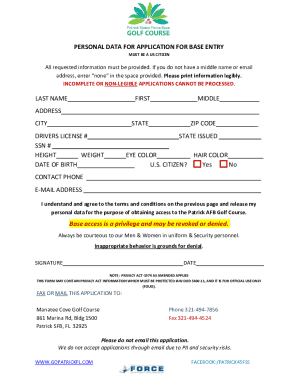
APPLICATION FOR CIVILIAN BASE ACCESS
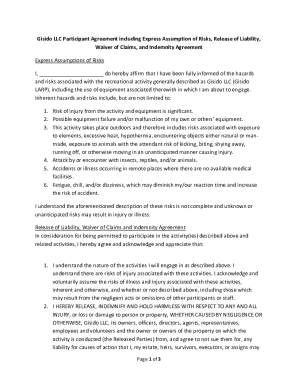
Waiver Form - Gisido LARP
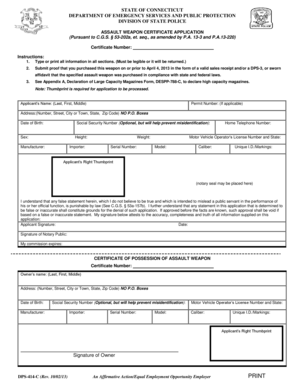
Assault Weapon Certificate Application - ct

DPS-414-C-Assault-Weapon-Certificate-Application - CT

FLEET SERVICE APPLICATION
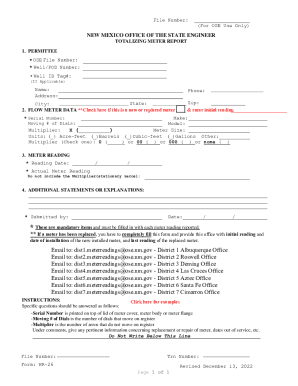
File Number:

Tkschools Form - Fill Out and Sign Printable PDF Template
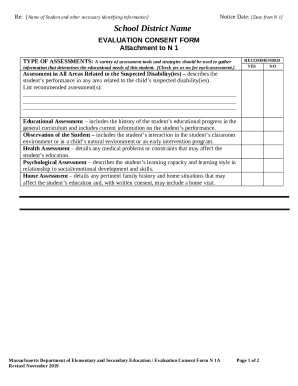
N1A Revised 112019 N1A Revised 112019

Transcript Request Form
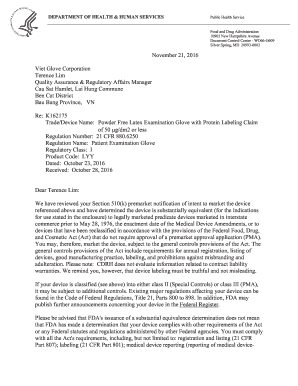
Fda form 3881 download
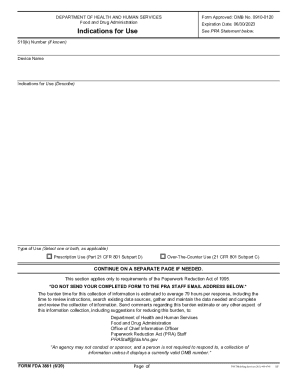
FDA Form 3881
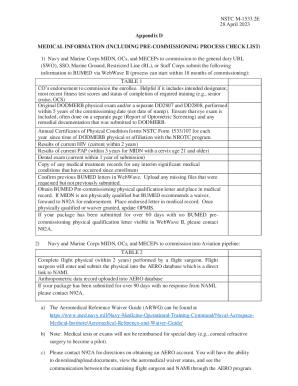
REGULATIONS FOR OFFICER DEVELOPMENT (ROD) FO
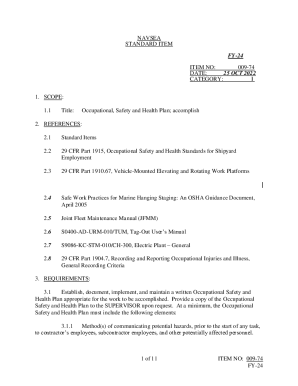
009-74 FY-24 NAVSEA STANDARD ITEM FY-24 ITEM NO

Occupational Safety and Health Plan
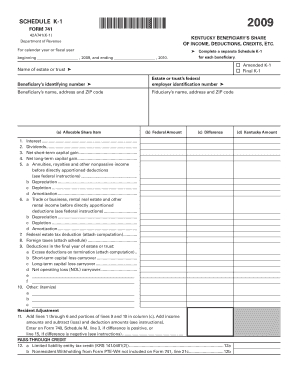
Jag form 741
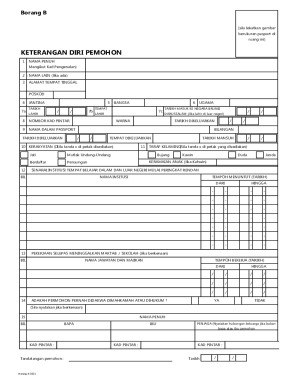
Di lekatkan pada Borang A
Dr Michael C Burgess
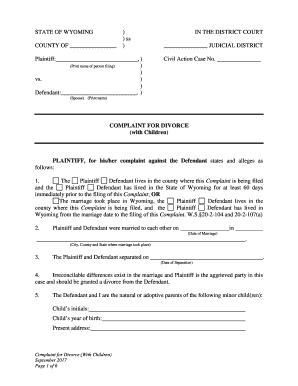
Wyoming divorce form
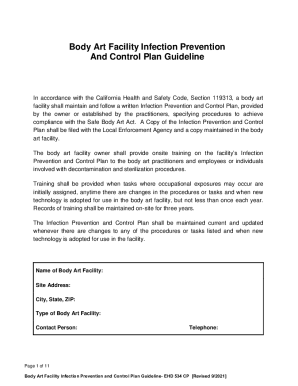
Cchealth ehbody-artBody Art Facility Infection Prevention And Control Plan Guideline
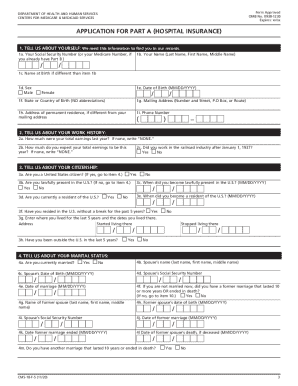
Form CMS 18F5 Application for Part A (Hospital Insurance) APPLICATION FOR PART A (HOSPITAL INSURANCE
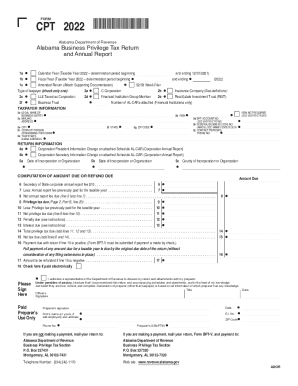
Alabama business privilege tax
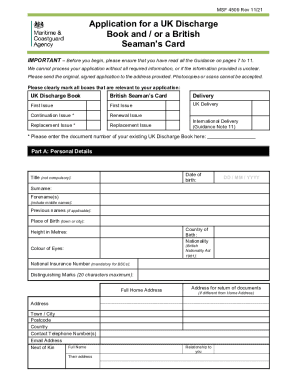
Uk application discharge book
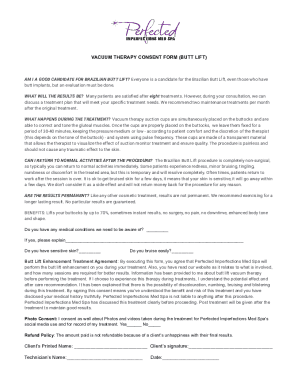
Vacuum therapy consent form
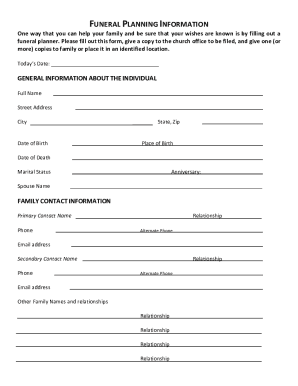
Checklist: Pre-Planning Your Funeral or Memorial Service How to Manage Family Conflict When Planning
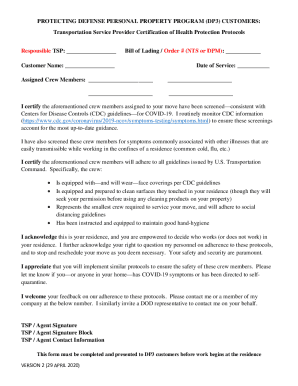
TSP DP3 Certification of Health Protection Protocols Document
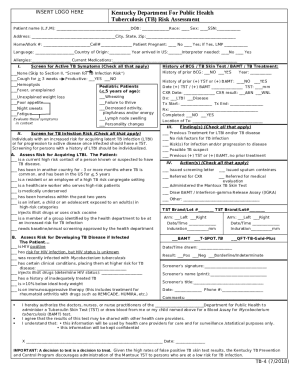
TB4 TB Risk Assessment Form - Cabinet for Health and
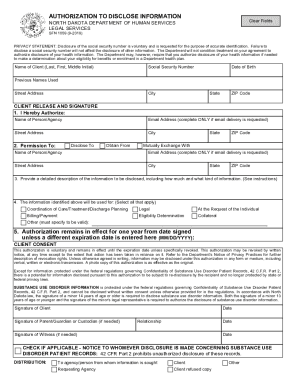
Sfn 1059
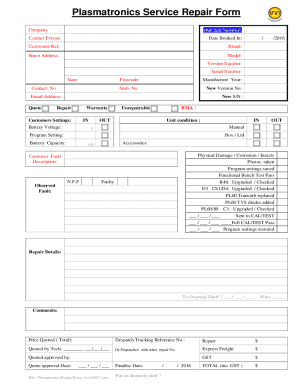
Va form 10 10172
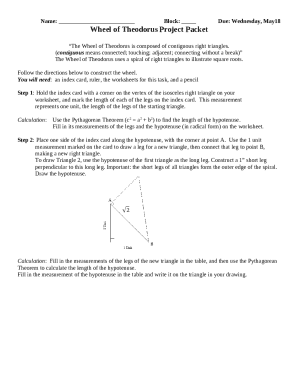
Wheel of theodorus project
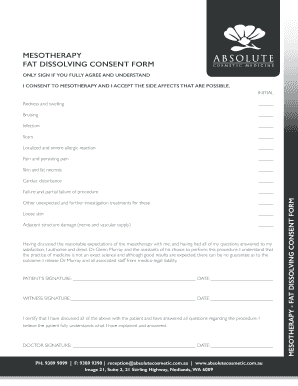
Fat dissolving consent form

Tru referee form
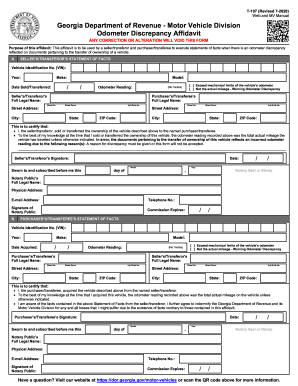
Form T-107 Odometer Discrepancy Affidavit
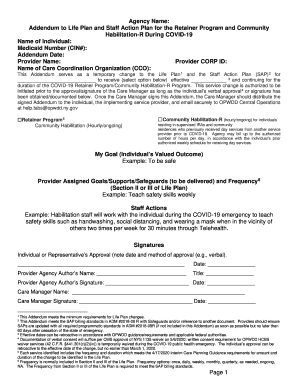
Staff action plan opwdd
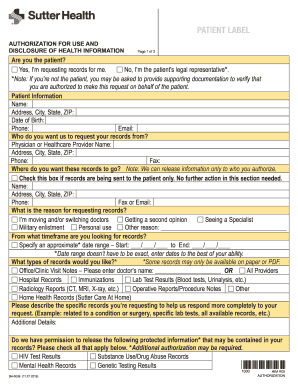
Health authorization use
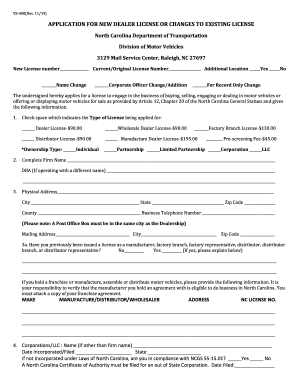
VS-400(Rev

NSA Health Screening Form
Benefit from the DocHub online library of fillable PDF forms
Searching the PDF forms doesn't have to be a tedious and time-consuming process. With the DocHub online library, it has become easier to find the fillable PDF forms and modify them in your browser. The service allows you to adjust the document to your needs using powerful editing tools.
You can use online document editing features to modify almost any type of document with ease. You just need to find the template of your choice, open it in the editor, and use the toolbar to make the necessary corrections.
Follow this guide to get your document done with DocHub:
- Find the PDF template you need.
- Click the Get Form button to open the file in the editor.
- Use the toolbar to fill out and edit the document.
- Easily add and highlight text, insert images, checkmarks, and symbols.
- Drop new fillable fields, and rearrange or delete pages from your file.
- Save changes and download your record.
DocHub empowers everyone to streamline document editing, signing, and distribution, and form completion. Create an account and benefit from our well-organized PDF Forms library and comprehensive editor.