
Get any PDF form from the DocHub library of ready-made templates - Page 1008

Dr 321

CN-625 - Alaska Court Records - State of Alaska

MED-205 Order of Referral to Mediation-CINA Mediation Forms

PUB 111 Anchorage Felony Drug Court - Alaska Court Records

Cn600 form pdf

Alaska tr 205
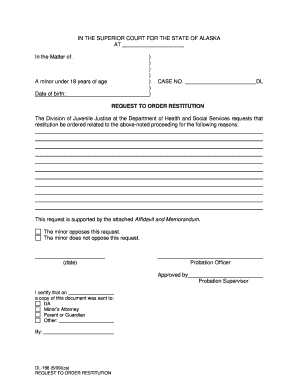
Dl166 form
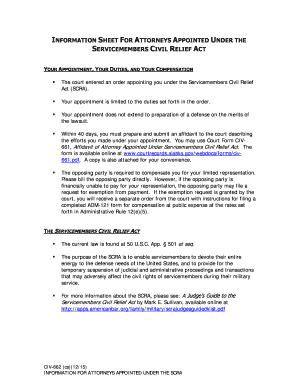
Alaska servicemembers civil act

Alaska pg448

Ap 140
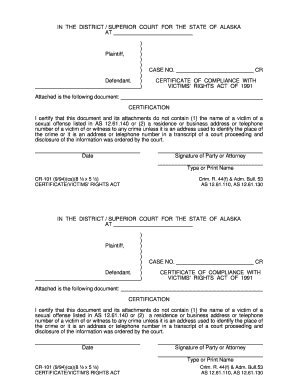
CR-101 (9 94)(cs)(8 x 5 ) Crim R 44(f) - Alaska Court Records

Sc 23 form
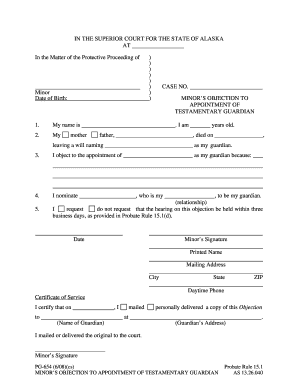
654 alaska records form
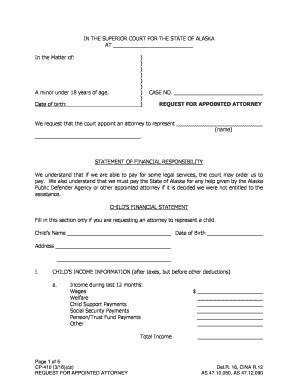
Alaska cp410

Alaska ap805

DR-359 - Alaska Court Records - State of Alaska

Dr215 motion form

PUB-45 Informal Trial Publication (3-15)
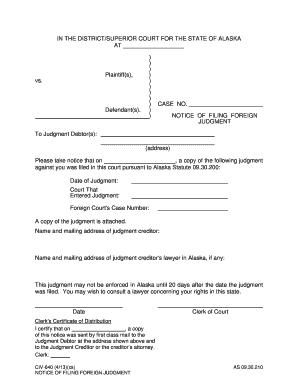
Alaska civ 640
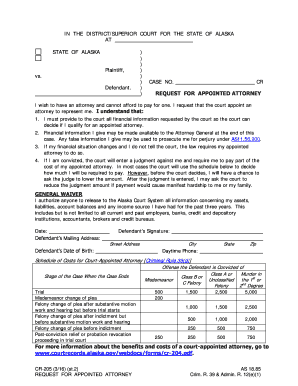
Alaska cr 205

Alaska pub 37
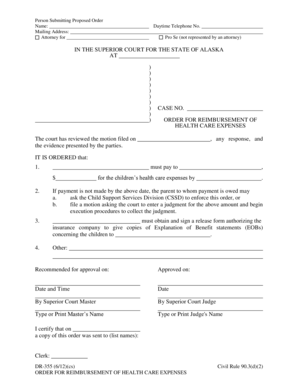
DR-355 Order for Reimbursement of Health Care Expenses 612 Domestic Relations Forms

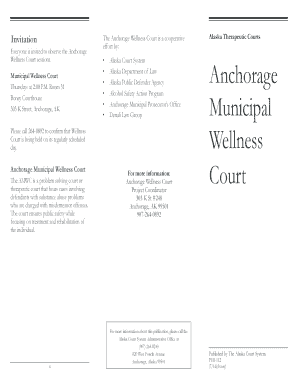
Anchorage Wellness Felony DUI, PUB-110 - Alaska Court Records

Download the PDF file - Alaska Court Records - State of Alaska
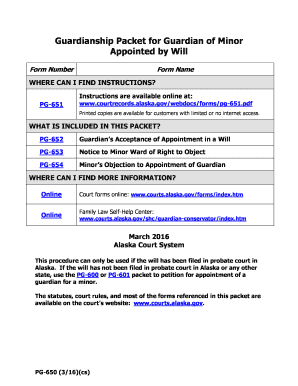
PG-650 - Alaska Court Records - State of Alaska

Pub 122 court form
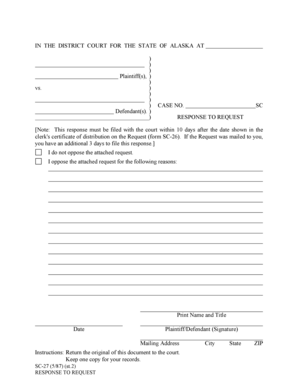
Sc 27 form
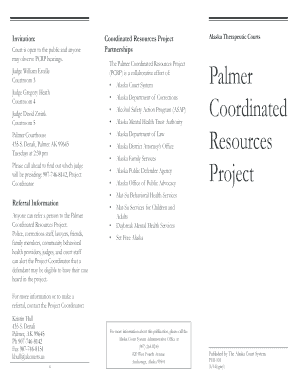
PUB 101 - Alaska Court Records - State of Alaska
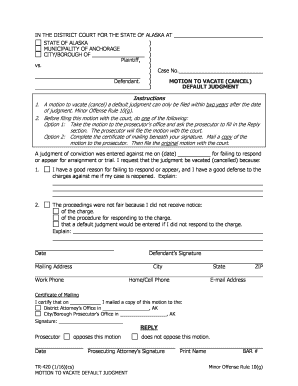
Municipality of anchorage traffic form tr420
Full text of "The Times News (Idaho Newspaper) 1994-02-18"

Alaska creditor request pfd

Cr465

P 335 alaska

CR-368 Instructions for Requesting Set Aside or - State of Alaska
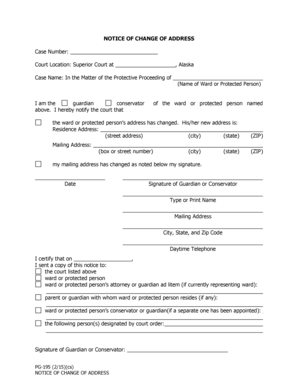
Alaska pg195

Telecharger un fichier pdf gratuit : PUB-4 ANCH - Alaska Court
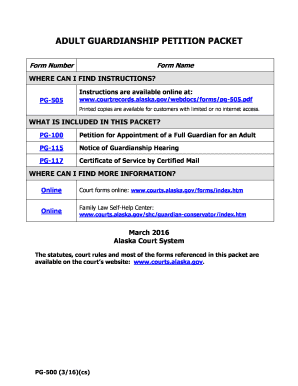
Alaska pg500 form
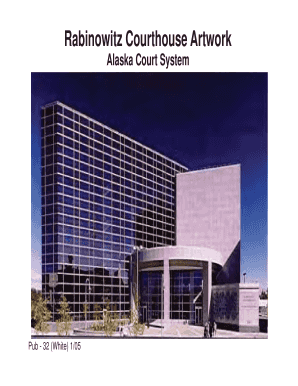
Alaska pub 32

Alaska request offense
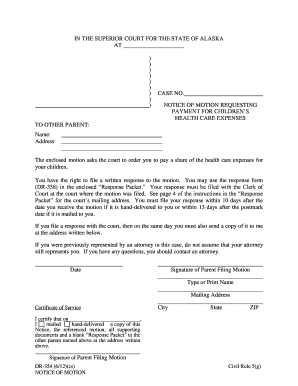
Ak dr354

Ak motion form

DR-358 Response to Motion 612 pdf fill in Domestic Relations Forms
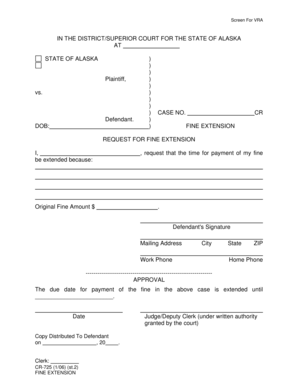
CR-725 Fine Extension 10-6doc
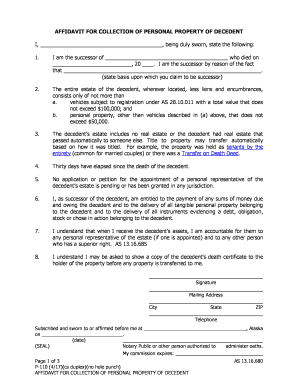
P 110 form

PG-105 Notice of Respondents Rights Before Visitors Interview 512 PDF fill in ProbateGuardianship Fo

P-360 Request to Close Formal Estate and Approve

Alaska civ 792
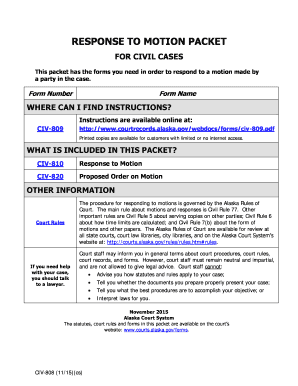
Alaska civ 808 form
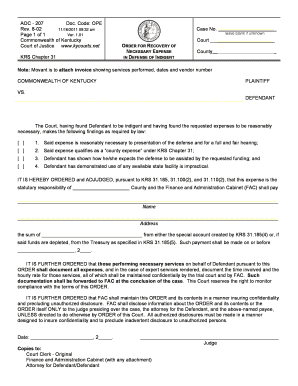
Kentucky indigent form

Kentucky permanent custody
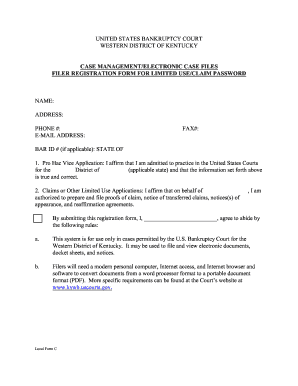
CASE MANAGEMENTELECTRONIC CASE FILES FILER REGISTRATION
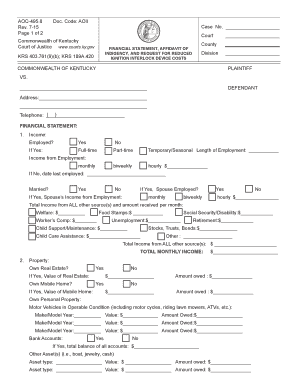
Ky indigency interlock
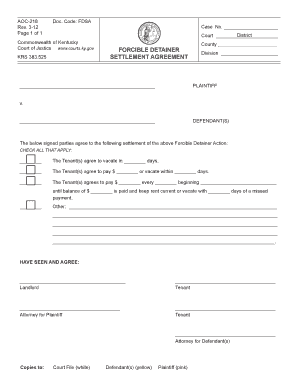
Ky settlement agreement

Kentucky interrogatories
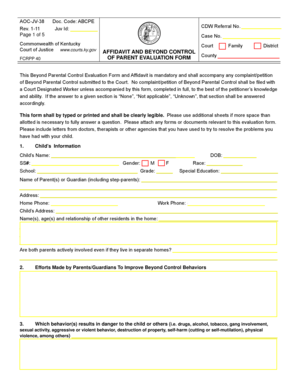
Ky evaluation form
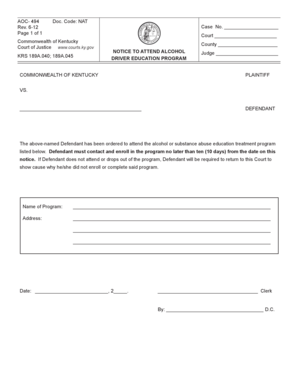
Aoc 494
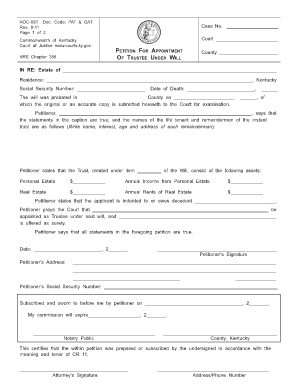
Ky petition under
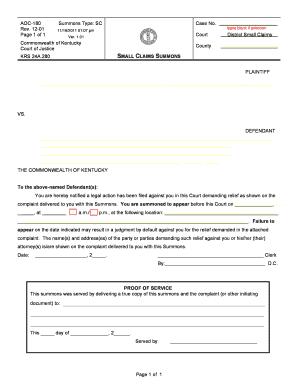
Kentucky summons form

Kentucky warrant
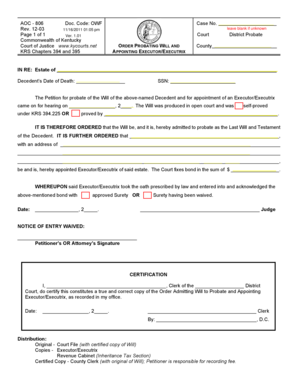
Kentucky aoc 806
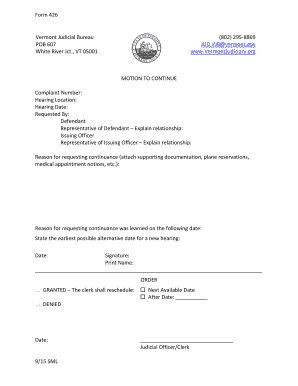
Vermont motion continue

2018 gf special order court trial

Order appointing appraiser
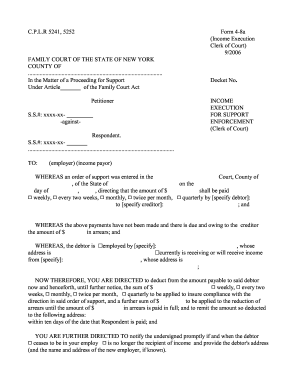
Income execution clerk
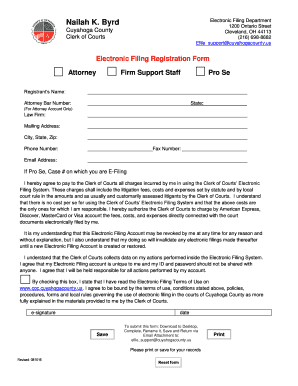
Nailah k byrd
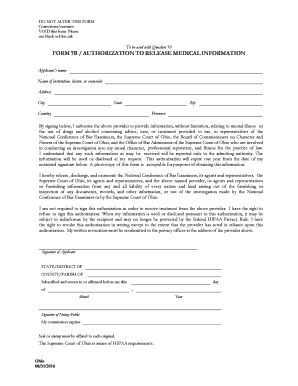
Code of ethics - the Fort Worth Police Department - City of Fort Worth

Ohio ticket form
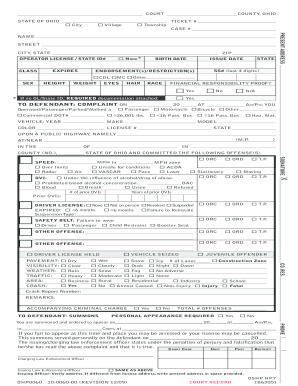
Oshp ticket

Oregon motion to dismiss form
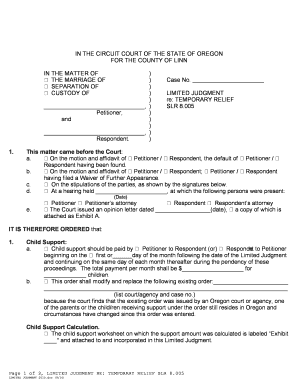
Respondent restraining

Oregon certificate readiness
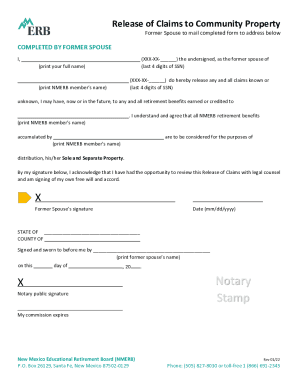
424B3 Form - Prospectus Rule 424(b)(3) - ENJOY - newsfilter io

New mexico registration certificate

Pharmamed us dailymeddli -secureservercdn secureservercdn 45 40 144 49 7m5 7d8 myftpupload

Prospertx DeferredApplicationCAUSE NUMBER: THE STATE OF TEXASIN THE MUNICIPAL COURT VS
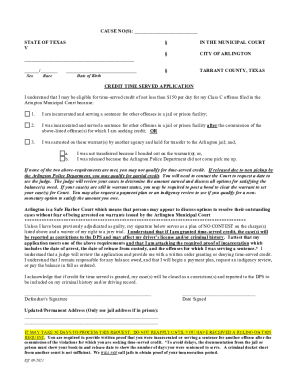
Sample letter requesting time served
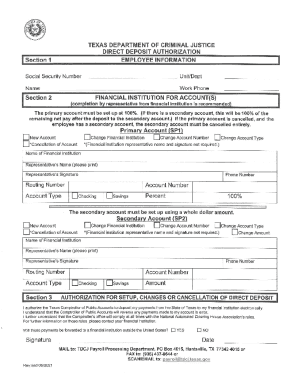
Texas direct deposit authorization form

Texas non employee

Texas complaint form judicial conduct

Card giddings notary create
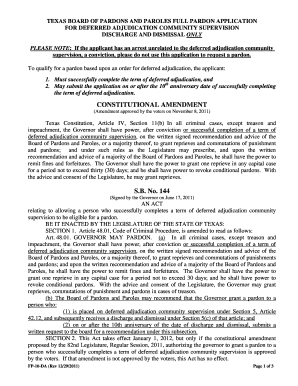
Tdcj deferred adj

I h e r e b y a u t h o r i ze t h e G wi n n e t t C o u n t y P o l i c e D e p a r t m e n t t o

Georgia petition leave sell property
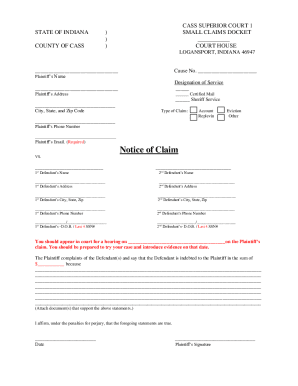
Indiana Small Claims Rules - IN Indiana Supreme Court public access case search - MyCaseIndiana Smal
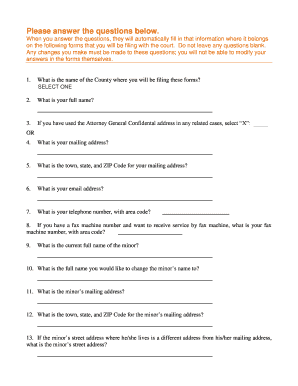
How to fill out the FAFSA in 10 steps with pictures
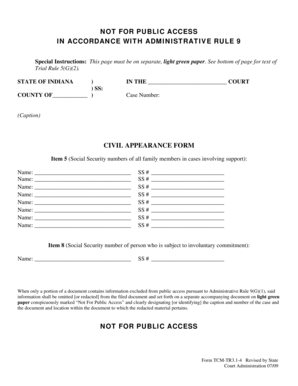
Indiana tr3 4

Indiana form affidavit debt

Indiana petitioner dismissal
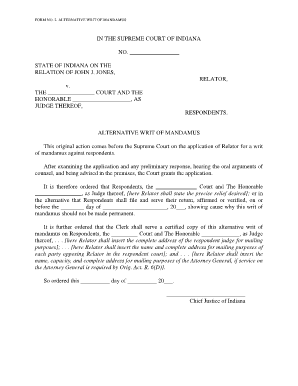
Alternative of mandamus

Illinois short form property

Contest ticket suspension
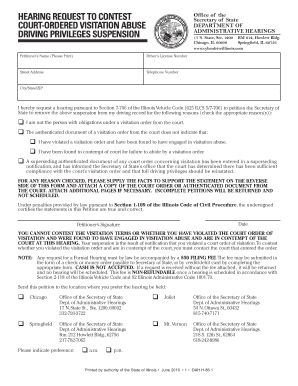
Il request court ordered

Out alcohol evaluation

Motor affidavit involving
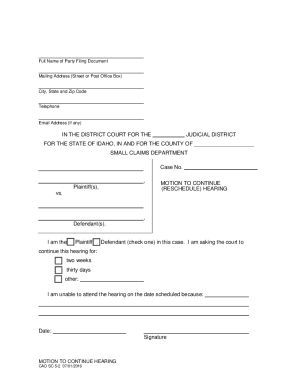
CAO SC 2-1 Affidavit of Service - Idaho Court Assistance Office

Instructions for filing annual status reports - Idaho Fourth Judicial - fourthjudicialcourt idaho
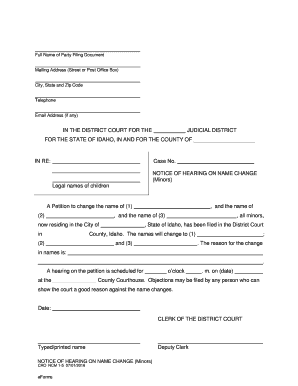
Idaho - Notice of Hearing on Name Change (Minors)

Unlawful Detainer Form
Building permit highlands county
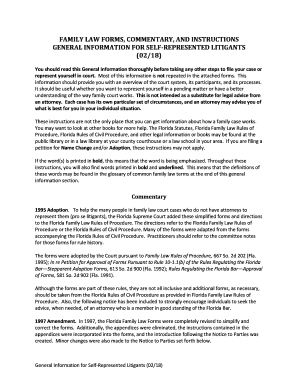
Fl family law forms
Benefit from the DocHub online library of fillable PDF forms
Searching the PDF forms doesn't have to be a tedious and time-consuming process. With the DocHub online library, it has become easier to find the fillable PDF forms and modify them in your browser. The service allows you to adjust the document to your needs using powerful editing tools.
You can use online document editing features to modify almost any type of document with ease. You just need to find the template of your choice, open it in the editor, and use the toolbar to make the necessary corrections.
Follow this guide to get your document done with DocHub:
- Find the PDF template you need.
- Click the Get Form button to open the file in the editor.
- Use the toolbar to fill out and edit the document.
- Easily add and highlight text, insert images, checkmarks, and symbols.
- Drop new fillable fields, and rearrange or delete pages from your file.
- Save changes and download your record.
DocHub empowers everyone to streamline document editing, signing, and distribution, and form completion. Create an account and benefit from our well-organized PDF Forms library and comprehensive editor.