
Get any PDF form from the DocHub library of ready-made templates - Page 1006
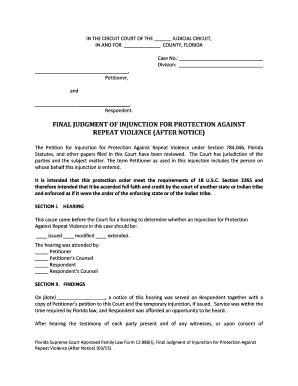
Final protection repeat form
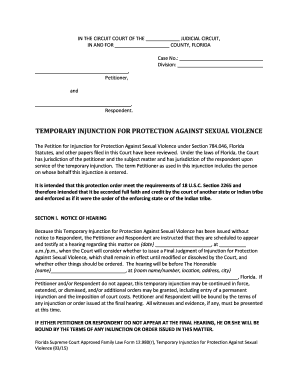
Temporary protection against
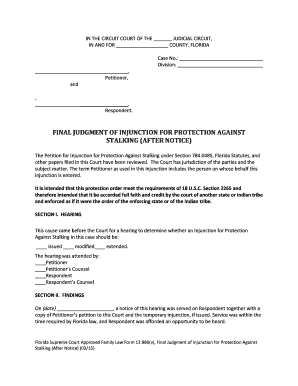
Final judgment injunction form
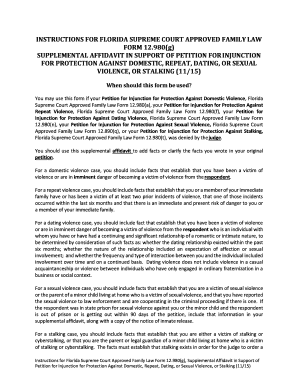
Supplemental affidavit

Injunction m

Fl family court form
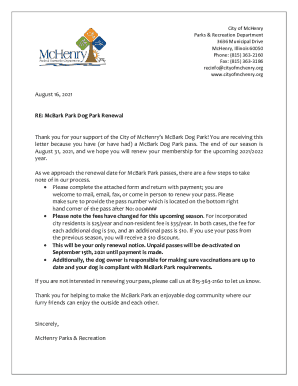
Mchenry park dog
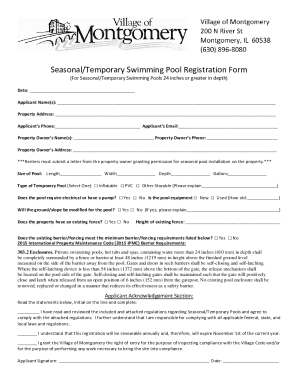
Kawarthalakes caenmunicipal-servicesApplications, Licences and Permits - City of Kawartha Lakes

Illinois services registration

Lda 123 form

Family reading ideas
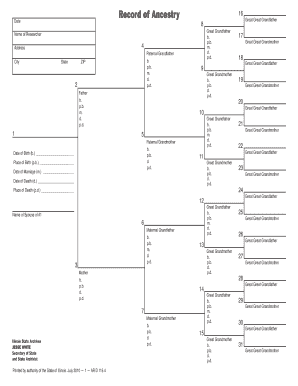
Illinois record ancestry
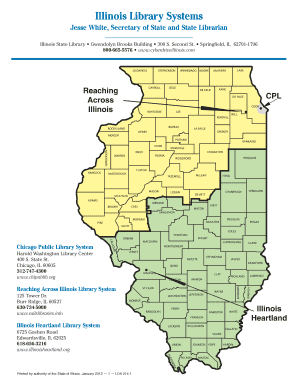
Illinois railslibraries heartland
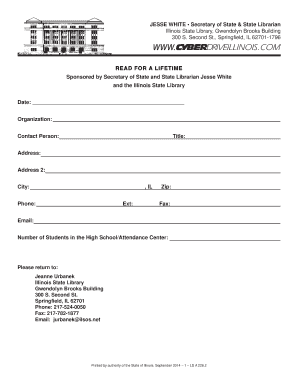
Illinois zip ld
Department islinfo ilsos
Pase tiem o

Illinois ctpf 770

Illinois probate records
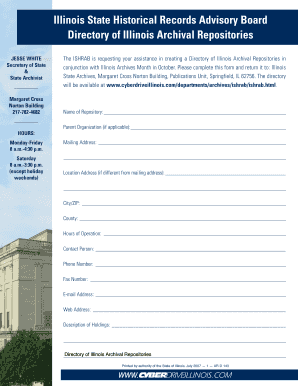
Illinois archival repositories
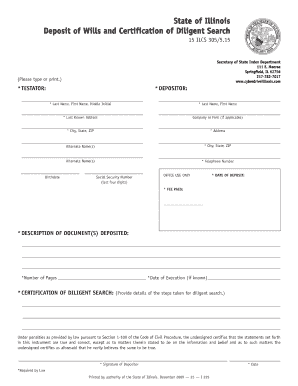
Illinois deposit form

Illinois family reading night

Origin illinois pdf
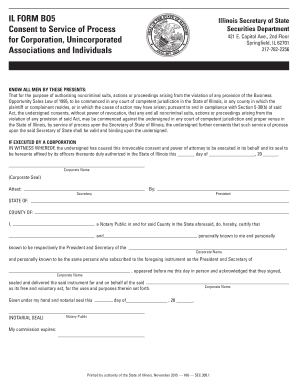
Illinois form consent
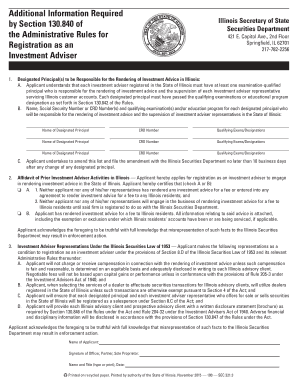
Additional information required
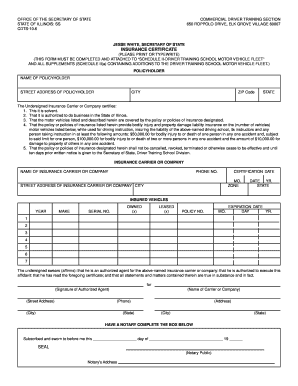
Illinois insurance certificate

Reading is a Family Affair - Illinois Secretary of State
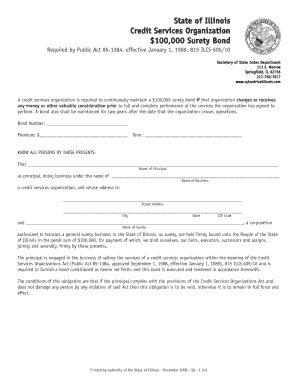
Illinois services surety bond
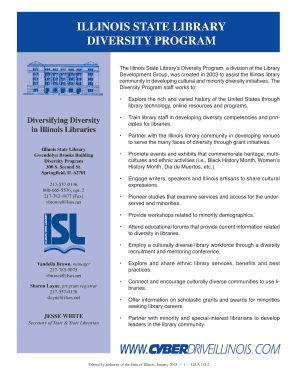
Illinois state diversity
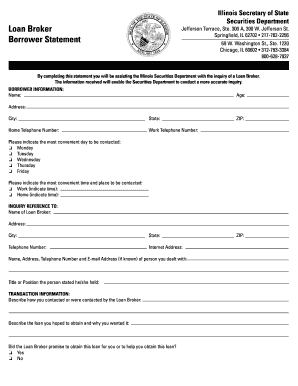
Il borrower statement form
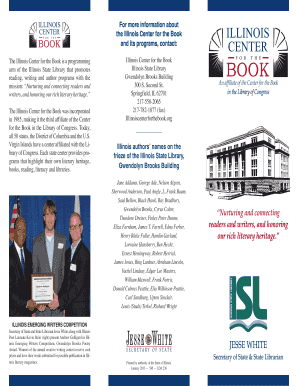
Illinois Center for the Book Brochure - Illinois Secretary of State

For refund or

Illinois microfilm

Il electronic documents form

Illinois documents formats printable

Illinois bond whereas

Read reporting form template

Get estafa computerhoy search
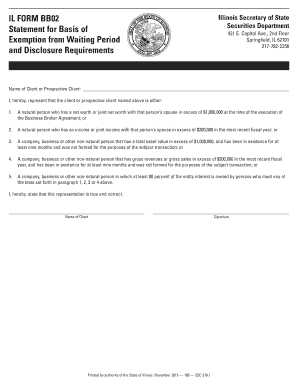
Illinois form statement exemption
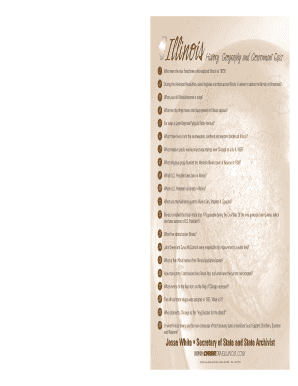
Illinois geography quiz

Council Member Helmin Caba - City of Perth Amboy
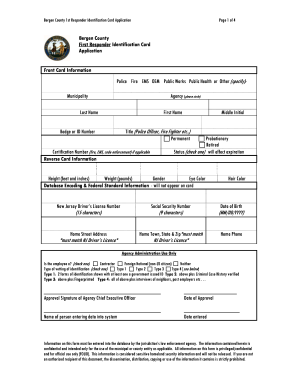
Nj identification bergen county

Free Property Tax Seminar in WestfieldWestfield, NJ Patch
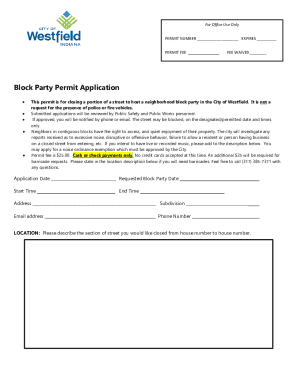
PLUMBING HVAC PERMIT APPLICATION FOR OFFICE USE ONLYPermit Types & Fees - The City of San AntonioPer
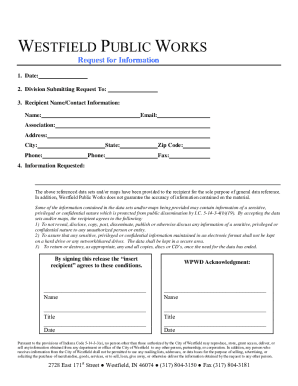
Information Request 2 0 doc

Elkhart Community Schools Inspiring Excellence
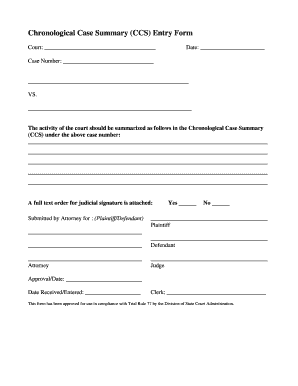
Indiana entry form printable
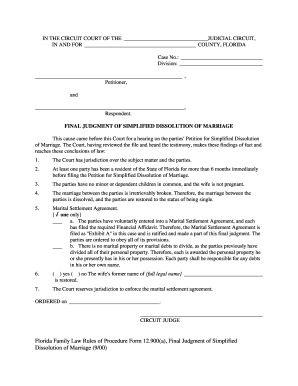
Final Judgment of Simplified Dissolution of Marriage - Florida Courts - flcourts

MC 07, Default Request and Entry

Verification Form - Connecticut Judicial Branch - jud ct

Uniform Domestic Relations Form 14 (Judgment Entry - Decree of Divorce Without Children)
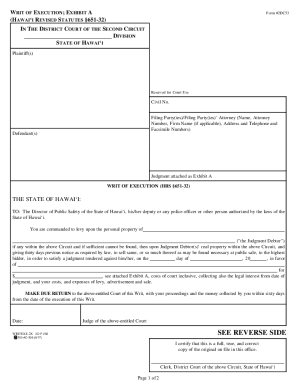
Hawai writ district

Maryland form ethics government certification

Join the CPDCheyenne Police Department
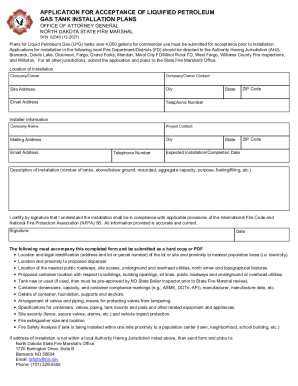
Application for acceptance of liquified petroleum gas tank installation
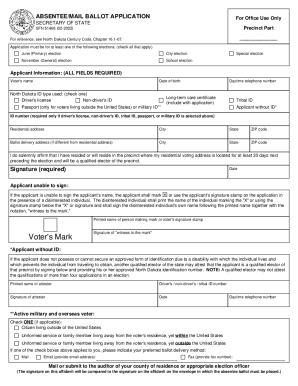
Absentee mail ballot application
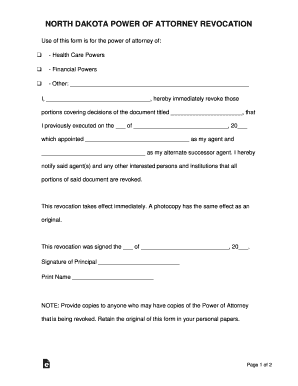
North Dakota Power of Attorney Revocation Form
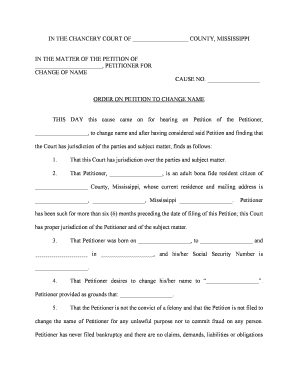
Mississippi petition change name
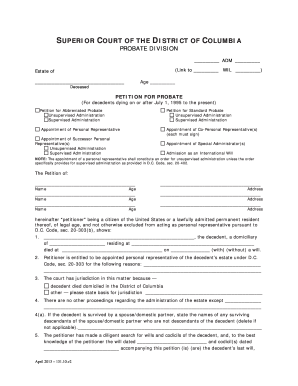
PETITION FOR PROBATE

Annual report

Nebraska final form

Litem appointed

Custody child

Ne motion default
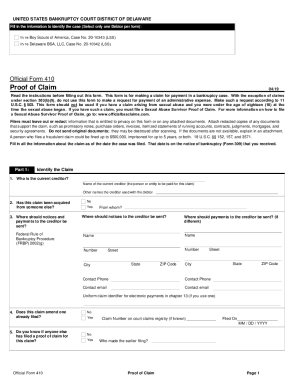
503 b 9 form

Fairfax circuit change name
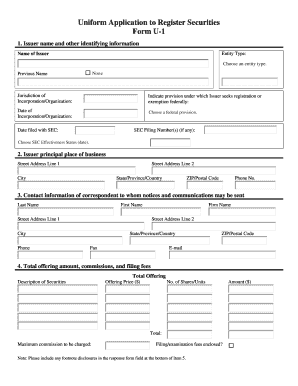
Va uniform application
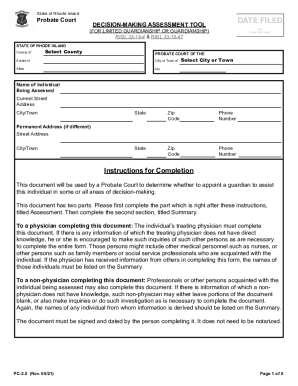
Ri decision making assessment tool
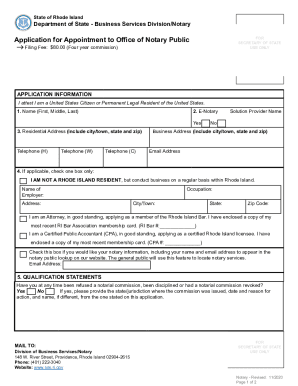
Ri notary public

Iowa Motion for Waiver of 90 Day Waiting Period

Customs bonded warehouse application form

Work as a subcontractor on a job at Plaintiff's home

Maine press identification card
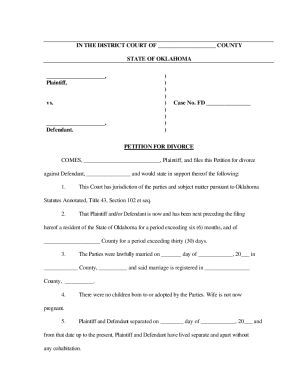
Oklahoma divorce forms pdf

Wills online forms

Request for Certified Copy of Marriage License - Cecil
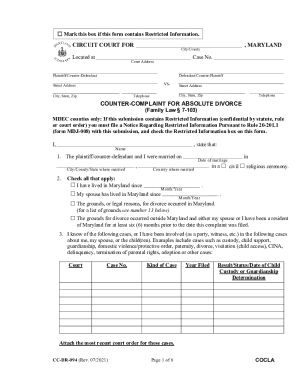
Cc dr 094

Courts state md us sites defaultDISTRICT COURT OF MARYLAND FOR TRIBUNAL DE DISTRITO DE

Regular bEstateb Packet 587kb - Register of Wills - registers maryland

Missouri form separation agreement

Blair CountyIndividual County CourtsCourts of Common Pleas

Court AdministrationLancaster County Courts, PA
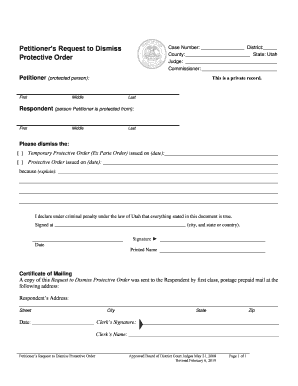
Petitioners Request to Dismiss Protective Order Petitioners Request to Dismiss Protective Order
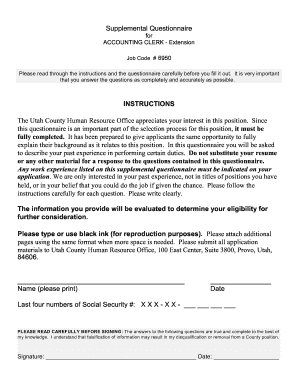
ACCOUNTING CLERK - Extension

Certificate of Service of Financial Declaration - Utah
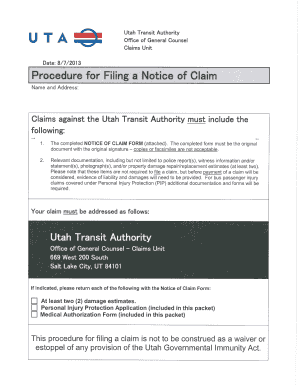
Notice of claim form utah

Divorce papers hawaii

Hawaii ejectment

DECLARATION; EXHIBIT; SUMMONS
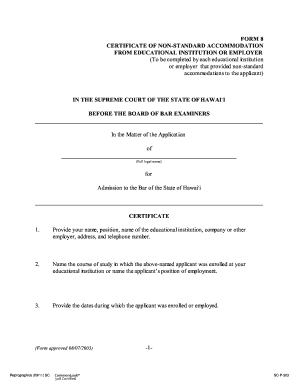
Non certificate accommodation
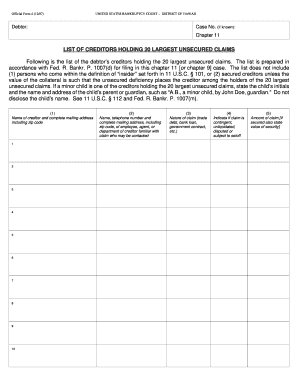
Cyberdriveillinois form

Uncontested union
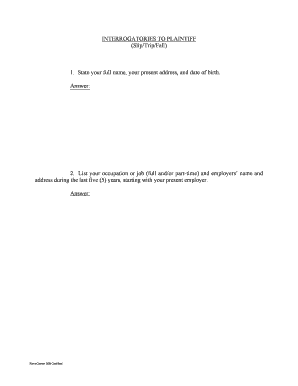
Interrogatories slip fall fillable
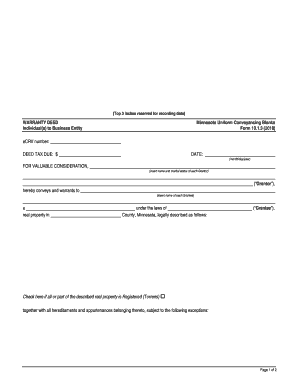
2018 MN UCB 10 1 3

Mn form accommodations

Massachusetts form 3 board

Form 4 bar psychological print
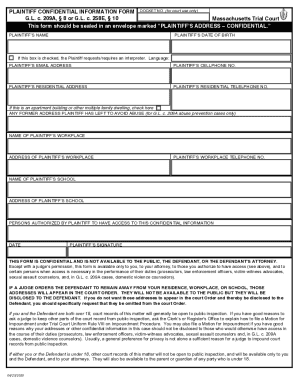
Fillable Trial Court of Massachusetts - Civil Action Cover Sheet

Massachusetts protection harassment

Earnings garnishment exemption

Doj state wi usrestraining-ordersRestraining OrdersWisconsin Department of Justice
Benefit from the DocHub online library of fillable PDF forms
Searching the PDF forms doesn't have to be a tedious and time-consuming process. With the DocHub online library, it has become easier to find the fillable PDF forms and modify them in your browser. The service allows you to adjust the document to your needs using powerful editing tools.
You can use online document editing features to modify almost any type of document with ease. You just need to find the template of your choice, open it in the editor, and use the toolbar to make the necessary corrections.
Follow this guide to get your document done with DocHub:
- Find the PDF template you need.
- Click the Get Form button to open the file in the editor.
- Use the toolbar to fill out and edit the document.
- Easily add and highlight text, insert images, checkmarks, and symbols.
- Drop new fillable fields, and rearrange or delete pages from your file.
- Save changes and download your record.
DocHub empowers everyone to streamline document editing, signing, and distribution, and form completion. Create an account and benefit from our well-organized PDF Forms library and comprehensive editor.