




Here's how it works

01. Edit your n10 form online
Type text, add images, blackout confidential details, add comments, highlights and more.

02. Sign it in a few clicks
Draw your signature, type it, upload its image, or use your mobile device as a signature pad.

03. Share your form with others
Send form n10 via email, link, or fax. You can also download it, export it or print it out.
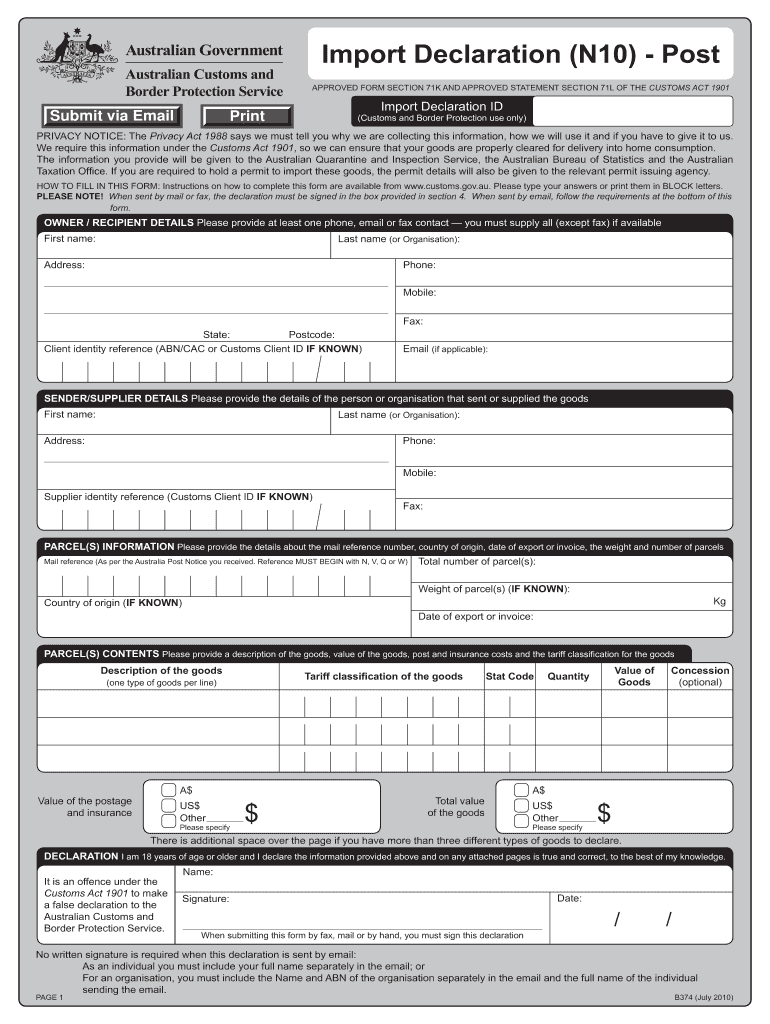
How to use or fill out b374 declaration with our platform

- Click ‘Get Form’ to open the b374 declaration in the editor.
- Begin with the 'Owner/Recipient Details' section. Enter your first name, last name (or organization), and address. Ensure you provide at least one contact number—phone, mobile, or email—to avoid delays.
- Next, fill in the 'Sender/Supplier Details'. Provide the sender's first name, last name (or organization), and their contact information. If known, include their Customs Client ID.
- In the 'Parcel(s) Information' section, input the mail reference number from your Australia Post notice. Specify the total number of parcels and their weight if known. Also, indicate the country of origin and date of export or invoice.
- Proceed to 'Parcel(s) Contents'. Clearly describe each type of goods being declared along with their tariff classification and value. Be specific to prevent delays in processing.
- Finally, complete the 'Declaration' section by confirming you are over 18 and that all information is accurate. If submitting via email, include your full name as required.
Start filling out your b374 declaration online for free today!
Fill out b374 declaration online
It's free
It's free
Security and compliance
At DocHub, your data security is our priority. We follow HIPAA, SOC2, GDPR, and other standards, so you can work on your documents with confidence.
Learn more


Related forms
Uw pathology
The document is a requisition form for UW Pathology, detailing the necessary information for submitting patient specimen ...
Thrivent Funds
The document provides a guide for business entities on completing the Business Entity Information form required by Thriv ...
Hallux deductibles anaemia
The document is a Pioneer Plan Application form for health insurance, detailing the process for full medical underwritin ...

2020 indemnity kit form packet
The document provides comprehensive guidelines for California employers regarding workers' compensation claims, emphasiz ...

Palmetto gba edi
The document is an EDI Enrollment Packet from Palmetto GBA for providers in various jurisdictions, detailing the process ...

Verification marital status
The document is a verification form from East Carolina University's Office of Student Financial Aid for the 2020-2021 ac ...
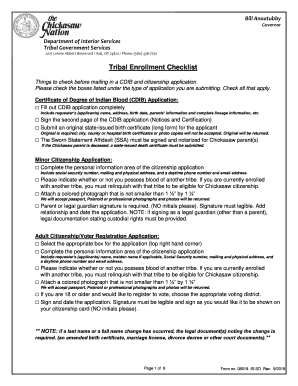
Request cdib application form
The document outlines the procedures and requirements for submitting applications for a Certificate of Degree of Indian ...
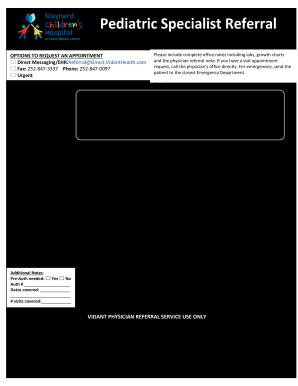
Health 15vh 293 request
The document outlines the procedures for requesting appointments at Vidant Health, including various methods of communic ...