




Here's how it works

01. Edit your is thrivent financial a pyramid scheme online
Type text, add images, blackout confidential details, add comments, highlights and more.

02. Sign it in a few clicks
Draw your signature, type it, upload its image, or use your mobile device as a signature pad.

03. Share your form with others
Send it via email, link, or fax. You can also download it, export it or print it out.
How to use or fill out Thrivent Funds with our platform

- Click ‘Get Form’ to open the Thrivent Funds document in the editor.
- In Section 1, indicate whether this authorization applies to all accounts or specific account numbers. If no account number is provided, it will apply to all accounts under the legal entity.
- Proceed to Section 2 and fill in the required Business Entity Information, including the name, address, phone number, and nature of the business. Ensure that all fields are completed accurately.
- In Section 3, determine if your entity qualifies for any exemptions. If yes, select the appropriate exemption letter; otherwise, complete all required fields.
- Complete Section 4 by providing information for at least one authorized signer. Include their name, title, residential address, date of birth (or passport number for non-US persons), and signature.
- Fill out Section 5 with details of beneficial owners if applicable. If no individual meets this definition, indicate so.
- Finally, review Section 6 for agreements and signatures. Ensure that an authorized representative signs and dates the form before submission.
Start filling out your Thrivent Funds form online for free today!
Fill out Thrivent Funds online
It's free
It's free
See more Thrivent Funds versions
We've got more versions of the Thrivent Funds form. Select the right Thrivent Funds version from the list and start editing it straight away!
Security and compliance
At DocHub, your data security is our priority. We follow HIPAA, SOC2, GDPR, and other standards, so you can work on your documents with confidence.
Learn more


Related forms
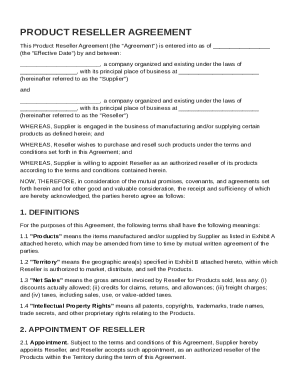
Product Reseller Agreement Template
The Product Reseller Agreement outlines the terms under which a Supplier appoints a Reseller to market, sell, and distri ...
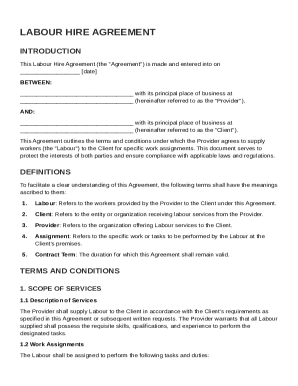
Labour Hire Agreement Template
The Labour Hire Agreement outlines the terms and conditions under which a Provider supplies workers (Labour) to a Client ...
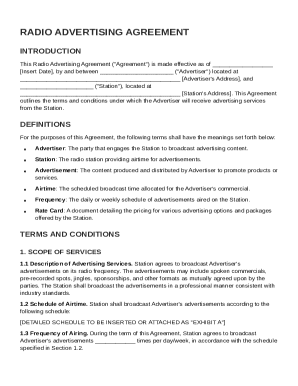
Radio Advertising Agreement Template
The Radio Advertising Agreement outlines the terms and conditions between an Advertiser and a Radio Station for broadcas ...
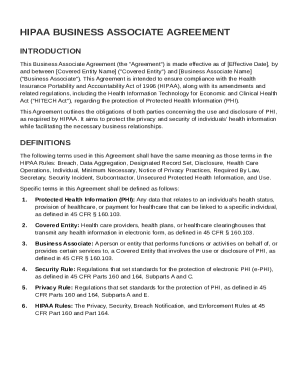
HIPAA Business Associate Agreement Template
The HIPAA Business Associate Agreement outlines the responsibilities and obligations of a Covered Entity and a Business ...
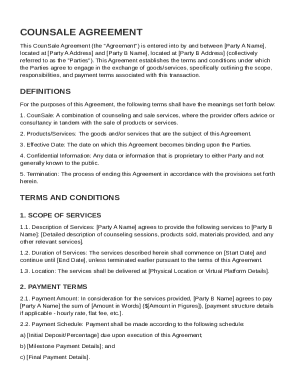
CounSale Agreement Template
The CounSale Agreement outlines the terms and conditions for a transaction between two parties involving the exchange of ...
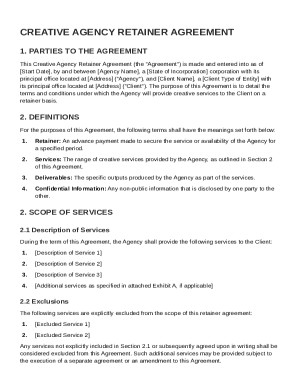
Creative Agency Retainer Agreement Template
The Creative Agency Retainer Agreement outlines the terms and conditions under which a creative agency provides services ...
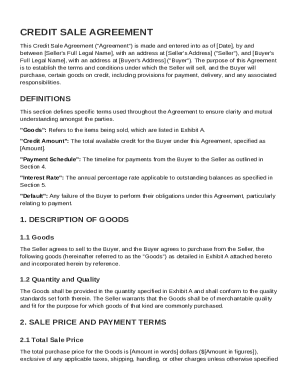
Credit Sale Agreement Template
The Credit Sale Agreement outlines the terms and conditions under which a Seller sells goods to a Buyer on credit. It in ...
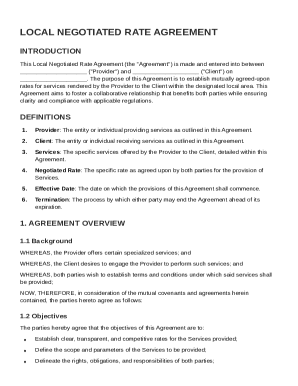
Local Negotiated Rate Agreement Template
The Local Negotiated Rate Agreement establishes a formal contract between a service Provider and a Client to define mutu ...