




01. Edit your small claims forms wisconsin online
Type text, add images, blackout confidential details, add comments, highlights and more.

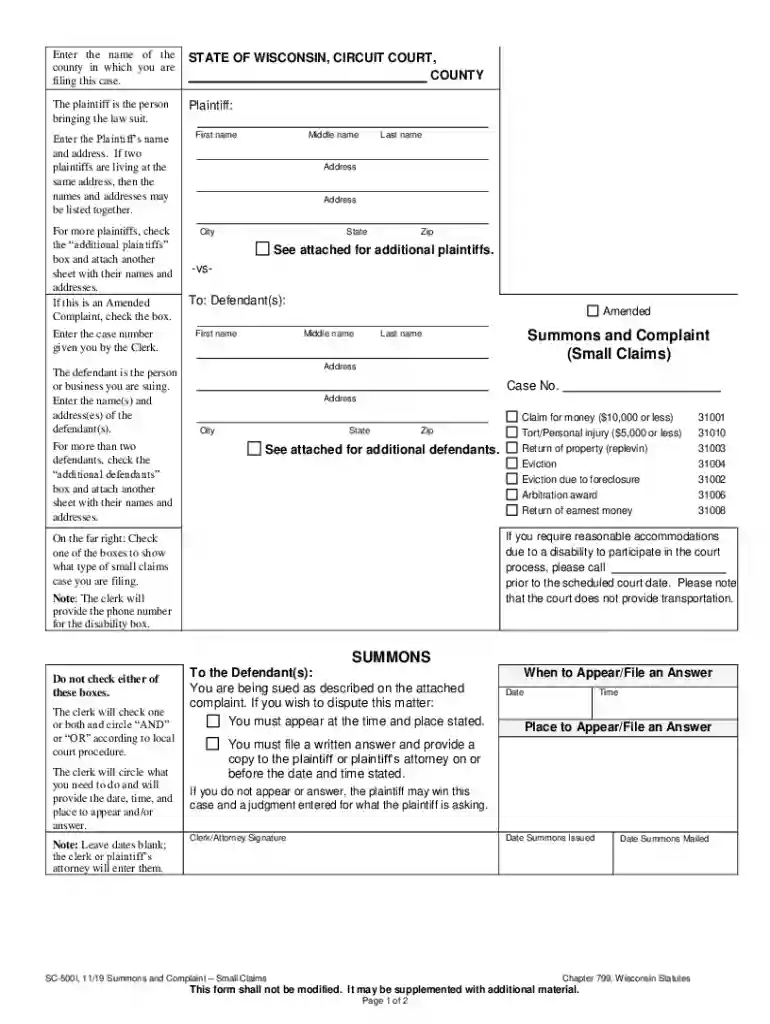
Type text, add images, blackout confidential details, add comments, highlights and more.

Draw your signature, type it, upload its image, or use your mobile device as a signature pad.

Send sc 500 wisconsin via email, link, or fax. You can also download it, export it or print it out.

Start using our platform today to fill out your small claims forms easily and for free!
We've got more versions of the small claims forms wisconsin form. Select the right small claims forms wisconsin version from the list and start editing it straight away!
At DocHub, your data security is our priority. We follow HIPAA, SOC2, GDPR, and other standards, so you can work on your documents with confidence.
Jul 31, 2024 Small claims court is limited to claims of $10,000 or less. However, third-party complaints, personal injury claims, and actions based in tortRead more
Sep 16, 2025 Circuit court forms for civil, criminal, family, guardianship, juvenile, mental commitment, probate and small claims cases.Read more
Jan 29, 2009 Providers are required to submit an Electronic/Paper Transmitter Identification Number. (ETIN) Application and a Certification StatementRead more


