




Here's how it works

01. Edit your illinois tax forms online
Type text, add images, blackout confidential details, add comments, highlights and more.

02. Sign it in a few clicks
Draw your signature, type it, upload its image, or use your mobile device as a signature pad.

03. Share your form with others
Send illinois tax form via email, link, or fax. You can also download it, export it or print it out.
How to use or fill out Illinois tax forms with our platform

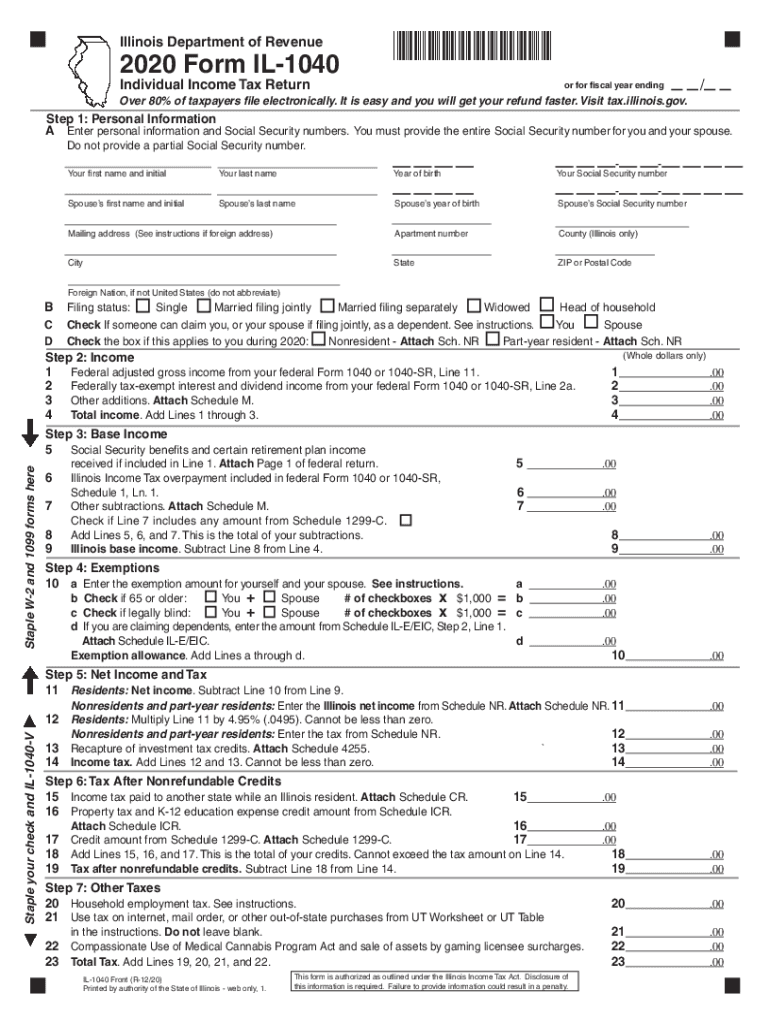
- Click ‘Get Form’ to open the Illinois Form IL-1040 in the editor.
- Begin with Step 1: Personal Information. Enter your full name, Social Security number, and that of your spouse if applicable. Ensure all details are accurate to avoid processing delays.
- Move to Step 2: Income. Input your total income from various sources as specified on the form. Use our platform's tools to easily navigate between fields.
- In Step 3: Base Income, calculate your base income by subtracting any allowable deductions from your total income. Attach necessary schedules as indicated.
- Proceed to Step 4: Exemptions. Enter exemption amounts for yourself and dependents, ensuring you check any applicable boxes for age or disability.
- Continue through subsequent steps, filling in tax calculations and credits as required, using our platform’s features for easy editing and signing.
Start using our platform today for free to simplify your Illinois tax form completion!
Fill out illinois tax forms online
It's free
It's free
See more illinois tax forms versions
We've got more versions of the illinois tax forms form. Select the right illinois tax forms version from the list and start editing it straight away!
| Versions | Form popularity | Fillable & printable |
|---|---|---|
| 2025 | 4.5 Satisfied (25 Votes) | |
| 2023 | 4.8 Satisfied (28 Votes) | |
| 2022 | 4.8 Satisfied (197 Votes) | |
| 2021 | 4.8 Satisfied (197 Votes) | |
| 2020 | 4.3 Satisfied (202 Votes) | |
| 2019 | 4.3 Satisfied (216 Votes) | |
| 2018 | 4.2 Satisfied (112 Votes) | |
| 2017 | 4.4 Satisfied (293 Votes) | |
| 2016 | 4.4 Satisfied (113 Votes) | |
| 2016 | 4.4 Satisfied (609 Votes) | |
| 2014 | 4 Satisfied (36 Votes) | |
| 2013 | 4 Satisfied (34 Votes) | |
| 2011 | 4 Satisfied (39 Votes) |
Security and compliance
At DocHub, your data security is our priority. We follow HIPAA, SOC2, GDPR, and other standards, so you can work on your documents with confidence.
Learn more


Related forms
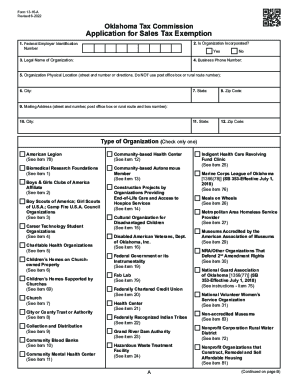
Oklahoma sales tax exemption
The Oklahoma Sales Tax Exemption Packet provides detailed information on the eligibility criteria, application process, ...
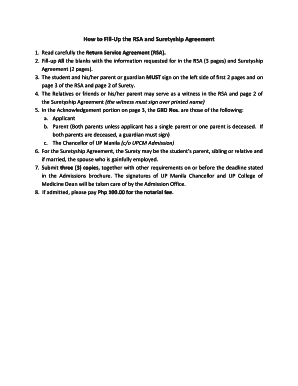
Surety agreement sample philippines
The document provides detailed instructions on how to complete the Return Service Agreement (RSA) and Suretyship Agreeme ...

Which of these is important to consider before believing
The document is a questionnaire (CX1) designed to assess a doctor's fitness to practice and health matters. It outlines ...
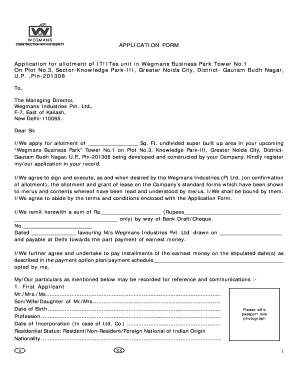
Wegmans job application pdf
The document is an application form for the allotment of IT/ITes units in Wegmans Business Park, Greater Noida, develope ...
Form certification removal
The document is a certification form (F06-11d) from the Indian Health Service Division of Information Security, used to ...
Emergency Financial Assistance Program Student Progress Report
The document is a recommendation form for students applying to the Single Parent program, requesting instructors to prov ...
SLPA-template SIR-H2
The document is a Statement of Intent to Register for the Speech Language Pathology Assistant (SLPA) Fieldwork Experienc ...
1989 form 709 2011
The document provides detailed instructions for completing Form 709, the United States Gift (and Generation-Skipping Tra ...