





Here's how it works

01. Edit your form online
Type text, add images, blackout confidential details, add comments, highlights and more.

02. Sign it in a few clicks
Draw your signature, type it, upload its image, or use your mobile device as a signature pad.

03. Share your form with others
Send it via email, link, or fax. You can also download it, export it or print it out.
How to edit MEDIF Medical Information Form in PDF format online

Adjusting paperwork with our extensive and user-friendly PDF editor is straightforward. Adhere to the instructions below to fill out MEDIF Medical Information Form online quickly and easily:
- Sign in to your account. Sign up with your email and password or register a free account to test the service prior to choosing the subscription.
- Import a form. Drag and drop the file from your device or add it from other services, like Google Drive, OneDrive, Dropbox, or an external link.
- Edit MEDIF Medical Information Form. Effortlessly add and underline text, insert images, checkmarks, and symbols, drop new fillable fields, and rearrange or remove pages from your document.
- Get the MEDIF Medical Information Form completed. Download your adjusted document, export it to the cloud, print it from the editor, or share it with other people through a Shareable link or as an email attachment.
Benefit from DocHub, the most straightforward editor to quickly manage your paperwork online!
Fill out MEDIF Medical Information Form online
It's free
It's free
Security and compliance
At DocHub, your data security is our priority. We follow HIPAA, SOC2, GDPR, and other standards, so you can work on your documents with confidence.
Learn more


Related forms
This Civil Case Discovery Plan and Scheduling Order is adopted, after consultation
The document is a Civil Case Discovery Plan and Scheduling Order from the United States District Court for the Southern ...
45010 Additional Payment Receipt NY
The document is an Additional Payment Receipt form for RiverSource Life Insurance Co. of New York, detailing the process ...
EMPLOYEE ENROLLMENT WAIVER EEW-15 PLEASE USE BLUE OR
The document is an Employee Enrollment/Waiver form for health insurance coverage provided by BlueCross BlueShield of Ten ...
Exhibit List Form
The document is an exhibit list used in a legal case, detailing the admission status of various documents related to the ...
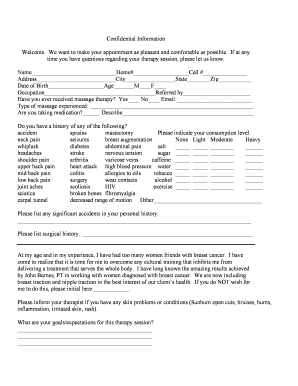
MFR Intake Form Click to download PDF
The document is a confidential intake form for clients seeking massage therapy. It collects personal information, medica ...
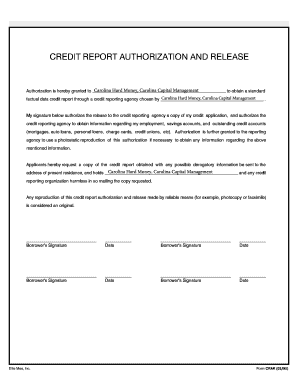
Credit report authorization form
The document is a Credit Report Authorization and Release form that grants permission to Carolina Hard Money and Carolin ...

DSABC OFFICIAL JUDGING SCORESHEET
The document is the official judging scoresheet for the DSABC debate competition, outlining the criteria and scoring sys ...
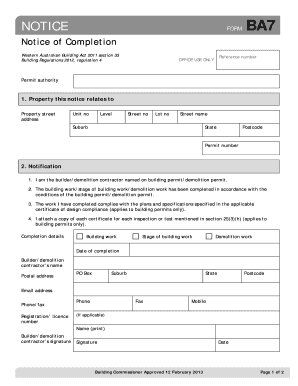
BA7 - Notice of Completion - bayswater wa gov
The document is a Notice of Completion form under the Western Australian Building Act 2011, used by builders or demoliti ...