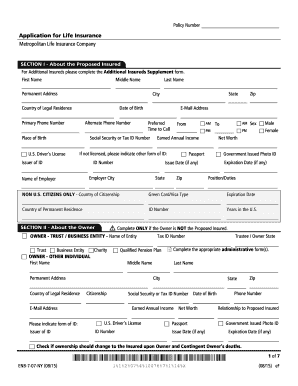
01. Edit your form online
Type text, add images, blackout confidential details, add comments, highlights and more.

Type text, add images, blackout confidential details, add comments, highlights and more.

Draw your signature, type it, upload its image, or use your mobile device as a signature pad.

Send it via email, link, or fax. You can also download it, export it or print it out.
An online form is a digital document designed to be filled out on a web platform, allowing users to input information through interactive fields before submitting it electronically. These forms are commonly used across various applications, from administrative tasks to lead generation and customer feedback collection. An online form streamlines data collection processes by enabling seamless data entry, storage, and management without the need for physical paperwork.
Using an online form generally involves a few straightforward steps. These forms can range from simple contact forms to more complex applications requiring multiple fields and attachments.
Access the Form: Visit the website hosting the form using a web browser. Ensure you have a stable internet connection for uninterrupted access.
Fill in Required Information: Complete all necessary fields. These may include text boxes for name and contact information, dropdown menus for selecting options, checkboxes, and more.
Review for Accuracy: Double-check the information provided. Most forms allow users to review their input before submission to correct any errors.
Attach Additional Files: If the form requires it, upload relevant documents such as identification, financial statements, or photos.
Submit the Form: Once all fields are completed and checked, click the submit button. A confirmation message or email usually follows to indicate successful submission.
Filling out forms online offers numerous practical benefits, particularly in today's fast-paced, digital-first world.
Understanding the terminology associated with online forms is crucial for effectively using and designing them.
Online forms are not just tools for personal or business use; they often have legal implications, especially when collecting binding agreements or confidential data.
Designing an effective online form requires careful consideration of user experience and data requirements.
Compatibility with various software and tools can enhance the utility and reach of online forms, especially in business and accounting applications.
Providing users with a comprehensive understanding of online forms ensures they can leverage these tools effectively for both personal and professional tasks. Whether it's for collecting data, automating workflows, or enhancing customer interaction, online forms serve as invaluable assets in digital communication and operation strategies.
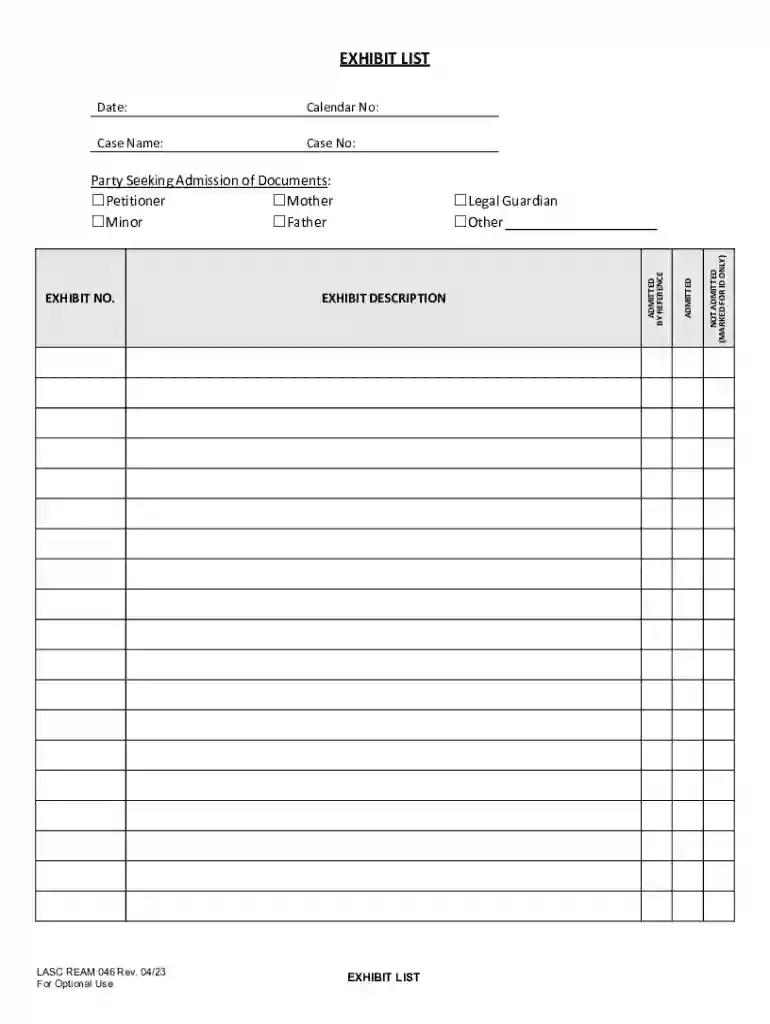
We've got more versions of the Exhibit List Form form. Select the right Exhibit List Form version from the list and start editing it straight away!
At DocHub, your data security is our priority. We follow HIPAA, SOC2, GDPR, and other standards, so you can work on your documents with confidence.