
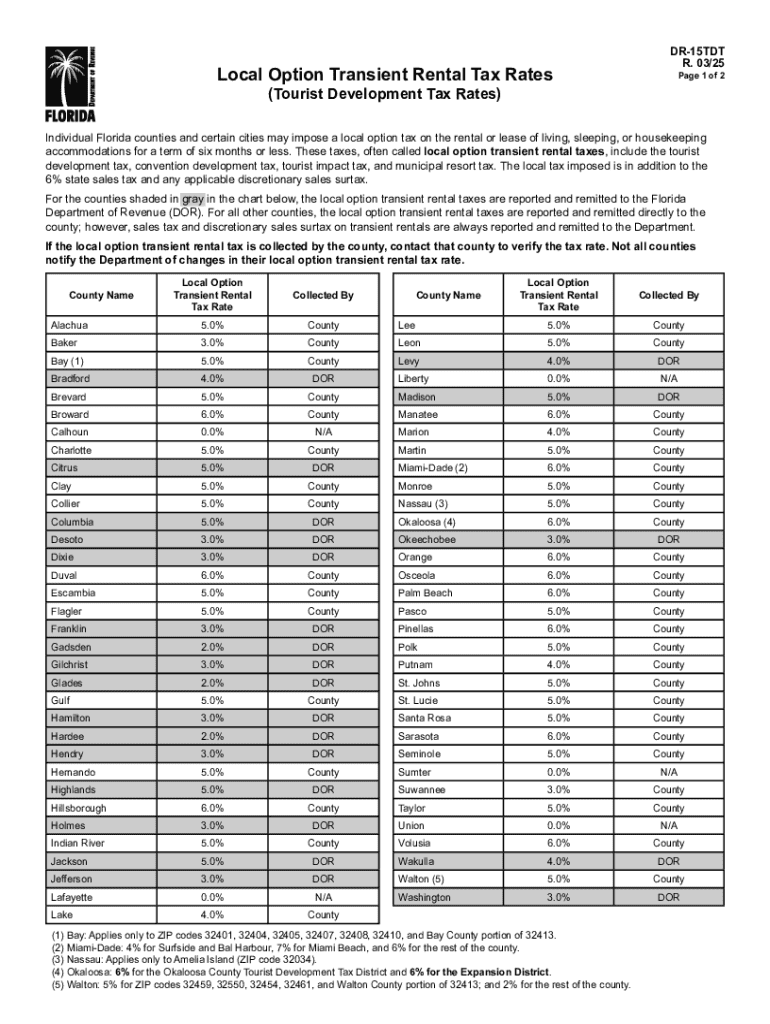







Definition & Meaning of "Form Online"
In the context of document management and digital workflow, the term "form online" refers to the process of creating, filling out, and submitting documents and forms using an internet-based platform. This approach replaces traditional paper forms with a digital solution, allowing for increased accessibility and efficiency. Forms created online can be used for a wide range of purposes, including legal paperwork, application submissions, and data collection.
- Common Uses: People use online forms for registering new businesses, applying for permits, completing tax documents, and more.
- Formats Supported: Formats such as PDF, DOC, and XLS are typically used in online form processes.
How to Use the Form Online
Using a form online involves several steps, each designed to make the process straightforward and efficient. Here's a step-by-step procedure:
-
Access the Platform: Visit a document management service like DocHub, which offers intuitive tools for form creation and completion.
-
Select the Form: Identify the specific form you need from a catalog or search feature. Many platforms categorize forms by type and function.
-
Edit and Fill Out the Form: Utilize editing tools to enter information. These tools might include text boxes, drop-down menus, and radio buttons.
-
Save and Review: Save your progress at various stages to avoid data loss and review all entries for accuracy.
-
Submit or Export: Once completed, the form can be submitted directly through the platform or exported for offline use.
Steps to Complete the Form Online
Completing a form online can vary slightly depending on the platform and form type, but generally follows these steps:
- Sign In or Register: Access your account or create one if you're a new user to save your work and access your documents securely.
- Choose a Template: Opt for a pre-designed form template or start with a blank form if creating one from scratch.
- Information Input: Use text fields, checkboxes, and other interactive features to input data accurately.
- Review Process: Ensure all necessary fields are filled, especially those marked as mandatory.
- Submit for Approval: Submit the completed form for approval or processing, if applicable.
Key Elements of the Form Online
Several key components make an online form functional and user-friendly:
- Interactive Fields: Include text boxes, dropdown menus, and checkboxes that guide users on how to input information correctly.
- Instructions and Tooltips: Help text or tooltips should be present to assist users in understanding what information is required in each field.
- Validation and Error Messages: Automated validation checks to ensure data is entered correctly, accompanied by relevant error messages for corrections.
Legal Use of the Form Online
Online forms have a myriad of legal applications and considerations:
- Electronic Signatures: Platforms like DocHub offer electronic signature options that are legally binding under acts such as the ESIGN Act.
- Data Privacy: Adhere to national and state laws on data protection by encrypting personal and sensitive information.
- Record-Keeping: Maintain digital records of submitted forms for compliance, audit trails, and future reference.
State-Specific Rules for the Form Online
Legal requirements for forms can vary by state:
- Tax Forms: Different states may have unique tax forms or variant requirements that must be completed online or in specific formats.
- Business Registration: States may require specific documents for business registration, varying in format and fields.
- Permitting: Online forms for permits may have state-specific questions and sections.
Software Compatibility
Compatibility is crucial to ensure seamless document management:
- Integration: DocHub integrates with tools like Google Workspace, allowing for easy import/export between platforms.
- Formats Supported: Ensure compatibility with popular software like TurboTax, QuickBooks, and Microsoft Office to avoid conversion issues.
Examples of Using the Form Online
Real-world scenarios demonstrate the versatility of online forms:
- Small Business Applications: Entrepreneurs use online forms to streamline processes such as permit applications and tax filings.
- Educational Institutions: Schools utilize online forms for student registration and tuition documentation.
- Legal Agreements: Lawyers use platforms to draft and finalize contracts and legal agreements, utilizing electronic signature capabilities.
By understanding these aspects, users can effectively leverage online forms to simplify document-related tasks, ensuring accurate, efficient, and secure handling of all necessary paperwork.




