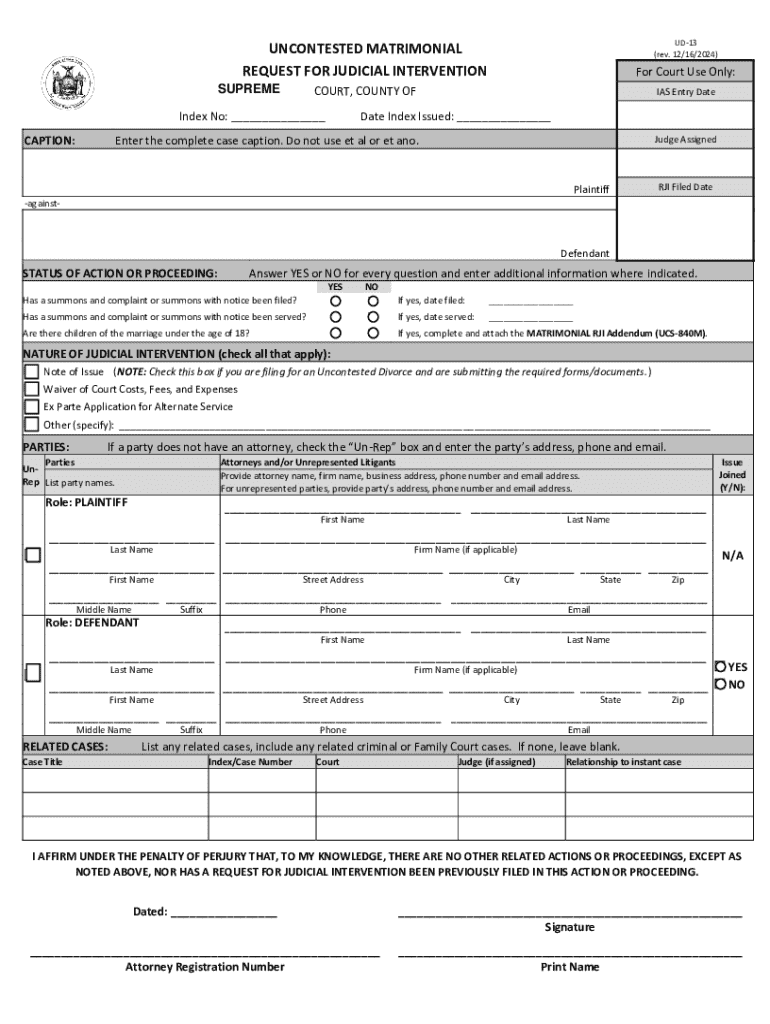







Definition and Meaning of Form Online
Creating a form online involves using digital tools and platforms to design and share documents for collecting data. This process replaces traditional paper forms with interactive, fillable templates accessible via the internet. Forms can include various fields such as text boxes, checkboxes, dropdowns, and signature fields to gather comprehensive information effectively. The transition to online forms has significantly enhanced convenience and accessibility, allowing both individuals and organizations to streamline workflows and improve data management systems.
How to Use the Form Online
Using a form online typically involves several steps—accessing the form, filling in the relevant fields, and submitting it through the respective platform. First, users can locate the desired form on a website or through an application supporting form creation and distribution. Once accessed, the user must enter the necessary information into the designated fields. These fields might require text input, selection from predefined options, or the addition of electronic signatures. Users can review their entries for accuracy before submitting the form. The platform may provide functionalities such as saving the form for later completion or sending it directly to the intended recipients or databases, simplifying the data collection process.
How to Obtain the Form Online
Accessing a form online often involves visiting specific platforms or websites that host or generate the necessary documents. For instance, government websites might offer downloadable forms for various services, while services like DocHub allow users to import or create forms from scratch. Users typically need an internet connection and a compatible device to locate and download or interact with these forms. Many platforms provide comprehensive libraries where forms are categorized by purpose or field type, easing the search process. Users can also benefit from guidelines provided online, offering step-by-step instructions for accessing and retrieving digital forms.
Steps to Complete the Form Online
Completing an online form involves specific steps aimed at ensuring accuracy and completeness.
-
Access the Form: Navigate to the relevant website or platform to access the online form.
-
Review Form Instructions: Read any provided instructions or guidelines to understand the information needed.
-
Fill Out Form Fields: Enter the required information into the appropriate fields, which may include text entries, checkboxes, or dropdown selections.
-
Add Attachments: If necessary, upload any required attachments or documentation by following the platform’s upload process.
-
Electronic Signature: If the form requires a signature, use the platform’s mechanisms to add an electronic autograph.
-
Review and Edit: Carefully review all entered information for accuracy and make any necessary edits.
-
Submit the Form: Once satisfied with the entries, submit the form by clicking the provided submission button.
Why Should You Form Online
Opting to use forms online offers several advantages over traditional paper-based methods. Online forms are generally more accessible, allowing users to fill and submit them from anywhere with internet connectivity. They also enhance efficiency through automated data collection and processing, thereby reducing the time needed for manual data handling. Furthermore, online forms often offer increased security measures to protect sensitive information, as opposed to potentially vulnerable paper documentation. Organizations and individuals alike benefit from the real-time sharing capabilities of online forms, which facilitate quicker interactions and decisions.
Who Typically Uses the Form Online
A wide variety of users and sectors take advantage of online forms, including:
- Businesses and Corporations: For routine operations like HR tasks, financial reporting, and client interactions.
- Educational Institutions: Managing student admissions, exams, and feedback.
- Healthcare Facilities: Collecting patient information, consent forms, and feedback.
- Government Agencies: Distributing tax forms, census collections, and licensing applications.
- Non-Profits: Surveys, event registrations, and volunteer sign-ups.
Given their flexibility and usability, online forms are integral to sectors that require efficient and secure data handling practices.


Key Elements of the Form Online
An online form typically consists of several key elements that facilitate efficient data collection:
- Form Title and Instructions: Provide context and guidance for completing the form accurately.
- Input Fields: Including text boxes, checkboxes, dropdown menus, and radio buttons, enabling structured data entry.
- Validation Features: Automated checks ensure inputs meet specified criteria, such as required fields or character limits.
- Submission Section: A final component allowing users to review entries and submit the form.
- Security Settings: Measures like encryption and password protection to guard sensitive information.
These elements work together to create an intuitive and seamless experience for users interacting with the form.
Legal Use of the Form Online
The legal use of online forms varies based on the form's intent and the governing regulations surrounding digital documentation. Typically, electronic forms are designed to meet legal standards for authenticity and compliance. Platforms like DocHub adhere to laws such as the ESIGN Act, ensuring that electronic signatures are legally binding and recognized as valid. These measures guarantee that online forms maintain legal integrity, provided they follow the necessary protocols and guidelines. Legal considerations also extend to privacy and data protection laws, which dictate how personal data collected via online forms must be managed.
State-Specific Rules for the Form Online
Online forms may be subject to state-specific rules and regulations that affect how they are used, shared, and stored. For instance, certain states might have unique requirements for the filing of tax documents or specific legal declarations, requiring adaptations to standard online forms to ensure compliance. Organizations using online forms must be aware of and comply with these regional regulations to avoid legal complications. State-specific guidelines often detail submission requirements, acceptable digital formats, and necessary attachments or signatures required for validation.
Examples of Using the Form Online
Online forms find applications in a diverse range of scenarios across different sectors:
- Employment Applications: Streamlined hiring processes in organizations, allowing candidates quick access to application materials.
- Customer Feedback: Businesses can gather responses and insights directly from customers through online surveys.
- Event Registrations: Coordinators can distribute and collect attendee details efficiently, facilitating smoother logistics.
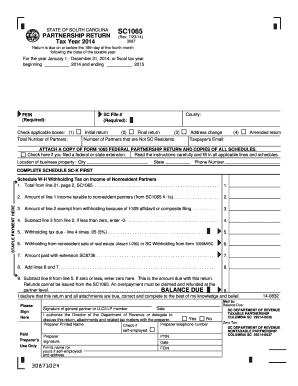
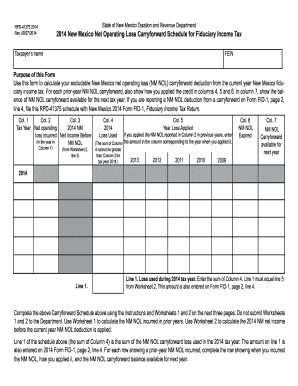
- Tax Filings: Taxpayers can complete and submit their returns electronically, reducing paperwork and processing times.
Each of these examples underscores the utility and versatility of online forms in addressing unique operational needs while maintaining ease and efficiency.