




01. Edit your form online
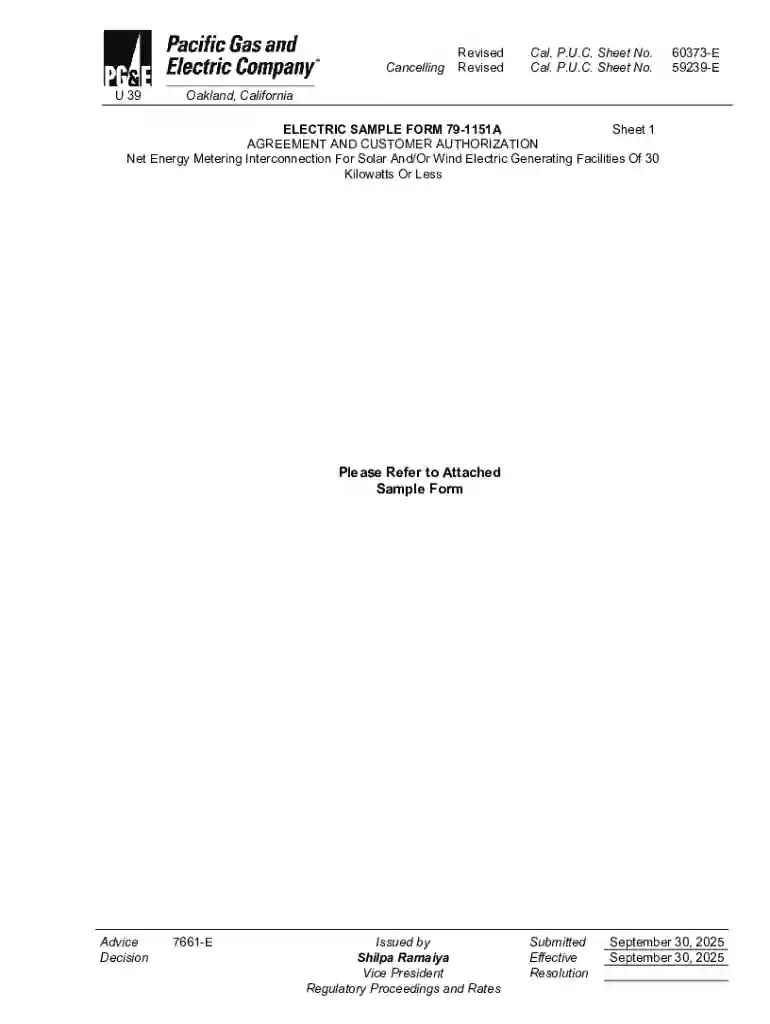
Type text, add images, blackout confidential details, add comments, highlights and more.

Type text, add images, blackout confidential details, add comments, highlights and more.

Draw your signature, type it, upload its image, or use your mobile device as a signature pad.

Send it via email, link, or fax. You can also download it, export it or print it out.
The term "form online" refers to electronic versions of documents that can be filled out and submitted via the internet. These forms are utilized across various industries for tasks ranging from application submissions to registration processes. The digital nature of these forms offers several advantages, including convenience, speed, and the elimination of paper waste.
Forms can be accessed through various methods, primarily involving direct download from official websites or form-fillable platforms like DocHub. They may be embedded in emails or shared through links, ensuring easy dissemination without physical distribution.
When using forms online, particularly for sensitive information, security measures such as SSL encryption and password protection are crucial. Platforms like DocHub implement robust protocols to protect user data during transfer and storage.
Using forms online often meets legal requirements for digital submissions, especially for authorized applications like e-signatures on contracts under laws like the ESIGN Act. It's essential to ensure compliance with relevant regulations based on the form's context.
Online forms can have variations such as interactive PDFs or mobile-responsive designs. Alternatives include downloadable PDF forms that users can complete offline. The choice depends on user preference and technological capabilities.
Online forms often integrate with software applications like QuickBooks or TurboTax, helping in automatic data population and processing for specific tasks like accounting or tax filing.
Many forms have specific deadlines; missing them can result in penalties or delays. Always verify submission timelines and ensure timely completion, especially for applications related to taxes, grants, or enrollments.
Different states may have specific regulations regarding the submission and acceptance of online forms, often influenced by regional laws and requirements. It's crucial to understand these differences to ensure compliance and effective usage.
At DocHub, your data security is our priority. We follow HIPAA, SOC2, GDPR, and other standards, so you can work on your documents with confidence.



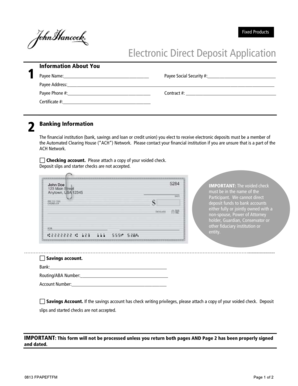

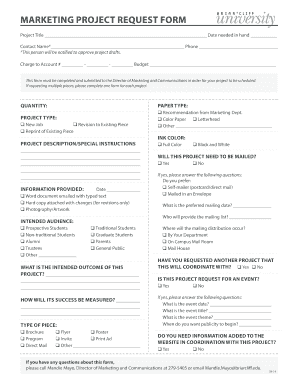

Formstack is a no-code online form builder with AI-powered, enterprise-grade features, automating data collection and workflows, and offering touchless form
Oct 2, 2025 This page lists the USCIS forms that are currently available to file online. Visit the File Online page to learn about the benefits of filing a form using our
Q: Is the accident report form available on the Internet? A: Yes. The Motor Vehicle Accident Report Form is now available in fillable PDF format. Visit our


