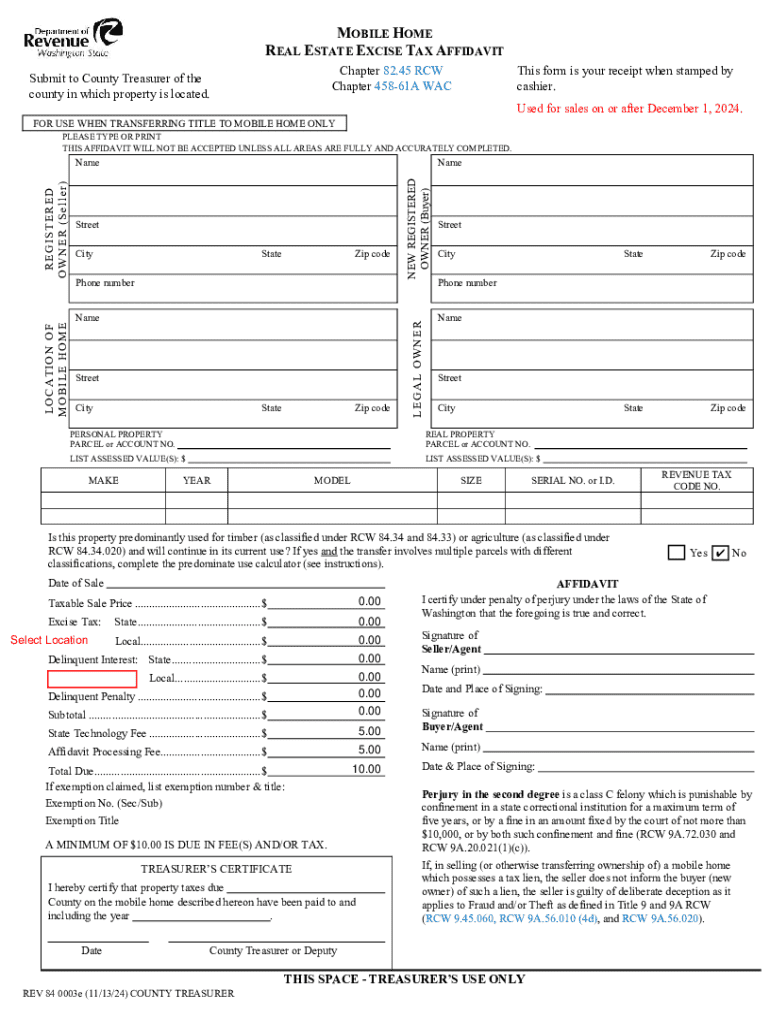







Definition & Meaning
The concept of filling a "form online" refers to the digital process of completing and submitting various types of documents over the internet. These forms can range from simple contact forms on websites to complex legal documents and tax returns. Online forms are designed to streamline data collection and submission, offering a convenient alternative to traditional paper-based forms. The rise of digital forms has been supported by platforms like DocHub, which offers tools to create, edit, and manage these forms efficiently.
How to Use the Form Online
Using a form online involves a few straightforward steps:
-
Access the Form: Visit the website offering the form, such as DocHub, and choose the required form type.
-
Complete the Fields: Fill in the necessary fields. These can include text boxes for names and addresses, checkboxes for options, and dropdown menus for selecting predefined choices.
-
Review and Edit: Before submitting, review your entries to ensure accuracy. Platforms often offer editing tools for corrections.
-
Submit the Form: Once completed and reviewed, submit the form through the online platform. Some services provide instant confirmation of receipt.
Online forms save time and reduce errors by guiding users through the required fields, often using validation checks to ensure essential data is provided.
Steps to Complete the Form Online
-
Start with Template Selection: Platforms like DocHub provide templates for different needs. Choose one that matches your requirements.
-
Fill Personal Information: Enter basic personal information, such as name, contact details, and address, ensuring each field is accurate.
-
Complete Specific Sections: Depending on the form type, additional sections may require detailed information, which could include financial data or legal declarations.
-
Add Digital Signature: For forms that require a signature, use DocHub’s digital signature tools to sign electronically, ensuring the document's legal standing.
-
Review and Validate: Check all inputs and correct any discrepancies before final submission. Utilize the platform's features to validate entries, ensuring compliance with form requirements.
Key Elements of the Form Online
-
Interactivity: Online forms often include interactive elements like dropdown menus, radio buttons, and checkboxes to streamline data entry.
-
Guidance Features: Built-in tooltips and guidance notes help users understand how to complete each section effectively.
-
Security Measures: Online forms are secured with encryption protocols to protect sensitive information during submission.
-
Accessibility: Designed to be usable across various devices, allowing users to complete forms from smartphones, tablets, or computers without compatibility issues.
Advantages of Using the Form Online
Using online forms offers several benefits:
-
Convenience: Access and complete forms from anywhere with an internet connection.
-
Efficiency: Automated data processing speeds up submission and review processes.
-
Environmental Benefits: Reduces paper use and related environmental impact.
These advantages make online forms an increasingly popular choice for businesses and individuals alike, particularly those seeking efficient data management solutions.
Software Compatibility
Online forms often integrate with various software, like DocHub’s compatibility with Google Workspace. This integration allows users to import and export forms directly between platforms like Google Drive, enhancing workflow efficiency. Compatibility with accounting software such as QuickBooks and tax preparation tools like TurboTax ensures that data entered into forms can be seamlessly used in related financial or administrative tasks.
Who Typically Uses the Form Online
A wide range of users benefits from online forms:
-
Individuals: For applications, tax filings, or personal documentation.
-
Businesses: Utilize for HR processes, client intake, and transaction documentation.
-
Educational Institutions: Implement for admissions, assessments, and surveys.
-
Government Agencies: Use digital forms for public services and compliance documentation.
The diversity of online form users reflects the adaptable nature of digital documentation solutions.


Legal Use of the Form Online
Forms completed online are legally recognized when they comply with regulations such as the ESIGN Act in the United States. Digital signatures used on platforms like DocHub are considered legally binding, providing the necessary legality for contracts, agreements, and other important documents handled online. This ensures that online forms can replace traditional paper forms without compromising legal standing or compliance needs.
Examples of Using the Form Online
There are many practical applications for using forms online:
-
Job Applications: Employers streamline applicant tracking and onboarding processes through digital forms that collect resumes and candidate information.
-
Legal Agreements: Contracts are drafted, negotiated, and signed online, enabling faster processing and broader geographic reach.
-
Surveys and Feedback: Businesses and researchers gather data via online surveys, benefiting from instant result aggregation.
These examples underscore the versatility and utility of online forms in varied contexts, enhancing accessibility and efficiency for users worldwide.