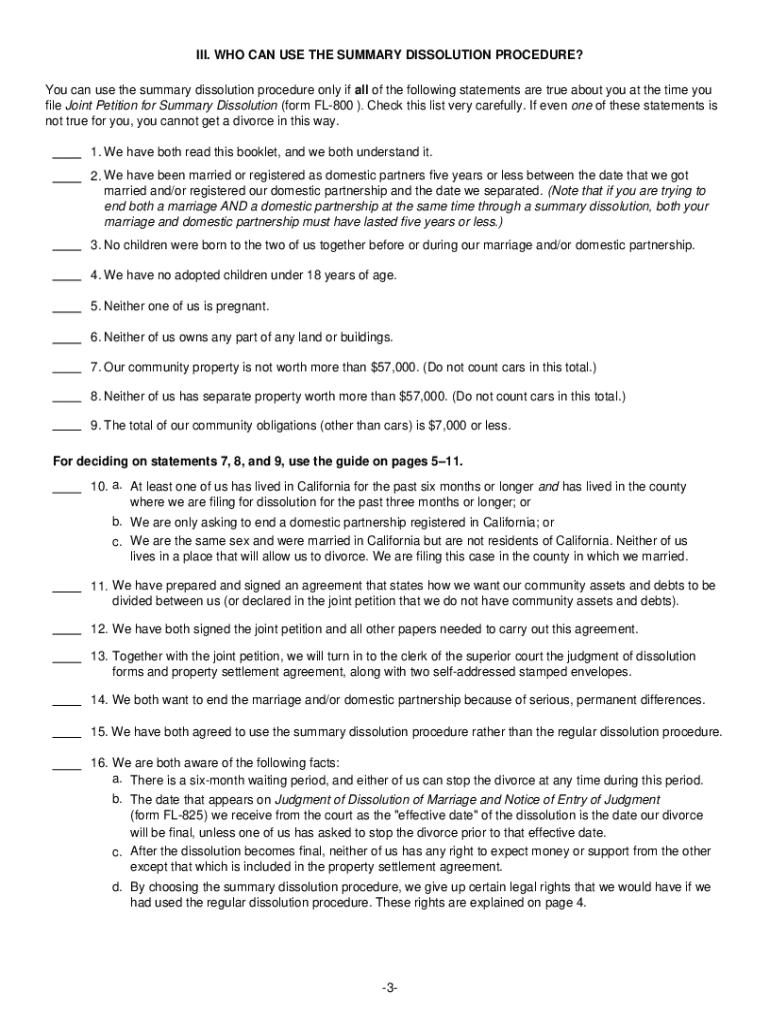







Definition and Meaning of Form Online
A "form online" refers to any document or application that can be accessed, completed, and submitted over the internet. These forms can range from legal documents, tax applications, to business registrations and surveys. The online component facilitates ease of access and reduces the need for physical paperwork, providing a streamlined process for users across various sectors. With the advancement of digital technology, "form online" solutions have become an integral part of both personal and professional activities, catering to a diverse array of needs.
Key Features
- Accessibility: Available anytime and anywhere with an internet connection.
- User-Friendly Interfaces: Often designed for intuitive navigation and completion.
- Immediate Submission: Eliminates mailing delays, allowing for quick processing.
- Digital Storage: Facilitates easy record-keeping and access to form history.
How to Use the Form Online
Using online forms usually involves a straightforward process that encourages efficiency and accuracy. The basic steps will guide you through accessing, filling out, and submitting forms online:
-
Access the Form: Navigate to the relevant website where the form is hosted. It might require login credentials or verification for access.
-
Complete the Form: Fill out the required fields. Many online forms offer real-time validation to prevent errors during input.
-
Review Your Entries: Before submission, review all entered information to ensure accuracy and completeness.
-
Submit the Form: Once satisfied, submit the form via the provided button. Confirmation of submission is often provided via email or an on-screen message.
-
Save a Copy: It's advisable to download or print a copy of the completed form for your records.
How to Obtain the Form Online
Obtaining a form online involves a few simple steps that users must follow to ensure they access and utilize the correct document type:
-
Identify the Source: Determine the official website or portal offering the form. Government websites, official organizations, or authenticated third-party platforms are common hosts.
-
Search for the Form: Utilize search boxes on the website to locate the specific form if it is not immediately visible on the front page.
-
Account Creation: Some forms require the creation of a user account. Registering with accurate details is important for access to all features and options.
-
Download Options: Many sites offer a preview alongside download options if the form needs to be filled offline before submission.
Steps to Complete the Form Online
Completing a form online requires careful attention to detail and involves specific steps to avoid common mistakes:
-
Log In or Register: Authenticate your access by logging into your account, or register if it's the first time.
-
Provide Required Information: Accurately complete all mandatory fields. Certain forms may offer dynamic features such as auto-fill based on previous submissions or linked data.
-
Attach Necessary Documents: Ensure any required attachments or supporting documents are uploaded in the correct format, adhering to size and type specifications.
-
Check for Completeness: Use built-in tools to verify that all sections have been filled. Some forms offer navigation features to move seamlessly between sections.
-
Final Confirmation: Before submitting, check that all data entries are correct to avoid potential delays or rejections due to errors.
Why Should You Form Online
Filling forms online presents numerous advantages over traditional paper-based methods, significantly enhancing functionality and convenience:
- Efficiency: Reduces the time and effort involved in manual form completion.
- Environmentally Friendly: Lessens paper usage, supporting sustainability efforts.
- Cost-Effective: Eliminates costs associated with printing, mailing, and storage.
- Security: Many platforms offer encryption to protect sensitive information during submission.
Practical Uses
- Business Applications: Filing for permits, licenses, and other business-related documents.
- Personal Use: Official documentation for traveling, education, and legal processes.
- Government Services: Tax submissions, social security information, and benefits enrollment.
Who Typically Uses the Form Online
The demographic for online form usage is diverse and includes individuals and organizations across various sectors:
- Small Business Owners: For licenses, tax forms, and regulatory compliance.
- Individuals: For personal services such as tax returns, job applications, and healthcare forms.
- Educational Institutions: For admission processes, student records, and administrative functions.
- Government Agencies: To facilitate public services efficiently and securely.


Key Elements of Form Online
The essential components that make up an online form are critical to its functionality and user experience:
- Fields: Vary according to the form's purpose, typically including text boxes, checkboxes, and dropdown lists.
- Validation Features: Ensure data is entered correctly and complies with predefined criteria.
- Interactive Elements: Elements like tooltips or informative buttons enhance navigation and facilitate understanding.
- Security Protocols: Enable encrypted and secure handling of sensitive personal information.
State-Specific Rules for Form Online
State regulations can impact how online forms are used and submitted, introducing variations that users may need to be aware of:
-
Regulatory Differences: Laws and guidelines for document submission can differ state by state, affecting deadlines, required information, and form structure.
-
Form-Specific Instructions: Additional state-specific fields or questions may be present to comply with local legal requirements.
Example Scenarios
- Tax Forms: States may require unique information not demanded at the federal level.
- Legal Documents: Filing criteria may change to match local statutes and procedures.
Digital vs. Paper Version: Evaluating the Differences
When choosing between online and traditional paper forms, understanding the distinctions is crucial:
Pros of Digital Forms
- Speed: Faster completion and submission processes.
- Automation: Features like auto-population and electronic signatures streamline workflows.
- Accessibility: Easily accessible from various devices, anytime, anywhere.
Pros of Paper Forms
- Tangible Copies: Physical copies can be kept for easy reference.
- Familiarity: Some users prefer a more tangible method for filling forms.
Important Terms Related to Form Online
Understanding the terminology associated with online forms can enhance the user experience and prevent misunderstandings:
- CAPTCHA: A security feature to differentiate between human users and automated bots.
- Encryption: Security measure to protect data during submission.
- SaaS (Software as a Service): Some forms are hosted on these platforms, optimizing accessibility and maintenance.
Usage Context
- Terms can vary in practicality depending on the user role, such as IT specialists or legal professionals, who may require different sets of jargon.
Form Submission Methods: Online, Mail, and In-Person
Various submission methods tailor to different user preferences or technological capabilities:
Online Submission
- Offers the most convenience, with many platforms offering immediate confirmation and tracking.
Mail Submission
- Traditional process with longer delivery times but still essential for areas with limited internet access.
In-Person Submission
- Provides an opportunity for direct verification and personal interaction, albeit with time and travel requirements.