




Here's how it works

01. Edit your da form 7246 online
Type text, add images, blackout confidential details, add comments, highlights and more.

02. Sign it in a few clicks
Draw your signature, type it, upload its image, or use your mobile device as a signature pad.

03. Share your form with others
Send efmp physical exam form via email, link, or fax. You can also download it, export it or print it out.
How to use or fill out efmp with our platform

- Click ‘Get Form’ to open the efmp screening questionnaire in the editor.
- Begin by filling in your personal information, including your name, rank, branch, and contact details. Ensure accuracy as this information is crucial for processing.
- List all family members by entering their names, prefixes, sex, date of birth, and check if they are enrolled in EFMP. This section is vital for evaluating special needs.
- Answer the medical questions thoroughly. For each family member, indicate any medical records or conditions and provide details about current treatments or medications.
- Complete the education section by noting any special services your children have received and whether they are on an Individual Education Plan (IEP).
- Review all entries for accuracy before signing. Your signature confirms that the information provided is true and complete.
Start using our platform today to streamline your efmp form completion for free!
Fill out efmp online
It's free
It's free
See more efmp versions
We've got more versions of the efmp form. Select the right efmp version from the list and start editing it straight away!
| Versions | Form popularity | Fillable & printable |
|---|---|---|
| 2009 | 4.9 Satisfied (210 Votes) |
Security and compliance
At DocHub, your data security is our priority. We follow HIPAA, SOC2, GDPR, and other standards, so you can work on your documents with confidence.
Learn more


Related forms

SANS10400 A - FORM 2
The document is a Form 2 application for acceptance as an approved competent person under the National Building Regulati ...
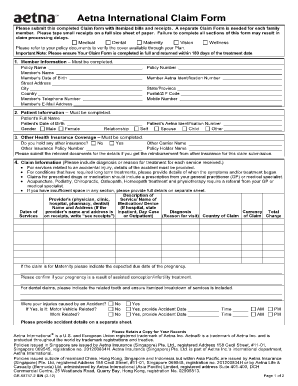
Aetna claims
The document is an Aetna International Claim Form that outlines the process for submitting claims for medical, dental, m ...
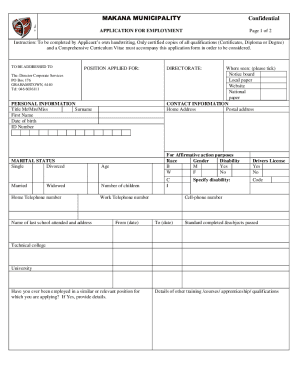
Makana Municipality Employment Application
The document is a confidential employment application form for Makana Municipality, requiring applicants to provide pers ...
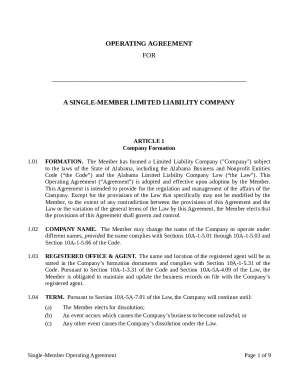
FORM 8-K - Granite Point Mortgage Trust Inc
The document is an Operating Agreement for a Single-Member Limited Liability Company (LLC) formed under Alabama law. It ...

Mississippi crash report form pdf
The document is an Accident Report Form developed by Easy HR Pty Ltd, designed to collect detailed information about wor ...

Certificate of exemption from rabies vaccination michigan form
The document is a Certificate of Exemption from Rabies Vaccination issued by the New Jersey Department of Health and Sen ...
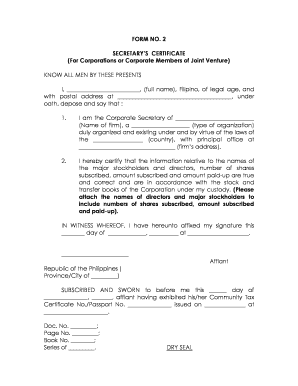
Secretary certificate for authorized representative in bir
The document is a Secretary's Certificate for corporations or corporate members of a joint venture in the Philippines. I ...

Driver license
The document is an application for a sideline/media pass for Forney ISD athletic events. It outlines the requirements fo ...